

Create

Plan, publish and approve posts in 15+ networks

One calendar for every account. AI writes the posts, the team approves them from a phone, and they go out at the best time.

  • 15+networks in one calendar
  • 1 tapapproval in Telegram
  • RSSnews turn into posts
Plan, publish and approve posts in 15+ networks
Sound familiar?

What gets in the way today
and how AI SMM removes it

Posting stops in busy weeks

When orders pile up, the account goes quiet for weeks and followers forget you.

With AI SMM: Plan a month in one calendar for 14 networks. AI writes the posts, and they go out on time by themselves.

Approvals stuck in chat threads

The owner says “ok” three days later, and the post misses its date.

With AI SMM: The post arrives in a Telegram bot: approve, edit or reject in one tap. Nothing goes out without a yes.

One post, five apps

You paste the same text into five apps and trim the length for each network by hand.

With AI SMM: Write once and pick networks: text limits are checked for each, and bulk upload spreads dozens of posts over the calendar.

How it works

  1. 01Connect your accountsAdd every network you post to, from Instagram to Telegram, in a few clicks.
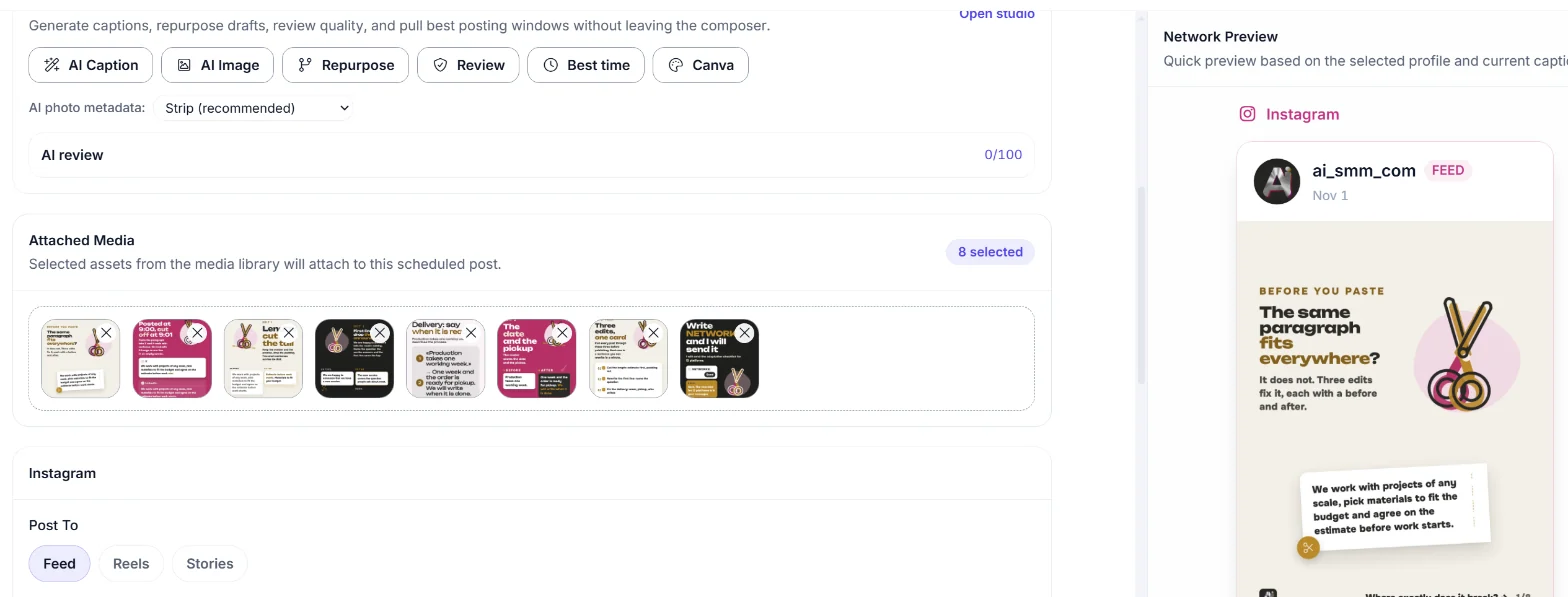
  2. 02Fill the calendarWrite a post yourself, ask AI to draft the caption, or upload a batch of photos and videos at once.
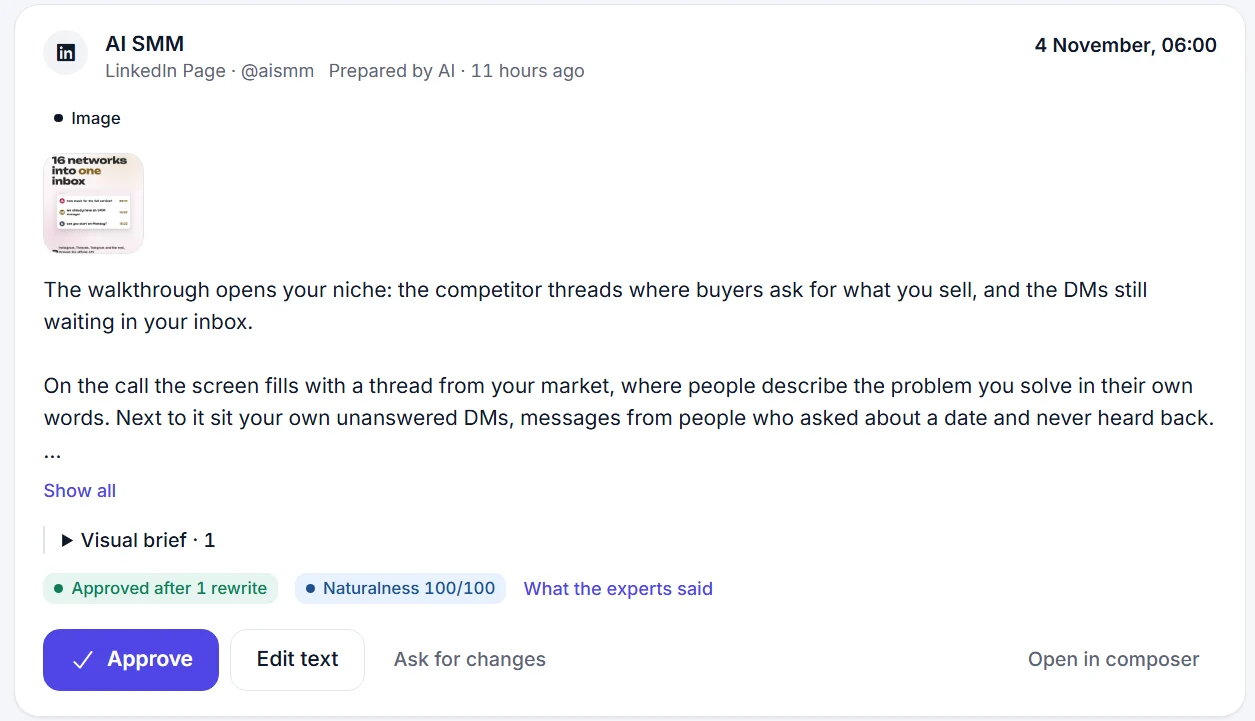
  3. 03Approve on the goPosts wait for a tap of approval in the Telegram Mini App before anything goes out.
  4. 04Publish and read the reportPosts go out at the planned time, and the calendar shows what worked.

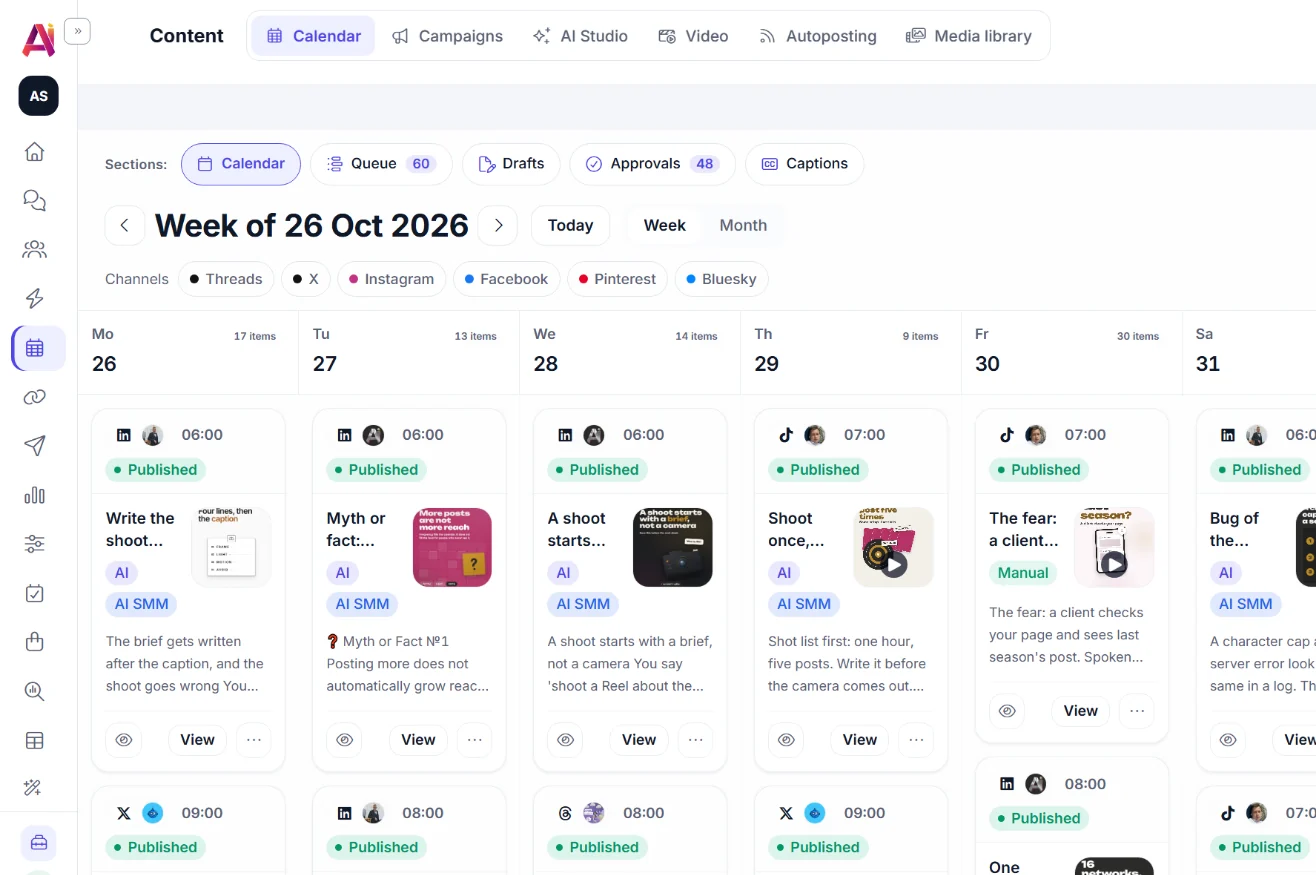
A calendar that shows the whole month

Month, week and feed views. Every post shows its network, time and status, so gaps and overlaps are obvious.

  • Drafts, queue, approvals and campaigns in one place
  • Group channels by brand or by client
  • Text limits checked for each network
A calendar that shows the whole month

Approve from the phone

The owner or the client gets the post in a Telegram bot and approves, edits or rejects it in one tap. Nothing is published without a yes.

  • Telegram Mini App with a full post editor
  • Approval history for every post
Approve from the phone

Bulk posts and news feeds

Upload dozens of photos and videos at once and spread them over the calendar. Connect RSS feeds and get a digest post, several news items in one.

Bulk posts and news feeds

Plan a month of posts in one evening

Connect your accounts for free and fill the calendar with AI drafts.

Start free 7 days free on paid plans · Free plan forever
Without AI SMM
  • Logging into each network to post the same photo
  • A post forgotten for one of the accounts
  • The client waits days to approve a caption
  • Guessing what time people are online
With AI SMM
  • One calendar posts to 15+ networks at once
  • Every account shows in the same view, nothing skipped
  • The client approves from a phone in one tap
  • AI suggests the best time from your own stats

How businesses use it

Agency

Managing five clients at once

Each client’s accounts sit in their own project, and posts wait in their own approval queue, so a manager never mixes up a bakery’s caption with a gym’s.

Online seller

New arrivals across every account

A batch of product photos goes into the calendar in one upload, and each card gets its own price and caption before it is spread across the week.

Local business

Regular posts without a marketer

A café owner sets aside twenty minutes on Monday, fills the week from a template and does not think about social media again until the next Monday.

Who uses it

Pricing

All apps in every plan.
Pay only for scale.

Compare all plans, including Enterprise

What a social media scheduler does for a small business

A social media scheduler is the calendar where every post for every network is planned, written and queued before it goes live. Instead of opening Instagram, then TikTok, then Telegram one by one, the team plans a week or a month in one screen and sees exactly what is missing.

For a small business the real value is time. A scheduler turns social media from a daily fire drill into a weekly task, and the AI content studio can fill most of the calendar from a single brief.

How to schedule Instagram posts alongside 14 other networks

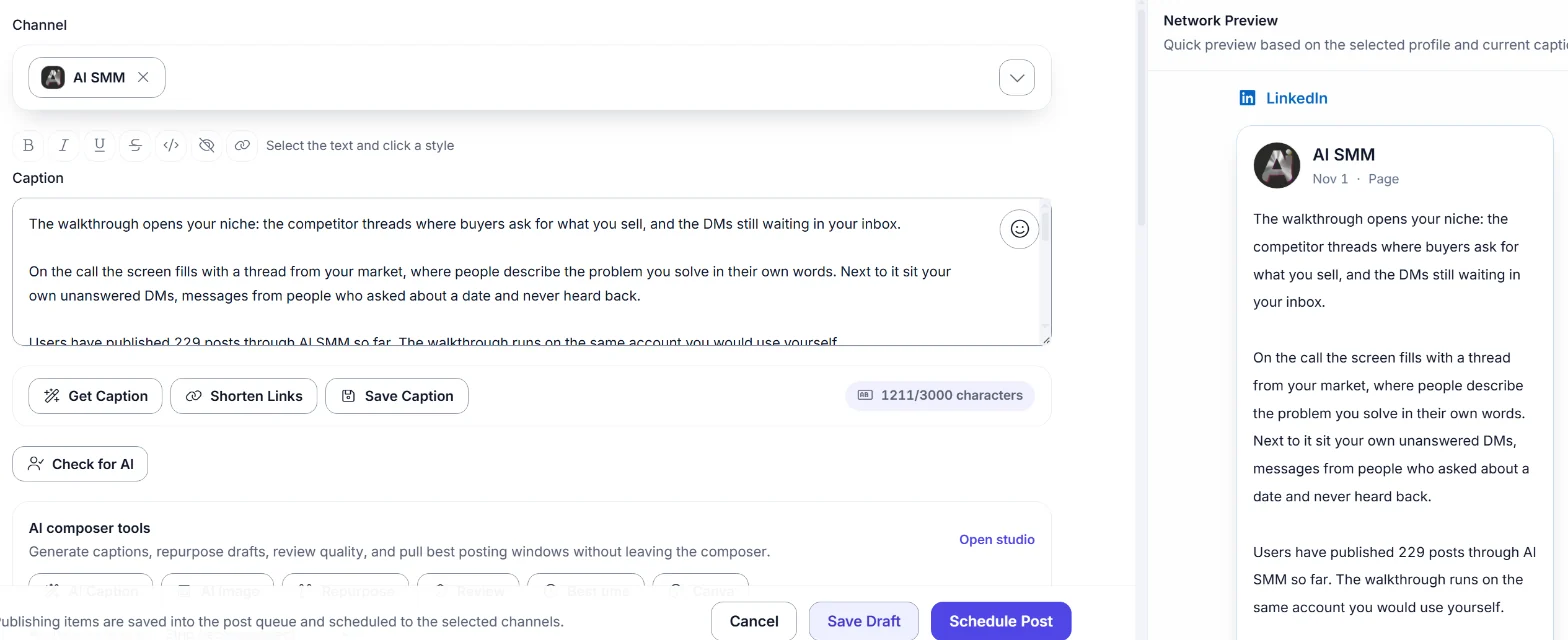
Each network has its own rules: Instagram takes carousels and Reels, Facebook Pages do not mix photo and video in one post, X allows up to four images or one video, Pinterest needs a board and a link. A scheduler that knows these limits blocks a broken post before it is queued instead of letting it fail on publish.

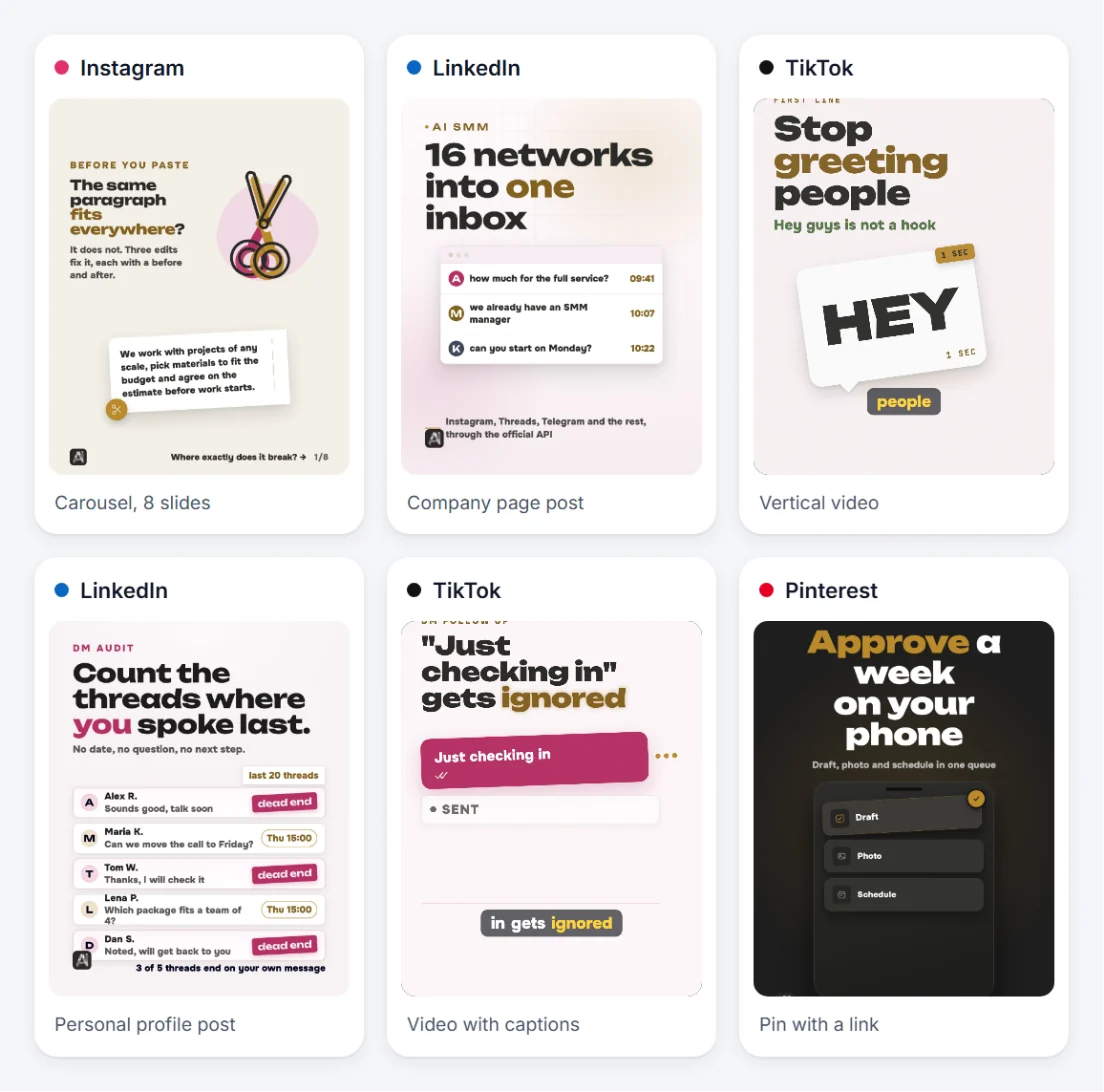
This matters most when one idea has to reach several networks at once: a product photo becomes a carousel on Instagram, a single image with a link on Pinterest and a short caption on Threads, all planned from the same calendar screen.

Getting client approval without a back-and-forth

The usual approval loop is a screenshot in a chat, a reply somewhere in the middle of the day, and a post that goes out late or not at all. A booking page or a store gets attention in online booking and the online store for the same reason: fewer steps between an idea and a yes.

A Telegram Mini App puts the whole post, including the image and the caption, in front of the person who approves it, with edit and reject buttons next to the approve button. The owner or the client can do this from a phone between meetings, and the post is queued the moment they tap once.

Choosing the best time to post on each network

The best time to post is not the same for every account: it depends on when that specific audience is active, not on a generic rule of thumb from a blog post. Pulse looks at the account’s own history and suggests a time window instead of a fixed hour that works for nobody.

From a full calendar to real sales

A calendar full of posts is a start, not the goal. A post can carry a link to the link in bio page, trigger a chat flow in the comments, or point straight to booking or the store, so the plan turns into appointments and orders instead of staying just a plan.
Questions

Which networks can I publish to?

Instagram, Facebook, Threads, TikTok, YouTube, LinkedIn, X, Pinterest, Telegram, Reddit, Discord, Bluesky, Mastodon and Odnoklassniki.

Can a client approve posts without logging in?

Yes. Posts come to the client’s Telegram, where they approve or edit them in a Mini App.

Is publishing through official APIs?

Yes, networks are connected through their official login and publishing APIs.

Can I schedule the same post to several accounts of the same network?

Yes, pick several accounts of the same brand when you create the post, and the calendar shows one card per account.

What happens if a post fails to publish?

The calendar marks it as failed with the reason, and it can be edited and requeued without losing the caption or the media.

Can I plan a campaign across several weeks?

Yes, campaigns group posts by goal and period, and the calendar view shows the campaign across every week it touches.

Stop paying for ten tools.
Start with one.
