Grow

WhatsApp: broadcasts, chat and automations

A shared inbox, sales pipelines, templates and broadcasts for the messenger your customers already use.

  • Inboxfor the team
  • Pipelinesof deals
  • Bulkbroadcasts
WhatsApp: broadcasts, chat and automations
Sound familiar?

What gets in the way today
and how AI SMM removes it

Everything on the owner’s phone

All client chats sit on one personal phone, and nobody else can answer.

With AI SMM: A shared team inbox lets several employees answer WhatsApp conversations from one place.

Deals forgotten in the chat list

A client asked for a quote last week, and the chat scrolled out of sight.

With AI SMM: Sales pipelines and contacts sit next to the conversation, so every deal has a stage.

Sending offers one chat at a time

You copy the same promo into dozens of chats every time.

With AI SMM: Templates and the campaign planner send broadcasts on schedule, with reports on delivery and replies.

How it works

  1. 01Bring conversations into one inboxEvery WhatsApp conversation lands in a shared inbox the whole team can see.
  2. 02Organize contacts into pipelinesMove a conversation through a sales pipeline as the deal moves forward.
  3. 03Plan a broadcastUse templates and the campaign planner to schedule a bulk message in advance.
  4. 04Automate replies with AILet automations with AI answer routine questions while people handle the rest.

Chat and sell in one place

Contacts, pipelines and templates next to the conversation. The campaign planner sends broadcasts on schedule.

  • Quick send and bulk messages
  • Reports on delivery and replies
  • Automations with AI replies
Chat and sell in one place

Run WhatsApp sales as a team

Connect WhatsApp and bring chats, pipelines and broadcasts into one place.

Start free 7 days free on paid plans · Free plan forever
Without AI SMM
  • WhatsApp checked from one phone, one person at a time
  • No record of which deal is at what stage
  • A broadcast sent by copying and pasting to each contact
  • The same question answered by hand every single time
With AI SMM
  • A shared inbox the whole team can work from
  • Pipelines that show where every deal stands
  • A campaign planner for scheduled bulk broadcasts
  • Templates and quick send for routine messages
  • Automations with AI answering from your own data

How businesses use it

Café and delivery

Order statuses sent where the customer already is

A customer who ordered through WhatsApp gets status updates in the same chat, without switching to a delivery app they may not have installed.

Beauty salon

Reminders and rebooking without a call

A reminder template goes out before an appointment, and the same chat becomes the easiest place to rebook next time.

Agency

A pipeline per client, one inbox for the team

An agency runs several client pipelines side by side, and a shared inbox means any team member can pick up a conversation without losing context.

Who uses it

Pricing

All apps in every plan.
Pay only for scale.

Compare all plans, including Enterprise

Why WhatsApp for business needs more than a phone

For many customers, WhatsApp is the messenger they already have open, which makes it a natural sales channel. The problem shows up as a business grows: one phone cannot be shared by a team, nothing tracks which conversation is a warm lead versus a closed deal, and a broadcast to many contacts at once is not something a personal chat app is built for.

A business tool solves that by keeping WhatsApp conversations in a shared inbox, next to sales pipelines and broadcast planning, the same way other channels already work.

A shared inbox and pipelines for the team

When every WhatsApp conversation lands in a shared inbox, any team member can answer without needing access to one specific phone. Pipelines add a second layer on top: a contact moves from a first message to a closed deal through stages the team defines, so at a glance you can see how many conversations are close to becoming a sale.

WhatsApp broadcasts and the campaign planner

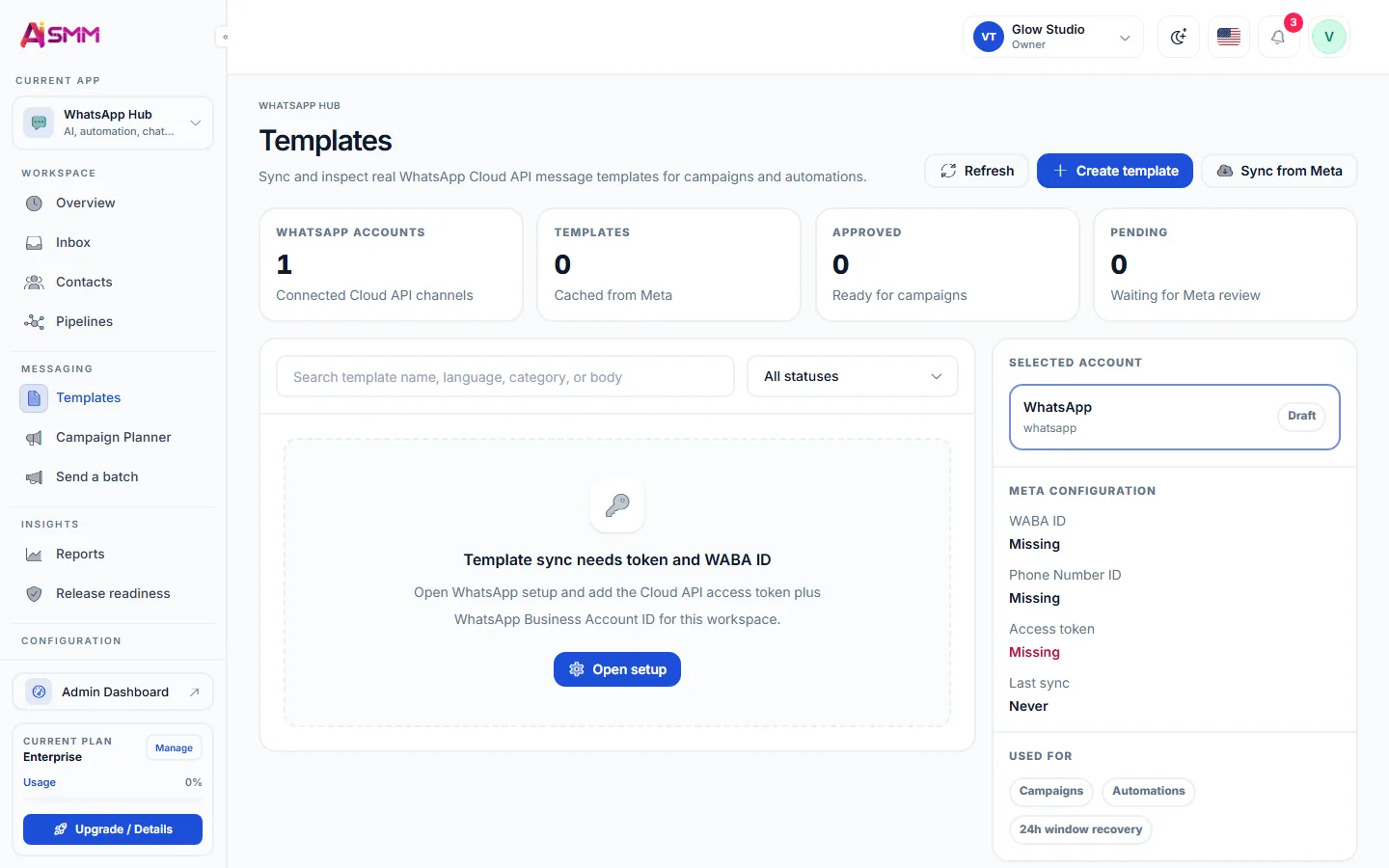
Templates and quick send handle one-off messages, but a broadcast to many contacts needs planning: the campaign planner schedules bulk messages ahead of time, so a promotion or a reminder goes out to the right list at the right moment instead of being sent one contact at a time by hand.

Automations with AI for routine WhatsApp questions

Not every message needs a person. Automations with AI answer routine questions, like prices or delivery times, straight from your own data, freeing the team to focus on conversations that need judgment. Reports on delivery and replies then show whether the automation is actually keeping up, or whether a template needs rewriting.

How WhatsApp fits with the rest of the inbox

  • WhatsApp conversations sit in the same shared queue as the unified inbox, not a separate screen.
  • A pipeline stage can trigger the same chat automation used across other channels.
  • Reminders sent here work well next to online booking for appointment-based businesses.
Questions

Can several employees answer?

Yes, conversations are shared in the team inbox.

Can I move a contact between pipeline stages manually?

Yes, pipeline stages can be changed by hand or moved automatically as part of a flow.

How far ahead can a broadcast be scheduled?

The campaign planner lets you schedule a broadcast ahead of time rather than sending it the moment it is written.

Does the AI automation know my prices and hours?

AI automations answer from the same knowledge base used for other channels, so prices and hours stay consistent everywhere.

Stop paying for ten tools.
Start with one.