How to schedule Threads posts
Threads is text-first, but it also accepts photos, video and carousels, so a schedule for it should mix a short opinion post with an occasional visual one. Planning posts in advance on the same calendar as other networks keeps a consistent voice instead of posting only when something happens to come to mind.
Writing Threads posts with AI that sound like you
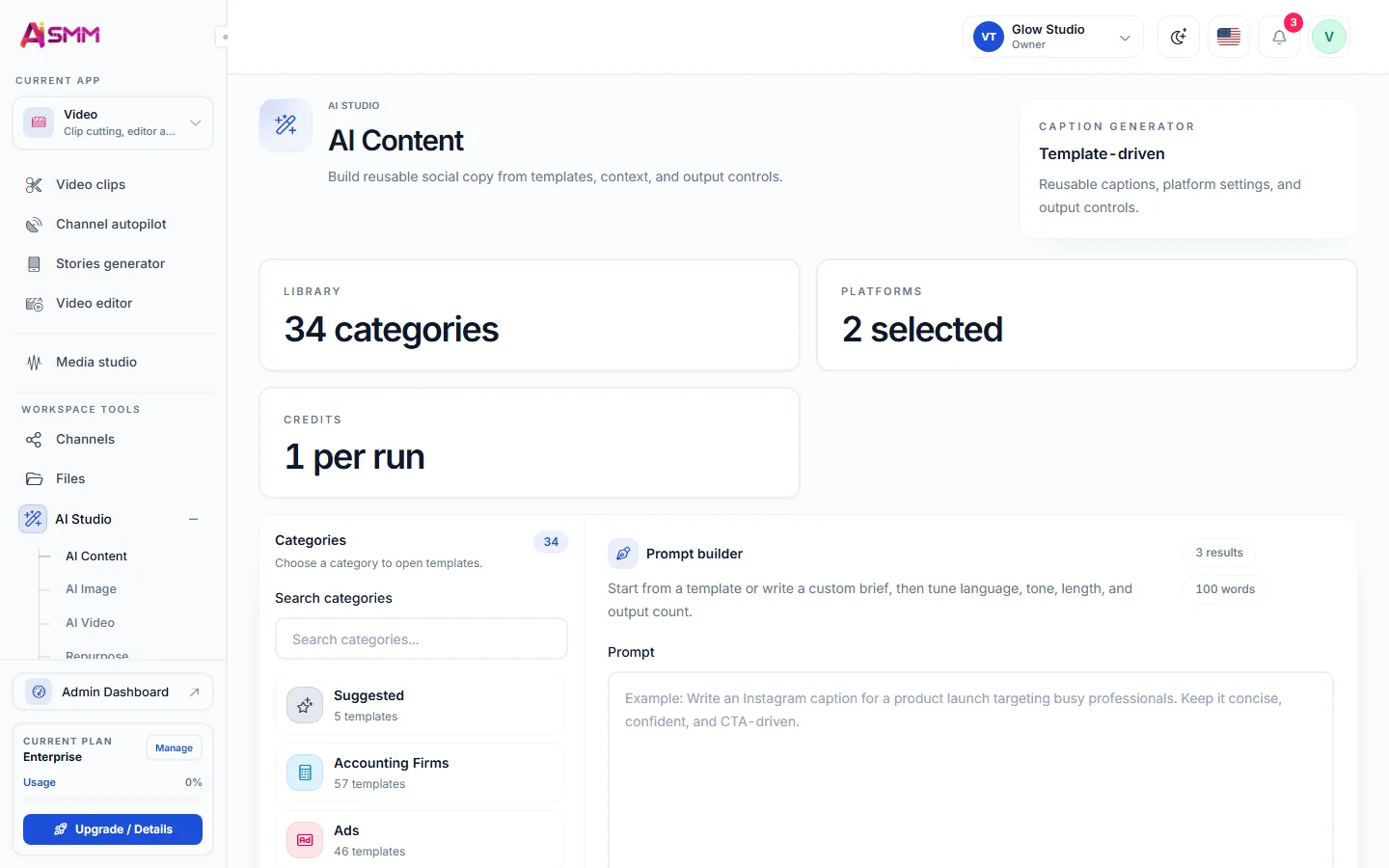
AI Content Studio drafts a text post, a caption for a photo or video, or the slides of a carousel from a brief, and it keeps the brand’s tone once that tone is set up. For a text-first network the tone matters more than the visuals, so it is worth reading a few drafts before scheduling a week of them.
Because Threads posts are short, it is easier to publish more often than on a network built around production-heavy formats. A daily cadence is realistic for most small businesses once the writing itself is handled by AI.
Reading Threads analytics: views, replies and reposts
Analytics for Threads covers views, likes, replies, reposts, quotes and followers, which together show whether a post only got seen or actually started a conversation. A post with few views but many replies is doing something a high-view, silent post is not, and that distinction should guide what you write next.
Managing replies and mentions without missing the moment
Replies and mentions arrive in the inbox, so a reply that could become a customer question does not sit unseen in the app. For accounts that also want to grow through outreach, the Chrome extension can like and follow within Threads’ own limits and drafts comments for your approval before anything is sent.