

AI SMM

Bring clients to your clients, not just posts

Each agency client in its own project: audience search, posts approved in Telegram, an AI manager in direct messages and reports. Team roles and up to 10 businesses on the Agency plan.

Opens registration in the AI SMM app. Choose your tools after signing up. Plans and limits

Your workflow, connectedAI SMM
  1. Social media publishing

    All clients in one calendar with channel groups.

  2. Analytics

    Clear reports for every client.

  3. Video clipping

    Shorts from clients’ long videos.

One possible setup. Choose only the tools your business needs.
Sound familiar?

What gets in the way today
and how AI SMM removes it

Twelve clients, twelve approval chats

Every client approves posts in their own messenger, and versions get mixed up.

With AI SMM: Posts go to each client’s Telegram, where they approve or edit them in a Mini App. Every post keeps its approval history.

Reports eat the end of the month

Screenshots from every network, a spreadsheet and a deck for each client.

With AI SMM: Analytics puts all networks of each company on one screen, and AI hints become ready conclusions for the client.

Five tools for every client

Scheduler, video editor, analytics, outreach: each is a separate subscription and login.

With AI SMM: Calendar, video clipping, analytics and the browser assistant in one workspace. The Agency plan covers 10 companies and 40 accounts.

An example day, not a forecast

Illustrative scenario. Results depend on your setup, content and customer demand.

  1. 10:00AI prepared next week’s posts for every client in their brand voice.
  2. 12:00Clients approve posts in Telegram without logging in.
  3. 15:00A podcast of one client turned into ten shorts.
  4. 18:00The monthly report with AI conclusions goes to the client.

Your kit

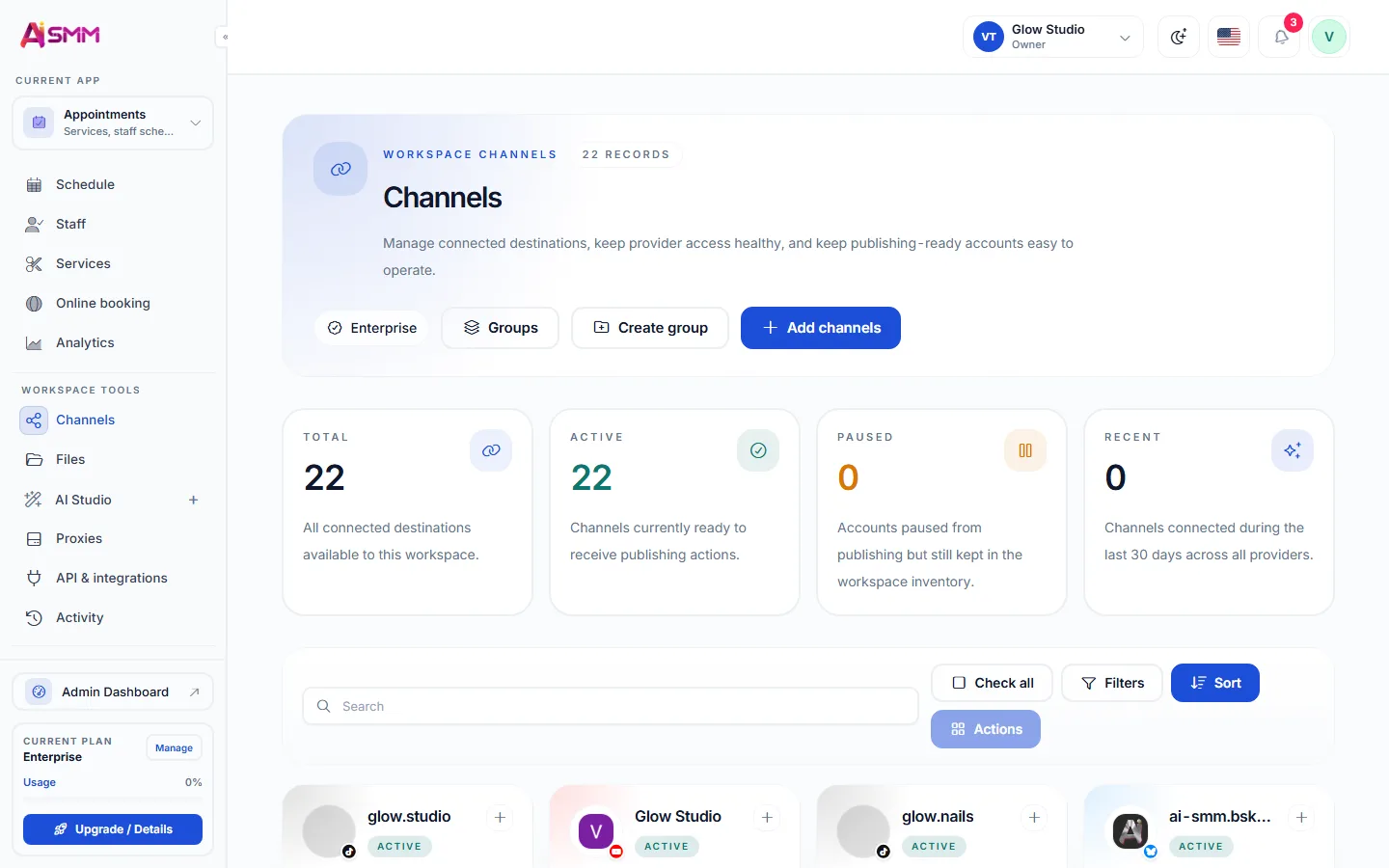
Approval in Telegram
Channels grouped by client

Every client in its own place

Channels grouped by client, a brand profile for each company and a team with roles, so every post is written in the right voice and goes to the right accounts.

Every client in its own place

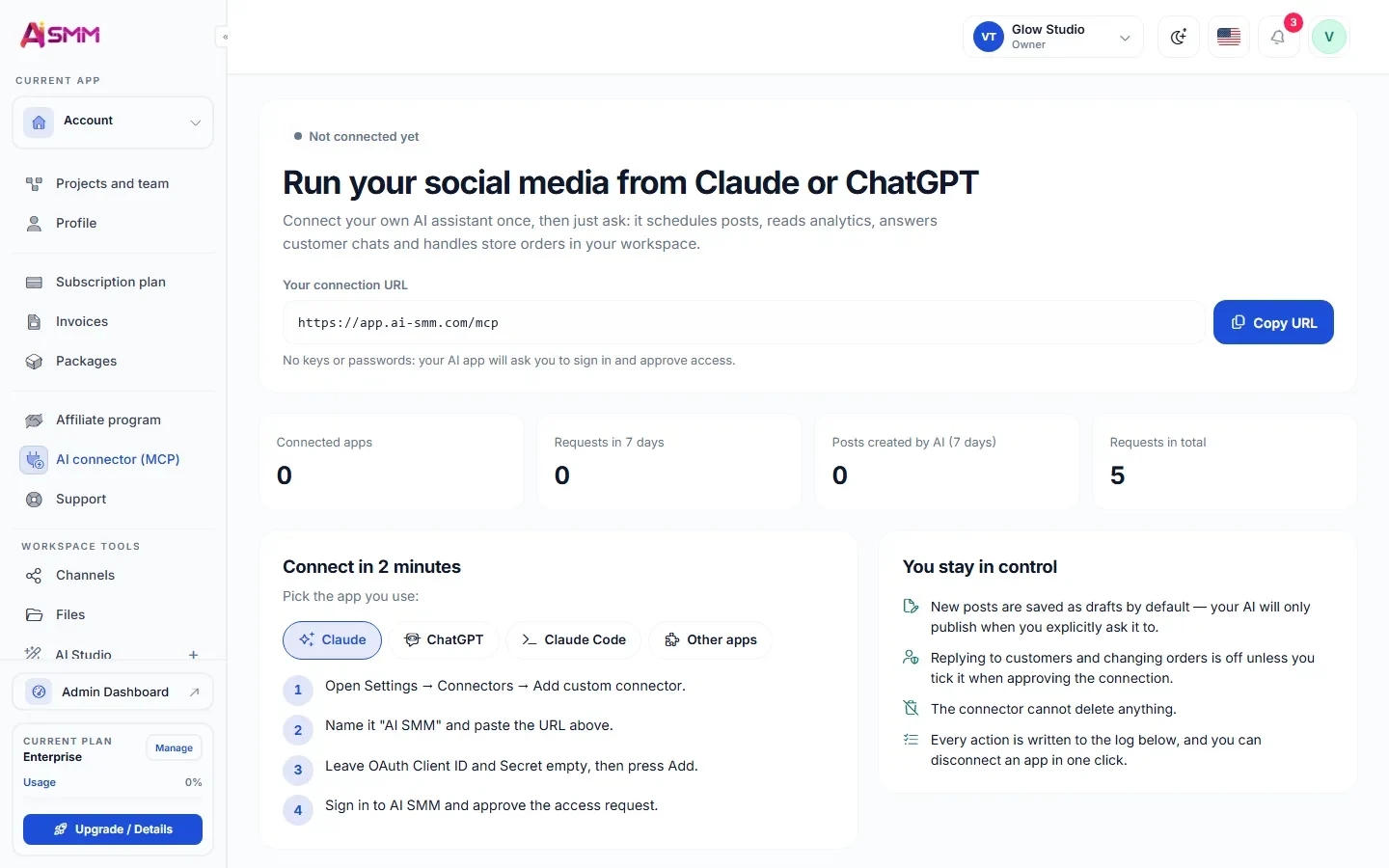
Answer the client without opening the dashboard

Connect the workspace to Claude and ask how last week went for a client, or have a week of posts put in as drafts. Talking to customers stays off until you allow it.

Answer the client without opening the dashboard
Without AI SMM
  • Every client’s files live in a different tab or folder
  • Approval means a phone call or a screenshot in a personal chat
  • A junior manager can accidentally post in the wrong client’s account
  • A monthly report is a spreadsheet assembled by hand
  • A client’s podcast episode is used once, on one platform
With AI SMM
  • Every client lives in a separate project with its own channels
  • The client approves posts in Telegram without logging into anything
  • Roles limit what each team member can touch, by client
  • The monthly report builds itself with AI conclusions attached
  • One podcast episode becomes ten shorts across every platform

How businesses use it

Agency running twelve clients

Twelve calendars, one workspace

An account manager switches between twelve separate projects without mixing up a single client’s brand voice or channel list, because each one is walled off inside its own project.

Client who refuses to use another dashboard

Approval happens where the client already lives: Telegram

A busy client owner never logs into the agency’s tools, but approves or rejects a week of posts from a Telegram message in under a minute.

Agency reusing a client’s podcast

One recording, a week of content for three networks

A client records one podcast episode a week. The agency turns it into shorts for Instagram and TikTok and a text thread for LinkedIn, without asking the client to record anything extra.

Client acquisition software for agencies

An agency’s real bottleneck is rarely writing posts, it is bringing clients to many clients without mixing them up. Publishing, audience search and the AI manager work in a separate project per client, so channel access, brand settings and the calendar never leak between accounts.

Getting approval without another login

Most clients will not open a new dashboard to approve a post. Sending the week’s posts to a Telegram chat for a one-tap approval removes that friction entirely, and nothing publishes until the client says yes.

Keeping a team of many hands from stepping on each other

Roles decide who can publish, who can only draft and who only sees reports, and those roles apply per client. A junior manager working on one brand cannot accidentally touch another.

Reporting results a client actually understands

Analytics pulls numbers from every connected network into one report per client, with an AI summary that explains what worked instead of just listing metrics. That is what turns a monthly report from a chore into proof the retainer is worth it.

Getting more content out of one recording

Video clipping turns one client’s long video or podcast into several vertical shorts with subtitles, which fills a week of posting without asking the client for more material.

Finding new clients, not just serving current ones

The Chrome extension helps an agency’s own outreach: finding and engaging with prospects on LinkedIn and Instagram between client work, inside the limits each network allows.
Learn

Guides and lessons
to get results faster

All articles and tutorials

Questions

How many clients can I manage?

The Agency plan includes 10 companies and 40 social accounts; Enterprise has no limits.

Can a client see only their own project?

Yes, a client invited as a guest sees only their own project, channels and reports, never other clients’.

Can I bill clients separately inside one workspace?

Companies are managed as separate projects for content and reporting; billing for the agency itself runs on one plan covering all client companies.

What happens if a client rejects a post in Telegram?

The post stays a draft and the manager sees the rejection, so it can be edited and sent for approval again.

Your first steps

Start with one task.

You do not need to set up everything at once. Choose a workflow, check the requirements and prepare your first result.

  1. Choose a task

    Plan content, organise conversations or prepare a booking page. Start with what you need now.

  2. Set up your context

    Add your business information and connect the accounts needed for that workflow. Check access and plan limits.

  3. Review before launch

    Check the draft, settings and customer journey before publishing or enabling an automation.

Opens registration in the AI SMM app. Choose your tools after signing up.

Feature availability, AI usage and account limits depend on the chosen plan. Review the terms before connecting a paid service.