AI SMM

Online menus and ordering for cafés and delivery businesses

Build a menu with products and delivery zones, take orders through your storefront and plan daily offers. Give customers a clear path to ordering.

Opens registration in the AI SMM app. Choose your tools after signing up. Plans and limits

Your workflow, connectedAI SMM
  1. Online store

    Menu, delivery zones and orders.

  2. WhatsApp

    Orders and statuses in the messenger.

  3. Web push

    Offers of the day on the guest’s screen.

One possible setup. Choose only the tools your business needs.
Sound familiar?

What gets in the way today
and how AI SMM removes it

Orders from everywhere, one kitchen

Orders come by phone, DM and aggregator, and one gets lost at rush hour.

With AI SMM: A restaurant store with delivery zones collects orders from social media and messengers in one list.

Sold out, still ordered

A dish ran out by noon, and people keep ordering it.

With AI SMM: The stop list switches a dish off for the day in one click.

Slow evenings, idle kitchen

Lunch is packed, evenings are empty, and there is no time to post offers.

With AI SMM: A push about the evening offer lands on guests’ screens, and points for orders bring them back.

An example day, not a forecast

Illustrative scenario. Results depend on your setup, content and customer demand.

  1. 09:00The stop list is updated, today’s dishes are in the menu.
  2. 12:00A lunch post with a photo goes out to all networks.
  3. 14:00Orders from Instagram and WhatsApp land in one list.
  4. 18:00A push about the evening offer brings people back.

Your kit

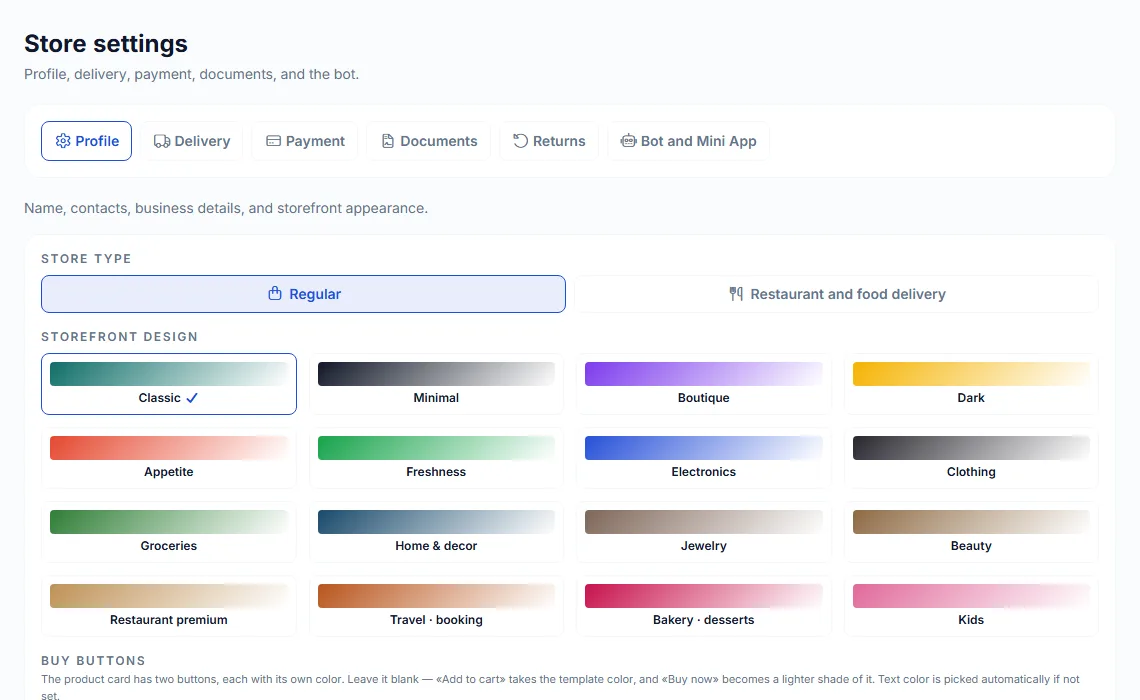
Restaurant and food delivery type
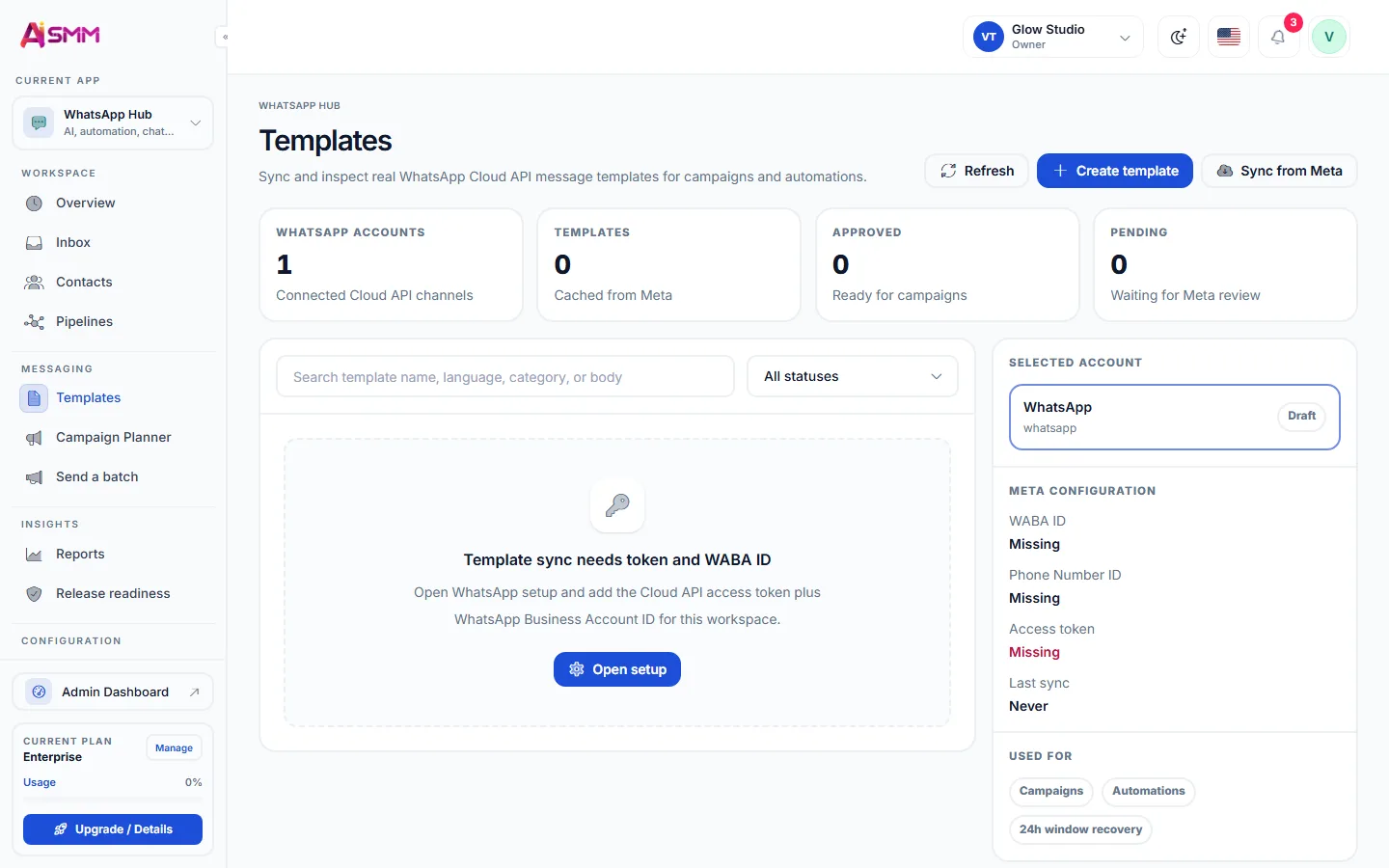
Orders in WhatsApp
Orders in WhatsApp

A menu built for delivery

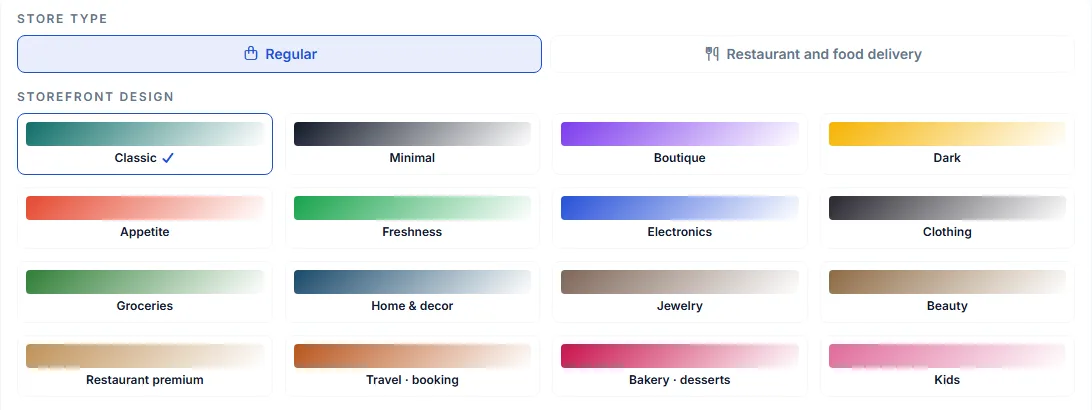
Switch the store to the restaurant and food delivery type, pick a design and set delivery zones. Guests order from a link in your profile or in Telegram.

A menu built for delivery
Without AI SMM
  • Today’s dishes and the stop list live only in the cook’s head
  • Orders arrive by phone, Instagram DM and an aggregator, in three places
  • A guest who ordered once never hears about today’s lunch special
  • Nobody notices when the evening rush leaves orders unanswered
  • Loyalty means a paper punch card, if it exists at all
With AI SMM
  • The stop list is updated in one place and reflected everywhere
  • Orders from social media and messengers land in one list
  • A push about today’s lunch reaches guests who already ordered before
  • AI answers order questions in the inbox even during the rush
  • Points for orders and a referral gift keep guests coming back

How businesses use it

Neighborhood café

The lunch post fills tables it never used to reach

A lunch post with today’s dish and a photo goes out to Instagram and Telegram at the same time. Regulars who follow only one of the two channels still see it and stop by.

Food delivery kitchen

Orders from three channels land in one screen

A guest orders through Instagram, another through WhatsApp and a third calls in. All three show up in the same order list, so the kitchen never loses track during a busy evening.

Coffee shop with a loyalty program

A push about a rainy-day discount brings back regulars

On a slow, rainy afternoon a push goes out about a discount on hot drinks. Guests who already have the shop’s app bookmarked come back within the hour.

Online ordering for cafés and food delivery

A café loses orders not because people do not want to buy, but because ordering is scattered across a phone number, a DM and an aggregator that takes a cut of every sale. An online store set up as a restaurant menu with delivery zones puts ordering on the café’s own terms.

Bringing every channel’s orders into one list

Guests order however is convenient for them: a comment, a DM, WhatsApp. The inbox pulls all of it into one queue with order status, so the kitchen sees one list instead of checking three apps during the rush.

Keeping the menu honest

A stop list updated once in the morning applies to every channel at once, so a guest never orders a dish that ran out an hour ago.

Bringing guests back without a discount app

Web push reaches a guest who visited the site once, with today’s offer, and does not require them to install anything.

Local business marketing that fits a café’s day

  • A lunch post with a photo, sent to every network at once.
  • Points for orders and a referral gift through gamification, so a regular has a reason to bring a friend.
  • A stop list and menu managed from one place, no matter how many channels take orders.

Learn

Guides and lessons
to get results faster

All articles and tutorials

Questions

Is there a stop list?

Yes, dishes can be switched off for the day in one click.

Can delivery zones have different prices?

Yes, delivery zones are set with their own price and minimum order amount.

Can guests pay online when ordering through a messenger?

Yes, an order started in a chat can be finished with an online payment link.

Do points expire?

Expiry rules for points are set by the café itself when the loyalty program is configured.

Your first steps

Start with one task.

You do not need to set up everything at once. Choose a workflow, check the requirements and prepare your first result.

  1. Choose a task

    Plan content, organise conversations or prepare a booking page. Start with what you need now.

  2. Set up your context

    Add your business information and connect the accounts needed for that workflow. Check access and plan limits.

  3. Review before launch

    Check the draft, settings and customer journey before publishing or enabling an automation.

Opens registration in the AI SMM app. Choose your tools after signing up.

Feature availability, AI usage and account limits depend on the chosen plan. Review the terms before connecting a paid service.