AI SMM

Appointment booking and customer messaging for auto repair shops

Take bookings for maintenance, diagnostics and tyre services. Add your prices for AI replies, configure reminders and prepare seasonal customer offers.

Opens registration in the AI SMM app. Choose your tools after signing up. Plans and limits

Your workflow, connectedAI SMM
  1. Online booking

    Schedules by mechanic, services with duration and price.

  2. AI knowledge base

    Prices and opening hours answered instantly.

  3. WhatsApp

    Seasonal broadcasts and chats with clients.

One possible setup. Choose only the tools your business needs.
Sound familiar?

What gets in the way today
and how AI SMM removes it

Missed calls, lost clients

Nobody can answer the phone with their hands in an engine.

With AI SMM: Clients book a time themselves on the booking page, day or night.

The seasonal crush

Everyone comes on the first cold day, and half leave because of the queue.

With AI SMM: Prepare a seasonal offer with a booking link in advance and send it to customers who opted in.

“How much?” all day long

The same price questions distract mechanics from the car in front of them.

With AI SMM: AI answers typical prices from your list and offers a booking.

An example day, not a forecast

Illustrative scenario. Results depend on your setup, content and customer demand.

  1. 08:00Three clients booked tyre fitting overnight through the booking page.
  2. 11:00AI answered a question about the price of an oil change from your price list.
  3. 14:00A before/after post of a detailing job goes out to Instagram and Telegram.
  4. 18:00A seasonal WhatsApp broadcast about tyre change goes to your client list.

Your kit

The day by mechanic
The day by mechanic
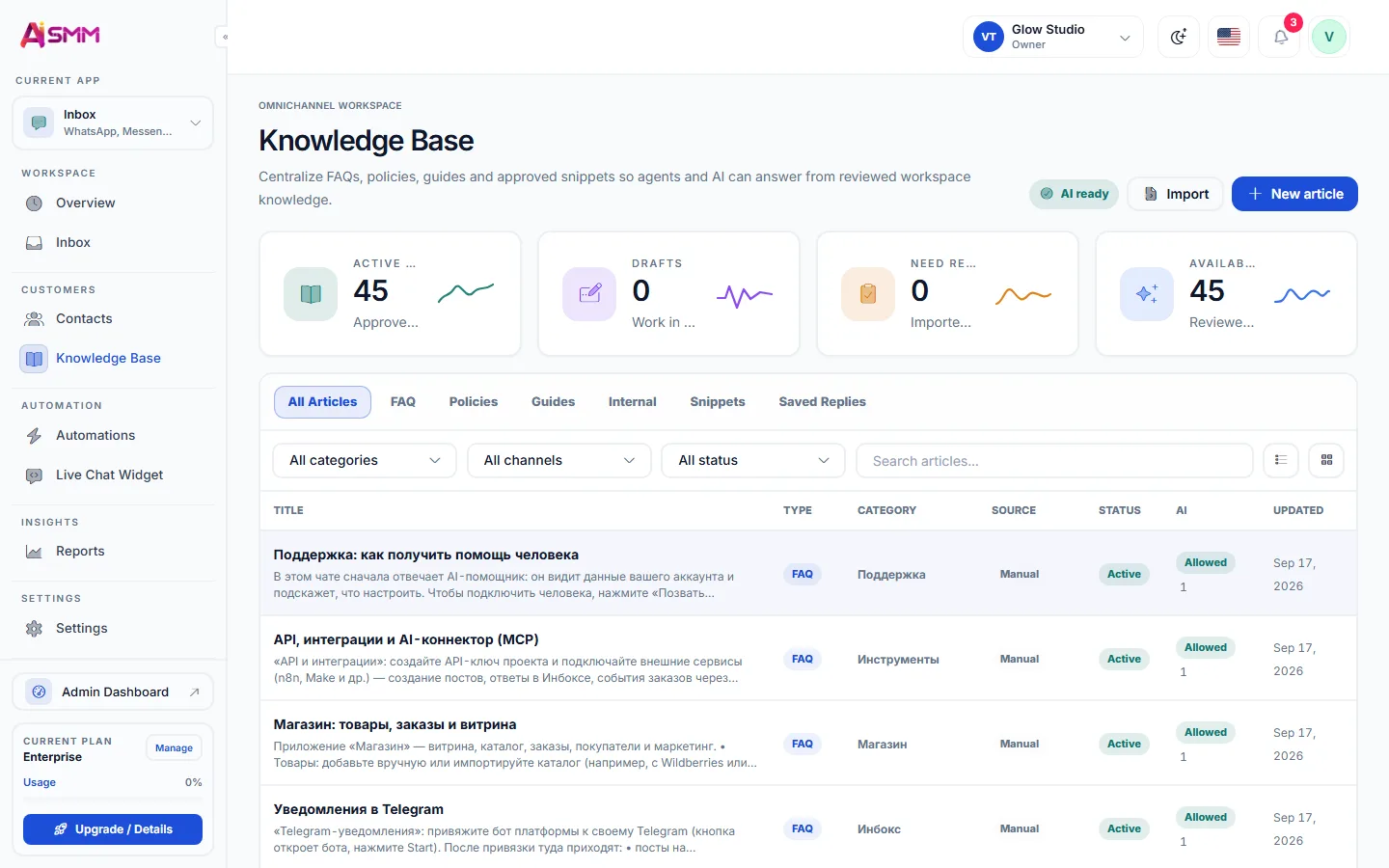
Price answers from your list
Without AI SMM
  • Calls go unanswered while everyone is in the workshop
  • The tyre season queue is kept in a notebook
  • “How much for pads?” is answered only after work
  • Clients remember you only when something breaks
  • Good work is never shown to anyone
With AI SMM
  • Clients book a time themselves, day or night
  • Appointments and available times by staff member
  • AI answers typical prices from your list right away
  • A seasonal broadcast reminds clients before the rush
  • Before/after posts go out every week

How businesses use it

Tyre shop

A season without a queue at the gate

Say, two weeks before the first frost the shop sends a WhatsApp broadcast with a booking link. Clients pick a time themselves, and the season is spread across slots instead of a crowd at the gate on the first cold morning.

Independent garage

Price questions answered while the owner works

The owner adds typical prices for diagnostics, oil change and pads to the knowledge base. AI answers these questions in chats and offers a booking, and the owner reads only what needs a mechanic’s opinion.

Detailing studio

Before/after that brings the next client

Each finished car gets a before/after post. A comment “price” under it sends the detailing price list and the booking page in DMs.

Social media for an auto service: show the work

Car owners choose a garage they trust, and trust comes from seeing the work: a clean engine bay, a restored headlight, an honest explanation of a repair. A couple of such posts a week in the content calendar say more than any slogan.

Online booking instead of phone calls

With online booking each mechanic has a schedule, and each service has a duration and price. Clients pick a time on the booking page or in a chat flow, confirmations and reminders go out on their own, and a cancelled slot can go to the waiting list.


Answering price questions

  • Add typical prices and “from” prices to the AI knowledge base.
  • Let AI answer the routine ones and offer a booking for diagnostics.
  • Keep unusual repairs for a mechanic: AI hands over when it is not sure.

Seasonal reminders and loyalty

Prepare seasonal offers for customers who opted in. Add a booking link and measure the enquiries and visits associated with the campaign.

Questions

Can clients book a specific service and time?

Yes, services have their own duration and price, and clients choose the time on the booking page or in a chat.

Does each mechanic have their own schedule?

Yes. Each staff member has services and a schedule. Check availability and service-duration settings.

Will AI quote an exact repair price?

Only what is in your knowledge base. Add typical and “from” prices, and leave anything that needs a diagnosis to a mechanic.

Can I send seasonal offers in WhatsApp?

Yes, the campaign planner sends broadcasts to your contacts on schedule, with reports on delivery and replies.

Is there a loyalty programme?

Yes, gamification blocks give points for activity, set loyalty thresholds and issue referral links in the chat.

Do clients get reminders?

Yes, confirmations and reminders go out to clients before the visit.

Your first steps

Start with one task.

You do not need to set up everything at once. Choose a workflow, check the requirements and prepare your first result.

  1. Choose a task

    Plan content, organise conversations or prepare a booking page. Start with what you need now.

  2. Set up your context

    Add your business information and connect the accounts needed for that workflow. Check access and plan limits.

  3. Review before launch

    Check the draft, settings and customer journey before publishing or enabling an automation.

Opens registration in the AI SMM app. Choose your tools after signing up.

Feature availability, AI usage and account limits depend on the chosen plan. Review the terms before connecting a paid service.