

AI SMM

From event announcement to ticket order

Schedule announcements by date, offer tickets in your storefront and answer guest questions. Prepare the path from a post to an order.

Opens registration in the AI SMM app. Choose your tools after signing up. Plans and limits

Your workflow, connectedAI SMM
  1. Online store

    Sell tickets or passes as products in your store.

  2. AI content studio

    A campaign plan by day and posts for it.

  3. Chat automation

    Comment to DM with the ticket link.

One possible setup. Choose only the tools your business needs.
Sound familiar?

What gets in the way today
and how AI SMM removes it

Last-minute sales

Most tickets sell in the final days, and until then you never know if the room will fill.

With AI SMM: A dated campaign plan with an early price and reminders spreads sales over weeks.

The ticket link is hard to find

People ask in comments where to buy, and some never get an answer.

With AI SMM: A keyword in comments sends the store link in DMs, every time.

Word of mouth left to chance

Your best guests would bring friends, but nothing prompts them to.

With AI SMM: Referral links in the chat reward every friend they bring.

An example day, not a forecast

Illustrative scenario. Results depend on your setup, content and customer demand.

  1. 10:00The AI planner laid out the announcement campaign by day up to the event date.
  2. 13:00A “ticket” comment under a Reel sends the store link in DMs.
  3. 17:00A guest shared a referral link and got a gift for bringing a friend.
  4. 20:00Website subscribers get a push: the early price ends tomorrow.

Your kit

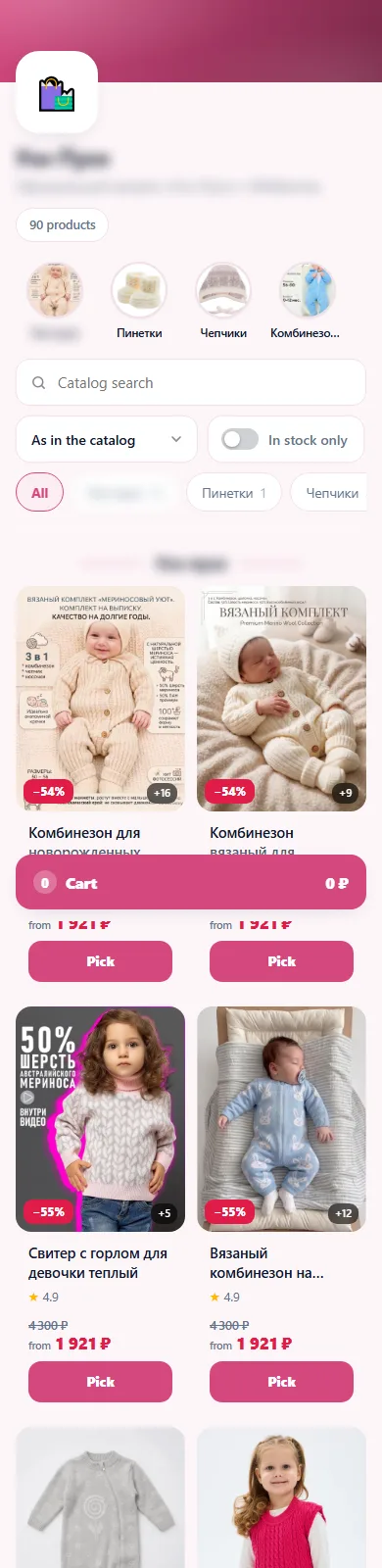
Tickets in the storefront on a phone
Reminders before the event
Without AI SMM
  • The event is announced once, then silence until the week before
  • “Where do I buy a ticket?” is answered in comments one by one
  • Guests have to leave social media to find the ticket page
  • Word of mouth happens only by chance
  • After the event, the audience is gone until the next one
With AI SMM
  • The AI planner lays out announcements by day up to the date
  • A comment with a keyword sends the ticket link in DMs
  • Tickets or passes sit as products in your own storefront and Telegram Mini App
  • Referral links reward guests who bring friends
  • Push and email bring guests back for the next event

How businesses use it

Stand-up club

A weekly show that sells out earlier

A club can share clips from a previous show and invite people to request a ticket link. After configuring the flow, the team compares visits and orders with other announcements.

Quest room

Friends bring friends

After a game, each team gets a referral link in the chat. When a friend buys a game through it, the team gets a gift for their next visit.

Summer festival

A campaign that starts months before the date

The organiser describes the festival once, and the AI planner builds a dated plan: line-up reveals, early-bird reminders and practical posts about getting there. Passes are sold as products in the store.

Event marketing on social media: plan backwards from the date

Events have a deadline, which makes them easy to plan. Start from the date and work back: announcement, line-up or programme reveals, early price ending, practical info, last call. The AI planner turns one brief into a dated plan, and the content calendar publishes it across networks.

Selling tickets where your audience already is

Sell tickets or passes as products in your store: a storefront with its own page and a Telegram Mini App, orders and payments. A “comment to DM” flow from chat automation sends the link to everyone who comments a keyword under a post.

Word of mouth you can count

  • Give every guest a referral link in the chat.
  • Reward friends who come with points or a gift.
  • Run a quiz before the event to warm the audience up.

All of this is built from gamification blocks in chat flows.

Reminders and the next event

Web push reaches website visitors without an email: the early price ending, the doors-open time, the next date. After the event, cut the recording into short clips with video clipping and use them to announce the next one.

Questions

Can I sell tickets in AI SMM?

Yes, sell tickets or passes as products in your store, with orders and payments, on its own page and in a Telegram Mini App.

Is there seating or check-in at the door?

The store handles tickets as ordinary products. For seat maps or door check-in, keep using a dedicated ticketing tool alongside it.

Can a comment send people the ticket link?

Yes, on Instagram and Facebook a comment-to-DM flow replies publicly and sends the link privately.

How do referral links work?

Each person gets their own link in the chat, and you set a reward for friends they bring, such as points or a gift.

Can I run discounts like an early price?

Yes, the store has promos and discounts, and push or email can remind people when the price changes.

Can I plan the whole campaign at once?

Yes, the AI planner turns a brief into posts by date, ready to go into the calendar.

Your first steps

Start with one task.

You do not need to set up everything at once. Choose a workflow, check the requirements and prepare your first result.

  1. Choose a task

    Plan content, organise conversations or prepare a booking page. Start with what you need now.

  2. Set up your context

    Add your business information and connect the accounts needed for that workflow. Check access and plan limits.

  3. Review before launch

    Check the draft, settings and customer journey before publishing or enabling an automation.

Opens registration in the AI SMM app. Choose your tools after signing up.

Feature availability, AI usage and account limits depend on the chosen plan. Review the terms before connecting a paid service.