

AI SMM

Property enquiries from social media for real estate agents

Property posts go out on schedule, current listings sit on one page, and the AI manager answers price questions and books viewings.

Opens registration in the AI SMM app. Choose your tools after signing up. Plans and limits

Your workflow, connectedAI SMM
  1. Chat automation

    Comment to DM with details and a phone request.

  2. Link in bio

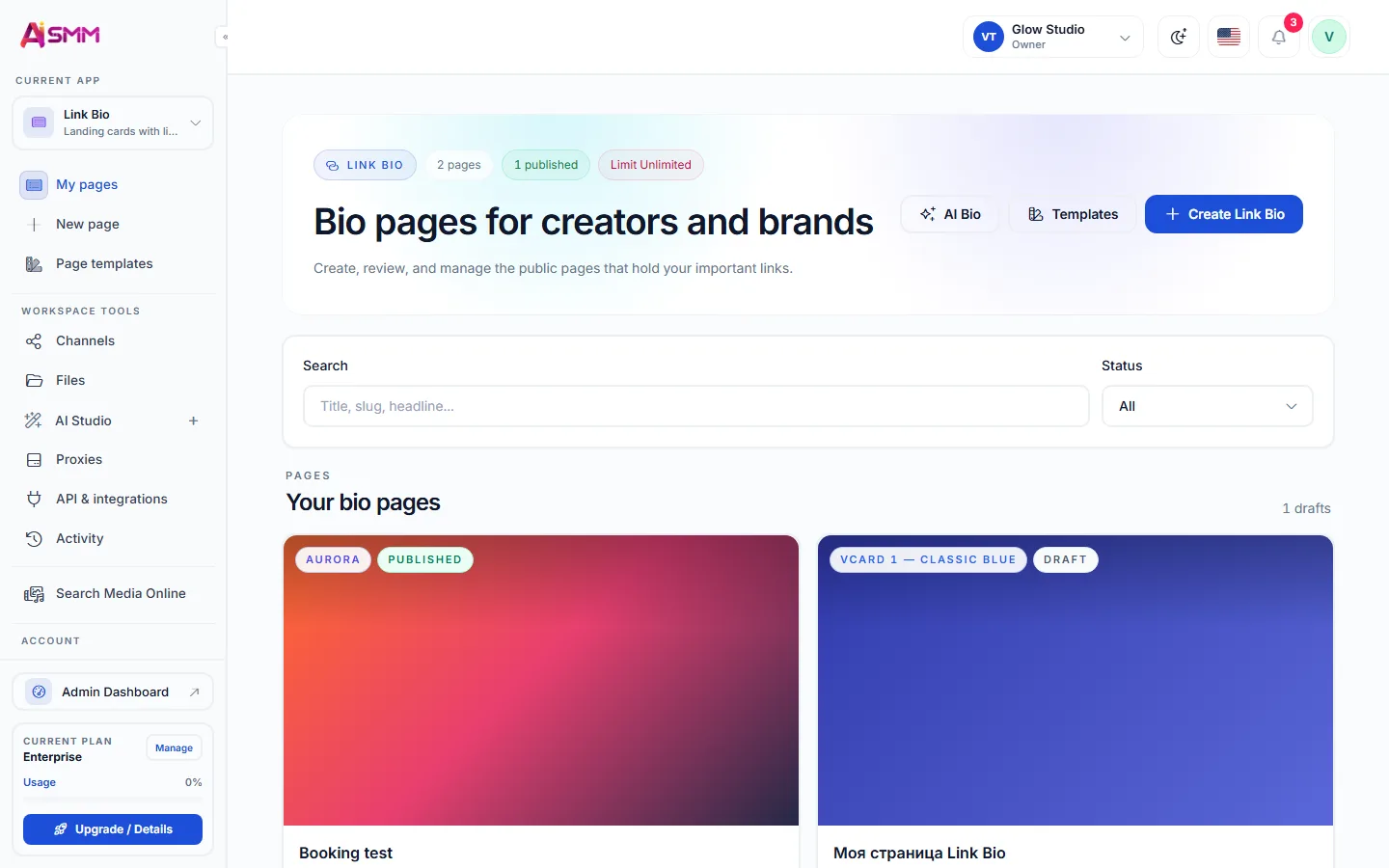
    Current listings and a request form behind one link.

  3. AI content studio

    Listing descriptions and posts in your tone.

One possible setup. Choose only the tools your business needs.
Sound familiar?

What gets in the way today
and how AI SMM removes it

Comments you can’t keep up with

A good listing gets dozens of “price?” comments, and by evening half the people are gone.

With AI SMM: A flow answers every comment in DMs with the details and asks for a phone number.

Hours on every listing post

Writing, formatting and posting each property to several networks eats the day.

With AI SMM: AI writes the post from the key facts, and the calendar publishes it everywhere.

An outdated bio link

The link leads to sold properties or to a site nobody maintains.

With AI SMM: One page with current listings and a request form, updated in a minute.

An example day, not a forecast

Illustrative scenario. Results depend on your setup, content and customer demand.

  1. 09:00AI wrote posts for three new listings in the agency’s tone.
  2. 12:00A walkthrough video from YouTube became vertical clips for Reels and Shorts.
  3. 15:00Every “price” comment under a listing got the details in DMs and a request for a phone number.
  4. 18:00Requests from the bio page form are in contacts with the full history.

Your kit

A page with listings and a request form
A request form on your website
Without AI SMM
  • Every listing post takes an hour to write and format
  • “Price?” comments pile up and buyers move on
  • The walkthrough video lives on YouTube and nowhere else
  • The bio link points to a site with sold properties
  • A buyer who asked once is never told about a better option
With AI SMM
  • AI writes the post from the listing’s key facts in minutes
  • A flow answers every comment in DMs and asks for a phone number
  • One video becomes several vertical clips for every network
  • One page with current listings and a request form
  • New listings go to the buyers’ email list automatically

How businesses use it

Independent agent

Fifty comments, fifty leads

Say, a flat post collects dozens of “price?” comments overnight. A comment-to-DM flow replies publicly, sends the price and viewing details in DMs and asks for a phone number, so the agent starts the day with a list of contacts instead of a pile of comments.

New-build sales office

One construction video, a month of clips

A monthly construction progress video on YouTube is cut into short clips with subtitles. They fill the calendar for Reels, Shorts and TikTok until the next update.

Rental agency

A bio page that is always up to date

Instead of a website nobody updates, the agency keeps one link in bio with current listings, contacts and a request form. Requests go straight to contacts and can start a chat flow.

Real estate social media: what to post

Buyers scroll listings the way they scroll everything else, so a property post has seconds to answer three questions: where, how much, what makes it special. Carousels with the best photos, short walkthrough clips and honest neighbourhood notes work better than a wall of specifications.

AI content studio writes the description from the key facts you give it, and the content calendar spreads new listings over the week.

Turning comments into leads

  • Ask people to comment a keyword instead of “DM for price”.
  • Reply publicly and send the details privately, so the thread shows you answer.
  • Ask for a phone number in the same conversation, while interest is high.

This is a ready “comment to DM” and lead magnet template in chat automation for Instagram and Facebook.

Video walkthroughs that work in the feed

A ten-minute walkthrough is great for a serious buyer and too long for the feed. Video clipping takes the YouTube link, finds the strongest moments and adds subtitles, so one tour becomes several vertical clips.

A link in bio page holds links to current listings, contacts and a request form. Remove a sold property in a minute, and the form sends every request to your contacts. On your own website a popup can collect viewing requests too.

Staying in touch with buyers

Most buyers do not purchase the first property they ask about. A short email campaign with new listings keeps you in mind until the right one appears. Keep listing details accurate and follow your local advertising rules for property.

Questions

Can I answer every “price” comment automatically?

Yes, on Instagram and Facebook a comment-to-DM flow replies publicly and sends the details in a private message.

Where do leads from the bio page go?

Forms send them to your contacts, and they can start a chat flow.

Can I post property carousels?

Yes, carousels are supported on Instagram and Threads; TikTok supports photo carousels.

Does AI invent details about a property?

It writes from the facts you give it. Check the post before publishing, especially prices and areas.

Can a team of agents share one workspace?

Yes, team members get roles, and conversations can be assigned to a specific agent.

Is there a free plan to start?

Yes, the Free plan includes 2 social accounts; paid plans come with a 7-day trial.

Your first steps

Start with one task.

You do not need to set up everything at once. Choose a workflow, check the requirements and prepare your first result.

  1. Choose a task

    Plan content, organise conversations or prepare a booking page. Start with what you need now.

  2. Set up your context

    Add your business information and connect the accounts needed for that workflow. Check access and plan limits.

  3. Review before launch

    Check the draft, settings and customer journey before publishing or enabling an automation.

Opens registration in the AI SMM app. Choose your tools after signing up.

Feature availability, AI usage and account limits depend on the chosen plan. Review the terms before connecting a paid service.