Talk

Every conversation in one inbox

Messages from messengers, social networks, email and the chat on your site land in one queue. AI drafts the reply.

  • 1queue for all channels
  • AIreplies from your docs
  • CRMcard for every contact
Every conversation in one inbox
Sound familiar?

What gets in the way today
and how AI SMM removes it

Messages lost between apps

A client wrote in Instagram, WhatsApp and email, and nobody noticed the second message.

With AI SMM: Messengers, social networks, email and site chat land in one queue. Open, pending and solved chats are always counted.

Clients leave before you answer

By the time you reply in the evening, they have already bought elsewhere.

With AI SMM: AI drafts a reply from your knowledge base. Send it as is, edit it or let AI answer on its own in chosen channels.

“Who answered this client?”

Two employees reply to the same person, or each thinks the other already did.

With AI SMM: Assign conversations to team members with roles, set priorities and keep contacts with tags and full history.

How it works

  1. 01Connect your channelsTelegram bot, WhatsApp, the chat widget on your website, email and social networks connect in a few clicks.
  2. 02Add your knowledge basePrices, services, delivery terms and answers to frequent questions become the source for AI replies.
  3. 03Answer from one queueNew messages from every channel land in one list. AI drafts the reply, you send it or let AI answer on its own.
  4. 04Track the loadReports show how fast the team answers, which channels are busiest and what customers ask most.

One queue, no lost messages

Assign conversations, set priorities and see what is waiting. Open, pending and solved chats are always counted.

  • Contacts with tags and history
  • Live chat widget for your website
  • Reports on response time and load
One queue, no lost messages

AI answers, you stay in control

AI suggests a reply based on your knowledge base. Send it as is, edit it or let AI answer on its own in chosen channels.

AI answers, you stay in control

A chat on your website too

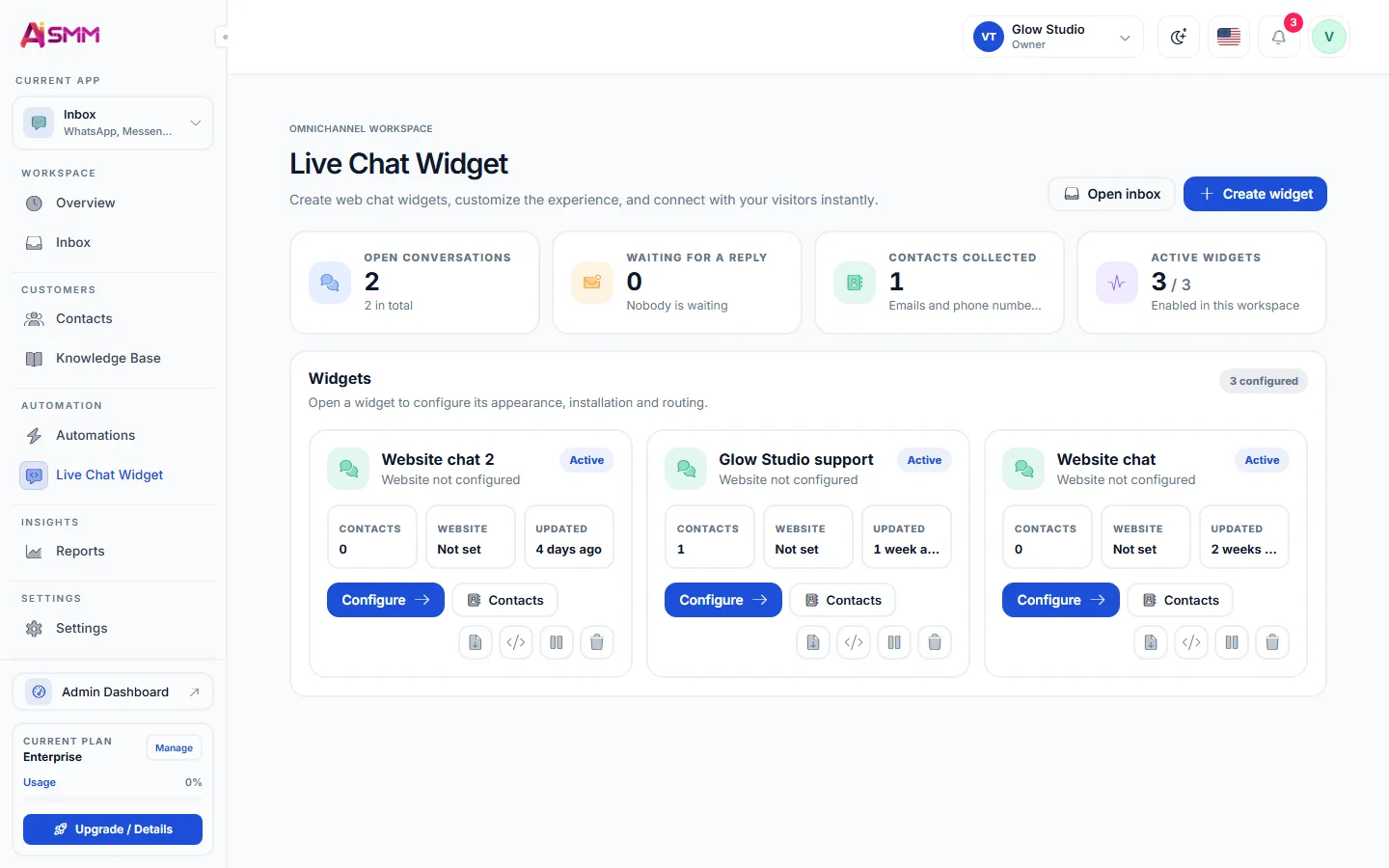
Add the live chat widget with one line of code. Visitors write from the site, you answer from the same inbox, and the contact is saved.

A chat on your website too

Never miss a client message again

Connect your channels and see every conversation in one queue today.

Start free 7 days free on paid plans · Free plan forever
Without AI SMM
  • Five apps open at once to check messages
  • A customer waits until someone notices the DM
  • The same question about prices answered by hand every day
  • No idea who answered what and when
With AI SMM
  • One inbox for messengers, email, website chat and social networks
  • AI drafts an answer in seconds from your knowledge base
  • Conversations assigned to people, with priorities
  • A contact card with tags and the whole history

How businesses use it

Beauty salon

Prices and free slots without an admin

Night questions about prices get an answer from the knowledge base, and the morning starts with ready bookings instead of a pile of messages.

Online store

Delivery questions from every channel

Buyers write in Telegram, WhatsApp and the website chat. The team sees one queue and answers in the same tone everywhere.

Agency

Client conversations by project

Each client’s channels live in their own project, so managers never mix up conversations of different brands.

Who uses it

Pricing

All apps in every plan.
Pay only for scale.

Compare all plans, including Enterprise

What is a unified inbox for social media and messengers

A unified inbox is one screen where messages from all your channels arrive: messengers, email, the chat on your website and social networks. Instead of switching between apps, the team works from a single queue and sees the whole history of each customer.

For a small business this is the difference between answering in a minute and answering tomorrow. The faster the reply, the more likely the conversation ends with a booking or an order.

Which channels you can connect

  • Messengers: Telegram bot and WhatsApp.
  • Website: the live chat widget that you add with one line of code.
  • Email and SMS for customers who prefer them.
  • Social networks: Instagram and Facebook comments and DMs, YouTube comments, X, Bluesky, Mastodon, Threads and Discord.

How AI replies work

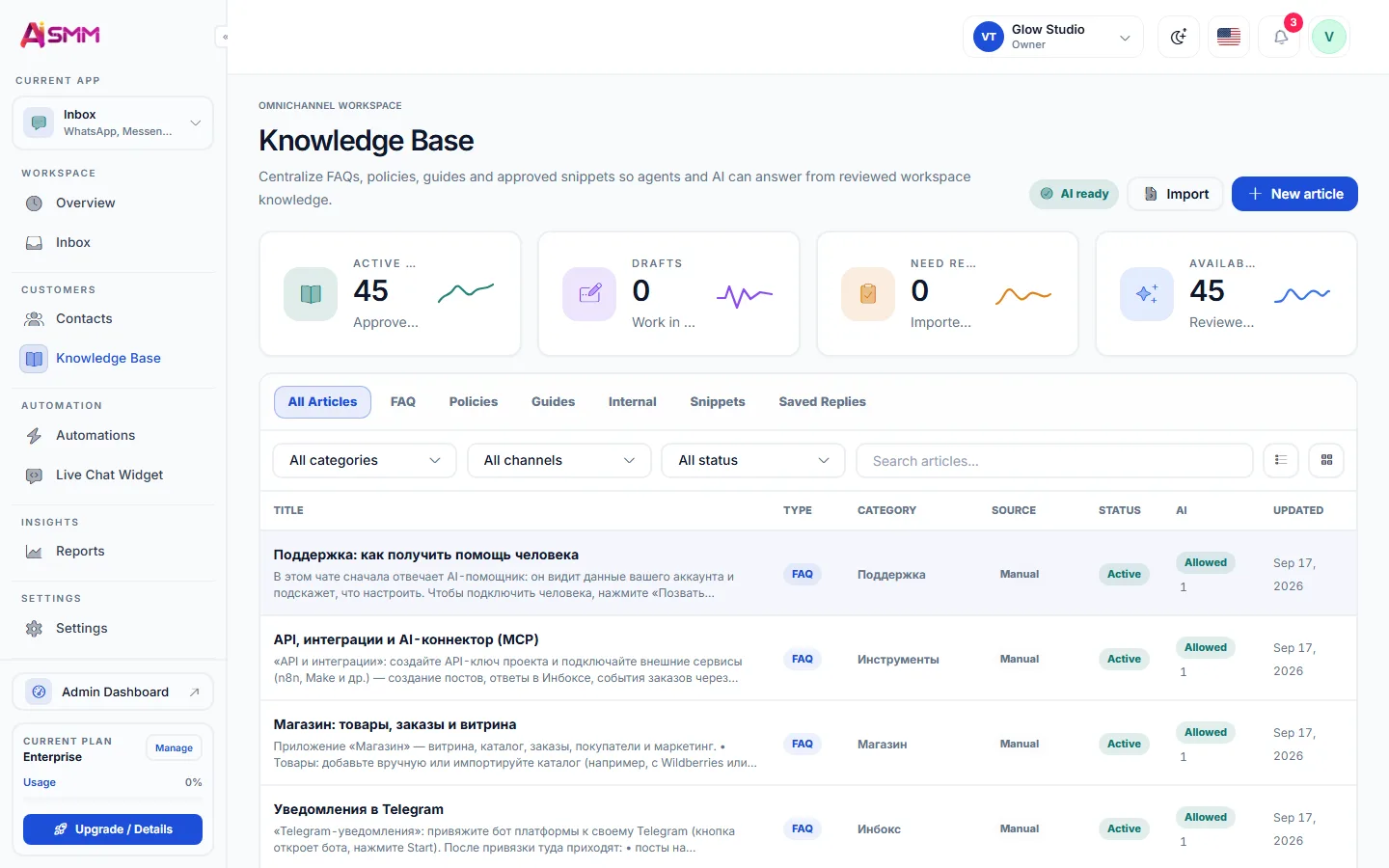
AI answers only from what you put in the AI knowledge base: prices, services, delivery and return terms. You decide per channel whether AI sends replies itself or only prepares a draft for a person to check.

When a question needs a decision, the conversation goes to a team member. Nothing is lost: every message stays in the contact’s history.

From conversation to sale

The inbox works together with chat automation: a comment under a post can start a flow that sends the price list, runs a quiz and offers a discount. For salons and studios the next step is online booking, for shops it is the online store.

How to choose an inbox for a small business

  • All your real channels in one place, not only social networks.
  • AI that answers from your data and can be switched off per channel.
  • Roles and assignment for a team, even a team of two.
  • Reports on response time, because speed sells.
Questions

Which channels come into the inbox?

Telegram, WhatsApp, the live chat on your site, email, SMS and several social networks. The list grows with every update.

Can several people work in the inbox?

Yes, conversations are assigned to team members with roles.

Can AI answer without my approval?

Only in the channels where you allow it. Everywhere else AI prepares a draft and a person sends it.

Is the conversation history kept?

Yes, every message stays on the contact card together with tags and notes.

Do I need a website for the chat widget?

The widget is added to any website with one line of code. Without a website, customers can reach you in messengers.

Stop paying for ten tools.
Start with one.