AI SMM team
The best ChatGPT prompts for social media are not magic phrases; they are short briefs that tell the model who you are, who you are writing for and what the post must achieve. Most disappointing AI captions come from one-line requests like “write a post about our new menu”, which give the model nothing to work with. Below is a reusable brand context block and 30 ready prompts for ideas, captions, hooks, video scripts, replies and monthly plans, each written so you can paste it, fill the brackets and get a draft worth editing.
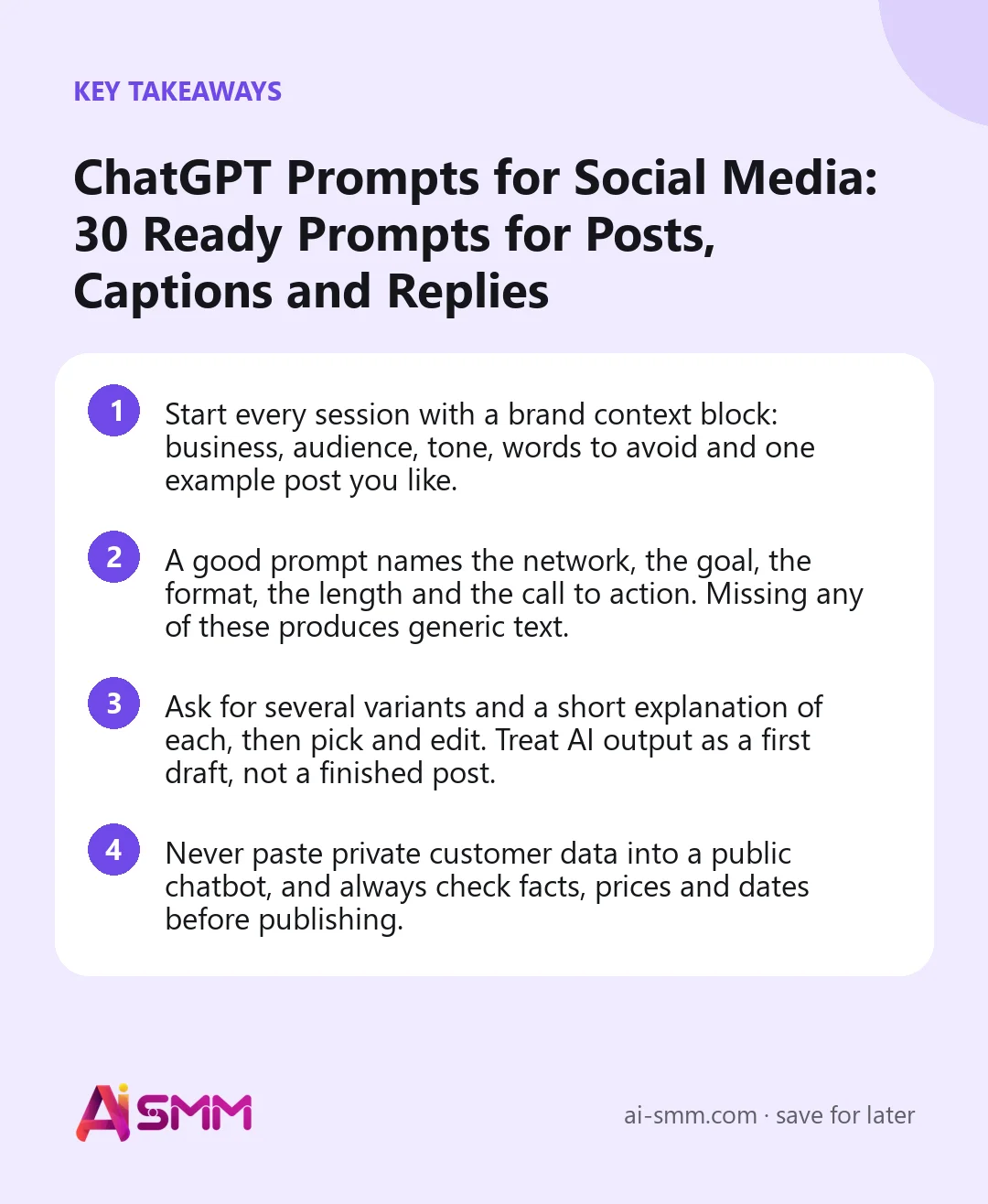
- Start every session with a brand context block: business, audience, tone, words to avoid and one example post you like.
- A good prompt names the network, the goal, the format, the length and the call to action. Missing any of these produces generic text.
- Ask for several variants and a short explanation of each, then pick and edit. Treat AI output as a first draft, not a finished post.
- Never paste private customer data into a public chatbot, and always check facts, prices and dates before publishing.
Why most ChatGPT prompts for social media produce bland posts
A language model predicts the most likely text for your request. When the request is vague, the most likely text is the average of everything it has seen: exclamation marks, “Elevate your experience”, three rocket emojis and a call to action that could belong to any business on earth. The model is not bad at writing; it simply has no reason to sound like you.
Three missing pieces cause most of the blandness:
- No context. The model does not know that you are a two-chair barbershop in a student district, not a luxury salon.
- No goal. “A post about X” could mean awareness, a booking, a comment or a save. Each needs a different structure.
- No constraints. Without limits on length, format and forbidden words, the model defaults to long, polished and salesy.
Fix these three and even a simple prompt starts producing drafts that need light editing instead of a full rewrite.
The anatomy of a good social media prompt
A reliable structure has six parts. You do not need all of them every time, but the more you include, the less you edit later.
| Part | What to write | Example |
|---|---|---|
| Role | Who the model should act as | You are a social media editor for a small bakery |
| Context | Business, audience, offer | We sell sourdough and pastries to office workers nearby |
| Task | The exact deliverable | Write an Instagram caption announcing Saturday brunch boxes |
| Goal | What the reader should do | Get people to pre-order by DM before Friday |
| Constraints | Length, tone, format, banned words | Under 80 words, warm and plain, no “delicious”, max 2 emojis |
| Output | How to present the answer | Give 3 versions with different hooks, numbered |
Step 1: create a brand context block you reuse
Instead of explaining your business in every prompt, write one context block and paste it at the start of each session, or save it in the chatbot’s custom instructions if your version supports that. Fill it in once, carefully:
Context for all posts in this chat. Business: [what you sell and where]. Customers: [who they are, age range, situation, what they worry about]. Our difference: [1–2 real reasons people choose us]. Tone: [3 adjectives, e.g. friendly, direct, a bit playful]. We say: [words and phrases we use]. We never say: [words to avoid, e.g. “luxury”, “elevate”, “game-changer”]. Emojis: [none / max 2 / freely]. Language: [language and spelling variant]. Example of a post we like: [paste one real post]. Confirm you understand in one sentence, then wait for my task.
The “we never say” line and the example post do most of the work. They pull the model away from its default marketing voice faster than any adjective.
ChatGPT prompts for post ideas (1–5)
1. Suggest 15 post ideas for [network] for the next month. Mix: 40% useful tips, 30% proof (results, reviews, process), 20% behind the scenes, 10% offers. For each, give a one-line hook and the best format (carousel, Reel, single photo, text post).
2. List the 20 questions our customers most likely ask before buying [product/service]. Group them by stage: not sure they need it, comparing options, ready to buy. Then turn the top 5 into post ideas.
3. Here are our last 10 post topics: [list]. What themes are we overusing, and what is missing that our customers would care about? Suggest 8 new ideas to fill the gaps.
4. We have a [season/holiday/local event] on [date]. Suggest 6 post ideas that connect it to our business naturally, without forced puns. Include one idea that does not sell anything.
5. Take this customer review: “[paste review]”. Suggest 5 different posts we could build from it, such as a quote card, a story behind the order or a tip it inspires.
Prompts for captions (6–11)
6. Write an Instagram caption about [topic]. Goal: [comment / save / DM / booking]. Structure: hook in the first line, 2–3 short paragraphs, one clear call to action. Under [number] words. Give 3 versions.
7. Rewrite this caption to be 40% shorter without losing the offer and the deadline: “[paste text]”.
8. Write a LinkedIn post from the founder’s point of view about [lesson/situation]. First person, no buzzwords, short paragraphs, end with a question to other [profession]. Under 200 words.
9. Write a Telegram channel post announcing [news]. Bold first line with the main point, then details in 3 short bullet points, then how to [book/order/reply].
10. Turn this dry product description into a caption that shows how it feels to use it: “[paste description]”. Keep all facts accurate, add nothing we did not state.
11. Write a caption for a before/after photo of [service]. Describe the client’s starting problem in one sentence, what we did in two, and invite people with the same problem to message us.
Prompts for hooks and headlines (12–15)
12. Write 10 hooks for a post about [topic] for [audience]. Use different types: a mistake, a number, a question, a contrarian opinion, a short story. Each under 12 words.
13. Here is my caption: “[paste]”. The first line is weak. Suggest 5 stronger opening lines that promise exactly what the post delivers, no clickbait.
14. Write 6 headlines for the first slide of a carousel about [topic]. Max 8 words each, readable on a phone, no colons.
15. Rate these three hooks from 1 to 10 for [audience] and explain in one line why: [hook A], [hook B], [hook C].
Prompts for Reels, TikTok and Shorts scripts (16–19)
16. Write a 30-second vertical video script about [topic]. Format: a table with time, what is on screen, on-screen text and voice-over. The hook must happen in the first 2 seconds, no greeting.
17. Suggest 8 short video ideas we can film with just a phone in our [shop/studio/kitchen] in one afternoon. For each: the shot, the hook and the on-screen text.
18. Turn this blog paragraph into a 45-second talking-head script, spoken naturally, with one pause for emphasis and a call to action at the end: “[paste]”.
19. Write on-screen captions (max 6 words per screen) for a silent product video showing [steps].
Prompts for repurposing one idea across networks (20–22)
20. Here is one core idea: “[idea]”. Adapt it into: an Instagram caption, a LinkedIn post, a Threads post under 300 characters, a Telegram post and a 20-second video script. Keep the same message, change length and tone to fit each network.
21. Turn this long post into a 6-slide carousel: one idea per slide, a headline and max 25 words of body text each, last slide with the call to action: “[paste]”.
22. Extract 5 quotable lines from this webinar transcript that would work as standalone posts: “[paste]”.
Prompts for replies to comments and DMs (23–26)
23. Draft a friendly reply to this comment asking about price: “[comment]”. Our price is [price]. Invite them to DM for details without sounding pushy. Under 30 words.
24. Draft a calm, professional reply to this negative review: “[review]”. Acknowledge the issue, do not argue, offer to fix it privately, no excuses. Under 60 words.
25. Write 10 short, varied replies to common positive comments like “love this” or “so beautiful”, so our replies do not all sound the same.
26. A customer wrote in DMs: “[message]”. Draft a reply that answers the question, suggests the next step and asks one clarifying question. Use our tone from the context block.
Replace names, phone numbers and order details with placeholders before pasting real messages into any public AI tool.
Prompts for planning and review (27–30)
27. Build a 4-week content calendar for [network] with [number] posts per week. Columns: date, pillar, topic, format, hook, call to action. Balance useful, proof and selling posts.
28. Here are our results for last month by post: [paste topics with reach, saves, comments]. Which topics and formats performed best, what should we do more of, and what should we stop? Keep it to 5 bullet points.
29. Review this draft before we publish: “[paste]”. Check for unclear sentences, claims we cannot prove, missing call to action and anything that breaks our “never say” list.
30. Write our Instagram bio in under 150 characters: who we help, the result, location and a call to action pointing to the link.
Common mistakes when using ChatGPT for social media
- Publishing the first answer. The first output is usually the most generic. Ask for variants, pick one and edit it in your own words.
- Trusting facts it invents. Models can make up statistics, dates, prices and “studies”. Check every number and never publish a claim you cannot back up.
- Losing the context mid-session. In long chats the model can drift back to its default voice. Paste the context block again when that happens.
- Sharing private data. Customer names, phone numbers and order details do not belong in a public chatbot.
- Sounding like everyone else. If your competitors use the same prompts, your posts will read the same. Your real stories, photos and opinions are what make the draft yours.
Using brand-aware AI prompts in AI SMM
Copying a context block into a chatbot works, but it is easy to forget, and every team member ends up with a slightly different version. In the AI content studio the brand profile (tone, audience and words to avoid) is set once per company and added to every generation automatically, so the context block is always there. You pick one of 34 template categories or write your own brief, choose language, tone, length and the number of variants, and the studio runs on language and image models from OpenAI and Google Gemini.
The same studio covers several prompts from this list without copying and pasting: it repurposes one text into posts for different networks, suggests topics through the trend finder and the AI planner, and reviews a post before it goes out. Drafts move straight into the calendar for approval, and agencies keep a separate brand profile for every client on the agency setup. If you already work in Claude, the AI connector lets you plan posts and check stats in your AI SMM workspace in plain words.
FAQ
Can ChatGPT write all my social media posts?
It can write good first drafts, especially with a clear context block. The parts that make posts work, real photos, customer stories, opinions and accurate details, still come from you, so plan to edit rather than publish as is.
Which is better for social media: ChatGPT or a built-in AI tool?
A general chatbot is flexible and good for brainstorming. A tool built for social media saves the context between sessions, knows network limits and sends drafts to a calendar. Many businesses use both: the chatbot for thinking, the built-in tool for production.
How do I stop AI captions from sounding robotic?
Give the model an example of a post you wrote, a list of words you never use, and a hard word limit. Then read the draft out loud and change anything you would not say to a customer in person.
Do these prompts work with other AI chatbots?
Yes. The structure (role, context, task, goal, constraints, output) works with any modern language model. Results vary by model, so keep the prompts that give you the best drafts.
Good prompts save time; a saved brand profile saves it every day. Try the AI content studio and let your brand context travel with every post.
Posts, chats, video and sales in one workspace. 7 days free.
Start free