AI SMM team
A café can have thousands of followers who like every photo of the new brunch plate and still see no rise in orders. The problem is rarely the food or the photos. It is the gap between “that looks good” and “I’ve ordered it”: the follower has to find the menu, figure out whether you deliver to their street, and message you at 12:40 when the kitchen is too busy to answer. This guide is about closing that gap so social media becomes a steady source of orders, not just likes.
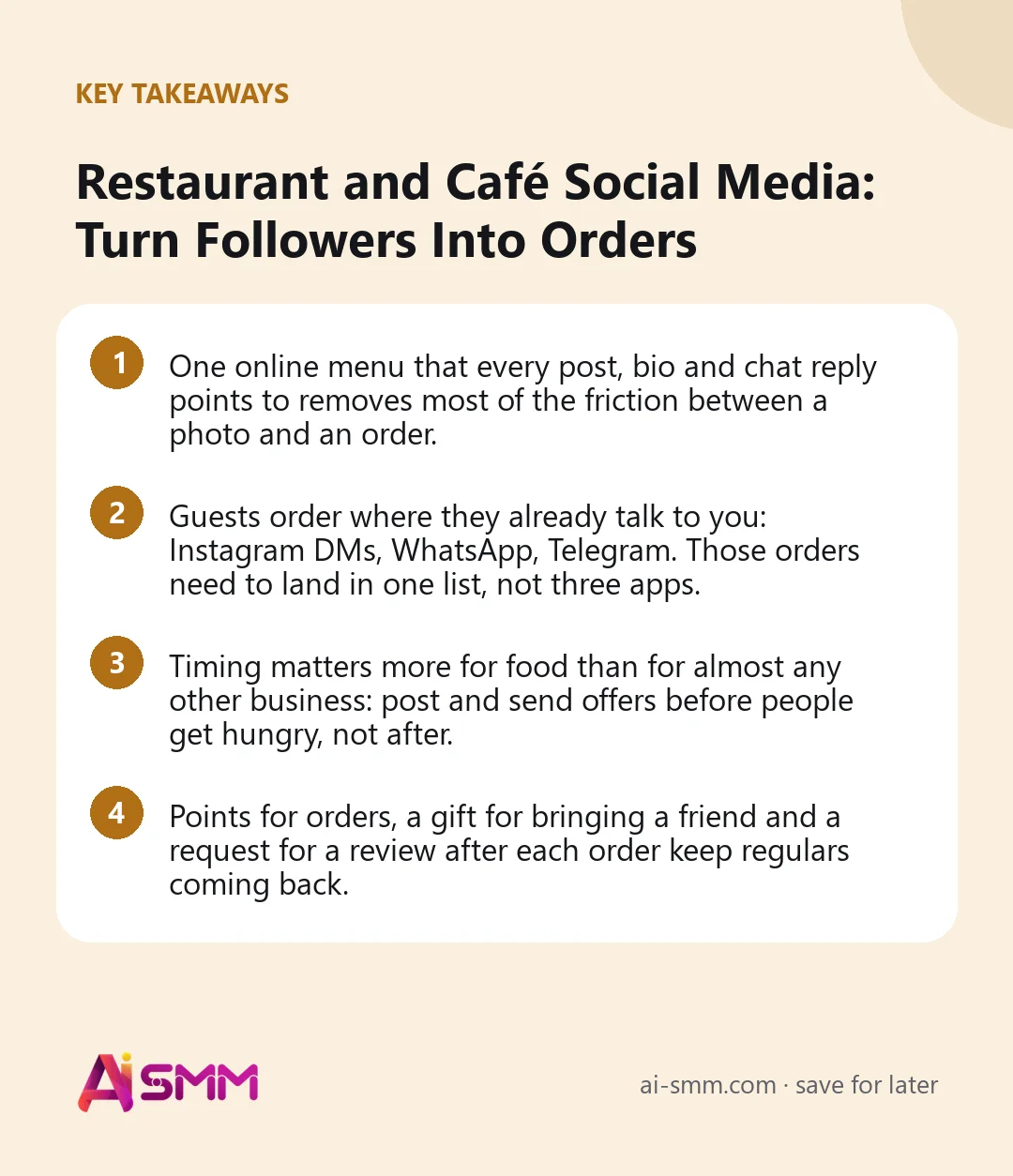
- One online menu that every post, bio and chat reply points to removes most of the friction between a photo and an order.
- Guests order where they already talk to you: Instagram DMs, WhatsApp, Telegram. Those orders need to land in one list, not three apps.
- Timing matters more for food than for almost any other business: post and send offers before people get hungry, not after.
- Points for orders, a gift for bringing a friend and a request for a review after each order keep regulars coming back.
1. Find where followers drop off before ordering
Before posting more, trace what a hungry follower actually has to do to order from you today. For many cafés the path looks like this: see a post, tap the profile, find no menu link, send a DM asking for the menu, wait, receive a photo of a paper menu, ask about delivery, wait again, give up and open an aggregator app. Every “wait” in that chain loses a share of the people who started it.
Questions to ask yourself
- Can someone see the menu with prices in one tap from your profile?
- Do they learn whether you deliver to them, and for how much, before they write to you?
- How long does a DM asking “are you open?” wait for an answer at lunchtime?
- If a dish has run out, does the guest find out before or after they order it?
Each “no” is a leak worth fixing before you invest in more content.
2. Put one menu online and point everything at it
The foundation is a single online menu that works on a phone: categories, photos, prices, delivery and pickup, and checkout. Every other channel, the bio link, a Story, a reply in WhatsApp, points to the same place, so you update prices and dishes once instead of in five places.
What a good online menu includes
- Photos of the actual dishes. Not stock images; guests order what they can see.
- Delivery zones with their own price and minimum order. A guest across town sees the real delivery fee before they fill the cart.
- A stop list. When the kitchen runs out of a dish, switch it off for the day so nobody orders it and gets an apologetic call.
- Online payment. Paying at checkout means fewer abandoned orders and no cash confusion at the door.
- Reviews and a help page. Answers about allergens, portion sizes and delivery times save messages before the order.
If you already list your menu on a delivery aggregator, check whether it can be imported instead of being retyped dish by dish.
3. Take orders where guests already write to you
Some guests will always prefer to message rather than fill a cart, especially regulars who “just want the usual” or office managers ordering for a team. Fighting that habit loses orders. The better approach is to accept orders in chats and make sure they do not get lost.
How to organize chat orders
- One list for all channels. Orders from Instagram DMs, WhatsApp and Telegram should land in one queue with a status, so the person on shift checks one screen during the rush.
- An instant first reply. A guest who writes “menu?” gets the menu link immediately, even when nobody is free to type.
- A payment link in the chat. An order started in a conversation can finish with an online payment link, so the guest does not need to switch channels.
- Answers to the repeat questions. Opening hours, delivery area, “is the soup vegetarian?” can be answered from one set of facts you keep up to date.
Comments work too. Under a post about a new dish, ask people to comment “menu” and send them the link in DMs automatically. The public reply shows others that you answer, and the DM moves the conversation somewhere an order can happen.
4. Post food content that makes people hungry at the right hour
Food content has a timing advantage no other niche has: you know exactly when your audience gets hungry. A lunch post at 11:00 catches people planning their break; the same post at 14:30 reaches people who have already eaten.
| Day | Post idea | Best timing |
|---|---|---|
| Monday | This week’s lunch special with price | Late morning |
| Tuesday | Kitchen behind the scenes: dough, prep, the chef | Evening, as a Reel |
| Wednesday | A guest’s photo or review, reposted with permission | Midday |
| Thursday | New dish or seasonal item | Before dinner |
| Friday | Weekend offer or family set | Afternoon |
| Weekend | Story poll: which dish comes back next month? | Any time |
Photo tips that work on a phone
- Shoot by a window in daylight; kitchen light turns food yellow.
- Show texture up close: the melted cheese, the crust, the steam.
- Film ten seconds of something moving, a pour, a cut, a sizzle. Short clips reach people who do not follow you yet.
- Keep one consistent look (plate, table, angle) so your posts are recognizable in the feed.
Scheduling the week’s posts on Monday means the lunch post goes out at 11:00 even when the owner is in the kitchen.
5. Run promos without training guests to wait for discounts
Constant discounts teach guests to order only when there is a deal. Promos work better when they solve a specific problem: a slow afternoon, a new dish nobody has tried, a first order from someone who has never visited.
- Slow-hour offers. A push notification about a discount on hot drinks on a rainy, quiet afternoon fills a gap without cutting prices at peak hours.
- Lunch sets. A fixed-price combo is easier to decide on than a full menu, especially for office orders.
- First-order incentive. A small welcome discount on your site for a first visit gives a new guest a reason to try you today.
- Launch tastings. A reduced price on a new dish for its first week, announced in posts and chats, gets it tried and reviewed.
6. Reward regulars and their friends
For most cafés and delivery kitchens, regulars bring a large share of revenue. A paper punch card is better than nothing, but it gets lost, and you learn nothing from it. A loyalty program that lives in the chat is harder to lose and easier to track.
- Points for each order, saved on the guest’s contact card, with a reward at a threshold you set.
- A personal referral link the guest can share, with a small gift for both sides when the friend actually orders.
- A birthday or anniversary message with a treat, if you collect the date with the guest’s consent.
Tie rewards to real orders rather than clicks, so the program rewards guests who actually bring value.
7. Collect reviews after the order and answer every one
New guests read reviews before trying a place. The simplest way to get more of them is to ask at the right moment: shortly after the order arrives, while the meal is fresh in memory. A short message after delivery with a thank-you and a request for a rating collects far more reviews than a sign by the till.
Answer negative reviews quickly and specifically. “Sorry the pizza arrived cold, we have changed how we pack it for your area” shows other readers that complaints lead to changes. Never offer a discount in exchange for a positive review; it breaks the rules of most review platforms and readers can tell.
8. Keep aggregators for discovery, move regulars to your own channel
Delivery aggregators bring guests who have never heard of you, and for many kitchens they are worth their commission for that alone. The cost adds up when regulars who already love you keep ordering through the aggregator out of habit. A practical balance: stay on the aggregator for discovery, and give guests who follow you on social media a reason to order directly, such as loyalty points, a lunch set that is only on your own menu or faster answers in chat.
Worked example: a neighborhood café fixes the lunch rush
Say a café with twelve tables and a delivery radius of a few kilometers gets orders by phone, Instagram DMs and WhatsApp. During lunch, messages pile up unanswered and the owner finds orders from 12:30 at 13:15. After setting up an online menu with delivery zones and a stop list, every “menu?” message gets the link instantly, and orders from Instagram and WhatsApp land in one list with statuses.
On Monday the owner schedules the week’s posts: a lunch post at 11:00 every weekday, a Reel from the kitchen on Tuesday, a new soup on Thursday. When the soup sells out on Thursday afternoon, it goes on the stop list and disappears from the menu. After each delivery, guests get a thank-you with a request for a review, and every order adds points to their card. On a slow rainy Friday, a push about a hot-drinks discount brings a noticeable afternoon bump.
Common mistakes cafés make on social media
- No menu link in the bio, so every order starts with a DM and a wait.
- A photo of a paper menu sent in chat, which cannot be updated and cannot take an order.
- Posting food at the wrong hour, after people have already eaten.
- Orders scattered across three apps, with some found an hour late.
- Constant discounts that train guests to wait for a deal.
- Ignoring negative reviews, which new guests read more closely than positive ones.
How this works in AI SMM
The online store has a restaurant and food delivery type: a menu with photos, delivery zones with their own price and minimum order, a stop list you switch in one click, a courier connection and online payments, plus catalog import from Yandex Eats. Orders and questions from Instagram and WhatsApp come into one inbox, and AI answers the repeat questions from your knowledge base. Web push sends today’s offer to guests who visited your menu, and gamification adds points for orders and a gift for a friend. The page for cafés and food delivery shows the full setup.
FAQ
Can delivery zones have different prices?
Yes. Each zone gets its own delivery price and minimum order amount, so guests see the real cost before checkout.
Can a guest pay online after ordering in WhatsApp?
Yes. An order started in a chat can be finished with an online payment link sent in the same conversation.
What happens when a dish runs out?
Switch it off on the stop list for the day and it disappears from the menu everywhere the menu is linked.
Do guests need to install an app for the loyalty program?
No. Points are saved on the guest’s contact card and the program runs inside the chat they already use.
If your followers love your food but order somewhere else, start with one menu they can open in a tap: set up your online menu and ordering and point every post and chat reply at it.
Posts, chats, video and sales in one workspace. 7 days free.
Start free