AI SMM team
If you want to know how to sell on Instagram, the short answer is: make it obvious what you sell, show it in formats people actually watch, answer questions within minutes, and give the buyer a checkout path of two or three taps. Most small shops on Instagram fail at the last two steps, not the first. Beautiful photos get saved, “price?” comments pile up, and the buyer who was ready at 11 pm drifts away before anyone replies. This guide walks through the whole chain, from profile to paid order to the second purchase.
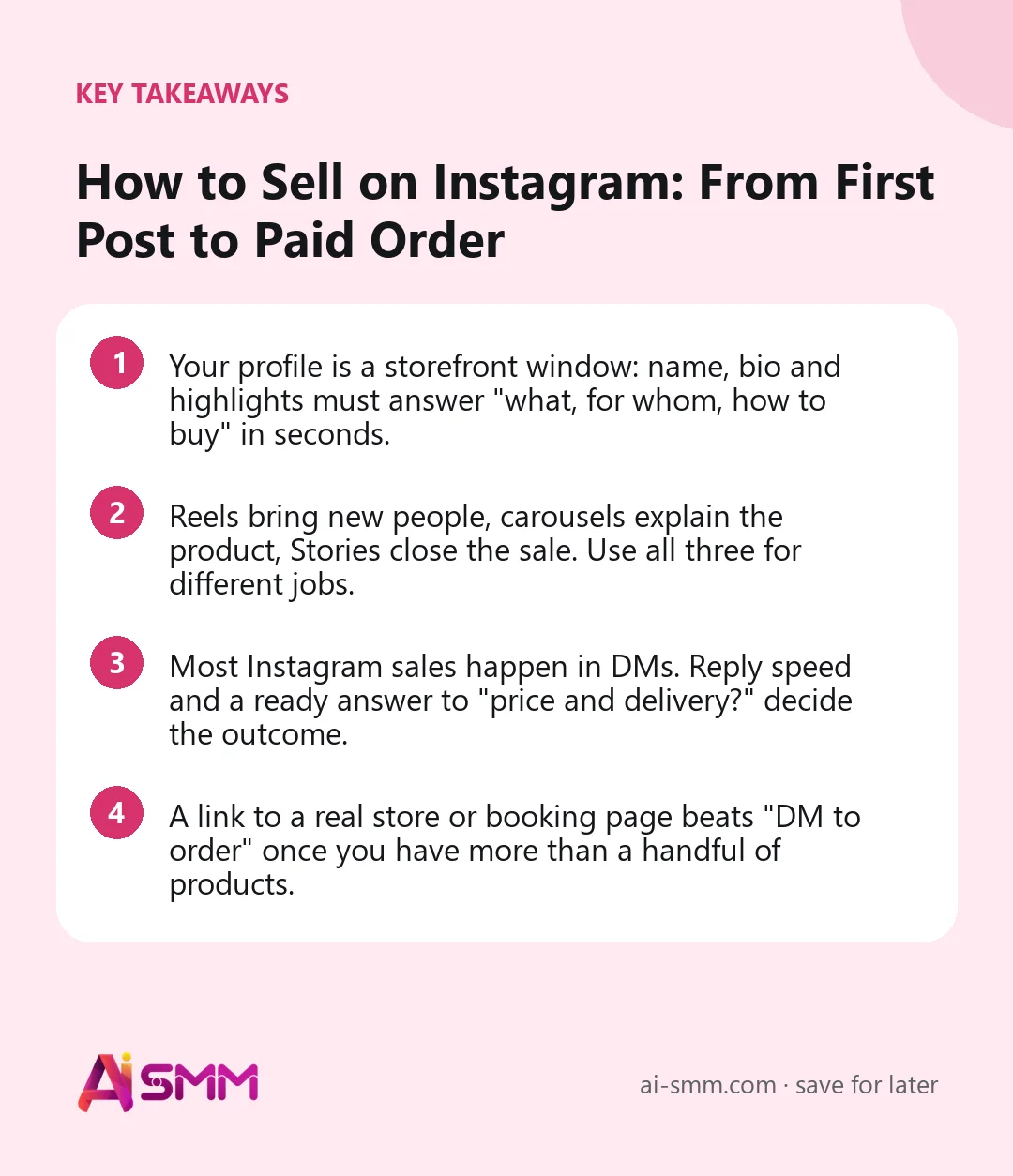
- Your profile is a storefront window: name, bio and highlights must answer “what, for whom, how to buy” in seconds.
- Reels bring new people, carousels explain the product, Stories close the sale. Use all three for different jobs.
- Most Instagram sales happen in DMs. Reply speed and a ready answer to “price and delivery?” decide the outcome.
- A link to a real store or booking page beats “DM to order” once you have more than a handful of products.
1. Decide what you are actually selling on Instagram
Before touching the profile, be honest about the model. Instagram works differently for three kinds of sellers:
- Products with a clear price: clothing, cosmetics, home goods, handmade items. The job is to shorten the path from “I like it” to “paid”.
- Services with booking: salons, studios, tutors, clinics. The job is to turn interest into an appointment on the calendar.
- Expertise and higher-ticket offers: consultations, courses, B2B services. The job is to build trust first and then start a conversation.
Everything below applies to all three, but the checkout step differs: a store link for products, a booking page for services, a conversation and a proposal for expertise. Picking one primary path keeps your bio and your calls to action focused.
2. Set up the profile like a shop window
Use a professional (business or creator) account so you get insights and contact options. Then check each element:
- Name field: include what you sell, not just the brand. “Mila Knits | Merino sweaters” is searchable, “Mila” is not.
- Bio: three short lines. What you sell, what makes it different, how to order. “Hand-knit merino sweaters. Made to your measurements in 10 days. Order via link below.”
- Link: one link to a page that holds the store, contacts and answers to common questions.
- Highlights: Prices, Reviews, Delivery, How to order. These four answer most questions before they are asked.
Ask a friend who has never seen your account to look at it for five seconds and tell you what you sell and how to buy. If they hesitate, rewrite.
3. Content that sells without shouting
A feed of product photos on white backgrounds looks like a catalog nobody asked for. Selling content shows the product in use, answers doubts and gives a reason to act now. Assign each format a job:
| Format | Main job | Example for a small shop |
|---|---|---|
| Reels | Reach new people | 15 seconds of a sweater being knitted, ending on the finished piece |
| Carousels | Explain and convince | “How to choose your size”: five slides with measurements and fit photos |
| Stories | Close the sale | “Three left in grey”, a poll on the next color, a link sticker to order |
| Feed photos | Keep the grid trustworthy | Customer photos, detail shots, the workspace |
A simple weekly rhythm for a one-person shop: two Reels, one or two carousels, Stories on most days. It is better to keep this pace for three months than to post daily for two weeks and disappear.
Show the price
Hiding prices to “start a conversation” mostly starts frustration. People who cannot see a price often scroll on. Put the price or a range in the caption or on the last carousel slide. The ones who still write to you are the ones ready to buy.
Answer the objections in advance
List the five questions you hear most often (“Does it shrink?”, “How long is delivery?”, “Can I return it?”) and make one post or slide for each. Those posts do quiet sales work for months.
4. Turn comments into conversations
Comments like “price?”, “how to order?” or “do you have it in blue?” are buying signals sitting in public. Reply to every one, fast. A public reply shows other readers that you are responsive, and a DM lets you send the details, photos and a link.
When a post takes off, replying by hand stops scaling. That is the moment to set up a comment-to-DM flow: someone comments a keyword, gets a short public reply, and immediately receives a DM with the price list or product link. You can also invite this on purpose: “Comment SIZE and we’ll send you the fit guide.”
5. Sell in DMs without losing the thread
For most small businesses, the real checkout on Instagram happens in direct messages. A few habits make that conversation convert:
- Reply within minutes when possible. The person asking at night is often the most motivated buyer of the day.
- Answer the question, then ask one. “Yes, it’s in stock in grey and navy, 89 EUR. Which size do you usually wear?”
- Send the link, not a paragraph. Once the choice is made, a product link or booking link is faster than writing out delivery terms.
- Confirm and thank. A short message after the order builds the trust that brings the second purchase.
Keep a note of the standard answers (prices, delivery times, returns) so anyone on the team gives the same answer. Even better, put them in one place that AI can use to draft replies, so the first answer is instant and a person only steps in for unusual requests.
6. Give buyers a short path to checkout
“DM to order” works for a handful of products. Past that, every order becomes a long exchange of photos, sizes and addresses. The fix is a storefront the buyer can open straight from your bio or a Story link: categories, product pages, a cart, delivery options and payment.
Instagram’s own shopping features vary by country and category, so many small sellers simply link to a store of their own. The advantage is that the customer relationship stays with you: you know who bought, you can send them a promo later, and you are not dependent on one platform’s settings.
For services, the equivalent is a booking page where the client picks a service, a specialist and a time. For expertise, it is a short form or a calendar link for a first call.
7. Use social proof you already have
People buy when they see that others like them bought and were happy. You probably already have the material:
- Screenshots of thank-you messages (with the customer’s permission, and names hidden if they prefer).
- Customer photos wearing or using the product. Ask for them in the post-purchase message.
- A “Reviews” highlight updated every week or two.
- Numbers that are true and simple: “Over 300 sweaters knitted since 2022.”
Repost customer content with credit. It fills your feed with real-life shots, and the customer often shares your repost with their friends.
8. Bring buyers back for the second order
The first sale is the expensive one. The second should cost almost nothing, yet many Instagram sellers never ask for it. A few simple moves:
- A thank-you message a few days after delivery with care tips and a small discount on the next order.
- Early access to new drops for past buyers before the public post goes out.
- A seasonal reminder: “Last winter you ordered the grey sweater. The new wool scarves match it.”
This requires knowing who bought what, which is another reason to keep orders and contacts in one place rather than scattered across DM threads.
9. Check what actually sells
Likes are a weak signal of sales. Look at what happens after the post:
- Saves and shares on product posts often predict demand better than likes.
- DMs and comments with buying questions per post show which content starts sales conversations.
- Link clicks and orders in the days after a post show what actually converted.
- Posting time: compare when your own audience is most active instead of copying generic “best time” charts.
Once a month, list your three best-selling posts and make three new ones in the same pattern.
10. Doing this in AI SMM
AI SMM covers the chain from post to order for Instagram. Feed posts, carousels, Reels and Stories go into one calendar, with captions from the AI content studio written in your brand’s tone. The comment-to-DM template in chat automation replies publicly and sends the price list to DMs right away, and comments and DMs land in one inbox where AI drafts replies from your knowledge base. The online store gives you a storefront with a cart, delivery zones and payments that opens from your bio link or a Story, and Instagram analytics shows followers, reach, engagement and the hours your own audience is most active.
11. Mistakes that quietly kill Instagram sales
Most accounts that “do not sell” are not short on followers or pretty photos. They lose buyers in small, fixable places:
- “Price in DM”. It feels like a way to start conversations, but most people will not write just to learn a number. Publish the price or a range.
- A bio link to a homepage. A buyer who tapped a Story about one product lands on a generic page and has to search again. Link to the product, the collection or a page built for Instagram visitors.
- Replies the next day. The evening is when many people browse and decide. An automatic first answer bridges the gap until you are back.
- Only product shots. Without process, people and results, the feed looks like a catalog and gives nobody a reason to follow.
- No plan for returning buyers. Every order that is not followed by a thank-you and a reason to come back is a customer you will have to win again at full cost.
- Posting in bursts. Ten posts in a launch week and then silence for a month teaches the audience to forget you. A modest, steady rhythm sells more over a season.
Fixing even two of these usually does more for sales than a new batch of content. Go through the list once a quarter and look at your own account as a stranger would, on a phone, starting from a random Reel.
FAQ
Do I need a lot of followers to sell on Instagram?
No. A small account with a clear offer, visible prices and fast replies often sells more than a large one without them. What matters is that the right people see your posts and can buy easily.
Should I put prices in my Instagram posts?
In most cases, yes. A price or a range filters out people who are not ready and makes the ones who are ready more likely to message or buy right away.
Can I sell on Instagram without a website?
Yes. A store page or a booking page linked from your bio can replace a separate website for most small businesses, as long as it has a cart or booking, delivery details and payment.
How fast should I reply to Instagram DMs?
As fast as you realistically can, ideally within minutes during working hours. An automatic first answer to common questions covers evenings and busy days without making the conversation feel robotic.
Want your Instagram to take orders, not just collect likes? Open your online store in AI SMM, put the link in your bio and connect comments and DMs to one inbox.
Posts, chats, video and sales in one workspace. 7 days free.
Start free