AI SMM team
Instagram Stories are full-screen photos and short videos that disappear after 24 hours and appear at the top of your followers’ feed. For a small business they do a different job than Reels: Reels bring new people, Stories keep the people you already have close, remind them you exist and turn casual followers into clients through replies and links. This Instagram Stories guide explains how to build a sequence people tap through, which stickers to use for what, how often to post, how to sell without pressure and which numbers to check. For a long list of topics, see our Instagram story ideas.
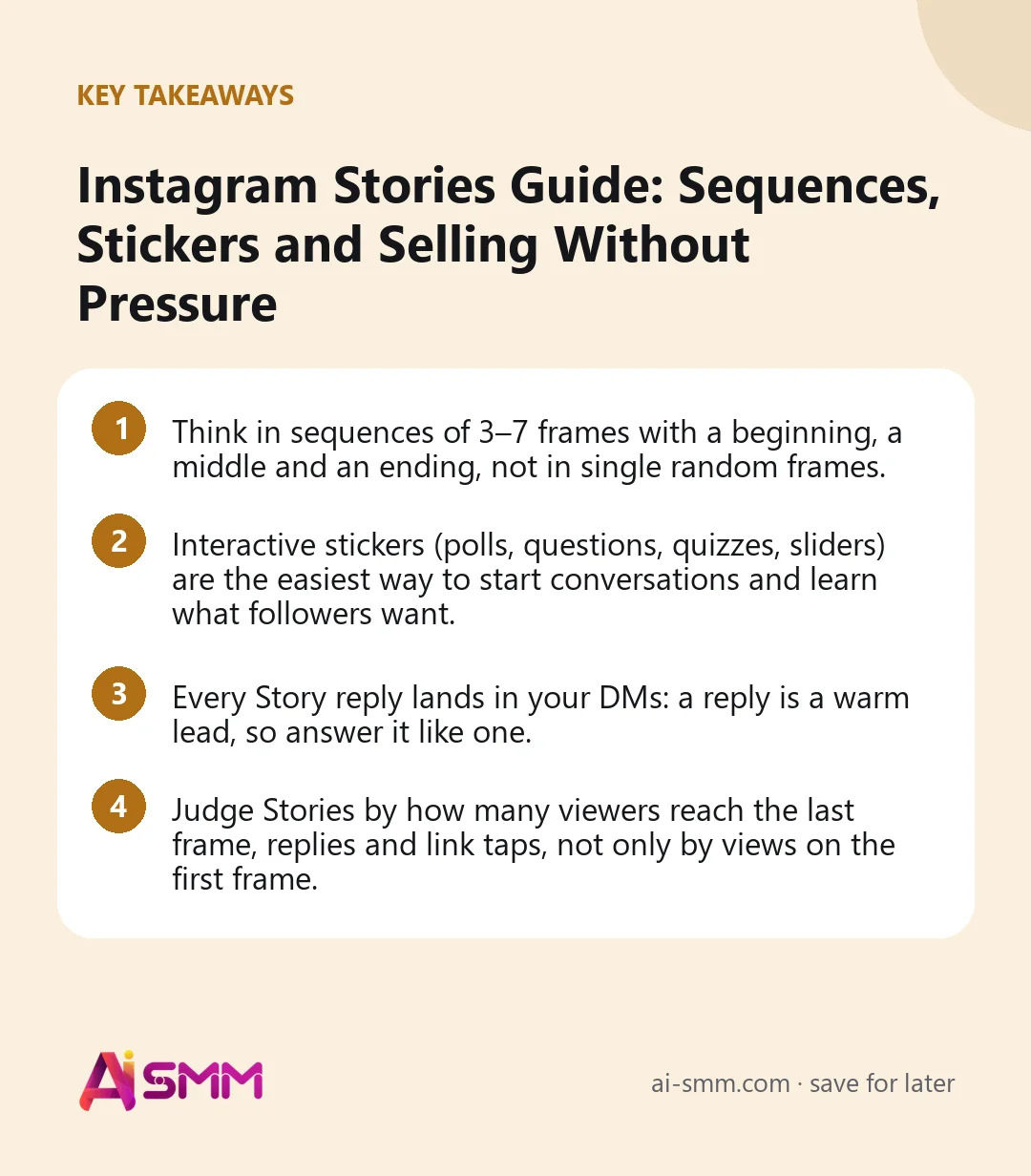
- Think in sequences of 3–7 frames with a beginning, a middle and an ending, not in single random frames.
- Interactive stickers (polls, questions, quizzes, sliders) are the easiest way to start conversations and learn what followers want.
- Every Story reply lands in your DMs: a reply is a warm lead, so answer it like one.
- Judge Stories by how many viewers reach the last frame, replies and link taps, not only by views on the first frame.
What Instagram Stories are good for
Stories are seen mostly by people who already follow you and have interacted with you recently. That makes them the right place for:
- Everyday presence: the morning set-up, a finished order, a new delivery. Small, frequent reminders that you are open and active.
- Two-way conversation: polls, questions and quizzes that followers answer with one tap.
- Soft selling: free slots today, a product back in stock, a limited offer with a link.
- Trust: behind the scenes, the people on the team, reviews and client reposts.
- Research: asking followers which option they prefer before you launch it.
Stories are weaker at reaching new audiences. If growth is the main goal, combine them with Reels and collabs; Stories then convert the new followers those formats bring.
Instagram Stories format basics
| Parameter | What to use |
|---|---|
| Size | 9:16 vertical, 1080 × 1920 px |
| Video length | Up to 60 seconds per frame; longer videos are split into several frames |
| Lifetime | 24 hours, then in your archive; save the best ones to Highlights |
| Safe zone | Keep text and stickers away from the top and bottom edges, where the profile name and reply bar sit |
| Text | A few words per frame, large and high-contrast, on screen long enough to read |
| Sound | Add captions to talking videos; many people watch Stories muted |
How to build a Stories sequence people watch to the end
A viewer decides on each frame whether to tap forward, go back or leave. A sequence with a clear arc keeps them. Use this simple shape:
- Opening frame: a reason to keep watching. “Three things we learned from 200 wedding cakes.” “Guess the price of this bouquet.”
- Middle frames: the content itself, one point per frame. Mix photos, short videos and text so the pace changes.
- Interactive frame: a poll, quiz or question sticker that gives the viewer something to do.
- Closing frame: one action: reply, tap the link, book, check the Highlight.
Most sequences for a small business work best at three to seven frames. If you need more, split them into two sequences at different times of the day.
Instagram Stories stickers and when to use them
| Sticker | What it is good for | Example |
|---|---|---|
| Poll | Quick opinions, choosing between options, warming up the audience | “Which colour for the autumn collection: A or B?” |
| Quiz | Playful education, myth-busting | “How long does a gel manicure really last?” |
| Question box | Collecting questions for posts, Q&A sessions, feedback | “Ask our barista anything about coffee at home” |
| Emoji slider | Measuring enthusiasm in a light way | “How much do you want this cake?” |
| Link | Sending people to booking, a product or a page | “Two free slots on Friday, book here” |
| Countdown | Launches, events, end of an offer; followers can set a reminder | “New menu in 3 days” |
| Mention and location | Crediting partners and clients, local discovery | Reposting a client’s photo with a thank-you |
| “Add yours” type prompts | Inviting followers to share their own photo on a theme | “Show your morning coffee” |
Use at most one or two interactive stickers per sequence. One clear question gets more answers than three competing ones.
How often to post Stories
There is no fixed rule, but a realistic rhythm for a small business is Stories on most days, with one or two sequences of three to seven frames. Consistency matters more than volume: your account appears near the front of the Stories row for people who watch you regularly, and long gaps break that habit.
A weekly rhythm that is easy to keep:
- Monday: plans for the week, free slots or new stock.
- Midweek: behind the scenes plus one interactive sticker.
- Thursday or Friday: proof (reviews, results, client reposts) and an offer with a link.
- Weekend: something light and personal, or nothing at all if your audience is offline.
How to sell in Stories without pushing
Stories sell best when the offer follows naturally from what came before. A simple selling sequence:
- Problem: “Most people choose their wedding cake two weeks before the wedding.”
- Proof: a photo of a finished cake and a short client review.
- Interaction: a poll: “When did you order yours?”
- Offer: “We have three dates left in June.”
- Action: a link sticker to the order form or “reply with the date and we will check”.
Keep selling sequences to one or two a week. The other days build the trust that makes those sequences work.
Close Friends and Highlights
Close Friends
The Close Friends list lets you show a Story only to selected people. Businesses use it for regular clients or members: early access to new products, a special price, first pick of free slots. Keep the list meaningful; if everyone is on it, it stops feeling special.
Highlights
Highlights keep chosen Stories on your profile permanently. They work as a mini website for newcomers: prices, works, reviews, how to order, delivery, location, FAQ. Update them when prices or rules change and put the most important ones first. If you want the row to look tidy, our guide to Instagram Highlight covers shows how to design them.
Answer Story replies like the leads they are
When someone replies to a Story, reacts with an emoji or answers a question sticker, it arrives in your Instagram DMs. These are warm contacts: they watched, cared enough to reply and are already talking to you. A few habits pay off:
- Reply the same day, ideally within hours, and continue the conversation with a question.
- Thank people for poll and quiz answers when a sticker sparks real interest.
- Prepare short ready answers for recurring questions (price, availability, delivery), then personalise them.
- Note who asks about what; people who asked about a product are the first to tell when it is back in stock.
Instagram Stories metrics to check
| Metric | What it tells you | What to do |
|---|---|---|
| Views of the first frame | How many followers see your Stories at all | If it falls, post more regularly and use interactive stickers |
| Drop-off to the last frame | Whether the sequence holds attention | Find the frame where most people leave and shorten or replace it |
| Taps forward | Frames that are too long or not interesting | Less text, faster pace |
| Taps back | Frames people want to see again (or could not read in time) | Repeat the topic; give text more time |
| Exits | Where people stopped watching Stories entirely | Check that frame: boring, confusing or too salesy? |
| Replies and sticker answers | How engaged followers are | More questions and polls on topics that got answers |
| Link taps | Whether Stories send people to buy or book | Clearer offer, better link placement, a reason to tap now |
Compare sequences with each other, not single frames. Track what share of first-frame viewers reach the last frame and compare it with your own usual level; if you regularly lose most viewers after frame two, the openings need work.
Plan Stories without losing their live feel
Stories feel best when they are spontaneous, but planning saves time. A balance that works:
- Plan ahead: announcements, offers, educational sequences, reminders of events. These can be prepared and scheduled.
- Shoot live: today’s work, reactions, weather, what just arrived. These lose their value if they are late.
- Keep templates: two or three branded backgrounds for text frames, so “free slots” or “question of the day” takes one minute.
Example: one week of Stories for a nail studio
An illustrative week for a studio with two masters that wants to fill free slots and keep regulars coming back:
| Day | Sequence | Goal |
|---|---|---|
| Monday | Free slots this week (1 frame), a finished set from Saturday (1 frame), link sticker to booking | Bookings |
| Tuesday | Poll: “Short or long for autumn?”, then the results with two photos | Conversation, ideas for posts |
| Wednesday | Behind the scenes: sterilising tools, 3 short frames with text | Trust |
| Thursday | Quiz: “How long does gel polish last?”, answer frame with a care tip | Education, replies |
| Friday | Client repost with thanks, review screenshot, “two slots left on Saturday” | Proof and last-minute bookings |
Five short sequences, about 15 minutes a day, and every one ends with something to do. At the end of the week, check which sequence got the most replies and link taps and do more of that next week.
Common Instagram Stories mistakes
- Fifteen frames in a row. Viewers tap through or leave; split long content into two sequences.
- Only reposts. A row of reposts of your own feed posts gives followers no reason to watch Stories.
- Tiny text in corners. If it cannot be read in two seconds on a phone, it is not read.
- Links with no reason. “Link here” without saying what is there and why now gets few taps.
- Ignoring replies. A reply left unanswered for two days is a lost client.
- Outdated Highlights. Old prices and closed offers make a new visitor doubt everything else.
How to run Instagram Stories in AI SMM
In AI SMM you can prepare planned Stories in the AI content studio, which creates ready-made stories in your brand’s style, and schedule them to Instagram in the content calendar next to your Reels and posts. Replies to Stories come in as Instagram DMs, and those land in the unified inbox with AI reply drafts based on your prices and rules.
For link stickers, a link in bio page or a booking page gives followers a mobile-friendly place to go: all options on one page, or a direct way to pick a service and a time.
FAQ
How many Instagram Stories should I post a day?
For most small businesses one or two sequences of three to seven frames is plenty. More frames make sense only when each one adds something new.
Can I see who viewed my Stories?
Yes, while a Story is live and for a while in the archive you can see the list of viewers. For sequences, the aggregated statistics (forward taps, exits, replies, link taps) are more useful than the list itself.
Do Stories affect reach of my other posts?
Indirectly. Regular Stories that people reply to keep your followers interacting with you, and accounts people interact with tend to be shown to them more across formats.
Should Stories look polished?
Clean and readable, yes; produced like an advert, no. Simple phone shots with clear text usually feel more natural and get more replies than heavily designed frames.
Plan one sequence for tomorrow using the four-part shape and add one poll. When you want to schedule Stories with your other posts and answer every reply from one inbox, try AI SMM with your Instagram account.
Posts, chats, video and sales in one workspace. 7 days free.
Start free