AI SMM team
To schedule Instagram posts, switch to a professional account, prepare the photo, carousel, Reel or Story with its caption, then pick a date and time either in the Instagram app, in Meta Business Suite or in a social media scheduler that publishes for you. The method matters less than the habit: most small businesses post irregularly not because they lack ideas, but because posting depends on someone remembering to do it at 7 pm on a Tuesday. This guide shows every way to schedule Instagram posts, what each one can and cannot do, and how to build a weekly routine that actually holds.
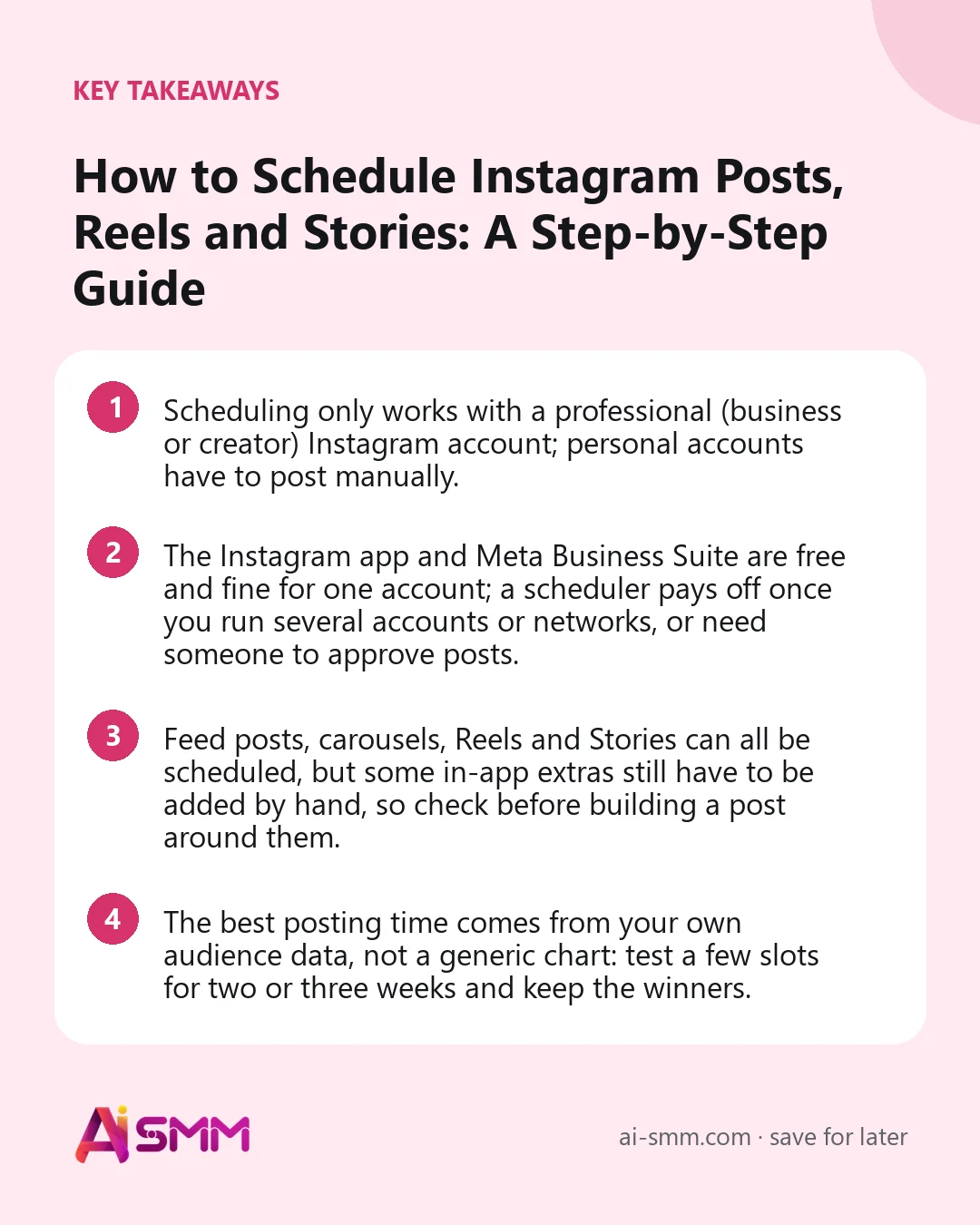
- Scheduling only works with a professional (business or creator) Instagram account; personal accounts have to post manually.
- The Instagram app and Meta Business Suite are free and fine for one account; a scheduler pays off once you run several accounts or networks, or need someone to approve posts.
- Feed posts, carousels, Reels and Stories can all be scheduled, but some in-app extras still have to be added by hand, so check before building a post around them.
- The best posting time comes from your own audience data, not a generic chart: test a few slots for two or three weeks and keep the winners.
Can you schedule Instagram posts? What is possible in 2026
Yes. Instagram lets professional accounts schedule content ahead of time, and Meta allows approved third-party tools to publish on your behalf. In practice you have three routes, and they differ in how many accounts they handle, whether a colleague or client can approve a post, and whether the same calendar also covers your other networks.
| Method | What you can schedule | Several networks | Team approval | Best for |
|---|---|---|---|---|
| Instagram app | Feed posts, carousels, Reels | No | No | A solo owner posting a few times a week |
| Meta Business Suite | Instagram and Facebook posts, Reels, Stories | Instagram and Facebook only | Basic roles | Businesses that live on Meta platforms only |
| Social media scheduler | Feed posts, carousels, Reels, Stories | Yes, plus TikTok, Telegram, Threads and others | Yes, depending on the tool | Several accounts, several networks, agencies |
Menus inside Meta’s own apps change often, so treat the steps below as the general path rather than exact button names.
1. Switch to a professional account first
Scheduling, insights and third-party publishing all require a professional account. In the Instagram app, open your profile settings, find the account type section and switch to a professional account, choosing business or creator. It is free, takes a minute and does not delete anything. A business account is the safer choice for a company because it is what most publishing tools expect, and it unlocks contact buttons on your profile.
If you plan to use Meta Business Suite, you will also be asked to connect the Instagram account to a Facebook Page. Many schedulers connect directly through your Instagram business login and guide you through any linking Instagram itself requires.
2. How to schedule Instagram posts in the Instagram app
The built-in option is the quickest way to try scheduling without any extra tool.
- Tap the plus button and create a post, carousel or Reel as usual: media, edits, caption, tags, location.
- On the final screen before sharing, open the extra options (usually labelled advanced or more options).
- Turn on the schedule toggle and pick the date and time.
- Confirm. The post now waits in the scheduled content section of your profile, where you can edit, reschedule or delete it.
The limits show up quickly: you work on a phone, one account at a time, with no overview of the week, and nobody else can review a caption before it goes out. For a single account posting two or three times a week that is often enough.
3. Scheduling in Meta Business Suite
Meta Business Suite (and the Planner inside it) works in a browser, which makes writing long captions and uploading files from a computer far easier. You can create a post once and send it to both your Instagram account and your Facebook Page, schedule Stories, and see a calendar of what is planned.
It stops being enough when your business also posts to TikTok, Telegram, YouTube or LinkedIn, because those need separate tools and separate calendars. It also gives you no simple way for an owner or a client to approve a post from their phone before it is published, which is where most agency and team delays come from.
4. Prepare content before you open any scheduler
Most scheduling failures are not technical. They are posts that were never finished: a missing cover for a Reel, a carousel with one slide in the wrong ratio, a caption that ends with “link in bio” when the bio link was never updated. Prepare each piece against the current specs first.
| Format | Recommended size | Notes |
|---|---|---|
| Feed photo | 1080 × 1350 px (4:5) | Takes more screen space than a square |
| Carousel | 1080 × 1350 px, same ratio on all slides | Up to 20 slides at the time of writing; the first slide sets the ratio |
| Reel | 1080 × 1920 px (9:16) | Keep text away from the bottom, where the caption and buttons sit |
| Story | 1080 × 1920 px (9:16) | Leave the top and bottom edges clear for profile name and reply bar |
| Caption | Up to 2,200 characters | Only the first line or two show before “more”, so lead with the point |
On hashtags, Instagram has been reducing how many it allows and how much weight they carry, so three to five precise tags describing the post work better than a long block of generic ones. Put searchable words in the caption itself instead: Instagram search reads captions too.
One more check: some in-app extras, such as tracks from Instagram’s music library or certain interactive stickers, may not be available when a post is published through a tool. If a Reel depends on a trending sound, add it in the app or use your own audio.
5. Choose the best time to schedule Instagram posts
Every chart of “the best time to post on Instagram” is an average of millions of accounts that are not yours. A bakery whose customers scroll at 7 am and a bar whose customers scroll at 10 pm cannot share a posting time. What works reliably is a short experiment:
- Pick three candidate slots, for example a morning, a lunch and an evening time.
- Schedule posts of similar quality into those slots for two or three weeks.
- Compare reach, saves and replies per slot, not likes alone.
- Keep the two best slots, drop the weakest, and test one new slot next month.
In our experience the difference between a good and a bad slot is noticeable but smaller than the difference between a strong and a weak first line, so do not let timing tests delay the actual posting.
6. Build a weekly Instagram schedule you can keep
A schedule is only useful if it survives a busy week. Start with a rhythm you could sustain even in your worst month, then add to it. Here is a simple plan for a small business that has one to two hours a week for Instagram:
| Day | Format | Idea |
|---|---|---|
| Monday | Carousel | A how-to or a “3 mistakes” post related to your product or service |
| Wednesday | Reel | Behind the scenes, a process, a before and after |
| Friday | Feed photo or Reel | Offer, new arrival or client result |
| Daily, optional | Stories | Free slots, polls, reposts of client mentions |
Batch the work: write all captions in one sitting, shoot all photos and clips in another, then schedule the whole week at once. Switching between writing, shooting and posting every day is what eats the hours.
7. What to do after a scheduled post goes live
Scheduling handles the publishing, not the conversation. The first hour after a post goes out is when comments and DMs arrive, and a quick reply signals to both the person and the platform that the account is alive. Put a reminder on your phone for the posting time, or better, route comments and messages into one place so you see them without opening the app.
Also check the scheduled post itself once it is live: the cover of the Reel, the crop of the first carousel slide, whether the link sticker in a Story works. Five seconds of checking beats discovering a mistake a day later.
How to schedule Instagram posts in AI SMM
In AI SMM, Instagram sits in the same calendar as your other networks, so a week of posts is planned on one screen instead of in separate apps.
- Connect your Instagram business account. Publishing rights stay with your account.
- Create the post. Upload a photo, carousel, Reel or Story, or ask the AI content studio to draft the caption and image in your brand’s tone from a short brief. You can also upload a batch of photos and spread them across the week.
- Pick the time. The Best time tab in analytics suggests a window based on your own account’s history, not a generic chart.
- Get approval if needed. The owner or a client receives the post in a Telegram Mini App and approves, edits or rejects it in one tap; nothing is published without a yes.
- Let it publish. If a video is still processing or a file is missing, the calendar marks the post as failed with the reason, so you can fix it instead of noticing a gap days later.
After publishing, comments and DMs land in the shared inbox, and a comment can start a flow that answers publicly and continues in DM. The same calendar then covers Facebook, TikTok, Telegram, Threads and the other networks you run.
Common mistakes when scheduling Instagram posts
- Scheduling a month ahead and never looking at the calendar again, so a post about a sold-out offer still goes out.
- Copying the same caption to Instagram, Facebook and Threads without adjusting length and tone.
- Planning only feed photos, while Reels are the format that reaches people who do not follow you yet.
- Choosing a posting time from a generic chart and never testing it against your own numbers.
- Scheduling a post and not being around to answer the first comments.
- Uploading carousel slides in mixed ratios, so Instagram crops some of them.
FAQ
Can I schedule Instagram Stories?
Yes. Stories can be scheduled through Meta Business Suite and through schedulers that support them. Some interactive elements may need to be added in the app, so check the tool before planning a Story around a specific sticker.
Can I schedule Instagram posts with a personal account?
No. Scheduling and third-party publishing require a professional account. Switching is free and can be done in the account settings in about a minute.
Does scheduling hurt reach compared with posting manually?
There is no public evidence that Instagram penalizes posts published through approved tools. Reach depends on the content, the first lines of the caption and how fast people engage, not on the publishing method.
How far ahead should a small business schedule Instagram posts?
One to two weeks is a comfortable horizon. It is enough to stop daily posting stress but short enough that offers and news do not go stale before they are published.
If you want Instagram, Reels and Stories planned in the same place as the rest of your networks, try scheduling in AI SMM and fill next week’s calendar in one sitting.
Posts, chats, video and sales in one workspace. 7 days free.
Start free