AI SMM team
Most small business owners do not lack ideas for social media, they lack the hour a week it takes to turn ideas into scheduled posts with captions, images, and the right posting time. A month of content usually takes an evening or two of staring at a blank calendar. With a brand profile set once and an AI planner doing the first draft, the same month can go from brief to dated calendar in about an hour.
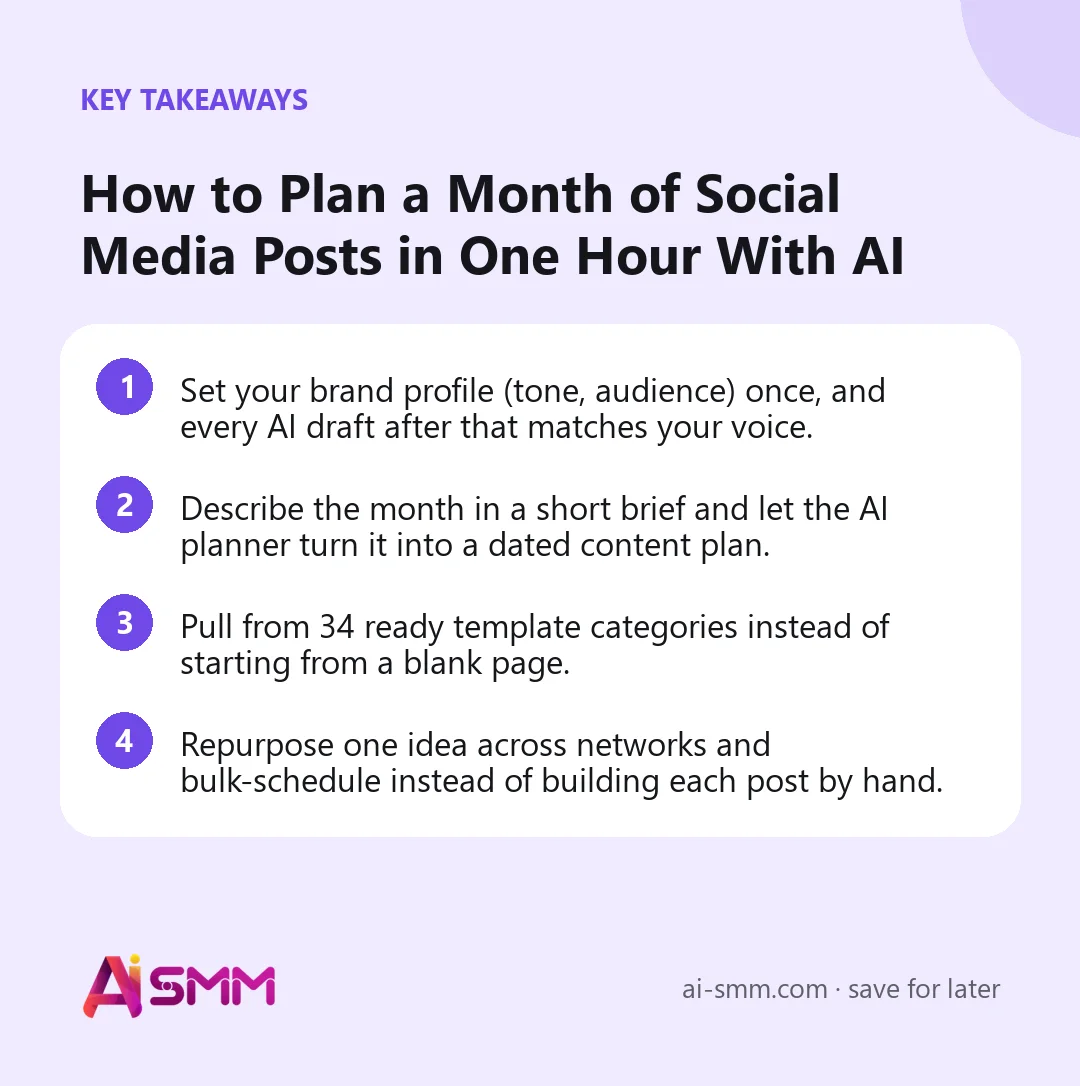
- Set your brand profile (tone, audience) once, and every AI draft after that matches your voice.
- Describe the month in a short brief and let the AI planner turn it into a dated content plan.
- Pull from 34 ready template categories instead of starting from a blank page.
- Repurpose one idea across networks and bulk-schedule instead of building each post by hand.
1. Set up the brand profile before you plan anything
The reason AI-written captions often sound generic is that the AI has nothing to go on. A brand profile fixes this: tone of voice (playful, formal, warm), target audience, main products or services, and things to avoid. Set it up once, and every AI draft afterward, from captions to full monthly plans, pulls from it automatically. This is the step people skip because it feels like setup rather than “real work,” and it is exactly the step that makes the rest of the process fast.
What to actually put in a brand profile
- Tone of voice: three or four words are usually enough, such as warm, direct, a little playful.
- Audience: who actually buys, not who might theoretically be interested. A dental practice’s audience is local families, not “everyone with teeth.”
- Main products or services: the two or three things you want mentioned most, not a full price list.
- Things to avoid: specific words, claims, or a tone that has fallen flat before.
2. Write a one-paragraph brief, not a full content strategy document
You do not need a formal content strategy to plan a month. A short brief is enough: what the business is promoting this month, any dates that matter (a sale, a holiday, a launch), and the mix you want between promotional and non-promotional posts. Hand that brief to the AI planner and it turns it into a dated plan across the weeks, spacing out post types instead of clustering five promotional posts on one day and nothing for a week after.
Example brief
“Beauty salon, promoting a new lash lift service launching mid-month, plus our usual mix of before/after photos and staff introductions. Keep it warm and approachable, avoid heavy sales language.”
3. Use template categories instead of a blank page
Even with a brief, a truly blank post editor slows people down. This is where the 34 template categories help: recipe-style structures for common post types (before/after, product spotlight, behind the scenes, customer question, seasonal tie-in, and more) that the AI planner and content tools draw from when filling in the month. Instead of inventing a new post format every time, you are choosing which proven structure fits this week’s update.
4. Repurpose instead of rewriting for every network
A tip that works well on Instagram rarely fits TikTok or LinkedIn without adjustment, but it also does not need to be written from scratch three times. Repurposing takes one core idea and reshapes it per network: a longer caption and carousel for Instagram, a shorter hook-first version for TikTok, a more professional framing for LinkedIn if the business posts there too. This is where an hour of planning covers a month across multiple networks instead of just one.
5. Batch the boring part with bulk posts
Once the plan is drafted, loading it into the calendar one post at a time undoes the time savings. Bulk post creation lets you load a week or a month of drafts in one pass, review them together, and adjust anything that reads slightly off before it goes live. This is also the point to double-check nothing sounds repetitive across the month, since AI drafts pulled from similar templates can start to echo each other if reviewed one at a time.
6. Let best time do the scheduling math
Picking a posting time by habit (“we always post at 9am”) is a reasonable starting point but not an optimized one. A best time feature looks at when an account’s audience is actually active and suggests slots accordingly, so the month’s worth of drafts get spread across times that are more likely to be seen rather than all clustered at the same hour.
7. Review before approving, especially the first month
AI-drafted content still needs a human pass, particularly in the first month while the brand profile is new. Read through for anything that misreads the brand’s tone, check that dates and product names are correct, and confirm images match captions. After a month or two of use, the review pass gets faster because the brand profile has effectively been fine-tuned by your corrections.
8. Adjust the plan mid-month instead of scrapping it
A month rarely goes exactly as planned. A slow-selling promotion, an unexpected event, or a supplier delay can all mean part of the calendar needs to shift. Because the plan already exists as a full month of dated drafts, adjusting it means editing or reordering a handful of posts rather than starting the whole month over. Keep the brief and the original plan as a reference point so changes are deliberate rather than piecemeal.
9. Build a short review routine at the end of the month
Before writing next month’s brief, spend ten minutes looking at which posts from this month actually got engagement and which fell flat. This does not need to be a deep analytics session, just enough to note whether before/after posts consistently did better than staff introductions, for example, so next month’s brief can lean into what worked.
Worked example: a cafe plans August in under an hour
Take a neighborhood cafe that has never planned more than a few days ahead. The owner sets up the brand profile once: warm and casual tone, audience is local regulars and nearby office workers, main focus is the seasonal drink menu and weekend brunch. The brief for August: “Promoting our new iced drink menu launching the second week, plus our usual weekend brunch reminders and a staff spotlight. Mostly casual, one clear promotional push around the new menu, avoid sounding like a chain.”
The AI planner lays out the month: menu teaser posts building up in week one, the launch itself in week two pulling from a product spotlight template, brunch reminders spaced through each weekend, and a staff spotlight slotted into a quieter week. The owner reviews the batch in about twenty minutes, tweaks two captions that sound slightly too formal, and schedules everything using best time suggestions. Total time from blank calendar to a fully scheduled month: under an hour, plus the quick end-of-month review before September’s brief.
Common mistakes when planning with AI
- Skipping the brand profile setup and going straight to generating posts, which produces generic drafts that need heavy rewriting.
- Writing an overly long, vague brief instead of a short, specific one, which tends to produce a scattered plan rather than a focused one.
- Approving a whole month of drafts without reading them together, missing repetition that is obvious only when posts are seen side by side.
- Never updating the brand profile after the business changes its offer, tone, or audience, so drafts keep reflecting an outdated version of the business.
- Scheduling everything at the same fixed time instead of using best time suggestions based on actual audience activity.
| Step | Time (first month) | Time (after setup) |
|---|---|---|
| Brand profile setup | 15-20 min, once | 0 (already done) |
| Write the brief | 10 min | 10 min |
| AI generates dated plan | a few minutes | a few minutes |
| Review and adjust drafts | 20-30 min | 10-15 min |
| Bulk schedule | 5 min | 5 min |
A checklist for planning your next month
- Is the brand profile up to date with your current tone, audience, and main offer?
- Does the brief mention any specific dates, launches, or promotions this month?
- Have you specified the mix of promotional versus non-promotional posts you want?
- Did you review the drafts together as a batch, not one at a time, to catch repetition?
- Are posts scheduled using best time suggestions rather than one fixed hour?
- Have you noted which post types performed well this month, to feed into next month’s brief?
How this works in AI SMM
In AI SMM’s content studio, the brand profile is set once and feeds every AI draft after that, from single captions to a full monthly plan. The AI planner takes a short brief and lays out a dated calendar, pulling from 34 template categories so nothing starts from a blank page. Content can be repurposed across Instagram, TikTok, and other connected networks with adjustments per format, then loaded through bulk posts and scheduled using best time suggestions based on each account’s audience activity.
FAQ
Do I still need to write anything myself?
Yes, a short brief and a quick review of each draft. The AI removes the blank-page problem and the repetitive parts of writing 20-30 posts, it does not remove the need to check that the output actually fits your business this month.
How specific does the brief need to be?
A few sentences covering what you are promoting, any key dates, and the mix of post types you want is usually enough. More detail helps, but an overly long brief is not required, especially once the brand profile is doing most of the heavy lifting on tone.
Will every post sound the same if AI writes all of them?
It can, if you approve everything without reading it. Reviewing the batch together, rather than post by post, makes repetition easy to spot and fix before scheduling.
Can I plan for multiple networks in one pass?
Yes, that is the point of repurposing: draft the core idea once, adapt it for each connected network’s format, and schedule all versions together instead of planning network by network.
What happens if my business changes something mid-month, like running out of a product?
Because the month exists as a set of dated drafts rather than a single locked plan, you can edit or remove the affected posts and, if needed, generate a quick replacement for that slot without rebuilding the rest of the calendar.
Do I need to redo the brand profile every month?
No, the brand profile is meant to stay stable unless your tone, audience, or main offer actually changes. Only the brief changes month to month.
If your content calendar is usually a scramble at the end of the month, try building next month’s plan with AI SMM’s AI content tools instead.
Posts, chats, video and sales in one workspace. 7 days free.
Start free