AI SMM team
Carousels are the Instagram format people save, and saved posts are the ones followers come back to when they are ready to buy. The trouble is that most business carousels are either a random photo dump or ten slides of dense text nobody finishes. This guide gives you 28 Instagram carousel ideas for salons, cafes, shops and experts, a slide-by-slide plan and a design checklist, so every carousel you publish has a reason to be swiped to the end.
A carousel is a small presentation. Like any presentation, it works when the first slide makes a promise, each following slide keeps it, and the last slide tells the viewer what to do next.
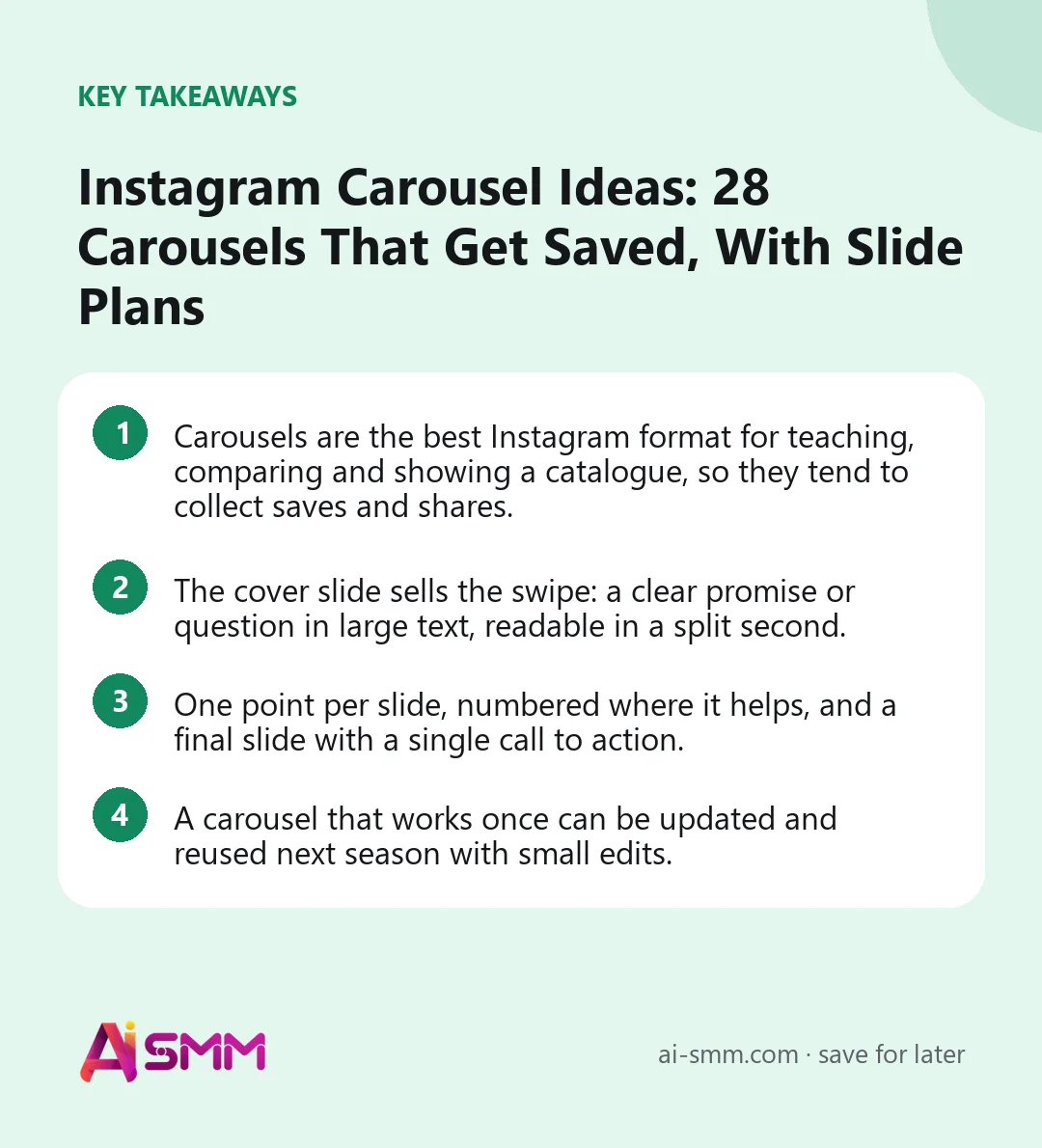
- Carousels are the best Instagram format for teaching, comparing and showing a catalogue, so they tend to collect saves and shares.
- The cover slide sells the swipe: a clear promise or question in large text, readable in a split second.
- One point per slide, numbered where it helps, and a final slide with a single call to action.
- A carousel that works once can be updated and reused next season with small edits.
Why carousels work for small businesses
Carousels do three jobs that single photos and Reels do less well. They teach: a step-by-step explanation needs several frames, and people save useful guides to return to later. They compare: before/after, option A vs option B, this season vs last season. And they show a range: a collection, a menu, a set of services, with one item per slide.
They also give Instagram more than one chance to catch attention. A carousel can mix photos and videos, and Instagram allows up to 20 slides, although most business carousels do their job in 5–10. People who scroll past the first slide may still see the post again later, so a strong second slide is worth the effort too.
The anatomy of a carousel that gets swiped
Here is a plan you can apply to almost any educational or selling carousel. Adjust the number of middle slides to the content.
| Slide | Job | Example for a bakery |
|---|---|---|
| 1. Cover | Promise or question in large text | “5 signs of real sourdough bread” |
| 2. Context | Why it matters to the viewer | “Many ‘sourdough’ loaves in shops use yeast. Here is how to tell.” |
| 3–7. Points | One point per slide, with a photo | Crust, crumb, smell, ingredients, shelf life |
| 8. Summary | The whole list on one slide, easy to screenshot | Five points in short form |
| 9. Action | One next step | “Pre-order tomorrow’s bread via the link in bio” |
How to write a cover slide that earns the swipe
The cover decides whether anyone sees slide two. It has less than a second to work, so it needs a short headline in large type, enough contrast to read on a small screen and a clear hint that there is more inside. Some cover formulas that fit most niches:
- Number + result: “7 lunch ideas under €10 in Old Town”.
- Question the reader already asks: “Why does my manicure chip after 5 days?”
- Mistake warning: “Don’t buy linen before you read this”.
- Comparison: “Gel vs acrylic: which one is right for you”.
- Promise of a shortcut: “Your first tax return in 6 steps”.
- Curiosity with a product: “What €40 of silver actually looks like up close”.
Avoid covers that only show your logo or a pretty photo with no text. They look nice in the grid but give nobody a reason to swipe. If you use a photo, place the headline over a calm area of the image or on a solid band of colour.
The second slide deserves almost the same care. It should deliver something immediately, a first tip or a surprising fact, so the viewer feels the swipe was worth it. Slides that only say “Let’s start!” waste the attention you just earned.
1. Instagram carousel ideas for beauty salons
- “Which manicure shape suits your hands”. One shape per slide with a photo and who it suits. Saved and sent to friends.
- Price list as a guide. Instead of a flat price table, one service per slide: what it includes, how long it takes, how long the result lasts, the price.
- Before/after series. Three or four transformations on one topic, such as “grey coverage”, with a one-line description on each.
- Aftercare instructions. What to do and avoid in the first 48 hours after lashes, colouring or a peel. Clients keep it and trust you more.
- Meet the team. One master per slide: photo, specialty, the service they are best at. Helps people choose who to book.
- Myths about a procedure. “Does laser hair removal hurt?” and similar myths, one per slide, with a short honest answer.
2. Carousel ideas for cafes and restaurants
- The new menu, one dish per slide. Photo, name, a short description and price. The swipe feels like reading a menu.
- “Coffee guide for beginners”. Espresso, americano, flat white, cappuccino: what differs, with a photo of each cup.
- Pairing guide. Which pastry goes with which drink, or which wine with which dish.
- The story of a dish. Where the recipe comes from, the ingredients, the cooking, the result.
- Best spots in the room. Window seats, the quiet corner, the table for groups, the terrace. Useful for people planning a visit.
- Events of the month. One event per slide with date and time; the last slide links to booking.
3. Carousel ideas for online shops
- Lookbook. One outfit or setting per slide, built around a new collection, with prices in the caption or on the last slide.
- How to choose the right size. Measurements, fit on different body types, common mistakes. Reduces returns and pre-sale questions.
- Gift guide by budget. “Gifts under €20, €50, €100”, one slide per price band.
- Materials explained. What linen, merino or 925 silver means and why it costs more. Justifies your price.
- From sketch to product. Drawing, sample, fitting, final piece. The making-of story sells handmade goods.
- Customer reviews with photos. One review per slide, with the buyer’s photo and permission.
4. Carousel ideas for experts and consultants
- Step-by-step how-to. “How to file your first tax return as a freelancer in 6 steps”. The most saved type of expert carousel.
- Mistakes and fixes. Left side of each slide: the mistake. Right side: what to do instead.
- Checklist. “Before signing a lease, check these 8 things”. Designed to be screenshotted.
- Case study. The situation, the goal, what was done, the result, what the client can do next. With consent and honest figures only.
- Framework. Your own method in 4–5 steps, one per slide. It positions you as someone with a system, not just opinions.
- Resource list. Books, tools or templates you actually recommend, with one sentence on why.
5. Carousel formats that work in any niche
- FAQ carousel. The five questions you hear most often, one per slide. Pin it to your profile.
- “This vs that”. Two options your clients often compare, laid out side by side.
- Month in review. Highlights of the past month: new products, events, milestones, a thank-you slide.
- Process of working with you. From the first message to the result, so a new client knows exactly what happens after they write.
Design checklist for business carousels
- Use a portrait format such as 4:5 (1080×1350 px) so each slide takes up more of the screen than a square.
- Keep text large: if you have to zoom to read a slide on a phone, there is too much text on it.
- Use one or two fonts and the same colours on every slide, so the carousel looks like a whole.
- Number the slides or show a small arrow on the cover to signal there is more to swipe.
- Leave margins; Instagram’s interface and profile grid crop the edges.
- Write alt text for key slides. It helps people using screen readers and gives Instagram more context about the post.
- Check the carousel on your phone before publishing, not only on a computer screen.
Captions and calls to action for carousels
The caption should not repeat the slides word for word. Use it to add context: why you made the carousel, a short story, or the one thing the viewer should remember. End with a single call to action that matches the last slide: “save this for your next visit”, “send it to a friend who is choosing a gift”, “comment SIZE if you want help choosing”. The first two support reach; the third starts a conversation that can end in a sale.
Getting more out of one carousel
A good carousel takes time to plan, so squeeze more value out of it than a single post:
- Stories: share the carousel to your Stories on the day it goes out, and post two or three slides separately later in the week with a “full guide in the feed” sticker.
- Highlights: guides, price lists and FAQ carousels deserve a permanent spot; save the story versions to a highlight.
- Reels: turn the slides into a short video, one slide per second or two, with the same headline as a hook.
- Pinned post: pin your most useful carousel to the top of your profile, so new visitors see your expertise first.
- DM answers: when a client asks a question your carousel already answers, send them the post instead of typing a long reply.
How to create carousels faster in AI SMM
The AI content studio generates a carousel and its caption from a brief or directly from product photos, in your brand’s style and tone, so the slide plan above becomes a draft in minutes. You then place it on the content calendar next to your Reels and Stories on Instagram, and it publishes on schedule. When someone asks about size or price under a carousel, chat automation can reply in the comments and continue in DM with a size chart or a link. For a shop, that link can go straight to your online store, so the path from “saved” to “ordered” is a couple of taps.
FAQ
How many slides should an Instagram carousel have?
Instagram allows up to 20, but most business carousels work best with 5–10. Use as many slides as the content needs; if a slide adds nothing new, remove it.
Are carousels better than Reels?
They do different jobs. Reels are stronger for reaching new people; carousels are stronger for teaching and for content people save and come back to. A healthy mix for a small business includes both.
Can I mix photos and videos in one carousel?
Yes, Instagram carousels can combine photos and videos. A short video on the second or third slide can make a static carousel feel more alive.
Can I reuse an old carousel?
Yes. Update the design or the facts, change the cover and publish it again after a few months. Evergreen carousels such as guides and FAQs are ideal for this.
Choose three carousel ideas from your niche, build them on the slide plan above and let the AI content studio in AI SMM turn them into ready drafts.
Posts, chats, video and sales in one workspace. 7 days free.
Start free