AI SMM team
The warmest leads on social media are already visible: they comment under your competitors’ posts, ask questions in your niche and react to the topics you know best. The problem is time. Scrolling through commenters, guessing who might buy, liking a few posts and writing a thoughtful comment for each person takes hours, and tools that click too fast put the account you have built for years at risk. This lesson shows how to do this work with the AI SMM assistant in your browser: it finds and sorts the people, and you decide what gets said.
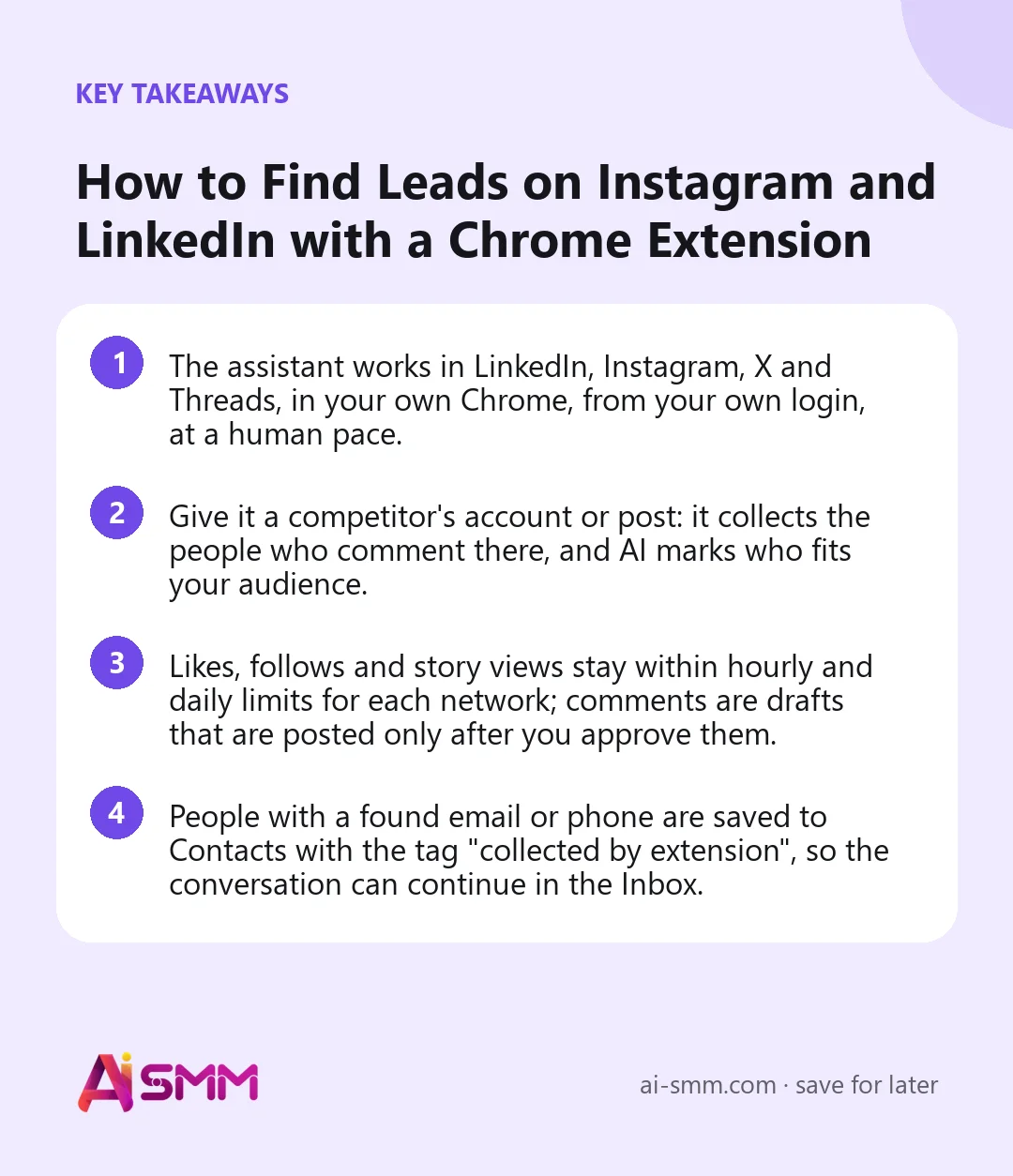
- The assistant works in LinkedIn, Instagram, X and Threads, in your own Chrome, from your own login, at a human pace.
- Give it a competitor’s account or post: it collects the people who comment there, and AI marks who fits your audience.
- Likes, follows and story views stay within hourly and daily limits for each network; comments are drafts that are posted only after you approve them.
- People with a found email or phone are saved to Contacts with the tag “collected by extension”, so the conversation can continue in the Inbox.
What you will build in this lesson
By the end you will have the extension installed and signed in, a first list of people from one competitor’s audience, sorted by fit, and a small, steady routine: a few likes and story views for the right people, a handful of thoughtful comments you approved, and new contacts to follow up with. It is prospecting at the pace of a careful human, not a volume game.
What you need before you start
- Desktop Chrome (the archive also works in Edge and Brave). The extension does not run on phones.
- A plan that includes the browser assistant. If yours does not, the extension page says so and offers to change the plan.
- Your logins to the networks in the same browser: LinkedIn, Instagram, X or Threads.
- One or two competitor accounts whose audience matches yours, and a clear idea of who your customer is. AI uses it to decide who fits.
Step 1. Install the extension
Open app.ai-smm.com/portal/extension, the AI SMM extension for Chrome page. Installation is five steps and takes about two minutes:
- Download the ZIP archive and unpack it into a permanent folder, for example “DocumentsAI SMM extension”. Do not delete this folder: Chrome loads the extension from it.
- Type chrome://extensions into the address bar. Browsers do not let a site open this page by a link, so paste it yourself.
- Turn on Developer mode in the top right corner.
- Click Load unpacked and choose the folder from step 1, the one with the manifest.json file inside.
- Pin the AI SMM icon (the puzzle icon, then pin), open the panel, press Sign in with AI SMM, then Allow. If that does not work, sign in with a code.
When a new version comes out, you see it in the notification bell and in the extension panel. Unpack the new archive into the same folder so your sign-in and allowed sites stay. On Windows, the page also offers a one-time settings file that lets Chrome update the extension by itself; it needs administrator rights.
Step 2. Give the assistant its first task
- Make sure you are logged in to the network in this Chrome.
- Open the extension panel and describe the task in plain words, or paste a link, for example a competitor’s profile or a post with an active discussion.
- The assistant tells you what it is about to do and asks before acting on a site. It works in background tabs, so you can keep using your browser; progress is shown in the panel.
A good first task is narrow: “Collect the people who commented on the last posts of this account and tell me who looks like a small business owner in our city.” The panel shows the steps as they happen: collecting the warm audience of the competitor, then checking who really fits.
Step 3. Review who fits
AI marks each collected person as a fit or not, based on your audience. Read the list before doing anything else. You will quickly see whether the competitor’s audience is really yours: a competitor with a big giveaway may have thousands of commenters who only came for the prize.
When an email or phone is found, the person is saved to Contacts in the Inbox app with the tag “collected by extension”. That is your list for follow-up.
Step 4. Engage gently: likes, follows and stories
For people who fit, ask the assistant to like their recent posts, follow them or view their stories. These actions are the social equivalent of a nod: they put your name in front of the person without asking for anything.
The assistant works at the pace of a careful person: it keeps to hourly and daily limits for each network, pauses between actions and stops when a limit is reached. Comments are never posted without your approval. Keep the volume moderate: limits reduce the risk of restrictions from a network, they do not remove it.
Step 5. Comment only what you approve
A comment is where a lead actually notices you, so it is never posted without you:
- Ask the assistant to prepare a comment for a person’s latest post.
- It reads the post and writes a draft, then waits.
- Read the draft. Edit it so it adds something: a question, an example, your experience. Then send it or skip it. On LinkedIn the draft waits for you in a background tab.
The assistant never presses “Publish”, “Pay” or “Delete” on its own. Those are always your clicks.
Step 6. LinkedIn: search by criteria and approve lists
On LinkedIn the assistant can also search for people by your criteria, for example role, industry and location, and find posts worth commenting on. Reactions are prepared as a list: you see exactly which posts are on it and approve the list once, and each new list is asked again. Comments follow the same draft-and-approve rule as on other networks. See LinkedIn in AI SMM for publishing on the same network.
Worked example: a local accountant on Instagram and LinkedIn
Say an accountant who serves small businesses in one city wants more clients before tax season. She gives the assistant two accounts: a local business community on Instagram and a regional business news page on LinkedIn.
- Day 1: the assistant collects the commenters of the last posts; AI marks roughly a third as fitting “owners of small local businesses”. She removes two competitors from the list.
- Days 2–5: every morning, likes and story views for 20–30 fitting people, and 3–5 comments she approves with her coffee. She edits each draft to add one concrete tip, for example about a deadline.
- Found emails land in Contacts with the “collected by extension” tag. Two weeks later she writes to the people who answered her comments, from the Inbox, one by one.
The result she tracks is not likes, but replies to comments, profile visits and consultations booked.
Common mistakes
- Chasing numbers. Hitting the daily ceiling every day is not the goal. Fifty right people beat five hundred random ones.
- Sending drafts unedited. AI drafts are a starting point. A comment that could sit under any post gets ignored.
- The wrong competitor. An account with a huge giveaway audience gives you prize hunters, not buyers.
- Copy-paste follow-ups. Continue the conversation from the Inbox or a chat flow, personally, not with the same message to everyone.
- Deleting the extension folder. Chrome loads the extension from it; move it and the extension stops working.
How to measure the result
- Share of fitting people in each collected list: tells you which competitors’ audiences are really yours.
- Replies to your comments and new followers from the people you engaged: shows whether your comments add value.
- New contacts with the “collected by extension” tag and how many turned into conversations, bookings or sales.
Review these once a week and drop sources that bring no replies.
How it fits into AI SMM
The assistant brings people in; the rest of AI SMM keeps them. Found contacts appear in the unified inbox, where you can answer them and start a chat flow, and your own posts keep them interested. The extension guide has installation details and updates, and the assistant in your browser shows what it covers on each network. For agencies doing this for clients, see AI SMM for agencies.
FAQ
Does it post comments without me?
No. Every comment is a draft until you approve it and send it.
Is it safe for my account?
The assistant works in your own browser, from your own login, at a human pace, within hourly and daily limits for each network. Networks have their own rules about automated activity, so there is always some risk; keeping the volume moderate is the best protection.
Which networks does it work in?
LinkedIn, Instagram, X and Threads.
Is there a mobile version?
No. The extension works in desktop Chrome, Edge and Brave. The rest of AI SMM works in any browser, including on a phone.
Next lesson: send the people you found to a page that sells, with a link in bio page. When you are ready, install the AI SMM assistant and give it one competitor to start with.
Posts, chats, video and sales in one workspace. 7 days free.
Start free