

 AI SMM team

Платформа управления социальными сетями is the software that keeps your content plan, your posts, your publishing schedule and the messages from clients in one account. For a salon, studio, clinic, shop or agency it means a separate monthly plan for each network, post texts, briefs for photos and Reels, and a place where inquiries do not get buried. Here is what such a platform does on its own, what still needs you, and how to start without rebuilding your week.
What does social media management software do for a small business?
Social media management software runs the routine part of your accounts: it builds a content plan per network, writes the posts, prepares briefs for photos and Reels, publishes on schedule and collects the replies that arrive from clients. You keep the offer, the prices and the final yes or no on every post.
Social media management software is a single workspace where the accounts you run, the plan for each account, the published posts and the incoming messages stay together. Without it, the same work is split between a notes file, a chat with a designer and a phone reminder to post at nine in the evening.
For a small business the list of daily jobs looks like this:
- a content plan for the month, broken down by network;
- post texts, with separate wording for each network instead of one text copied everywhere;
- briefs for the photographer or the designer, including what to film for Reels;
- publishing at the right time;
- the stream of questions and price requests that arrive every day.
If you run a salon, a studio, a clinic or a shop, this covers the work that usually takes an evening a week. If you run an agency, the same list repeats for every client, and plan limits matter more than the feature list.
Платформа управления социальными сетями in practice: how AI SMM builds a monthly plan and writes posts
The cycle starts with a short company brief: what you sell, who buys it, how long you have been in the market and what you have already tried. From that, AI SMM builds a monthly content plan, writes the posts and prepares tech briefs for photos and Reels, with a separate text for each network.

Here is what goes in and what comes out at each stage.
Input: the company brief
You describe the product, the audience and the experience you want to show. The more specific the brief, the fewer edits the plan needs. Add your price range, your location and the questions clients ask most often before you buy.
Output: the plan for the month
AI SMM builds a plan for each connected network. It is not one calendar trimmed to different sizes: the system prepares separate content for each of the 16 social networks it supports and works with the behavioral preferences of the audience in each one.
Output: posts and briefs for photos and Reels
Each publication arrives as ready text, plus a tech brief for the photo or the video. The brief tells the photographer what to shoot and the video person what to film, so a Reels shoot does not start from a blank page.
Your step: check and schedule
You open the plan from your phone, read the posts, add your own photos and set the publication time. From there the service publishes through the official API of each platform, which keeps the process inside the rules of the networks.
Which jobs does the platform take over, and which stay with you?
The system handles production and scheduling: plan, texts, briefs, publishing and the inbox. You handle the offer, the real photos and the conversation that closes a sale. Nobody should expect a subscription to run the business on its own.
| Task | Who handles it | What you check |
|---|---|---|
| Monthly content plan | Platform | Themes match your offer and the season |
| Post texts for each network | Platform | Prices, names and promises are correct |
| Briefs for photos and Reels | Platform | The shots are possible in your space with your team |
| Publishing on schedule | Platform | The first week goes out on time |
| Incoming messages | Platform inbox | A real person answers the price question |
| Offer, prices and terms | You | The reason to buy is clear in one sentence |
| Real photos and video | You | The brief is followed or replaced with your own footage |
| Closing the sale | You | The client gets a time, a price and a next step |
The split matters most in the first weeks. Teams that treat the generated plan as a draft move faster than teams that wait for a perfect calendar before publishing anything.
How many profiles and companies can you run from one account?
One account holds several social profiles and several companies. A profile is one account in one network. A company is one brand, one location or one client whose profiles you manage. The subscription counts both, so you can compare plans without reading the feature list twice.
- MINI: 5 profiles in social networks and 1 company, for personal use.
- START: 14 profiles in social networks and 2 companies, for a company.
- PRO: 42 profiles in social networks and 3 companies, for small projects and microbusinesses.
In daily terms, a single salon that posts on several networks fits into one company. Two locations fit into START if the total number of profiles stays inside the limit. An agency that runs three clients with a wide set of networks needs PRO, because each client counts as a separate company.
Count your profiles before you choose. A common mistake is buying a plan for one company, then adding a second location and finding that every profile of that location needs its own slot.
How do you start: from sign-up to the first published post?
The setup takes one working session if you have your product details and access to the accounts at hand. The first publication usually goes out on the same day the plan is approved.
- Create the account and open the trial. The test costs $1 and runs 7 days.
- Fill in the company details: product, audience, experience, tone of voice and the questions clients ask most often.
- Connect the profiles you want to run. Each connection goes through the official API of the network.
- Review the generated content plan for the month. Remove themes that do not fit and add the dates of your promotions.
- Approve the posts you like and edit the ones that sound off. Add prices and exact service names where the text stays generic.
- Attach your own photos or hand the tech brief to the photographer.
- Set the time and schedule the first publication, then check it from your phone.
After the first week, the rhythm settles: you review the next batch of posts, approve them and answer the messages that came in.
What is in each plan and what does it cost per month?
Every plan includes a monthly content plan and posts, tech briefs for photos and Reels, and publishing. The plans differ in how many social profiles and companies you can run, and the monthly rate depends on that size.
| Plan | Profiles and companies | What it includes | Who it suits |
|---|---|---|---|
| MINI | 5 profiles, 1 company | Monthly content plan and posts, photo and Reels briefs, publishing | Personal use and a one-person project |
| START | 14 profiles, 2 companies | The same set for a company with two brands or locations | A salon, studio, clinic or shop with a second point |
| PRO | 42 profiles, 3 companies | The same set for a wider profile list | Small projects, microbusiness and a short agency client list |
The current monthly rate for each plan is shown in the account before payment, so you see the exact figure for your profile count. The test costs $1 and runs 7 days, which is enough to see the plan and the posts before you commit to a month. Open the social media management module and start the test.
How do you check in the first month that the platform is worth the fee?
Judge the subscription by three things: posts leave on schedule, each network has its own text, and messages get answered the same day. If one of the three fails, fix it before you add more networks or upgrade the plan.
- Compare the planned publication dates with what actually went out. Every gap points to a missing photo or an unapproved post.
- Open three posts from different networks and check that the wording differs and fits the audience of each one.
- Read the incoming messages for a week and count how many waited more than a day for a reply.
- Look at the plan for the next month: it should cover the full period without empty days.
- Check that the photo and Reels briefs were used by your photographer or replaced with your own footage.
- Keep a short list of client questions that the posts did not answer, and add them to the next brief.
At the end of the month you have a simple answer: the routine moved off your desk, or it did not. If it did, the fee covers work you no longer pay a person for.
What the platform will not fix: weak offer, slow replies, no demand
The subscription produces content and keeps the messages in one place. It cannot invent demand where nobody is looking for your service, and it will not save a reply that arrives two days late.
- A weak offer. If a client cannot tell what you sell and what it costs, a good post only delivers the confusion faster.
- Slow replies. The platform collects the messages, but a person still has to answer them. A question about price that waits a day usually turns into a lost client.
- No demand. If your service is new in the area or the audience does not use the networks you picked, review the choice of networks and the audience before the content volume.
- No real photos. Generated briefs describe the shot, they do not take it. A salon or a clinic needs its own interior, team and results.
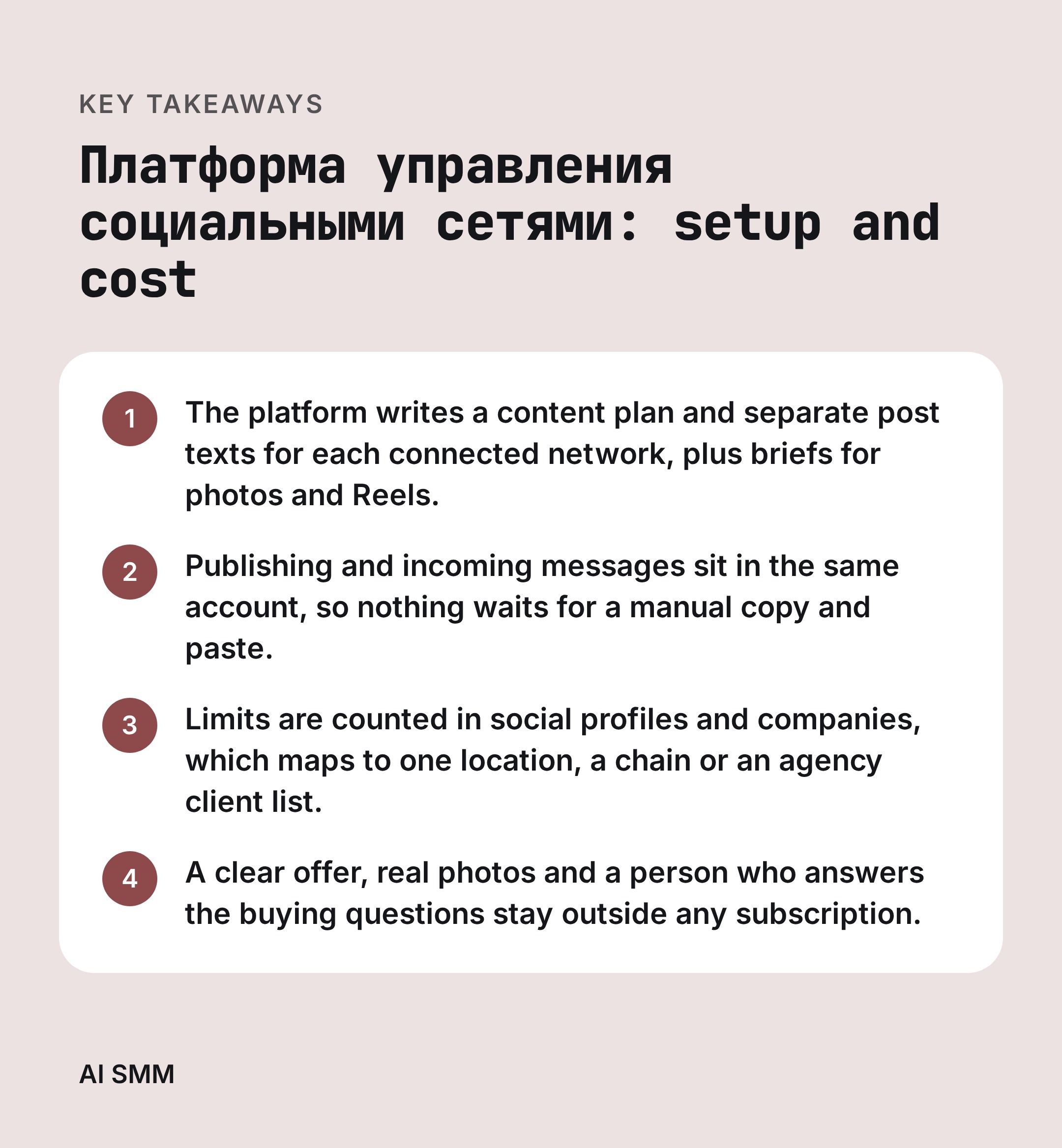
A clear offer and a person who answers clients decide more than the number of scheduled posts. Set those two before you compare plans.
How to do this with AI SMM
AI SMM is a SaaS platform from NeuroMarketing that builds a content plan with artificial intelligence, writes posts and tech briefs for photos and Reels for 16 social networks, publishes on schedule and keeps incoming messages in one place. You check the result from your phone, add your own shots and put the publication on the calendar.
The platform covers the cycle in one account:
- a monthly content plan for each network, built around the audience and the product;
- post texts written for the audience of each network, so the same idea does not repeat word for word;
- tech briefs for photos and Reels for every publication;
- publishing through the official API, without breaking the rules of the networks;
- an inbox for the questions clients send. See the inbox module.
The system works through the official API of each network, so scheduled publishing does not cut reach and does not put the account at risk of a block. All the modules sit in one account: the platform for SMM and sales with AI.
Start with the $1 test and the 7-day period, run one location or one client through a full month, then choose MINI, START or PRO by the number of profiles and companies you actually manage.
FAQ
Can I keep posting by hand while the platform runs my accounts?
Yes. You approve the generated plan, edit the texts, add your own photos and schedule the posts yourself. Manual publishing stays available for a launch, a live event or a post that has to go out right now.
Do I need an SMM specialist on staff to use the platform?
No. The owner or an administrator can review the plan and the posts from a phone, add photos and set the schedule. A specialist helps with the offer, the tone and the analysis of what worked, which is a different job from writing every post.
Which social networks can I connect to one account?
AI SMM supports 16 social networks and prepares separate content for each one. The number of profiles you can connect depends on the plan: 5 on MINI, 14 on START and 42 on PRO.
What happens after the trial period ends, and how do I change plans?
After the 7-day test you pick a plan and continue in the same account, keeping the profiles you connected. You move to a larger plan when you add a location or a client, and the profile and company limits update with the plan you choose.
Ready to see the plan before you pay for a month? Start the AI SMM test for $1 and get a content plan, posts and briefs for your first month.
Posts, chats, video and sales in one workspace. 7 days free.
Start free