AI SMM team
User-generated content (UGC) is any photo, video, review or post about your business made by customers rather than by you. For a small business it is the most convincing content you can publish, because new customers trust other customers more than they trust your own posts, and it costs almost nothing to produce. The catch is that very few people post on their own: you need to ask at the right moment, make it easy, and have a simple way to get permission and reuse what they send.
This guide covers what counts as UGC, how to collect it without awkwardness, how to handle permission to repost, and where it works hardest for you.
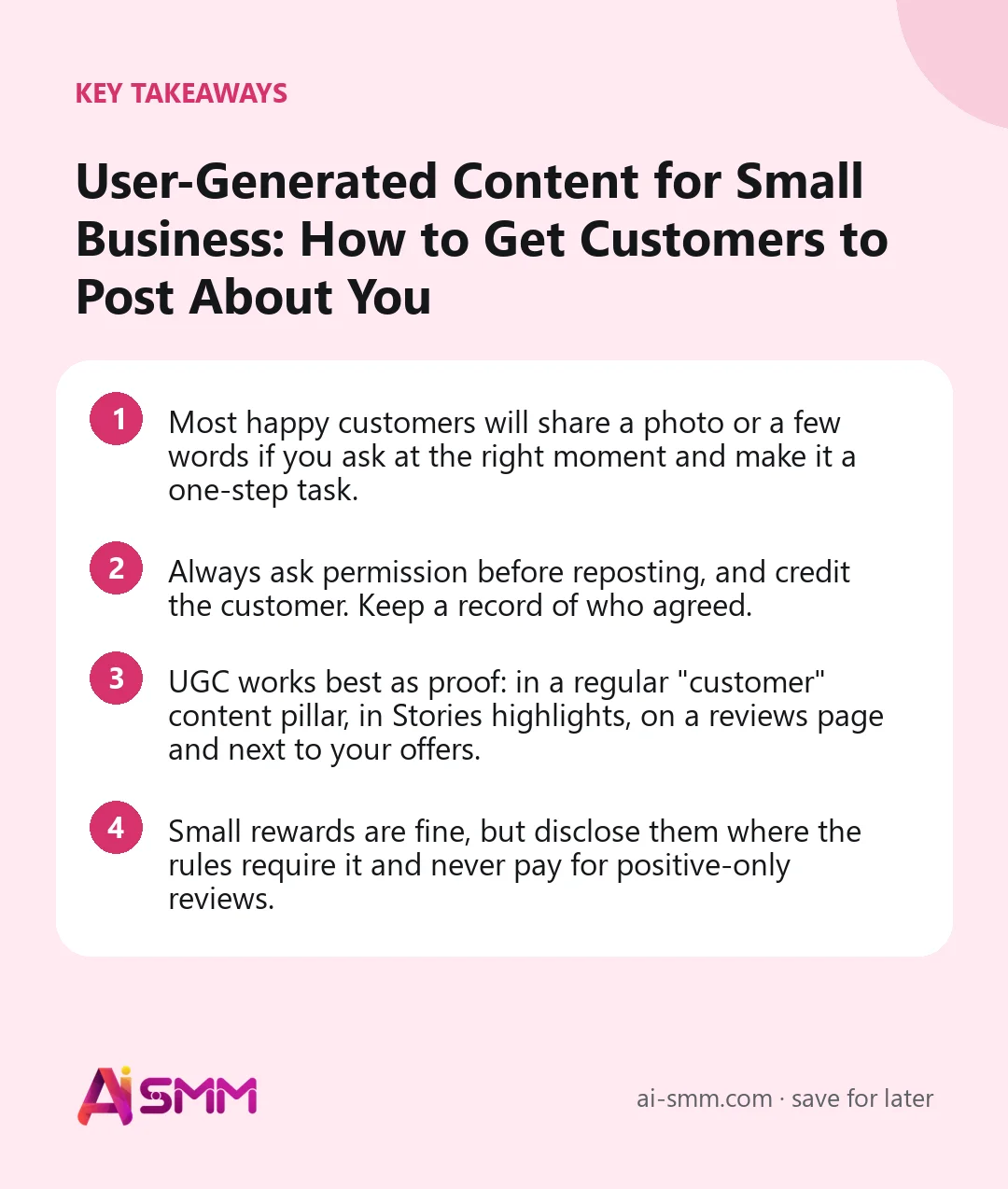
- Most happy customers will share a photo or a few words if you ask at the right moment and make it a one-step task.
- Always ask permission before reposting, and credit the customer. Keep a record of who agreed.
- UGC works best as proof: in a regular “customer” content pillar, in Stories highlights, on a reviews page and next to your offers.
- Small rewards are fine, but disclose them where the rules require it and never pay for positive-only reviews.
What counts as user-generated content
UGC is broader than reviews. For a small business, useful types include:
- Photos and videos of your product in use: a dress worn at a wedding, a cake at a birthday table, a new kitchen after renovation.
- Tagged Stories and posts where customers mention your account.
- Reviews and testimonials, written or recorded, including screenshots of kind messages (with permission).
- Unboxing and first-impression videos, especially for online shops.
- Before/after results the customer shares from their side, not only your professional shots.
- Answers to your questions: poll results, comments with tips, stories about how people use your product.
There is also paid “UGC-style” content, where creators are hired to film videos that look like customer posts. That can be useful for ads, but it is a different thing. This article is about content from your real customers.
Why user-generated content works for small businesses
- Trust. A photo from a real customer answers the silent question every new visitor has: “is this actually as good as they say?”
- Volume. A two-person team cannot shoot fresh content every day. Twenty customers can.
- Relatability. Customer photos show your product in normal homes, on normal people, which often converts better than polished studio shots.
- Community. Featuring customers makes them feel seen, and people like to buy from businesses where they could be featured next.
- Reach. When customers tag you, their friends see your name. For local businesses, that is word of mouth you can watch.
How to get customers to create content: 8 tactics
1. Ask at the moment of peak happiness
Timing matters more than wording. The best moment is right after the result: when a client sees the finished haircut in the mirror, when an order arrives, when a project is handed over. For online orders, a message a few days after delivery works better than one on the day of purchase.
2. Make it a one-step request
“Leave us a review” is vague. “Could you send a photo of the cake on the table? We’d love to share it” is specific and takes ten seconds. Tell people exactly what you want and where to send it.
3. Build the ask into your packaging and space
A small card in the box with your handle and a line like “Show us how it looks at home”, a mirror in the salon with your handle on it, a table card in a café. These prompts work silently for every customer.
4. Create a branded or series hashtag
A simple tag like #[brand]athome or #[brand]customers gives people a way to join in and gives you one place to find their posts. Mention it on packaging and in your bio.
5. Feature customers regularly
Once people see others being featured, more will share. A weekly “customer of the week” post or a Stories highlight of reposts shows that sharing gets noticed.
6. Offer a small thank-you
A discount on the next visit, bonus points or a small gift for sending a photo or a review is fine, as long as you reward the act of sharing, not a positive opinion. In many countries, advertising rules require that incentivised reviews are disclosed, so keep it transparent.
7. Run a simple photo challenge
“Show your best look with our bag this month” with a prize for a random participant can bring in a batch of content quickly. Keep the rules simple and follow each network’s rules for promotions.
8. Turn questions into content
Ask followers in Stories: “What’s your favourite way to use this?” or “Which colour did you choose and why?” The answers, with permission, become posts that sound like your customers, not like you.
Permission and credit: the rules to follow
A customer tagging you does not automatically give you the right to reuse their photo on your account, in ads or on your website. Keep it simple and respectful:
- Ask before reposting. A short DM: “We love this photo! May we share it on our page with credit to you?” is enough for organic posts.
- Be clear about where it will appear. If you want to use it in ads or on your website, say so. Some people are happy with a Story but not an ad.
- Credit the author. Tag them or mention their name, unless they prefer to stay anonymous.
- Keep a record. Save the “yes” message or note it on the customer’s contact card, so you know later which content you are allowed to use and where.
- Respect privacy. Be careful with photos of children, homes with visible addresses, or anything the customer might regret being public.
Where to use user-generated content
| Type of UGC | Best place to use it | Why it works there |
|---|---|---|
| Customer photos | Feed posts, carousels “5 ways our customers wear it” | Shows real use, gives variety to your feed |
| Tagged Stories | Reposts in Stories, a “Customers” highlight | Quick, daily proof that people buy from you |
| Written reviews | Quote graphics, link in bio reviews page, next to offers | Answers doubts at the moment of decision |
| Short videos | Reels, TikTok, ads (with explicit permission) | Authentic video often outperforms polished ads |
| Before/after | Carousels, pinned posts, booking pages | Shows the result people are paying for |
| Kind messages | Stories, Telegram channel posts | Personal, warm, easy to collect |
A practical approach is to make “customers” one of your content pillars, with one UGC post a week and Stories reposts whenever they come in. That keeps proof flowing without extra production work.
Examples for different businesses
- Say, a nail studio: after each appointment the master takes a photo, and the client is invited to send their own shot a few days later to show how the manicure is holding up. Those “day 10” photos become a weekly durability post.
- An online clothing shop: a card in every parcel invites buyers to post their outfit with the shop’s hashtag, and the best photos appear in a monthly carousel with credit.
- A café: a table card asks guests to tag the café in Stories; the café reposts them the same day and saves them to a highlight.
- A renovation company: at handover, the team asks the client for a short video walk-through and a quote for the website, offering a discount on future work for any referral.
A simple weekly UGC routine
Collecting user-generated content works best as a small habit rather than a campaign you run once a year. A routine that takes about 30 minutes a week:
- Monday: collect. Go through tags, mentions and messages from the past week. Save every usable photo, video or kind message in one folder.
- Monday: ask. Send a short permission request to the authors of the best three or four pieces.
- Tuesday: record. Note who said yes and where you may use their content (Stories only, posts, ads, website).
- Wednesday: plan. Put one customer post into the calendar for the coming week and pick a few Stories reposts.
- Every day: prompt. Keep asking happy customers at the right moment: after the appointment, after delivery, at handover.
- Once a month: thank. Send a small thank-you to the customers you featured, and consider a “customer of the month” post.
Within a couple of months, this routine usually builds a small library of proof you can draw on for posts, ads and your website, without a single photoshoot.
Mistakes to avoid
- Reposting without asking. It can damage trust and create legal trouble, especially in ads.
- Only featuring perfect content. Slightly imperfect customer photos feel more real. Choose authentic over glossy.
- Asking once and giving up. Most people forget. A friendly reminder after a few days is normal.
- Rewarding only five-star reviews. This is misleading and often against platform rules.
- Letting UGC sit in DMs. Photos customers send get buried in chats. Save them somewhere you will actually use them.
Collecting and publishing UGC in AI SMM
In AI SMM, the practical side of UGC lives in a few connected tools. When customers send photos, videos or kind words in messages, they arrive in the unified inbox together with conversations from other connected channels, and each contact has a card with tags, notes and history. Tagging a customer “UGC: agreed” after they say yes keeps a clear record of what you are allowed to reuse.
A chat flow can be started by an order, so the request for a photo or review can become part of your follow-up messages rather than something you remember to do by hand. With gamification, activity can earn points on the contact card, which fits a “send a photo, get bonus points” thank-you.
When it is time to publish, the AI content studio helps write captions that credit the customer and fit your brand’s tone, and the content calendar lets you plan a weekly customer post across networks. A “Reviews” button on your link in bio page, pointing to a highlight or a post with customer stories, keeps that proof one tap away for new visitors.
FAQ
Can I repost a customer’s photo if they tagged me?
A tag shows they are happy to be associated with you, but it is still good practice, and often legally safer, to ask permission before reposting, and always before using the photo in ads or on your website.
Should I pay customers for user-generated content?
Small thank-yous like a discount or bonus points are common and fine, as long as they are for sharing, not for positive opinions, and are disclosed where required. Paying creators to film ads is a separate practice with its own contracts.
How much UGC should I post?
For most small businesses, one UGC post a week plus Stories reposts is a good rhythm. It keeps proof visible without replacing your own expertise and offers.
What if customers never send anything?
Ask more specifically and at a better moment, add prompts to packaging or your space, and feature the first few customers who do share. Visible examples encourage others.
Start with one question to your next happy customer, keep track of every “yes” in the inbox, and turn their photos into your most convincing posts.
Posts, chats, video and sales in one workspace. 7 days free.
Start free