AI SMM team
Social media crisis management for a small business comes down to three moves made fast and in the right order: stop your scheduled posts, reply publicly once with a calm holding message, and then fix the actual problem in private before closing the loop in public. Big brands have communications teams for this; a salon, a cafe or an online shop has the owner, a phone and maybe one employee, which is why a short plan written in advance matters more than any clever reply written in a panic. This guide shows how to tell a complaint from a real crisis, what to do in the first hour, day and week, which reply templates to keep ready and how to lower the odds of a crisis in the first place.
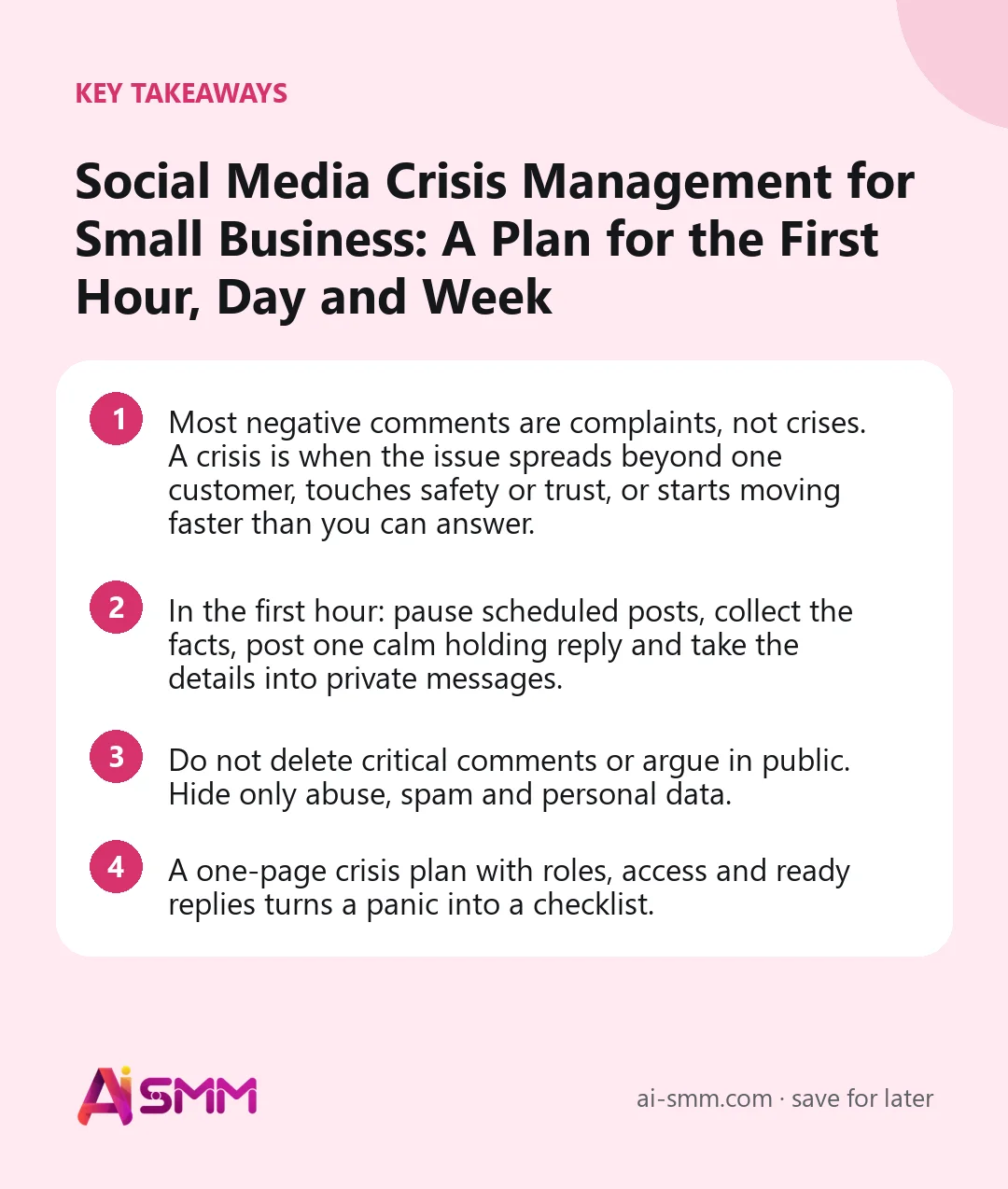
- Most negative comments are complaints, not crises. A crisis is when the issue spreads beyond one customer, touches safety or trust, or starts moving faster than you can answer.
- In the first hour: pause scheduled posts, collect the facts, post one calm holding reply and take the details into private messages.
- Do not delete critical comments or argue in public. Hide only abuse, spam and personal data.
- A one-page crisis plan with roles, access and ready replies turns a panic into a checklist.
What counts as a social media crisis (and what is just a complaint)
Treating every angry comment as a crisis wears you out; treating a real crisis as a normal complaint lets it grow. Use three levels.
| Level | What it looks like | How to handle it |
|---|---|---|
| 1. Complaint | One unhappy customer, a late order, a bad haircut, a rude-sounding reply | Normal customer service: reply, apologize where fair, solve in DMs |
| 2. Escalating issue | Several people report the same problem, a review gets shared, a local group picks it up | Owner takes over, one public statement, check for a common cause |
| 3. Crisis | Health or safety concerns, discrimination claims, a staff video going viral, a hacked account, media or officials asking questions | Crisis plan: pause posts, holding statement, facts first, regular updates |
Two signals move an issue up a level: speed (comments and shares arrive faster than you can read them) and stakes (health, safety, money, discrimination, or the law). If either is present, switch to the crisis plan even if the numbers look small.
Typical social media crises for small businesses
| Situation | Example | First move |
|---|---|---|
| Product or safety complaint | A customer posts that a dessert made their child ill | Take it seriously, ask for details privately, check the batch, do not argue in public |
| Viral negative review | A long post about rude service is shared in a city group | Acknowledge publicly, investigate, reply with specifics once you know them |
| Staff behavior | A video shows an employee being rude or unsafe | Confirm facts, state what you are doing, avoid naming or shaming staff publicly |
| Tone-deaf post | A joke or a promo lands badly on a sensitive day | Remove or edit if it is genuinely hurtful, apologize plainly, do not over-explain |
| Service failure | Delivery app down on a holiday, dozens of orders late | One status post, regular updates, compensation plan |
| Hacked or impersonated account | Spam from your account or a fake profile asking customers to pay | Secure access, warn customers on your other channels, report to the network |
Before anything happens: the one-page crisis plan
Write this once, keep it in a shared note and review it every six months. It takes an hour and saves the worst hour of your year.
- Who decides. One person has the final word on public replies. In most small businesses that is the owner.
- Who watches. Who monitors comments and DMs, including evenings and weekends, and how they reach the decision-maker.
- Access list. Who has admin access to each account, where recovery emails and phone numbers point, and that two-factor authentication is on everywhere.
- Where scheduled posts live. Every tool and account that can publish on your behalf, so you can pause all of them in minutes.
- Holding replies. Two or three pre-written messages (see below) you can adapt in a minute.
- Outside contacts. A lawyer or adviser for legal threats, your insurer, and supplier contacts for product issues.
- Moderation rules. What you hide (abuse, spam, personal data, threats) and what you never hide (criticism).
Social media crisis management in the first hour
When level 3 hits, follow the order. Each step protects the next one.
- Pause scheduled posts on every network. A cheerful promo published in the middle of a crisis looks careless and fuels anger. Move them, do not delete them.
- Take screenshots. Capture the original post, key comments and any messages with dates. Posts get edited or deleted later, and you will need the record.
- Get the facts internally. Talk to the staff involved, check orders, bookings or batches. Fifteen minutes of facts beat an hour of guessing.
- Post one holding reply. In the thread where the issue is growing, reply calmly: you have seen it, you take it seriously, you are looking into it, and when you will update. Do not guess the cause.
- Move details into private. Invite the person to DMs, email or a phone call, and ask for the details you need. Personal data never belongs in public comments.
- Brief your team. Everyone who answers messages or phones gets the same short script and knows not to comment from personal accounts.
- Watch the other channels. The same issue often appears in DMs, reviews, other networks and local groups. Keep answers consistent everywhere.
Crisis reply templates you can adapt
Holding reply (you do not know the facts yet)
We have seen this and we are taking it seriously. We are checking what happened right now and will post an update here by 6 pm today. [Name], we have sent you a message so we can look into your order personally.
Apology (you were at fault)
We got this wrong. On Saturday several orders arrived more than an hour late because we took more orders than our kitchen could handle. We are sorry. Everyone affected will receive a full refund for delivery and a voucher by Monday, and from now on we will pause online orders when the queue gets too long.
When the facts are disputed
We are sorry about your experience and we want to understand it. Our records show something different, so we would like to talk to you directly to sort it out. Could you message us your booking time? We will reply within the hour.
Closing the loop
Update: we have spoken with [Name] and resolved this together. We have also changed [specific process] so it does not happen again. Thank you to everyone who raised it.
Good crisis replies share four traits: they are short, specific about the next step, give a time for the update and never blame the customer.
What not to do during a crisis
- Do not delete criticism. Screenshots survive, and deletion becomes the new story. Hide only abuse, threats, spam and personal data.
- Do not argue in the comments. Even if you are right, a public back-and-forth looks defensive to everyone else.
- Do not copy-paste the same reply to every comment. A few identical lines look robotic. Vary the wording and answer specific points.
- Do not speculate. “It was probably the supplier” can be wrong and create a second crisis.
- Do not let AI or automation reply on its own. Keep auto-answers for routine questions switched off in the affected channels, or route them to a person, until things calm down.
- Do not go silent for days. A promised update that never comes does more harm than an honest “we are still checking”.
The first day and the first week
Day one
- Post the update at the time you promised, even if the update is “still checking, next update tomorrow at 10”.
- Answer every relevant comment and DM personally, in the same tone and with the same facts.
- Decide what you are changing: a refund, a process, a supplier, a training session.
Week one
- Fix the root cause, not just the conversation.
- Follow up privately with the people who were affected.
- Post a short closing update if the issue was public.
- Resume scheduled posts gradually, starting with neutral, useful content rather than promotions.
Roles in a team of one to five people
| Role | Solo business | Team of 2–5 |
|---|---|---|
| Decides and signs off public replies | You | Owner |
| Monitors comments and DMs | You, with notifications on | One named person per shift |
| Gathers facts | You | Manager or the staff member closest to the issue |
| Answers private messages | You | Person monitoring, using the agreed script |
| Fixes the root cause | You | Owner and the relevant staff |
If you are solo, a trusted friend or partner who can read your draft before you post is worth a lot. A second pair of eyes catches the defensive sentence you did not notice.
Special case: a hacked or impersonated account
- Use the network’s own account recovery process and change passwords and recovery details for the affected account and any connected email.
- Revoke access for apps and people who no longer need it, and turn on two-factor authentication everywhere.
- Warn customers on your other channels: “Our Instagram was accessed by someone else. We never ask for payment in DMs.”
- For fake accounts using your name, report them through the network’s impersonation form and ask followers to report too.
After the crisis: a 30-minute review
Within two weeks, answer five questions and update the crisis plan:
- How and when did we first notice?
- How long until the first public reply?
- What was the root cause, and is it fixed?
- Which reply or action helped most, and which made things worse?
- What will we change in the plan, access list or templates?
How AI SMM helps before, during and after a crisis
Speed depends on seeing everything in one place. In AI SMM, comments and DMs from Instagram and Facebook, replies on Threads, mentions and DMs on X, YouTube comments, WhatsApp and your website chat arrive in one inbox, where conversations can be assigned to a person and prioritized. TikTok, LinkedIn, Pinterest and Reddit have no inbox in AI SMM, so keep notifications on in those apps if you use them. AI suggests replies from your knowledge base; during a crisis, update the relevant answer first so every draft uses the same facts, and keep a human approving each reply. If chat flows answer routine questions automatically, review them in the affected channels.
The calendar shows every scheduled post across all networks with its status, so pausing and moving them is one screen, not ten apps. For prevention, AI can review a post before it goes out, and approvals through a Telegram bot mean nothing is published without a yes. Food businesses that deal with delivery peaks can see how this fits on the cafes and delivery page.
FAQ
Should I delete negative comments during a crisis?
No, not criticism. Deleting it usually makes things worse because people notice and screenshot. Hide or remove only comments with abuse, threats, spam or someone’s personal data, and say in your rules that you do so.
How fast should a small business respond to a social media crisis?
Aim for a first public holding reply within an hour of noticing a level 3 issue, even if you do not yet know the cause. The first reply shows you are listening; the facts can follow in a promised update.
Should I apologize if I am not sure we were at fault?
You can apologize for the experience without admitting a cause you have not confirmed: “We are sorry this happened and we are checking what went wrong.” Once the facts are clear, own them plainly if you were at fault.
When should I involve a lawyer?
When there are threats of legal action, claims about health or safety that could have legal consequences, defamation, or when officials or journalists contact you. Keep public replies factual and short until you have advice.
A crisis is easier to handle when every comment and message is already in one queue. Try the AI SMM inbox on the free plan and write your one-page crisis plan while things are calm.
Posts, chats, video and sales in one workspace. 7 days free.
Start free