AI SMM team
You filmed one YouTube video, spent hours editing it, and now it sits there getting views for a week before it disappears from feeds. Meanwhile your competitors post the same story ten times across TikTok, Reels and Shorts from a single recording session. The difference is not more filming, it is a repurposing workflow.
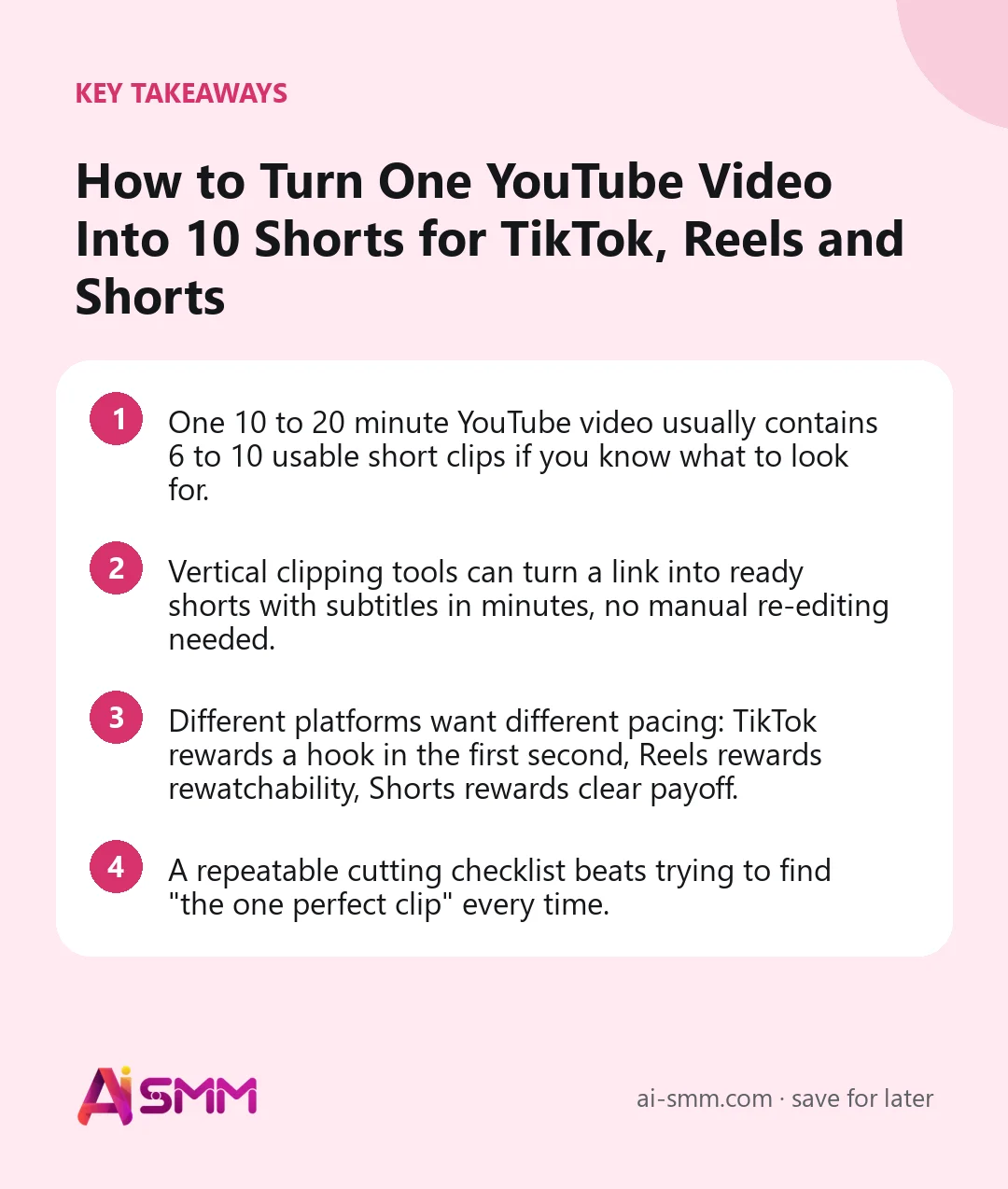
- One 10 to 20 minute YouTube video usually contains 6 to 10 usable short clips if you know what to look for.
- Vertical clipping tools can turn a link into ready shorts with subtitles in minutes, no manual re-editing needed.
- Different platforms want different pacing: TikTok rewards a hook in the first second, Reels rewards rewatchability, Shorts rewards clear payoff.
- A repeatable cutting checklist beats trying to find “the one perfect clip” every time.
1. Why one video should become ten posts, not one
A long-form video is really a bundle of smaller ideas: an intro hook, a problem statement, two or three examples, a mistake to avoid, a tip, a summary. Each of those is a standalone short. Posting only the full video on YouTube wastes everything that happened between minute 2 and minute 15. Small businesses that repurpose consistently show up in more feeds without filming more often, which matters when a stylist, a coach or a shop owner already struggles to find filming time.
Think about the math from the other side. Filming, lighting and recording audio for one usable video takes real effort, often an hour or more once setup and retakes are counted. If that hour of work produces a single YouTube upload, the cost per post is high. If the same hour produces one YouTube upload plus eight to ten shorts, the cost per post drops by an order of magnitude, and each of those shorts has an independent chance of being someone’s first exposure to your business, since TikTok and Reels distribute clips well beyond your existing follower list.
2. What kind of source video repurposes best
Not every video is equally easy to cut. A single-camera talking-head video, a demonstration filmed from one angle, or a recorded webinar all repurpose well because each moment already stands on a fixed frame. A heavily edited video with music beds and motion graphics is harder to cut cleanly, because a 20-second segment pulled from the middle can feel unfinished without the surrounding transitions. If you are planning future recordings specifically to repurpose them, keep the camera steady, leave a short pause between ideas, and restate context occasionally instead of only referencing “what I said earlier,” since that habit is what makes clipping later so much faster.
3. Watch (or scan) once and mark the moments
Before cutting anything, go through the video and note timestamps where something happens: a strong opinion, a before/after, a number, a “here is what nobody tells you” moment, a demonstration, a client question answered on camera. Aim for at least 8 to 12 marked moments in a 15 to 20 minute video. If you talk in a fairly unstructured way, this step matters more, not less, because the useful lines are scattered rather than grouped.
What makes a good clip
- It makes sense without the rest of the video (no “as I said earlier”).
- It is 15 to 60 seconds once trimmed.
- It has a clear opening line that works as a hook on its own.
- It ends on a point, not mid-sentence.
4. Pick the right cutting method for your time budget
You have three realistic options:
| Method | Time per video | Best for |
|---|---|---|
| Manual cut in a video editor | 1-3 hours | One flagship clip you want frame-perfect |
| Freelancer or agency clipping | Days, recurring cost | Bigger budgets, high volume |
| Automated clipping from a link | Minutes | Weekly repurposing without a video team |
For most small teams, automated clipping is the only option that survives more than a month, because manual editing gets skipped the moment the week gets busy.
5. Choose a template that matches the video type
Not every video should be cut the same way:
- Educational template: for how-to and tutorial content, keeps a talking head with on-screen text highlighting the key step.
- Full repurpose: turns the entire video into a vertical version instead of hunting for one moment, useful for interviews and podcasts.
- Split screen: pairs the speaker with b-roll, a screen recording or a reaction, good for reviews and demos.
- Viral TikTok style: fast pacing, bold captions, built for the scroll, best for hot takes and myths-busted content.
6. Add subtitles and a caption style, every time
Most people watch with the sound off. A clip without burned-in subtitles loses the majority of its potential audience in the first two seconds. Pick one caption style per brand (font, color, position) and reuse it so your shorts are recognizable across platforms, the same way a logo is. Caption styles usually differ in where text sits on screen, how many words appear at once, and whether keywords get a highlight color, and testing two or three styles on your first batch of clips tells you quickly which one people actually keep watching through.
7. Adapt the same clip per platform instead of posting identically everywhere
| Platform | What to change |
|---|---|
| TikTok | Trim the hook to under 1 second, add trending audio if it fits, keep it raw |
| Instagram Reels | Add a text overlay early, favor content people will rewatch or send to a friend |
| YouTube Shorts | Keep the original video’s title logic, add a clear title card, link back to the full video |
The clip itself can be 80 percent identical, but a five-second adjustment to the hook and caption per platform noticeably changes performance.
8. Build a publishing rhythm, not a one-off dump
Posting all ten shorts from one video in the same afternoon buries most of them. Spread them across one to two weeks, mixing in other content between clips from the same source so it does not look repetitive to someone who follows all three accounts. A simple pattern that works for many small businesses is two clips per week per platform, which turns one recording session into roughly a month of posts once you count TikTok, Reels and Shorts separately.
9. Track what actually gets watched to completion
The clip you personally like best is rarely the top performer. Check completion rate and shares per clip after a few days, and let that data decide which of your 8 to 12 marked moments become part of your default checklist for the next video. Over a few months of repurposing, most businesses notice a pattern: a specific type of moment (a mistake reveal, a before/after, a direct answer to a common question) consistently outperforms the rest, and that pattern is worth deliberately filming more of.
10. Reuse the workflow across formats you already record
The same repurposing logic applies beyond a dedicated YouTube upload. A recorded webinar, a livestream from Twitch or Kick, a client testimonial call, or even a Zoom consultation can all be turned into shorts the same way, since the clipping step only needs a link, not a specially produced video. This matters for service businesses that record client sessions or webinars anyway and previously treated the recording as a one-time internal file rather than a source of weeks of content.
11. Doing this in AI SMM
In AI SMM, video clipping takes a link (YouTube, Vimeo, VK, Rutube, Twitch, Kick and more) and turns it into a set of vertical clips automatically, using the educational, full repurpose, split screen or viral TikTok templates described above, with subtitles and a caption style applied in one pass. You can then schedule each clip to TikTok, Instagram and YouTube from the same workspace via social media management, and set up a channel autopilot so every new video you upload gets clipped automatically without you starting the process by hand each time. Because the source can be any of the supported links, a coach’s recorded webinar or a shop owner’s Twitch stream feeds the same pipeline as a produced YouTube video.
12. A simple checklist before you publish
- Does the clip make sense with zero context from the full video?
- Are subtitles burned in and readable on a phone screen?
- Is the first line strong enough to stop a scroll?
- Did you adjust the hook or caption per platform, even slightly?
- Is this clip spaced out from the other clips of the same video?
13. Mistakes that quietly waste a good source video
- Cutting only from the introduction. The first two minutes rarely contain the strongest material, since most people warm up before getting to the sharpest point.
- Ignoring audio quality. A clip with a strong hook but muffled or echoing audio loses viewers just as fast as a weak hook, even with subtitles on screen.
- Skipping the caption pass to save time. A clip without a caption style looks unfinished next to competitors who consistently brand theirs, and it is one of the fastest steps to automate rather than skip.
- Publishing everything at once. As covered above, this buries most of the value in a single day instead of spreading it across weeks.
- Never revisiting older videos. A video from six months ago can still be clipped today if it holds up, so a repurposing backlog is worth keeping rather than only working from the latest upload.
FAQ
How long should a repurposed short be?
Between 15 and 60 seconds for most platforms. Under 15 seconds rarely has room for a full point, and over 60 seconds should usually be a full repurpose rather than a highlight clip.
Do I need to film separately for TikTok, Reels and Shorts?
No. One well-filmed long video, cut with a repurposing workflow, comfortably supplies content across all three platforms without a second shoot.
Can I automate this every week without a video editor on staff?
Yes. A link-based clipping tool with ready templates and subtitles removes most of the manual editing work, which is what makes weekly repurposing realistic for a small team.
Should every clip get the same caption style?
Keep the caption style consistent per brand so your shorts are recognizable, but adjust the opening hook and pacing per platform as described above.
What if my video does not have a clear structure or script?
Unscripted videos, like a casual chat or a recorded consultation, still work, they just need a more careful scan for moments rather than relying on a script outline. The marking step covered above matters most for this kind of source video.
How old can a video be and still be worth clipping?
As long as the information or advice in it still holds up, a video from months ago can be clipped today. Building a backlog of older uploads to revisit is a reasonable way to keep a repurposing schedule going during weeks with no new filming.
Ready to stop leaving 90 percent of your video unused? Try video clipping in AI SMM and turn your next upload into a week of shorts.
Posts, chats, video and sales in one workspace. 7 days free.
Start free