AI SMM team
To get more views on YouTube Shorts, focus on the one number that decides whether a Short keeps spreading: the share of people who stop and watch instead of swiping away. Everything that raises it, a strong first second, a clear single idea, a tight edit and a loop, earns the Short a wider audience in the Shorts feed. This guide gives small business channels 12 practical fixes, a way to diagnose a Short that stalled and a checklist for every upload, without chasing trends that have nothing to do with your business.
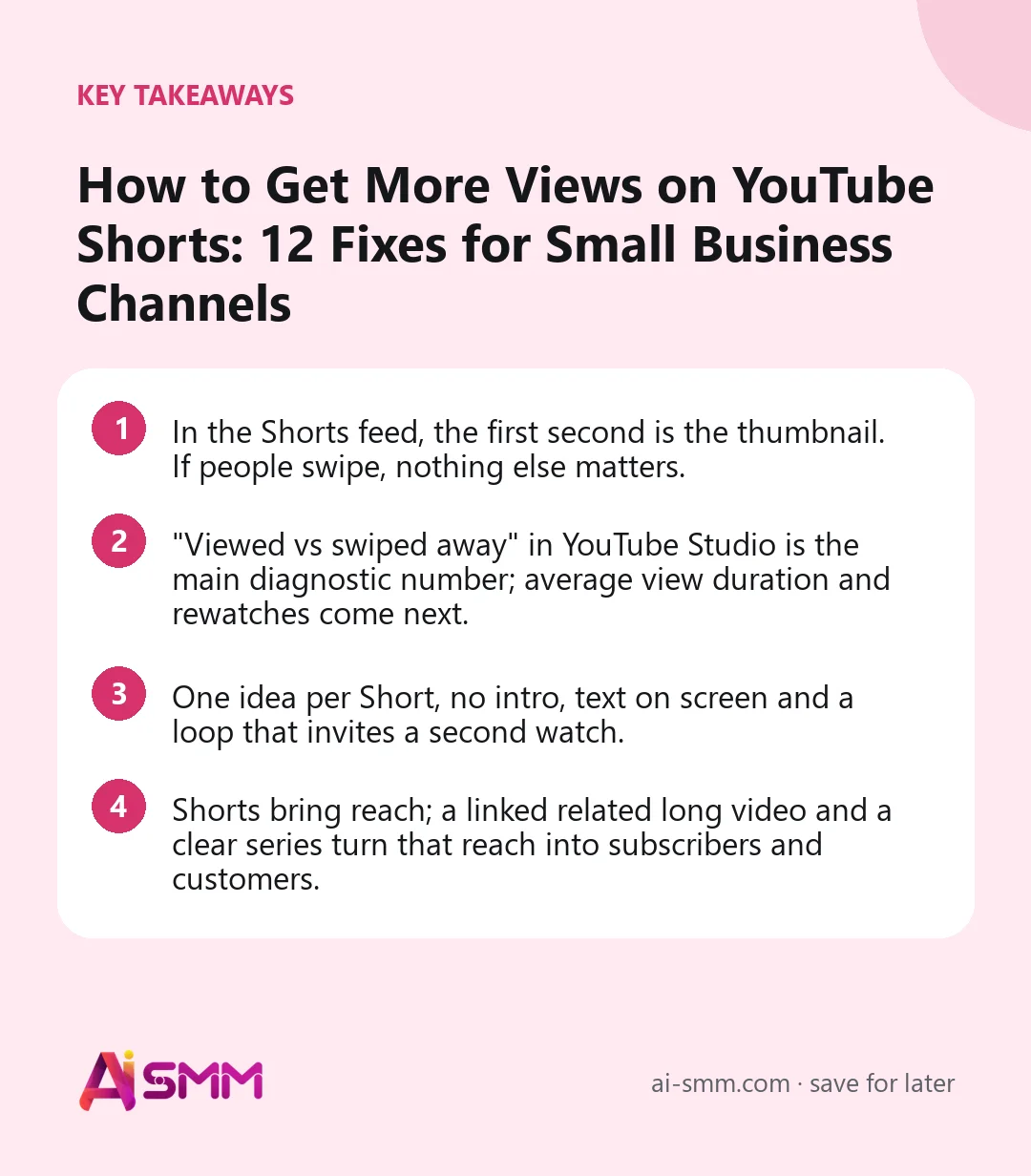
- In the Shorts feed, the first second is the thumbnail. If people swipe, nothing else matters.
- “Viewed vs swiped away” in YouTube Studio is the main diagnostic number; average view duration and rewatches come next.
- One idea per Short, no intro, text on screen and a loop that invites a second watch.
- Shorts bring reach; a linked related long video and a clear series turn that reach into subscribers and customers.
How YouTube decides who sees your Short
Shorts are shown mostly in a vertical feed where people swipe from one clip to the next. YouTube offers a new Short to viewers who are likely to be interested and watches what they do: did they stay or swipe, watch to the end, rewatch, like, comment, share, subscribe? Good early signals lead to more viewers; weak ones and distribution slows. Shorts can also get a second life weeks later, when YouTube tests them with a new audience or when people search for the topic.
Shorts can be up to three minutes long, but length alone does not bring views. What matters is whether the video holds attention for as long as it runs.
Fix 1. Win the first second
There is no thumbnail to click in the feed: the first frame is what people judge. Open with the most interesting moment.
| Swipe-worthy opening | Stop-worthy opening |
|---|---|
| “Hi, I’m Tom from Tom’s Garage” | Close-up of a cracked brake disc: “This is what 60,000 km without a check looks like” |
| Wide shot of the café interior | Chocolate pouring over a cake in the first frame |
| Logo reveal | Text on screen: “Stop cutting onions like this”, knife already moving |
| “In this video I will show you…” | The finished result, then “Here is how in 30 seconds” |
Fix 2. One Short, one idea
Shorts that try to explain three things lose people after the first. Choose one tip, one answer, one before/after, one reaction. If you have three tips, you have three Shorts, which is also a series.
Fix 3. Cut until it hurts
Remove every pause, every “so, um”, every repeated sentence. Jump cuts are normal in vertical video. As a rule of thumb, most business Shorts land between 15 and 45 seconds; go longer only when every second earns its place, such as a full process or a quick story with a payoff.
Fix 4. Put text on screen
Many people watch without sound. Add a short headline in the first frame and subtitles for speech. Keep text inside the safe area: away from the bottom, where the title and buttons sit, and from the right edge, where like and comment icons are.
Fix 5. Build a loop
A Short that ends where it began gets rewatched, sometimes without the viewer noticing. Ways to do it in a business video:
- End on a sentence that flows into the opening line: “…and that is why you never skip the primer.” → “Never skip the primer.”
- Show the result at the start and end with the same frame.
- Ask a question at the end that the first second answers.
Fix 6. Give people a reason to watch to the end
Tease the payoff early: “The last step is the one most people skip”, “Wait for the price”. Then deliver it. A promise you do not keep teaches viewers to swipe your next Short faster.
Fix 7. Title and describe for search
Shorts appear in YouTube search and in the Shorts tab of results. Write a title that says what the Short is about in the words people search: “How to remove gel polish at home without damage” rather than “Oops 😅”. Add one line of description with the main phrase and a few specific hashtags. The #shorts tag is not required; vertical videos up to three minutes are recognised as Shorts anyway.
Fix 8. Link a related video
YouTube lets you attach a related video to a Short, which appears as a link on the Short. Use it to point to the full tutorial, the product review or the case study the clip came from. This does not raise Shorts views directly, but it turns Shorts viewers into long-form viewers and subscribers, which is the point for a business. Pin a comment with the same suggestion.
Fix 9. Use sound carefully
Trending sounds can help discovery, and YouTube’s audio library offers tracks you can use safely. Commercial music may be restricted, and Shorts longer than a minute with copyright claims can be blocked, so for business channels a clear voice-over with quiet background audio from the library is usually the safer and more recognisable choice.
Fix 10. Post in series and at a steady rhythm
A series gives viewers a reason to subscribe: “Part 3 of 10 renovation mistakes”, “Every Friday: one dish from our new menu”. Three to five Shorts a week, published shortly before your audience is most active (check “When your viewers are on YouTube” in the Audience tab), is a realistic pace for a small team.
Fix 11. Reply to comments with Shorts
You can answer a comment with a new Short that shows the original comment on screen. It is an easy content source, it shows viewers that you listen, and it often reaches people who saw the first video.
Fix 12. Cut Shorts from your long videos
The fastest way to keep a steady Shorts rhythm is to stop filming each one separately. A 15-minute tutorial usually contains several strong moments: a surprising fact, a before/after, a common mistake, a quick tip. Each can become a Short that links back to the full video. Look at the retention graph of the long video: spikes, where viewers rewound, are ready-made Short candidates.
Say a kitchen fitter publishes a 12-minute video about a full kitchen installation. The moment where the worktop is cut to fit around a pipe, the before/after reveal and the “three things to check before you order cabinets” segment are three separate Shorts, each ending with a link to the full video. One filming day, a week of Shorts.
How to diagnose a Short that stalled
Open YouTube Studio → Content → Shorts, click the Short and look at these numbers in order:
| Symptom | Likely cause | What to change next time |
|---|---|---|
| Low “viewed” share, most people swiped away | Weak first frame or unclear topic | Start with the result or a direct question; add a text headline |
| People stay but average view duration is low | Slow middle or too long | Cut the middle, shorten the Short, tease the payoff |
| Good retention but few views | Small first test, weak topic demand or early days | Wait a week; test a more searched topic; keep the rhythm |
| Many views, few subscribers | No reason to follow | Make it a series, link a related video, say what the channel is about |
| Views from abroad, not your city | Topic too general for a local business | Add city, local prices, local landmarks |
A note on numbers: in 2025 YouTube changed how Shorts views are counted, so that starts and replays count, and kept “engaged views” as a separate metric. When comparing Shorts, compare like with like and over similar periods.
YouTube Shorts checklist before every upload
| Check | Done? |
|---|---|
| Vertical 9:16, sharp image, clear sound | ☐ |
| First frame shows the result, a question or movement; no intro | ☐ |
| One idea only; every pause cut | ☐ |
| Text headline and subtitles inside the safe area | ☐ |
| Ending loops back to the start or pays off the tease | ☐ |
| Searchable title and one-line description with specific hashtags | ☐ |
| Related long video linked; pinned comment added | ☐ |
| Audio from the library or your own voice | ☐ |
| Scheduled shortly before your viewers’ peak hours | ☐ |
Mistakes that keep Shorts views low
- Horizontal video with black bars. It looks out of place in the feed and loses viewers instantly.
- Reposting clips with another app’s watermark. It looks careless and tends to be shown to fewer people.
- Deleting and reuploading Shorts that did not take off. Rework the idea instead: new first frame, tighter edit.
- Posting in bursts. Ten Shorts in one day and silence for a month gives YouTube and viewers nothing to build on.
- Treating Shorts as ads. “Visit our shop, 20% off” gets swiped. Show a useful moment and let the link do the selling.
How AI SMM helps you publish more Shorts with less editing
The hard part of Shorts is volume without burnout. Video clipping takes a long video, a webinar or a podcast by link, finds the strongest moments, frames the speaker vertically, removes pauses and adds subtitles you can adjust before publishing. You can also choose channels to watch, so when a new long video comes out, clips are cut automatically and wait for your review. AI Content Studio drafts searchable titles and descriptions in your brand’s tone.
Each Short is its own post in the content calendar and can be scheduled to YouTube independently of the long video, and the same clip can go to Reels and TikTok as separate posts. Comments on your videos land in the shared inbox, and analytics shows views, subscribers and engagement per video next to your other networks. The “viewed vs swiped away” rate stays in YouTube Studio.
FAQ
How long should a YouTube Short be to get more views?
As short as the idea allows. Most business Shorts work best at 15–45 seconds. Shorts can run up to three minutes, but longer ones need a clear reason to keep watching, like a full process or a story with a payoff.
Do I need #shorts in the title?
No. Vertical or square videos up to three minutes are treated as Shorts automatically. A searchable title and a few specific hashtags are more useful.
Why did my Short get views and then stop?
Shorts often get an early burst while YouTube tests them, then slow down if the “viewed” share or watch time is lower than for similar Shorts. Some pick up again weeks later. Check the diagnostic table above and change one thing in the next Short.
Do Shorts help my long videos?
They can, if you connect them: link a related video, pin a comment and make Shorts from moments of your long videos. Viewers who like the clip then have an obvious next step.
Take your last long video, pick three moments where viewers rewound, and turn each into a Short with a result-first opening and a related video link. Video clipping in AI SMM can find those moments and prepare the clips for you.
Posts, chats, video and sales in one workspace. 7 days free.
Start free