AI SMM team
Most businesses ignore the little bubbles above the Instagram inbox, and that is exactly why Instagram Notes for business are worth a look. A note is a line of text of up to 60 characters that sits above your followers’ direct messages for 24 hours, and a reply to it opens a private conversation. For a salon with a free slot, a cafe with a fresh batch or an expert with a question for regulars, that is a very short path from “saw it” to “wrote to you”.
Notes will not bring you new followers. They work with people who already know you. This guide explains who sees your notes, when they make sense for a business, and gives 30 ready note ideas by niche.
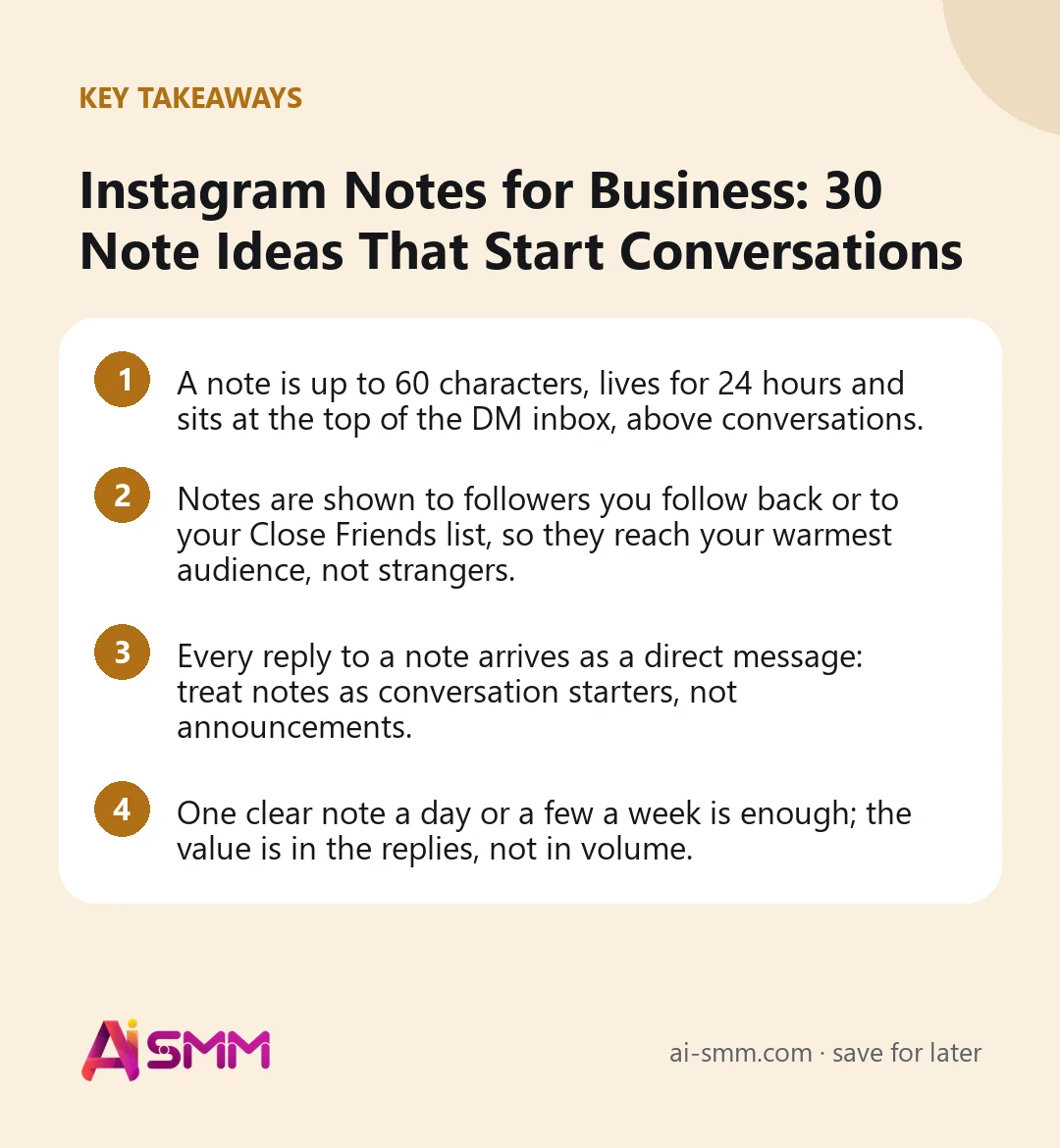
- A note is up to 60 characters, lives for 24 hours and sits at the top of the DM inbox, above conversations.
- Notes are shown to followers you follow back or to your Close Friends list, so they reach your warmest audience, not strangers.
- Every reply to a note arrives as a direct message: treat notes as conversation starters, not announcements.
- One clear note a day or a few a week is enough; the value is in the replies, not in volume.
What Instagram Notes are and where they appear
Notes are short text updates shown as small bubbles over profile pictures at the top of the Instagram inbox. They can also appear on your profile photo when someone who can see your notes opens your profile. A note can include text, an emoji, and in many versions of the app a short song clip or a short video note.
| Feature | Instagram Notes | Stories |
|---|---|---|
| Length | Up to 60 characters | Photos and videos, several frames |
| Where it appears | Top of the DM inbox, on profile photo | Row of circles at the top of the feed |
| Lifetime | 24 hours | 24 hours, or forever in Highlights |
| Audience | Followers you follow back or Close Friends | All followers (or Close Friends) |
| Reply | Arrives as a DM | Arrives as a DM |
| Effort | Ten seconds | Minutes per sequence |
Instagram adds and changes Notes features fairly often (music, video notes, prompts, notes on posts). If you do not see an option described here, update the app; availability can also depend on your region and account type.
Who actually sees your notes
This is the part that decides whether notes are useful for you. When you post a note, you choose between two audiences:
- Followers you follow back (mutual followers).
- Close Friends, a list you build yourself.
A business account usually follows back only a fraction of its followers, so by default a note reaches a small group. That is not a flaw; it is a feature to use deliberately. Many small businesses follow back their regular clients, partners and local accounts, and those are exactly the people most likely to reply “I’ll take it” to “Two croissants left with pistachio”. If you want a bigger audience, build a Close Friends list of regular clients and post notes to it.
How to build a Close Friends list for notes
Go to your profile menu, open Close Friends and add people one by one. Start with clients who have booked or ordered at least twice, people who regularly reply to your stories, and local partners. The list is private: people are not told that you added them, they only see a green mark on notes and stories you share with the list. Review it every couple of months, removing people who have moved away or stopped interacting and adding new regulars. A list of 50–200 real clients is often more valuable for notes than thousands of passive followers.
When Instagram Notes for business make sense
- Last-minute availability: a cancelled slot, the last items, a free table tonight.
- Quick questions to regulars: which flavour, which day, which colour.
- Nudges to act: “New story up, check the price list”, “Pre-orders close tonight”.
- Personal presence: a short human line from the owner that makes the account feel less like a brand.
Notes are the wrong tool for detailed announcements, price lists, anything that needs a picture to make sense, or reaching new people. Use posts, Reels and Stories for that.
30 Instagram note ideas for small businesses
All ideas below fit within 60 characters. Replace the brackets with your details.
Beauty salons and studios
- “Free slot today 17:00 with [name]. Reply to book”
- “Nude or red for autumn? Reply with one word”
- “New shade arrived. Want to see it on the nail?”
- “Friday is full. Saturday 12:00 still open”
- “Reply ‘CARE’ for my aftercare list”
- “Bride in [month]? Trial slots opening next week”
- “Who wants a Tuesday morning discount?”
Cafes, bakeries and restaurants
- “Cinnamon buns out of the oven now”
- “Two tables free tonight at 20:00”
- “Soup of the day: pumpkin. Staying till 16:00”
- “Pistachio or raspberry for the weekend cake?”
- “Pre-order for Sunday closes at 21:00”
- “Rainy? We deliver. Reply for the menu”
- “Guess the new drink, win it tomorrow”
Online shops
- “Back in stock: [product]. Reply for the link”
- “Three left in size M. Want one?”
- “Green or beige for the next batch?”
- “Free delivery until midnight”
- “New drop tomorrow 10:00. Want an early link?”
- “Packing orders all day. Yours ships today”
- “Reply ‘SIZE’ and I’ll help you choose”
Experts, coaches and consultants
- “Answering your questions live in Stories at 19:00”
- “One consult slot left this week”
- “What should my next post explain?”
- “Reply ‘LIST’ for my free checklist”
- “Myth or fact? New carousel just went up”
- “Going live on Thursday 18:00. Set a reminder”
For any business
- “Closed tomorrow, open as usual on Monday”
- “Thank you for a record week”
- “Tell me one thing we should improve”
How to write a note that gets replies
- Ask or offer, do not just state. “New menu” gets seen; “New menu, want the photo?” gets answered.
- Make the reply easy. One word, a yes/no, a choice of two.
- Be specific and timely. A time, a number, a deadline: “till 16:00”, “two left”.
- Sound like a person. Notes appear between friends’ notes; brand slogans look out of place.
- Match the note to what is live. If the note points to a story or post, publish that first.
A simple weekly routine
| Day | Note type | Example |
|---|---|---|
| Monday | Availability | “Free slots this week: Tue 11:00, Thu 18:00” |
| Wednesday | Question | “Which one next: A or B?” |
| Friday | Offer or last call | “Pre-orders close tonight” |
| Weekend | Personal or thanks | “Thanks for a busy week, see you Monday” |
Three or four notes a week keep you present without turning the bubble into noise. Skip days when you have nothing real to say.
Handling replies: where notes turn into sales
A note does its job only if the replies are answered quickly. Someone who replied “I’ll take the 17:00 slot” at lunchtime expects an answer within minutes, not in the evening. Prepare short answers for the typical replies (price, how to book, delivery time) and keep a link to booking or the catalogue ready.
Also keep in mind that replies can arrive in bursts: a “last two tables” note may bring several messages in five minutes. Answer in the order they came and tell everyone honestly when a slot is gone, with an alternative.
Notes, Stories or a DM: which to use when
| Situation | Best tool | Why |
|---|---|---|
| A slot opened an hour from now | Note + one story | The note reaches regulars fast; the story reaches everyone else |
| New product with photos | Story sequence or post | People need to see it; a note can point to it |
| Quick choice between two options | Note or story poll | A note gets written replies, a poll gets one-tap votes |
| Reminder to one specific client | Direct message | Personal things should stay personal |
| Price list, delivery terms | Highlight | Information people will look for again |
How to measure whether notes work
Instagram does not show detailed statistics for notes, so count by hand for two or three weeks. Keep a simple table: date, note text, audience (mutual followers or Close Friends), number of replies, and how many of those replies turned into a booking or order. After a few weeks you will see which kinds of notes your clients respond to. For many businesses, availability notes (“free slot today”) convert best, while questions bring the most replies but fewer sales. Keep what converts, and use questions when you need ideas or want to warm up quiet regulars.
Common mistakes
- Using notes like ads: “Best prices in town!” gets ignored in a space full of personal notes.
- Posting to the wrong audience: if you follow back almost nobody, create a Close Friends list first.
- Promising and then being slow: a note asking for replies followed by a three-hour silence does more harm than no note.
- Posting every hour: a new note replaces the previous one; constant changes feel like spam.
How AI SMM helps with notes and the replies they bring
Notes are written in the Instagram app and cannot be scheduled from a planner, but everything around them can be organised. Replies to notes come in as direct messages, and Instagram DMs can be answered from the shared inbox in AI SMM, alongside comments and messages from your other channels, so a “yes, I’ll take it” at lunchtime does not get lost between apps.
For the typical follow-up questions, AI drafts a reply based on your knowledge base with your prices, services and delivery terms, and you send it as is or edit it. The stories and posts your notes point to (“new carousel just went up”) can be prepared in the AI content studio and scheduled on the content calendar, so the note and the content go live in the right order. More on everything AI SMM does for Instagram is on the network page.
FAQ
Can business accounts use Instagram Notes?
Yes, Notes are available to business and creator accounts in most regions. If you do not see the Notes bubble at the top of your inbox, update the app; Instagram rolls out some features gradually.
How long does an Instagram note stay up?
24 hours, unless you delete it or post a new note, which replaces the previous one.
Why do so few people see my notes?
Notes are shown only to followers you follow back or to your Close Friends list. If your business account follows back few people, create a Close Friends list of regular clients and share notes with it.
Can I schedule Instagram Notes in advance?
No, notes are posted manually in the Instagram app. Plan the stories and posts they refer to in advance, and keep notes for timely, live updates.
Try one note a day for a week: a free slot, a quick question, a last call. Count the replies and answer every one quickly, ideally from one inbox in AI SMM where no message gets lost.
Posts, chats, video and sales in one workspace. 7 days free.
Start free