AI SMM team
A client scrolls past a lash lift photo, likes it, sends a DM asking “do you have anything free this week?”, and then the conversation stalls because nobody replies before she books somewhere else. This is the quiet leak most salons and studios have in their Instagram: interest that never turns into a booked, kept appointment. The fix is not more posting, it is making booking as easy as the browsing that led to it.
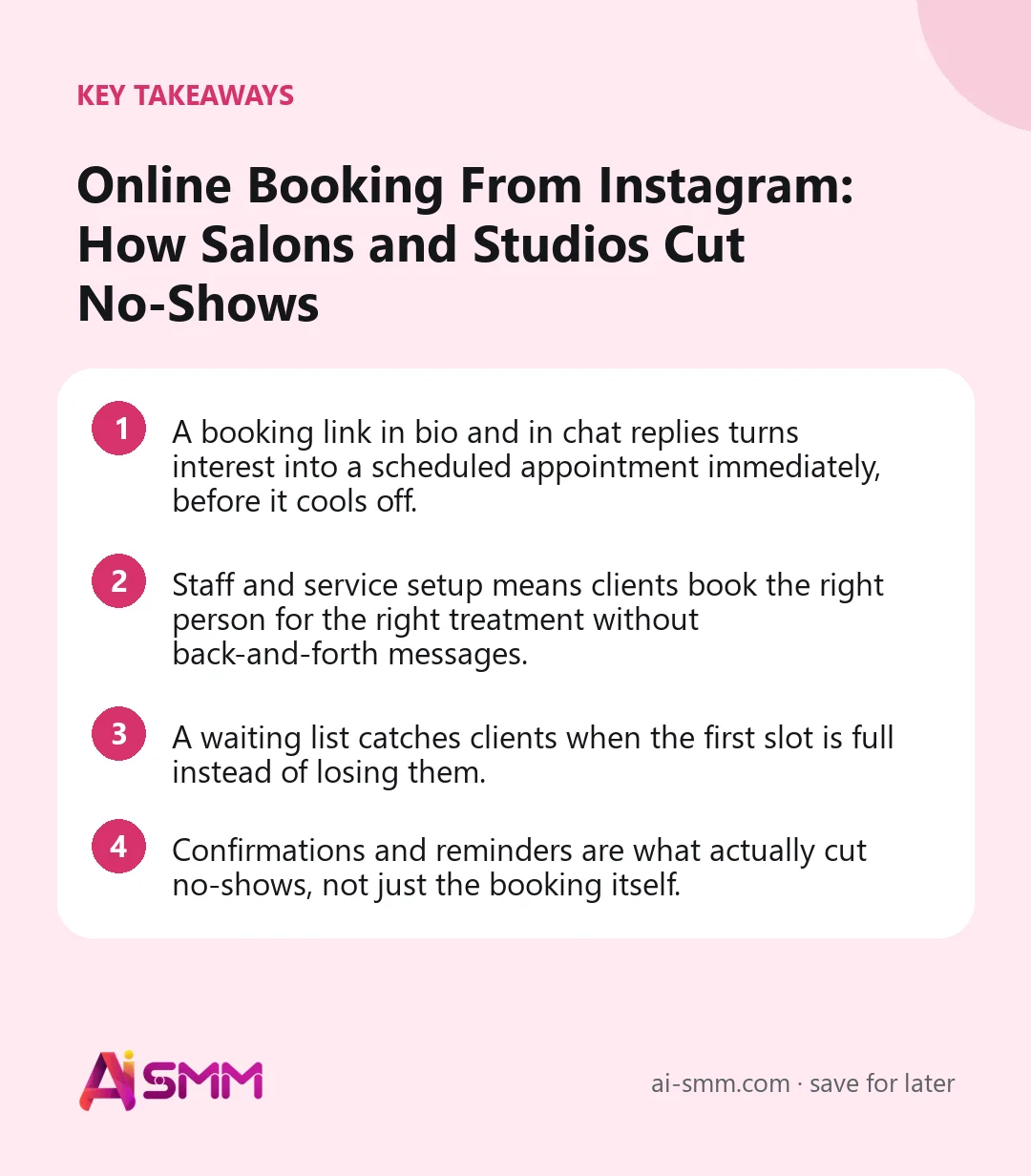
- A booking link in bio and in chat replies turns interest into a scheduled appointment immediately, before it cools off.
- Staff and service setup means clients book the right person for the right treatment without back-and-forth messages.
- A waiting list catches clients when the first slot is full instead of losing them.
- Confirmations and reminders are what actually cut no-shows, not just the booking itself.
1. Put the booking link where the interest already is
Most missed bookings happen because there is a gap between “I want this” and “I can book this right now.” A booking page linked directly in the Instagram bio removes that gap for anyone browsing the profile. It also matters in chat flows: when a comment or DM asks about availability, the reply can include the same booking link instead of the business having to manually check a calendar and type back times.
Step by step: getting the link in front of clients
- Set up the booking page with your services and staff before linking to it anywhere, so the first client who clicks sees real, accurate availability.
- Add the booking link to the Instagram bio so it is visible on every visit to the profile, not just when someone asks.
- Build a chat flow reply for common availability questions that includes the same link, so a DM does not need a manual response.
- Mention the booking link in Stories or captions whenever posting content likely to prompt interest, such as a before/after result.
2. Set up staff and services so the page does the sorting
Not every client wants any available slot, they want a specific service with a specific person. A booking page built around staff and services lists lets a client pick “balayage with Anna” or “deep tissue massage, 60 minutes” and see only the real availability for that combination. This removes the most common cause of double-booking and wasted messages: someone booking a slot the requested staff member does not actually have.
What this looks like in practice
- A client taps the booking link from an Instagram DM.
- She selects “lash lift,” then sees which staff members offer it and when they are free this week.
- She books a slot without a single message back and forth about availability.
3. Use a waiting list instead of losing the client to a full calendar
A fully booked week does not have to mean a lost client. A waiting list lets clients register interest in a slot that is currently full, so if a cancellation opens it up, the business can offer it to someone already waiting rather than starting from zero. For popular staff members or peak days like weekends, this alone recovers bookings that would otherwise just disappear when the client sees “no availability” and closes the tab.
4. Confirmations and reminders are what actually reduce no-shows
Booking the appointment is only half the problem, the other half is the client actually showing up. Automatic confirmations right after booking reduce the “did that actually go through?” uncertainty that leads some clients to just not show up unsure if they are expected. Reminders ahead of the appointment catch the more common cause of no-shows: the client simply forgot, especially for appointments booked two or three weeks out.
A simple reminder sequence that covers most cases
- Immediate confirmation the moment the booking is made, so the client has something to reference right away.
- A reminder a few days before, useful for appointments booked well in advance.
- A final reminder the morning of, which catches the client who simply lost track of the date.
5. Meet clients in the channel they already use
Some clients will always prefer messaging over filling out a form, especially for a first-time booking where they have a question first. Having the booking link available inside chat conversations, including WhatsApp, means a client who starts by asking a question can move straight to booking in the same conversation instead of being redirected somewhere new.
6. Track where no-shows actually happen
Not every service or time slot has the same no-show rate. Late afternoon appointments, first-time clients, and specific high-demand staff members often show different patterns. Watching this by service and staff member, rather than just as one overall number, tells you where reminders need to be more assertive (an extra reminder the morning of) versus where the current setup is already working fine.
7. Handle cancellations without losing the slot
A cancellation does not have to be wasted time on the calendar. When a client cancels, check the waiting list before manually messaging past clients to fill the gap. Combining a clear cancellation policy communicated at booking time with a fast way to re-offer the slot keeps the calendar full without extra manual work.
8. Review your booking setup every few months
Services change, staff schedules change, and what worked when the business opened may not fit a year later. Periodically check that every active service is listed correctly, that staff availability reflects current schedules, and that the booking link still points to the right page, especially after any website or bio update.
Worked example: a two-chair salon fixes its Instagram-to-booking gap
Consider a small salon with two stylists, offering cuts, color, and a newer lash service. Before setting anything up, DMs asking about availability were common but slow to convert: clients asked, the owner checked a paper book between clients, replied hours later, and by then some had already booked elsewhere. After setting up staff and services, a client asking about lash lifts in a DM gets an automatic reply with the booking link, sees only the lash-certified stylist’s real openings that week, and books directly. On a week where both stylists are fully booked for color, a client can join the waiting list instead of being told to “check back later,” and the salon offers her the slot the moment a cancellation comes in.
The salon also notices, after a couple of months of tracking, that late Friday afternoon appointments have a noticeably higher no-show rate than any other slot. They add an extra same-morning reminder specifically for that time window rather than for every appointment, and the gap narrows without adding reminders everywhere else.
Common mistakes salons make with online booking
- Linking to a generic contact page instead of a real booking page with actual availability, which still requires a message back and forth.
- Not separating services by staff member, leading to bookings for a treatment a given stylist does not actually perform.
- No waiting list, so a fully booked week simply turns away interested clients instead of capturing them for the next opening.
- Sending only one reminder, or none at all, and then treating no-shows as unavoidable rather than addressing the actual gap.
- Letting the booking page go stale after a service or staff schedule changes, so clients book something that no longer matches reality.
| Gap in the booking flow | What it costs | Fix |
|---|---|---|
| No booking link in bio or chat | Interested clients book elsewhere | Direct booking link everywhere |
| No staff/service filtering | Wrong bookings, back-and-forth messages | Staff and services setup |
| Fully booked, no waiting list | Lost clients when a slot is full | Waiting list |
| No reminder before the appointment | Forgotten appointments, no-shows | Automatic reminders |
| Stale service or staff listings | Bookings that do not match reality | Periodic review of the booking page |
A quick checklist for your booking setup
- Is the booking link in your Instagram bio and in your chat flow replies?
- Are all services correctly assigned to the staff members who actually perform them?
- Is a waiting list active for fully booked periods?
- Do clients get a confirmation right after booking and at least one reminder before the appointment?
- Have you checked no-show rates by service or staff member in the last few months?
- Is the booking page reviewed after any change to services, staff, or pricing?
9. Set expectations clearly at the point of booking
A short note on the booking page about arrival time, late policy, or what to bring reduces confusion that can otherwise turn into a rushed or missed appointment. This is especially useful for a first-time client who does not yet know the studio’s routine, and it costs nothing beyond a sentence or two on the booking page itself.
How this works in AI SMM
AI SMM’s booking gives salons and studios a booking page with staff and services set up so clients only see real availability for the person and treatment they want. The booking link can sit in the Instagram bio and inside chat replies through chat flows, so a DM asking about availability can end in a completed booking in the same conversation. A waiting list catches clients when a slot is full, and confirmations plus reminders go out automatically so clients know their appointment is set and do not forget it.
FAQ
Do clients need to download an app to book?
No, the booking page opens from a link, whether that link is in the Instagram bio, a chat reply, or shared directly with a client.
Can different staff members have different availability?
Yes, availability is set per staff member and per service, so the booking page only shows real open slots for the specific combination a client wants.
What happens when a client is on the waiting list and a slot opens up?
The slot can be offered to someone already on the waiting list when a cancellation happens, instead of the business needing to advertise the opening again from scratch.
Do reminders go out automatically or does staff have to send them?
Confirmations after booking and reminders ahead of the appointment go out automatically, without a staff member needing to message each client individually.
Can I use the same booking page across Instagram and WhatsApp?
Yes, the same booking page can be linked from the Instagram bio, from chat flow replies, and shared directly in a WhatsApp conversation, so availability stays consistent no matter where the client starts.
What if I only have one staff member, do I still need staff and service setup?
It still helps, since services can have different durations and availability windows even with one person, and clients still benefit from seeing only real openings for the specific service they want rather than a generic calendar.
If DMs asking about availability are turning into missed bookings more often than confirmed ones, connect a booking page to your Instagram and chat flows and close that gap.
Posts, chats, video and sales in one workspace. 7 days free.
Start free