AI SMM team
The same five questions show up in your WhatsApp and Telegram chats every week: opening hours, prices, delivery times, return policy, how to book. Answering them one by one, every time, is what eats up a support person’s day. An AI knowledge base fixes this by learning your answers once and reusing them automatically, and you can have the basics working before the day is over.
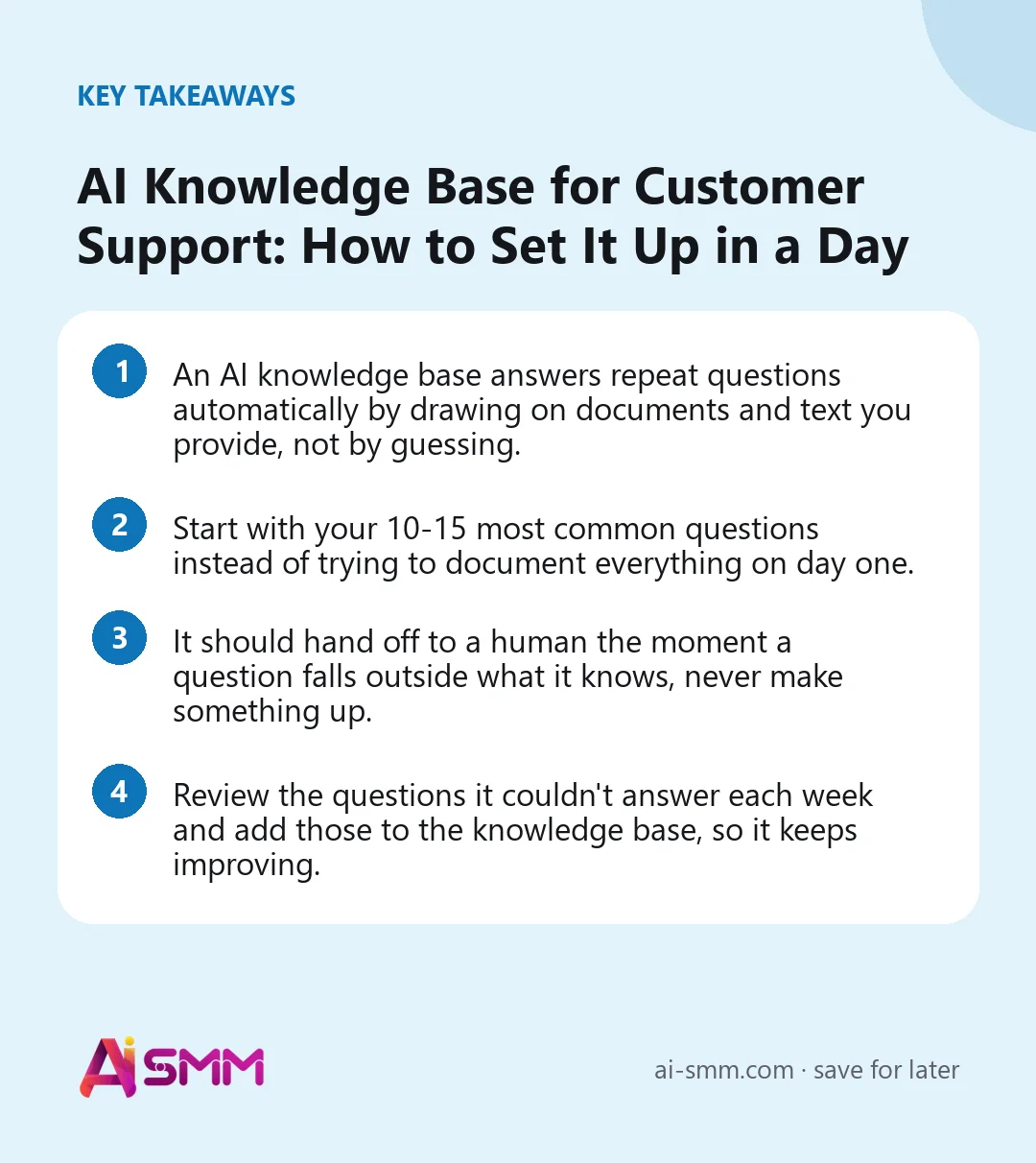
- An AI knowledge base answers repeat questions automatically by drawing on documents and text you provide, not by guessing.
- Start with your 10-15 most common questions instead of trying to document everything on day one.
- It should hand off to a human the moment a question falls outside what it knows, never make something up.
- Review the questions it couldn’t answer each week and add those to the knowledge base, so it keeps improving.
1. Decide what the knowledge base should and shouldn’t answer
Before writing anything, draw a line: factual, repeatable questions (hours, prices, policies, how something works) belong to the knowledge base. Anything involving a complaint, a specific order problem, or a judgment call belongs to a human. Being clear about this upfront prevents the common failure mode of an AI assistant trying to handle a refund dispute and frustrating the customer.
2. Collect your real, recurring questions first
Go through your last month of WhatsApp and Telegram conversations and list the questions that come up again and again. This is more useful than trying to imagine what people might ask, because it reflects what your customers actually type. Ten to fifteen solid answers covering your most frequent questions will handle a large share of daily volume.
3. Turn your existing documents into source material
You likely already have most of the answers written somewhere: a price list, a FAQ page, a return policy document, a menu, a service catalog. Gather these into one place rather than rewriting everything from scratch. If a document is outdated, fix it once at the source so the knowledge base and your team are both working from the same accurate information.
4. Write answers the way you’d actually say them
A knowledge base sounds robotic when the source text is a dry internal policy document. Rewrite key answers in the tone you use with customers: short, direct, friendly. For example, instead of “Returns are accepted within 14 days of purchase provided the item is unused,” write “You can return it within 14 days as long as it hasn’t been used, just send us a message with your order number.”
5. Set up the handoff to a human
Decide the exact triggers for escalation: the customer asks something outside the knowledge base, asks to speak to a person directly, or the conversation shows frustration. The handoff should be smooth, meaning the human sees the full conversation history, not just “customer wants help” with no context.
6. Test it with real questions before turning it on for everyone
Before opening it to all customers, run your list of common questions through it yourself, plus a few oddly worded or incomplete versions of those questions, since real customers rarely type perfectly. Fix any answer that comes out vague or slightly wrong before customers ever see it.
7. Launch on one channel first
Turn it on for Telegram or WhatsApp first, whichever gets more repeat questions, rather than both at once. This gives you a smaller, easier-to-watch stream of conversations for the first few days, so mistakes are easy to catch and fix.
8. Review weekly and keep it current
Once a week, look at the questions it couldn’t answer or answered poorly, and add those to the knowledge base. Prices, hours, and policies change, so treat the knowledge base like a living document, not a one-time setup. A ten-minute weekly review keeps it useful for months.
Handling questions that need up-to-date information
Some questions, like “do you have this in stock” or “is today’s slot still available”, depend on information that changes by the hour, not on a fixed written answer. Be honest with yourself about which of your common questions fall into this category, and either connect the relevant live data where possible or clearly route these specific questions to a human rather than letting the knowledge base guess based on stale information. A wrong “yes, it’s in stock” answer damages trust more than a slightly slower human reply would.
Training your team to work alongside it, not around it
A knowledge base only stays useful if the team treats it as the first source of truth rather than answering questions from memory in parallel. When a team member gives an answer that differs from what the knowledge base says, that’s usually a sign the knowledge base needs updating, not that the team member was wrong to deviate. Make it a habit to flag these mismatches back to whoever maintains the knowledge base so the two stay in sync instead of drifting apart over time.
Common mistakes that undermine trust in the assistant
The most damaging mistake is letting it guess when it doesn’t have a clear answer, since one confidently wrong reply can undo weeks of otherwise smooth conversations. A second is never updating it after prices or policies change, so it keeps repeating information that used to be true. A third is making the handoff to a human clunky or slow, which erases the goodwill the fast automated replies built up. None of these are hard to avoid, but all three require someone to actually own the knowledge base rather than treating it as a one-time setup task.
A one-day setup plan
| Time | Task |
|---|---|
| Morning | List your 10-15 most common questions from recent chats; gather existing documents (price list, FAQ, policies) |
| Midday | Rewrite answers in a natural, conversational tone; upload documents and answers to the knowledge base |
| Afternoon | Test with real and slightly imperfect questions; set the rules for handing off to a human |
| End of day | Turn it on for one channel and monitor the first conversations closely |
Setting this up in AI SMM
The AI knowledge base in AI SMM lets you upload documents and write answers that it draws on when replying in WhatsApp and Telegram conversations, instead of generating answers from nothing. It connects directly to the shared inbox, so any conversation it can’t confidently answer gets flagged for your team with the full history attached, and you can review unanswered questions from the past week in one place. Because it plugs into the same chat automation flows you may already use for bookings or orders, the knowledge base and your automated flows can work side by side instead of as separate tools.
Deciding what tone and personality it should have
An AI assistant that answers in a flat, corporate tone feels out of place for a small business whose actual messages are warm and casual, and the reverse is also true: an overly playful tone feels wrong for a business where customers expect precision, like a clinic or a legal service. Match the tone to how your team already writes in chats, not to how a generic FAQ page is written, since the two are often surprisingly different once you look closely at real conversations.
Extending it beyond simple FAQ answers over time
Once the basics are running smoothly, a knowledge base can grow to handle more layered situations, like walking someone through choosing between two similar products based on a couple of follow-up questions, or explaining a multi-step process such as how a booking and a deposit work together. This growth should be gradual and tested step by step, rather than trying to cover every possible scenario in the first setup, which is exactly why starting with the 10-15 most common questions on day one, then expanding weekly, works better than an ambitious all-at-once build.
Deciding who owns the knowledge base long term
Even a well-built knowledge base drifts out of date if no single person is responsible for it. Assign the weekly review to whoever already owns pricing, policy, or scheduling decisions, rather than leaving it as a vague shared task, since a vague shared task is the most common way small, easy updates get postponed until customers start receiving wrong answers.
Setting expectations with your team before launch
Introduce the assistant to your team before customers see it, explaining exactly what it will and won’t handle, so nobody is caught off guard when a customer says “your bot told me…” A short internal note covering the handoff rules and where to flag mistakes prevents the common early friction of staff not trusting or not understanding a tool that’s now answering on their behalf.
FAQ
Can I really set this up in one day?
The basics, yes, if you focus on your 10-15 most common questions rather than trying to cover everything. You can keep expanding it over the following weeks.
What happens if a customer asks something it doesn’t know?
It should say so honestly and hand the conversation to a human, rather than guessing at an answer. Making something up is worse than saying “let me check and get back to you.”
Do I need to rewrite all my documents first?
No. Start with what you have, even if it’s written formally, and improve the tone of your most-used answers over time.
How do I know if it’s working well?
Watch the first week of conversations closely and check the weekly list of questions it couldn’t answer. A shrinking list over time is the clearest sign it’s improving.
Most repeat questions don’t need a person to answer them, they need a good answer written once. Set up your AI knowledge base in AI SMM and see how much of your inbox it can take off your plate today.
Posts, chats, video and sales in one workspace. 7 days free.
Start free