AI SMM team
The fastest way to promote a YouTube channel for a small business is to stop relying on YouTube alone: turn every long video into Shorts and clips for other networks, announce it to the people who already know you (email, Telegram, your website, your shop), and make the channel page itself convince a visitor to subscribe. If you have been wondering how to promote your YouTube channel without an ad budget, the answer is a repeatable routine around each upload rather than one big push. Below are 15 ways that work for service businesses, shops and experts, ordered from setup to distribution, plus a weekly plan you can copy.
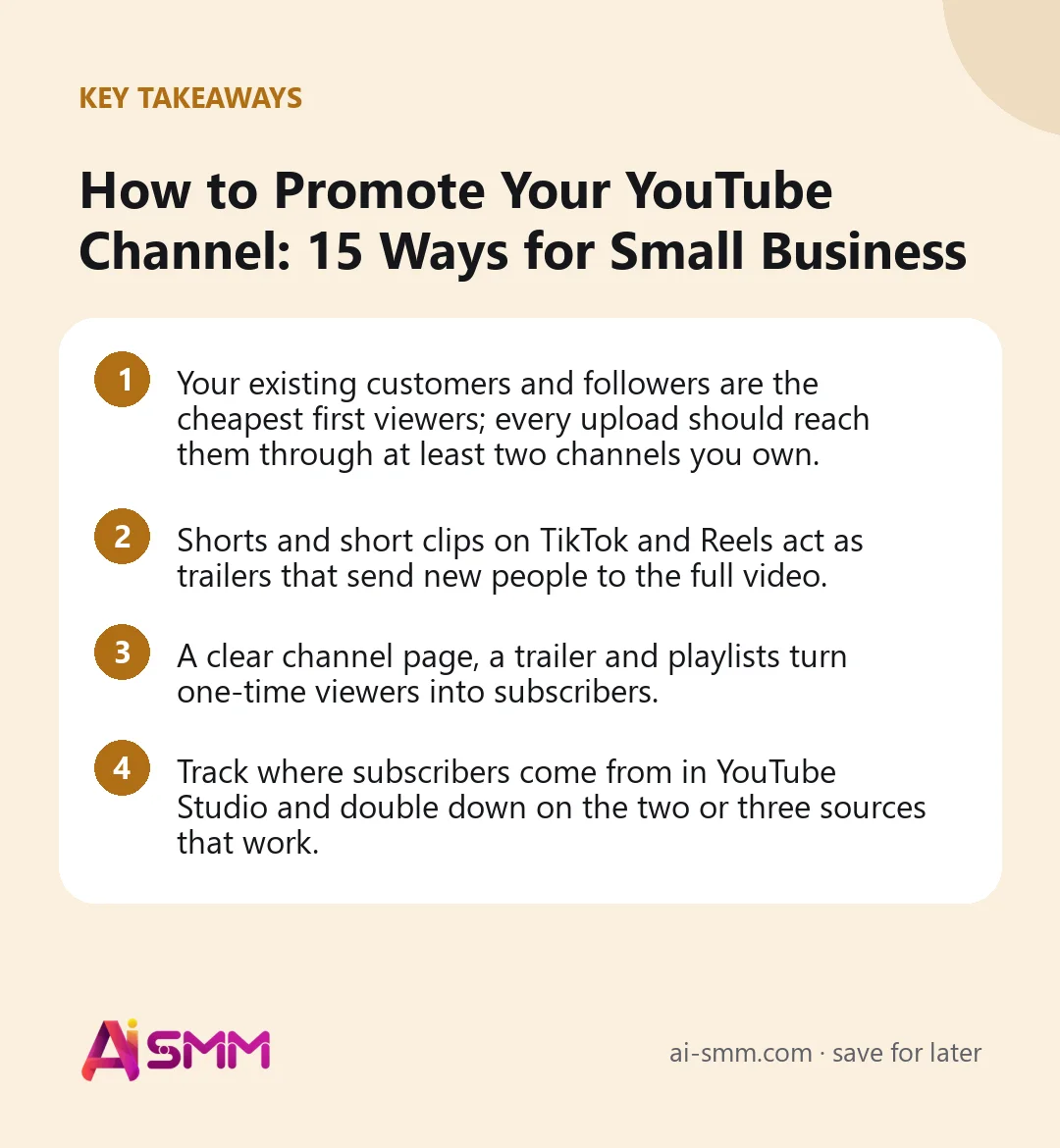
- Your existing customers and followers are the cheapest first viewers; every upload should reach them through at least two channels you own.
- Shorts and short clips on TikTok and Reels act as trailers that send new people to the full video.
- A clear channel page, a trailer and playlists turn one-time viewers into subscribers.
- Track where subscribers come from in YouTube Studio and double down on the two or three sources that work.
How to promote your YouTube channel: start with the channel itself
Promotion multiplies what is already there. If a visitor lands on a channel with five unrelated videos, no description and an empty banner, even great promotion leaks. Spend one afternoon on the basics first; the first four ways below are about exactly that.
1. Decide who the channel is for and say it in one line
“Tips from our renovation team for people planning a bathroom or kitchen” is a channel promise. “Our company videos” is not. Write the promise and use it in the channel description, the banner and the first seconds of your trailer. A narrow promise is easier to promote because you know exactly where those viewers are.
2. Set up the channel page like a landing page
- Banner: what the channel is about and how often new videos appear, for example “New renovation guides every Thursday”.
- Description: two or three sentences with the promise, the area you serve and the main topics.
- Links: booking page, store or website, plus your Telegram channel or Instagram.
- Channel trailer: a 30–60 second video for visitors who are not subscribed: who you are, what they will learn, why subscribe.
- Sections: group your best videos into playlists by topic and show them on the home tab.
3. Publish on a rhythm people can expect
For a small business, one long video every one or two weeks plus two or three Shorts a week is a realistic rhythm. The day matters less than the consistency: when viewers know a new guide appears every Thursday, announcements start to work better, because people expect them.
4. Make every video findable
Search keeps a video alive for years. Choose one search phrase per video, put it at the start of the title and the first lines of the description, add chapters and correct subtitles. This is the foundation that makes all other promotion cheaper, because each viewer you bring is more likely to find more of your videos afterwards.
5. Use Shorts as trailers for your long videos
Shorts reach people who have never heard of you. Cut the most useful 30–60 seconds from each long video: the key tip, the before and after, the surprising price. End with a reason to watch the full video, and use the related video link YouTube offers for Shorts where available. One long video can usually feed three to five Shorts.
6. Post clips on TikTok, Instagram Reels and Facebook
The same vertical clips can be published on other short video platforms, where your audience may already be bigger than on YouTube. Adapt the caption for each network and mention that the full guide is on YouTube. The goal is not to copy the video everywhere, but to let people who like your short content find the long version.
7. Announce every upload in Telegram and your other channels
Your Telegram channel, Threads, X, LinkedIn or Facebook page are free distribution. An announcement works better than a bare link: one sentence about the problem the video solves, one key takeaway, then the link. A café owner might write: “Why does home espresso taste sour? We tested three grinders on camera. The answer is in the new video.”
8. Send it to your email list
Subscribers who opted in to your emails are among the most engaged viewers you can get, and their first-day views give a new video a good start. You do not need a separate newsletter for every video: include the new video in your regular email with a screenshot-style image and a clear “Watch the guide” button.
9. Embed videos on your website and notify visitors
Put relevant videos on service pages, product pages and FAQ pages: a “how we install” video on the installation page, a care video on the product page. This helps visitors decide and adds views from people already interested in buying. If your website collects web push subscribers, a short notification about a new guide brings back people who visited but never subscribed to anything else.
10. Use offline touchpoints
Service businesses meet customers in person every day. Add the channel name and a short link to receipts, packaging inserts, business cards and the waiting area. A beauty salon can print “Aftercare videos: search Studio Lina on YouTube” on its care card; a bike shop can add “Setup and maintenance guides” to the receipt. These viewers are already customers, and they often become the most loyal commenters.
11. Answer comments quickly and pin a useful one
Replies in the first day or two keep the conversation going and show new viewers that someone is there. Pin a comment with the most important link or a clarification. Every question in the comments is also a topic for a future video; reply “Great question, I will film a full answer” and then actually do it.
12. Collaborate with neighbouring businesses and local creators
A kitchen studio and a tiler, a florist and a wedding photographer, a yoga teacher and a physiotherapist share audiences without competing. Film a joint video, appear in each other’s content, or recommend each other’s channels. One well-matched collaboration often brings more relevant subscribers than months of general promotion.
13. Go live or use Premieres for important videos
A Premiere lets you schedule a video with a public countdown and chat with viewers while it plays for the first time. A live Q&A once a month works well for experts and schools: people ask questions in real time, and the recording becomes another video. Announce both in advance in your other channels.
14. Use community posts and playlists to keep viewers around
Channels with access to community posts can publish polls, images and short updates between uploads, which keeps subscribers engaged. Playlists, end screens and cards connect your videos so a viewer who came for one guide watches two or three more. The longer the session on your channel, the more YouTube is willing to recommend you.
15. Add paid promotion only when the basics work
Paid video campaigns can speed up growth, but they amplify what exists. If your videos do not hold viewers, you will pay for views that do not turn into subscribers. Test a small budget on your best-performing video, the one with the strongest retention, and compare the cost per subscriber with the results of organic channels.
Which promotion channels to start with
| Channel | Effort | Best for |
|---|---|---|
| Shorts from long videos | Low with automatic clipping | Reaching new people on YouTube |
| Clips on TikTok and Reels | Low once clips exist | Businesses with an audience outside YouTube |
| Telegram, email, push | Low | First-day views from existing fans |
| Website embeds | One-time setup | Views from people ready to buy |
| Offline touchpoints | One-time setup | Local service businesses |
| Collaborations | Medium | Niche and local audiences |
| Paid campaigns | Budget | Scaling a video that already works |
A weekly promotion plan for one video
| Day | Action |
|---|---|
| Upload day | Publish the video, pin a comment, send an announcement to Telegram and email |
| Day 1–2 | Answer every comment; post the first Short |
| Day 3 | Post a clip to TikTok and Reels, mention the full video |
| Day 4–5 | Second Short; announcement on Threads, LinkedIn or Facebook |
| Day 6–7 | Embed the video on a relevant website page; web push if it fits |
How to measure what works
In YouTube Studio, check traffic sources and where new subscribers come from for each video: YouTube search, suggested videos, Shorts feed, external sources. After a month you will see a pattern. If Shorts bring most subscribers, cut more of them; if external sources are strong, invest in your Telegram and email announcements. Pair that with a simple weekly note of subscribers and views per video so you compare periods, not single days.
Promoting a YouTube channel with AI SMM
Most of the routine above is repetitive work that AI SMM can take over. Video clipping takes a link to your long video, finds the strongest moments and cuts vertical clips with editable subtitles for Shorts, TikTok and Reels; it can also watch your channel and prepare clips when a new video comes out, waiting for your review. Social media management schedules the upload to YouTube, the clips and the announcements to Telegram, Threads, LinkedIn or Facebook from one calendar, while AI Content Studio drafts the title, description and announcement texts. For people who already know you, email marketing and web push send the new video to subscribers. YouTube comments land in the shared inbox, and analytics shows subscribers, views and engagement per video next to your other networks.
FAQ
How can I promote my YouTube channel for free?
Use channels you already own: your customers, email list, Telegram channel, website and other social accounts. Add Shorts and clips on TikTok and Reels. Most small channels get their first thousand subscribers this way without ads.
How many videos do I need before promoting a channel?
Five to ten videos around one clear topic is a good start. A visitor who likes one video should find several more to watch, otherwise they rarely subscribe.
Do Shorts really help long videos?
They help when they are cut from the long video and clearly point to it. Random Shorts on unrelated topics bring viewers who do not care about your main content.
Is buying views or subscribers a good idea?
No. Fake views and subscribers do not watch, do not buy and hurt your statistics, which makes it harder for YouTube to find the right audience for you.
Pick your latest video and run the weekly plan above for it this week. To save hours on clips and announcements, start with video clipping in AI SMM and turn one upload into a week of promotion.
Posts, chats, video and sales in one workspace. 7 days free.
Start free