AI SMM team
Going live feels risky: what if nobody comes, what if you freeze, what if the one person who joins asks something awkward? Yet Instagram Live for business is one of the few formats where a small brand can talk to clients in real time, answer objections on the spot and sell without a single ad. The trick is to treat a Live as a planned event with a clear goal, not as a spontaneous chat, and to reuse the recording afterwards so one hour of effort feeds a week of content.
This guide covers formats that work for salons, cafes, shops and experts, how to prepare, a minute-by-minute run sheet, and what to do with the replay.
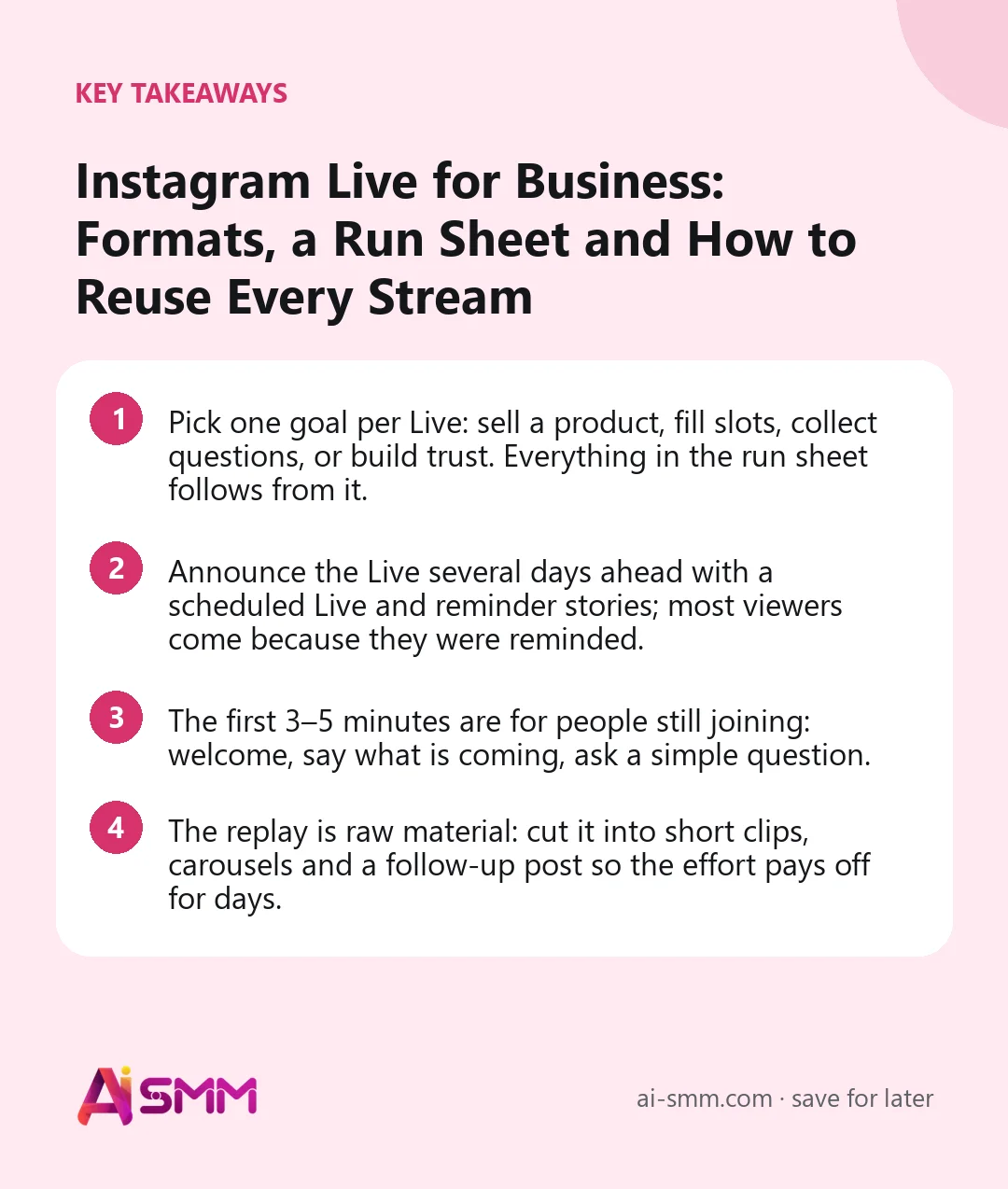
- Pick one goal per Live: sell a product, fill slots, collect questions, or build trust. Everything in the run sheet follows from it.
- Announce the Live several days ahead with a scheduled Live and reminder stories; most viewers come because they were reminded.
- The first 3–5 minutes are for people still joining: welcome, say what is coming, ask a simple question.
- The replay is raw material: cut it into short clips, carousels and a follow-up post so the effort pays off for days.
Why Instagram Live works for a small business
A post shows the result; a Live shows you. People see how you talk, how you work and how you react to questions, and that builds trust faster than any polished photo. Live also creates a sense of occasion: it happens now and viewers can interact, which makes them more willing to ask, comment and buy.
For a small business, Live is especially useful for things that are hard to explain in a caption: how a procedure feels, how a fabric moves, how a dish is made, how a consultation goes. And unlike a Reel, the audience can ask “and how much is it?” and get an answer immediately.
What you can do in Instagram Live
| Feature | What it gives you |
|---|---|
| Scheduled Live | An announcement with a reminder button, so followers get notified when you start |
| Guests | Invite other accounts to join on a split screen: a partner, a client, a team member |
| Comments and pinned comment | Pin the offer, link or main question so latecomers see it |
| Questions | Collect questions before and during the stream and answer them one by one |
| Moderator | A helper can manage comments while you talk |
| Practice mode | A test stream visible only to you (and guests) to check light, sound and camera |
| Replay | Save or share the recording after the stream ends |
Instagram adjusts limits (length, number of guests, how long replays are kept) from time to time, so check the current options in the app before planning a long or multi-guest stream.
10 Instagram Live formats for businesses
- Q&A with the owner or a master. Collect questions in Stories a few days ahead and answer them live. Works for any niche.
- Live demo. A manicure in progress, a cake being decorated, a product being assembled. People watch skilled hands for a long time.
- Product launch. Show the new collection or menu item, answer questions about sizes and prices, pin the order link.
- Live shopping session. Go through 5–10 items, try them on or show them close up, take orders in DM while live.
- Behind the scenes. The morning bake, packing orders, setting up for an event.
- Interview with a partner. A collab with a neighbouring business or an expert in an adjacent field, both audiences invited.
- Client story. A regular client (with consent) talks about their experience; you ask questions.
- Mini workshop. 20–30 minutes of real value: a skincare routine, a latte art basic, a budgeting method.
- Myth-busting. Five common myths in your field, one by one, with viewers voting in comments.
- Open house or anniversary. Celebrate a milestone with a live tour, a thank-you and a limited offer.
How to prepare for an Instagram Live
Before the day
- Choose one goal and one offer (a discount, a set, free slots, a bonus for viewers).
- Schedule the Live in the app 3–7 days ahead and share the announcement to Stories.
- Post reminder stories: the day before, the morning of, one hour before.
- Collect questions with a question sticker in Stories.
- If you invite a guest, agree on the topic, the timing and who asks what.
- Prepare products, samples or slides you will show, in the order you will show them.
Technical checklist
- Phone on a tripod, at eye level, charged, with notifications turned off.
- Light facing you, not behind you: a window or a simple ring light.
- Quiet room or a clip-on microphone; test the sound in practice mode.
- Stable connection: Wi-Fi if possible, and check the upload speed.
- A second phone or a helper to watch comments and reply to DMs.
A run sheet for a 30-minute Live
| Time | What happens | Why |
|---|---|---|
| 0–3 min | Welcome, name the topic, ask where viewers are from or a simple yes/no question | People are still joining; give them something to answer |
| 3–5 min | Say what they will get and mention the offer for viewers | A reason to stay till the end |
| 5–20 min | Main content: demo, answers, products, in 3–4 blocks | Short blocks are easier to follow and to clip later |
| 20–25 min | Live questions from comments | Real objections, answered publicly |
| 25–28 min | Recap and the offer again, pin the comment with the link or keyword | The action is clear for everyone, including latecomers |
| 28–30 min | Thank viewers, announce the next Live | Sets up the habit |
Greet people by name as they join and repeat the topic every few minutes; viewers arrive throughout the stream and need to catch up.
How to sell during a Live without being pushy
- Show, then offer. Demonstrate the value first; the offer comes after people have seen the product in use.
- Make the action simple: “Write ‘SET’ in comments” or “Reply to this Live in DM” is easier than “go find the link”.
- Give viewers something exclusive: a code valid for 24 hours, a bonus item, first access to slots.
- Answer price questions directly. Avoiding the price in a Live looks evasive.
- Follow up quickly: everyone who asked something during the stream should get a DM within the hour.
Going live with a guest
A guest makes a Live easier and more interesting: you are not talking alone, the conversation has a natural rhythm, and the guest can invite their own followers to watch. For a small business, good guests are partners with the same audience, regular clients with a story, or an expert who can answer questions you cannot.
- Send the guest the run sheet in advance, including the offer and who presents it.
- Do a short practice stream together to check both connections and sound.
- Let the guest talk more than you in their segment; that is why their audience came.
- Thank them publicly at the end and tag them in the follow-up posts.
Common Instagram Live mistakes
- Going live without an announcement. A surprise Live reaches only whoever happens to be online. Plan and remind.
- Waiting silently for viewers. Start talking from the first second; people who join should find something already happening.
- No structure. Without a run sheet, a Live drifts, and viewers leave after the first quiet minute.
- Ignoring comments. The whole point of Live is interaction. Read questions aloud and answer them by name.
- No action at the end. If viewers do not know what to do next, the Live was just a nice conversation.
- Letting the recording vanish. Save it before closing the stream, every time.
After the Live: turn one stream into a week of content
The biggest mistake with Lives is letting the recording disappear. One 30-minute stream contains material for many posts:
- 3–5 short clips for Reels: the best answer, the demo moment, a funny reaction.
- A carousel with the top questions and short answers.
- A Story sequence with highlights and a “missed it? here’s the recap” frame.
- A post with the main takeaway and a link to the offer.
- A Highlight “Live” or “Q&A” for new visitors.
How to measure an Instagram Live
Viewer count is only part of the picture. For a business, look at:
| Metric | What it tells you | What to do |
|---|---|---|
| Peak and average viewers | How well the announcement worked | If low, announce earlier and post more reminders |
| Comments and questions | How engaged viewers were | Ask more direct questions next time |
| DMs and keyword replies | Real purchase intent | Answer within the hour; note the objections |
| Orders or bookings with the viewer code | Revenue from the Live | Repeat the format that sold |
| Views of clips from the replay | Long-tail value of the stream | Clip more from the best segments |
How AI SMM helps before and after your Live
The stream itself runs in the Instagram app, but the announcement and the reuse are where AI SMM saves hours. Plan the announcement posts and reminder stories on the content calendar so they go out at the right times on Instagram and your other networks, and let the AI content studio draft the announcement text and visuals in your brand’s style.
After the stream, save the replay and publish the full recording on YouTube, where a complete Q&A or workshop makes a good long video anyway. Then paste its link into video clipping: AI finds the strongest moments and cuts them into short vertical clips with subtitles for Reels, Shorts and TikTok, so the best answers get a second life. Questions and orders that come in by DM after the Live land in the shared inbox, where the whole team can answer them. And if you want the people who asked for “SET” in comments to get the offer automatically, a comment-to-DM flow on your follow-up post will send it.
FAQ
How long should an Instagram Live be for a business?
For most small businesses, 20–40 minutes is enough: long enough for people to join and ask questions, short enough to keep energy up. Workshops and launches can run longer if the content holds.
What time is best to go live?
When your followers are most active, which you can see in your account statistics. Many local businesses do well on weekday evenings; always announce the time several days ahead so people can plan to join.
Can I schedule an Instagram Live?
Yes, the app lets you schedule a Live in advance. Followers can tap to get a reminder, and you still start the broadcast manually at the scheduled time.
What if only a few people join?
That is normal for the first Lives. Treat it as a conversation with your most loyal clients, answer their questions in detail, and rely on the replay and clips to reach everyone else.
Pick one format, schedule your first Live for next week and plan the announcements today. When the stream is over, turn the recording into short clips with video clipping in AI SMM.
Posts, chats, video and sales in one workspace. 7 days free.
Start free