

 AI SMM team
A social media management platform keeps profiles, content plan, drafts, visual briefs and replies in one account. Set up right, it turns social media work into checking and approving instead of writing every post by hand. Below is the setup order that holds up in practice.
What is a social media management platform and which manual tasks does it replace?
It is software that holds your social profiles, content calendar, post drafts, visual briefs and direct messages under one login. It replaces the spreadsheet, the notes file and the folder of screenshots a small team uses to keep the same information in five places.
The workload it removes matters more than the definition. In a business that sells through social media, the same jobs repeat every week, and most are not creative work:
- Planning. Deciding what goes out, on which network, and in what order across the month.
- Writing. Turning an offer or a client question into a post that sounds like a person wrote it.
- Briefing visuals. Telling a photographer, a designer or an AI what the frame should show.
- Scheduling. Putting each post into a slot and keeping that slot when the week gets busy.
- Replying. Answering comments and direct messages before the buyer loses interest.
If you are comparing tools for the first time, this practical guide to social media management covers the buyer’s side of the same question.
How does it work, from content plan to published post?
Work moves through one chain: a connected profile, a monthly plan, a draft, a visual brief, an approval, a scheduled publish and a reply in the inbox. Every step either removes work from your week or adds a new place for things to break.

- Profile connection. You grant access through the network’s own login window, such as the Instagram Help Center or LinkedIn Help. No passwords are shared, and you can revoke access later.
- Plan. The tool builds a calendar for the month: themes, formats, networks and a posting rhythm. A weak platform hands you an empty grid.
- Draft. A post is written for a specific network, in the length and tone that network rewards.
- Visual brief. The draft comes with instructions for the photo or the Reels video that goes with it.
- Approval. You or a colleague read the draft, edit it, and mark it ready.
- Publish. The post goes out at the scheduled time through the network’s official access, so the format and the reach stay intact.
- Reply. Comments and direct messages arrive in one list, with the post they belong to visible next to them.
Your work still sits in three places: the offer and the facts only you know, the visual check before publishing, and the tone of a reply in a sensitive conversation. A platform shortens the distance between those moments. It does not remove them.
Which features decide whether a platform is usable?
Six criteria decide it: supported networks, automatic plan generation, the quality of visual briefs, the approval flow, the inbox and role access. A tool passes only if it clears the threshold on all six, because a strong calendar with a weak inbox still loses buyers every week.
| Criterion | Threshold to pass | What fails the test |
|---|---|---|
| Networks supported | Every network where your buyers spend time, each with its own text | You still copy posts by hand into a network the tool skips |
| Plan generation | The tool proposes a monthly plan per network, with themes and a rhythm | You get an empty calendar and a create post button |
| Visual brief quality | Each brief names frame, subject, props, text on image and length | Briefs read “beautiful photo of our product” |
| Approval flow | A colleague can review and comment on a draft from a phone | Approval happens in a chat that later scrolls away |
| Inbox | Comments and direct messages land in one list next to their post | You open five apps to find out who replied |
| Roles and access | A freelancer gets access to one profile without the owner’s password | Everyone logs in with the same credentials |
A tool that clears four of six is one you will patch by hand every week. The patch shows up as an unscheduled post or an unanswered message, and both cost more than the subscription.
How do you connect profiles and keep the posting schedule?
Connect profiles through official access rights, write down the profile list, set time slots, publish one test post and reconcile the old calendar with the new one. A mistake in the first step is the one that puts an account at risk.
- Check access rights. Use the network’s own login window. If a tool asks for a password in a text field, close the tab.
- Write the profile list. One line per account: purpose, owner, language, and who answers messages.
- Retire dead accounts. Profiles with no posts for months drag attention away from the ones that sell. Merge or close them before the migration.
- Set time slots per network. Pick slots you can fill in a busy week. A modest schedule that holds beats an ambitious one that collapses on the first holiday.
- Publish one test post per network. Open it on a phone. Check the image crop, the link, the first line and the text on the image.
- Reconcile the old calendar. Move every post that is already scheduled. Check the current week first, since it is usually half planned and half written in someone’s notes.
Keep the first week light on purpose. Two or three posts per network are enough to confirm that publishing works and that nothing arrives twice. Once the queue runs clean, raise the volume.
How do you build a monthly content plan inside the platform?
Turn audience notes into themes, group the themes into rubrics, set a posting rhythm you can keep, and load that as the plan the tool writes posts from. The plan is the input and drafts are the output, so a vague plan produces vague text no matter how good the writing engine is.
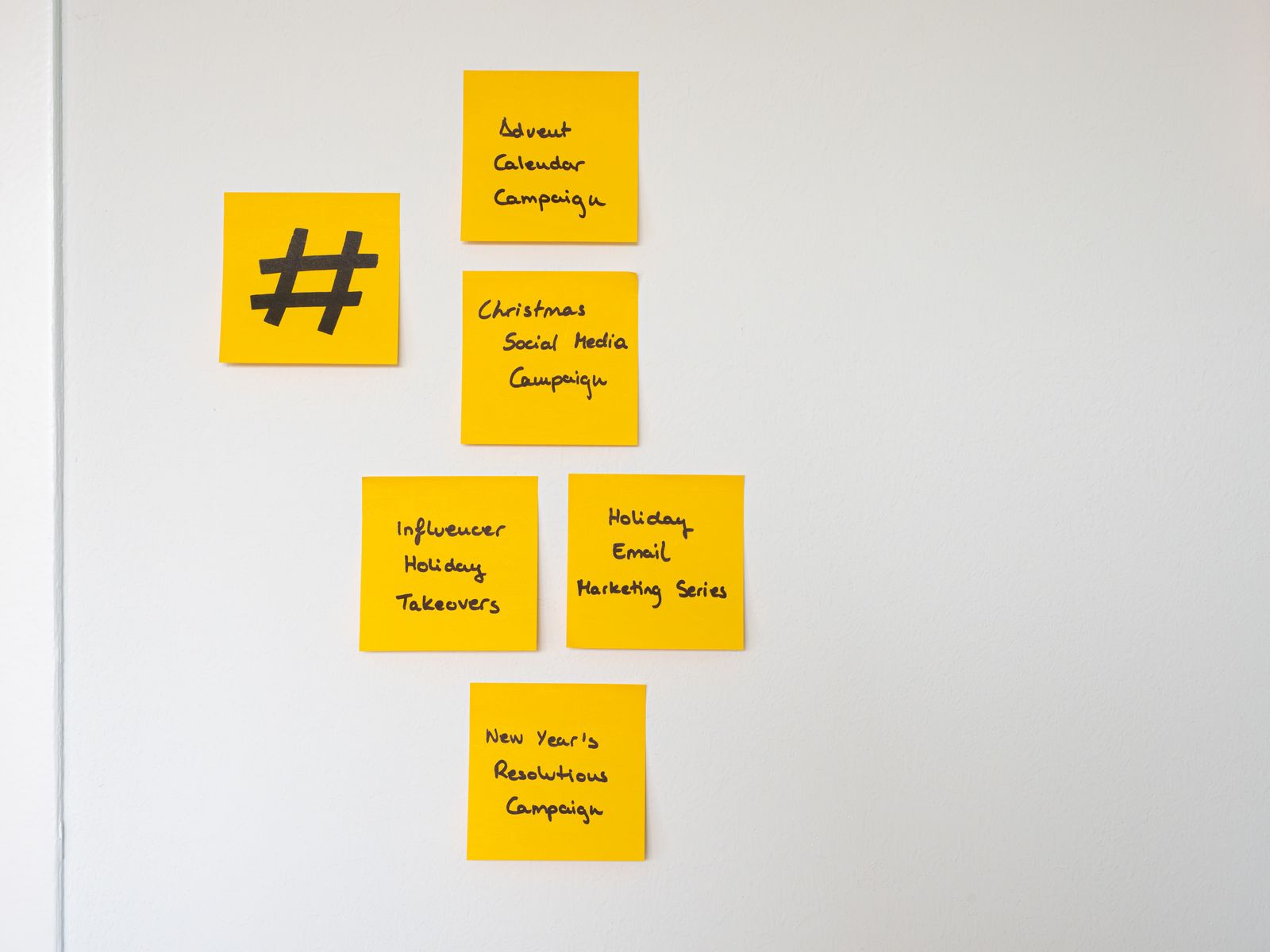
Start with what you already hear from buyers:
- The questions people ask in direct messages before they pay.
- The objections you answer most often, such as price, timing or “I will think about it”.
- The posts from last month that got buyer comments.
- The offers running this month, with the dates they start and end.
Group those notes into four or five rubrics: expertise, proof, offer, behind the scenes, and answers to common questions. Five rubrics are enough for a month of posts. More than that and the plan starts repeating itself in different words.
Then set frequency per network. The same theme becomes a carousel on Instagram, a short text post on LinkedIn and a vertical video on TikTok, so the count can differ even when the theme does not. Load the plan into the platform network by network. Spend an hour editing the generated plan before you let it produce drafts. That hour saves a month of rewriting.
How do you write photo and Reels briefs a person or an AI can follow?
A usable visual brief names the frame, the subject, the props, the text on the image, the length for Reels, and the impression the shot should leave. It leaves out slogans, adjectives and anything the viewer cannot see inside the frame.
- Frame. Vertical or horizontal, close or wide, shot from eye level or above. Name the setting: a salon chair, a shop counter, a clinic door.
- Subject. Who is in the shot, what they wear, what their hands do. “A stylist holds a brush next to a client’s hair” beats “master at work”.
- Props. The three or four objects that carry meaning: product packaging, tools, a phone with the booking screen open.
- Text on image. The exact words and where they sit. Short lines that survive a small screen.
- Length and first frame for Reels. What the viewer sees in the opening moment, and what happens next.
Leave out three concepts in one brief, the music choice before the edit exists, and any instruction that depends on taste rather than on a visible object. If two people read the brief and imagine different photos, the brief is not finished.
A brief like this works for a photographer, a team member with a phone, or a generation tool. It also makes the review faster, because you can check the result against the words instead of arguing about taste.
What should you measure in the first month?
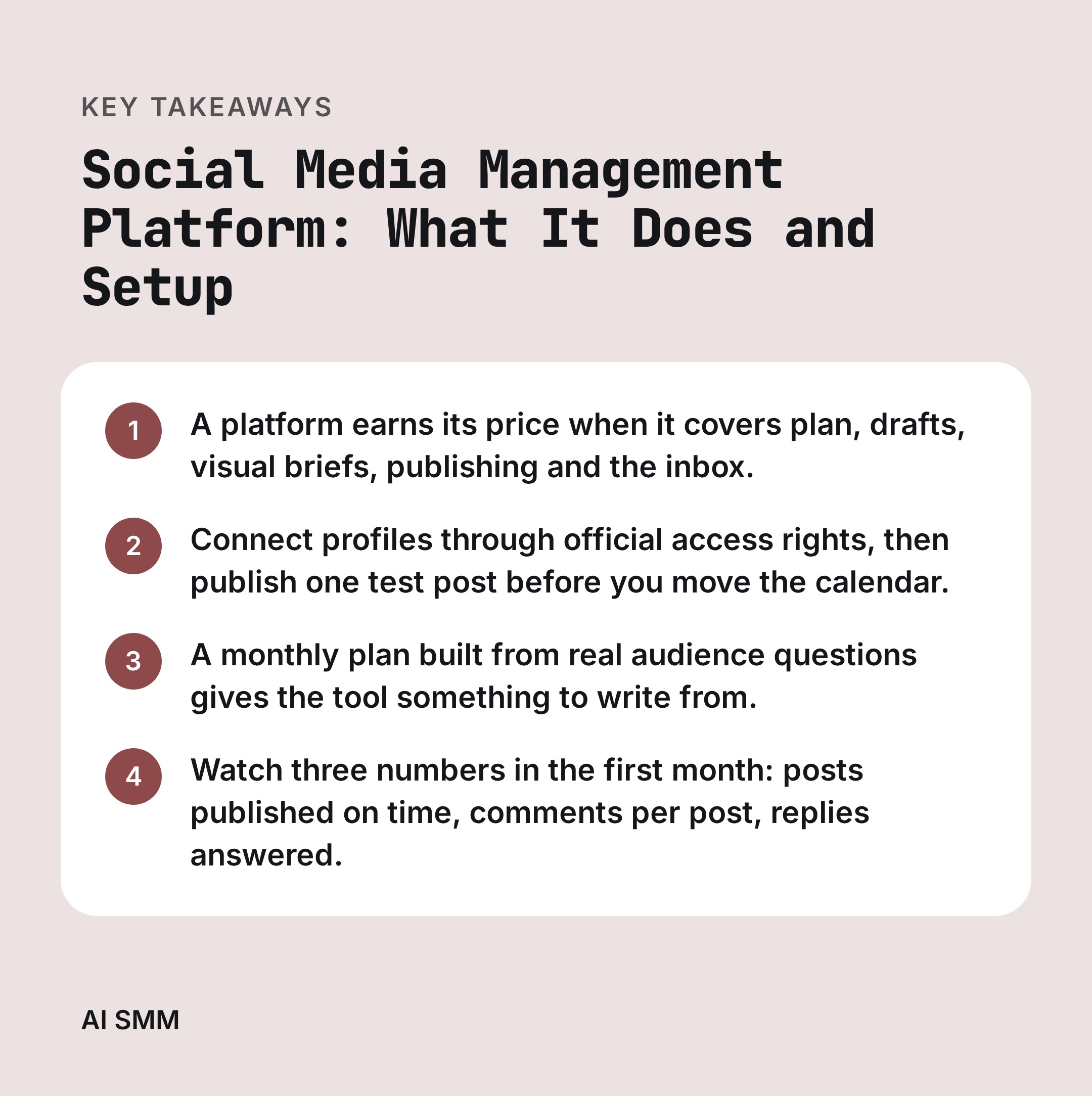
Three numbers: posts published on time, comments per post, and replies answered. Everything else, including follower count, can wait until the routine is stable and the queue no longer needs manual rescue.
Published on time. Compare what the calendar promised with what actually went out. Missed slots show where the process breaks, and the fix is usually a smaller plan or a clearer approval rule.
Comments per post. Count comments from people who could buy, not from colleagues. This number tells you whether the themes in the plan match what the audience cares about.
Replies answered. Count the conversations you closed, and count them where they happen. If your direct messages are spread across apps, one shared inbox makes this number visible instead of guesswork.
Skip at the start: follower growth, total impressions, and likes without comments. Those numbers move for reasons you cannot control yet, and watching them in week one mostly produces anxiety.
Checklist before you pay for a subscription
Run this list on the trial account before you enter card details. Each line takes minutes, and any failed line is a reason to test another tool or to ask support a direct question.
- Every network you post to is connected and shows your profile name correctly.
- One test post per network is live, checked on a phone, with the image crop and the link working.
- The platform produced a monthly plan for each network, and the plan can be edited before drafts are written.
- Two drafts written for different networks read differently, not like one text copied twice.
- A photo brief contains frame, subject, props, text on image and length.
- A Reels brief names what happens in the first seconds.
- A colleague can open a draft, comment and approve it from a phone.
- Comments and direct messages arrive in one list next to the post they belong to.
- You can grant access to one profile without sharing the owner’s password.
- You know how to export the calendar and the drafts if you leave.
- Support answered a real question during the trial, not a pre-written page.
What you can ignore and where teams lose time
Ignore settings that change appearance rather than output: theme colours, cover templates, watermark placement, hashtag libraries, and a report dashboard you open once. The first week is better spent on the plan and the inbox, because those two decide whether posts turn into conversations.
Settings and modules that rarely change results:
- Visual templates that make every post look identical.
- Every integration in the catalogue, most of which you will never switch on.
- Approval chains with more than two people, which slow publishing without improving the text.
- Hashtag research as a separate project, when the plan already covers themes.
- Posting to networks where none of your buyers spend time.
Teams lose hours in three places instead. They rewrite drafts the tool already wrote well. They hunt for a message they saw yesterday in a chat and cannot find. And they rebuild the plan every month from an empty page. Each of those is a sign that the platform is being used as a notebook rather than as a system.
How to do this with AI SMM
AI SMM builds a monthly content plan for each network, writes posts for the target audience, prepares briefs for photos and Reels, publishes on schedule and answers in the inbox. The owner approves the plan and checks the visuals, which is the part that needs a human eye anyway.
The service was built by a team led by Vladislav Aksenov for owners who run social media without a full department. A stylist, a clinic manager or a shop owner gets a plan for each connected network instead of one text pasted everywhere, plus the tech tasks for the photo and the Reels video that go with each publication.
Three moments stay with you: the facts about your offer, the check of the visuals, and the final word in a difficult conversation with a buyer. Everything around them, from the calendar to the publishing slot to the first reply, runs inside the system. Publishing goes through the official access of each network, so the format and the reach are not cut.
The plans scale with the job. MINI covers personal use, START and PRO cover company accounts with several profiles. The full set of apps sits on one page: the AI SMM platform for SMM and sales.
FAQ
Can two people edit the same content plan at once without overwriting each other’s changes?
Test it during the trial: open the same draft in two browsers, edit both and save. A tool that overwrites without warning will do it again on a busy day. If your team is small, agree on one editor per network and leave comments for everyone else.
What happens to posts that are already scheduled if I cancel the subscription?
Export the calendar and the drafts before you cancel, then rebuild the queue in the new tool. Queues usually stop publishing when access ends, and posts planned for later weeks can disappear without a notice. Keep the visuals in your own storage as well.
Do I still need a designer if the platform produces photo and Reels briefs?
The brief sets what the frame contains, and a designer or photographer still decides the light, the styling and the final file. For simple product shots a brief plus a phone camera covers most of it. For a campaign, a shoot with several people or a launch video, a person behind the camera saves rework.
How many social profiles can one person realistically run without extra help?
As many as you can approve and answer, not as many as the tool allows. A single owner usually handles a handful of active profiles well, and the limit arrives with the replies, not with the calendar. When messages pile up across networks, that is the moment to bring in help or to cut a network.
Ready to run this setup on your own accounts? Start with social media management in AI SMM, build the first monthly plan for each network, and test it before you pay.
Posts, chats, video and sales in one workspace. 7 days free.
Start free