AI SMM team
UTM parameters for social media are short tags you add to the end of a link, such as ?utm_source=instagram&utm_medium=social&utm_campaign=spring_sale, so that your website analytics can tell exactly which network, post and campaign sent each visitor. Without them, a large share of social traffic shows up as “direct” or lumped into one vague “social” line, and you cannot tell whether your Telegram channel or your Instagram Stories brought the orders. This guide explains the five UTM tags, how to build a tagged link in a minute, a naming convention you can copy and the mistakes that quietly ruin reports.
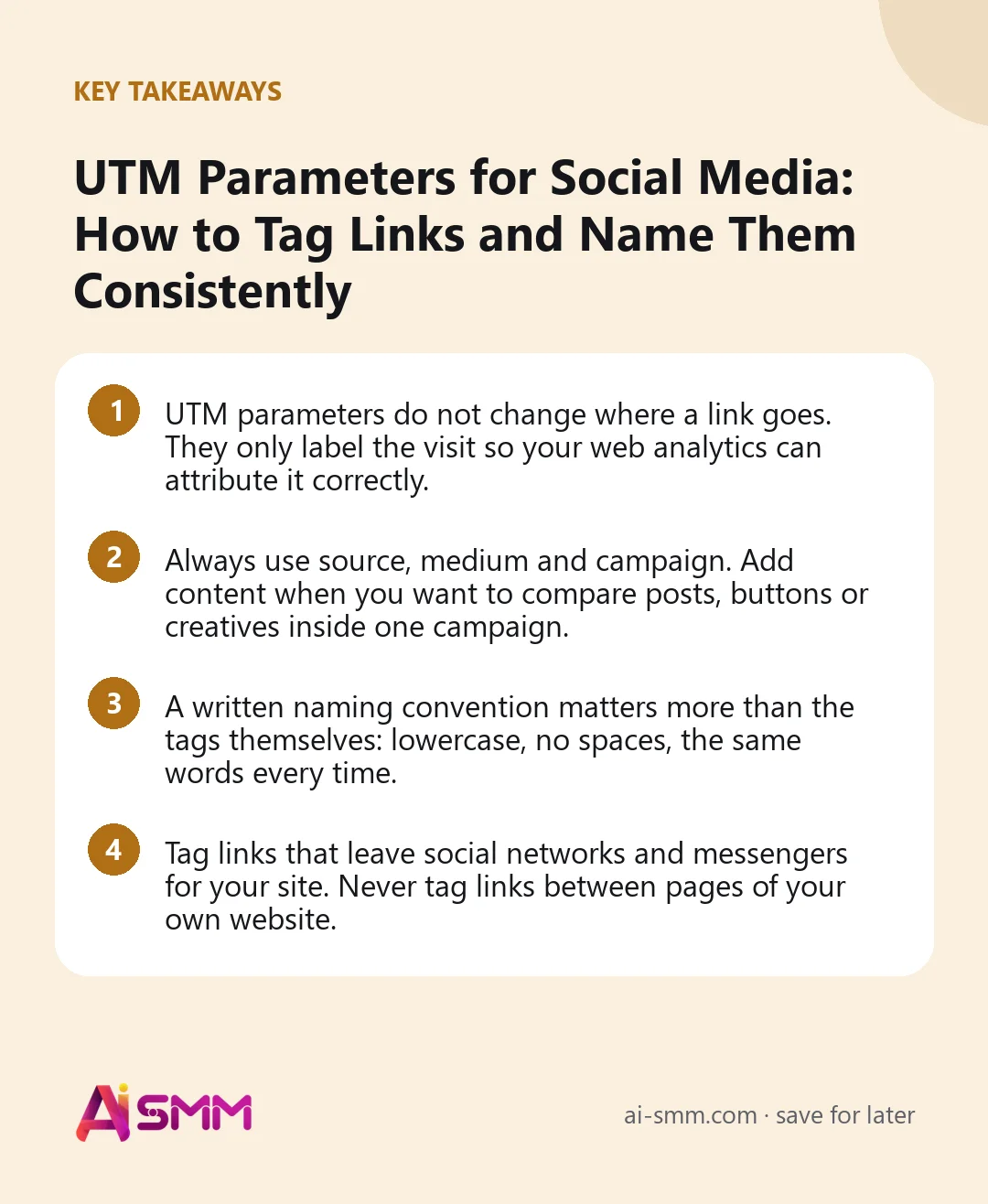
- UTM parameters do not change where a link goes. They only label the visit so your web analytics can attribute it correctly.
- Always use source, medium and campaign. Add content when you want to compare posts, buttons or creatives inside one campaign.
- A written naming convention matters more than the tags themselves: lowercase, no spaces, the same words every time.
- Tag links that leave social networks and messengers for your site. Never tag links between pages of your own website.
What are UTM parameters?
UTM stands for Urchin Tracking Module, named after the analytics tool that later became Google Analytics. A UTM parameter is a key and value added to a URL after a question mark. When someone clicks the link, the page opens as usual, but your analytics tool reads the tags and records where the visit came from.
Here is a plain link and the same link with UTM parameters:
https://example.com/booking
https://example.com/booking?utm_source=instagram&utm_medium=social&utm_campaign=autumn_offer&utm_content=story_link
Both open the same booking page. The second one tells Google Analytics, Yandex Metrica or any other tool that understands UTMs: this visitor came from Instagram, through organic social, as part of the autumn offer, via a Story link.
The five UTM parameters explained
| Parameter | Answers | Required? | Social media example |
|---|---|---|---|
| utm_source | Which site or app sent the visitor | Yes | instagram, facebook, telegram, linkedin, tiktok |
| utm_medium | What type of channel it was | Yes | social, paid_social, messenger, email |
| utm_campaign | Which campaign or promotion | Yes | black_friday_2026, new_menu, webinar_march |
| utm_content | Which post, placement or creative | Optional | bio_link, story_link, reel_0312, button_book |
| utm_term | Which keyword or audience | Optional | Mostly for paid search; on social can hold an audience name |
Some tools also accept utm_id, a campaign ID that helps when you import cost data. For most small businesses, source, medium, campaign and content cover everything.
Why UTM parameters matter for social media in particular
- Apps hide where visitors came from. Clicks from mobile apps and messengers often arrive without referrer information, so your analytics shows them as direct traffic. A UTM tag travels in the link itself and survives the trip.
- One network, many placements. A visit from Instagram could come from the bio link, a Story sticker, a DM or an ad. Only the content tag tells them apart.
- Some channels have little built-in analytics. Messengers and chats rarely tell you how many people clicked a link and what they did next. Tagged links close that gap on your website’s side.
- Proving value. “Social brought 34 orders last month, 21 of them from Telegram posts” is a very different conversation with a client or a boss than “we got some likes”.
How to tag links with UTM parameters: step by step
- Start with the clean destination URL. Open the page you want people to land on and copy its address without any existing tags.
- Choose values from your naming convention (see the table below): source, medium, campaign and, if needed, content.
- Build the link. Add a question mark after the URL, then each parameter as key=value, joined by ampersands. If the URL already contains a question mark, join the UTMs with an ampersand instead. A free campaign URL builder, such as the one Google provides, or a simple spreadsheet formula can do this for you.
- Test it. Open the link in a private browser window and check that the page loads and that the visit appears in your analytics real-time report with the right source and medium.
- Shorten if needed. Long tagged links look messy in captions. A link shortener or your link-in-bio page keeps them tidy; the tags still work after redirect.
- Log it. Add the link to a shared spreadsheet with the date, the post and who created it. This log is what keeps the naming consistent a year later.
UTM naming convention for social media
The convention is the most important part. Analytics tools treat Instagram, instagram and IG as three different sources, so one inconsistent link splits your data. Agree on the rules below once, write them down and share them with everyone who posts.
| Parameter | Rule | Use | Avoid |
|---|---|---|---|
| General | Lowercase, underscores instead of spaces, no special characters | spring_sale | Spring Sale, spring%20sale, SpringSale! |
| utm_source | The network’s full name, always the same spelling | instagram, facebook, telegram, linkedin, tiktok, youtube, threads, x, pinterest, whatsapp | ig, insta, fb, tg, twitter and x mixed |
| utm_medium | Channel type from a fixed short list | social (organic posts), paid_social (ads), messenger (chats and DMs), influencer (partner posts) | post, reels, smm, organic_instagram |
| utm_campaign | Topic plus period, so it sorts well | new_menu_2026_10, black_friday_2026, webinar_pricing_0312 | promo, test, campaign1 |
| utm_content | Placement or specific post | bio_link, story_link, post_0312, reel_0315, dm_flow, pin_board_gifts | link, click_here, blank |
Keep medium values few and stable. Web analytics tools group traffic into channels partly by the medium, so values like social and paid_social are sorted into organic and paid social more reliably than creative names. Check your analytics tool’s documentation for the exact values it recognises.
A simple UTM tracking spreadsheet
You do not need special software to keep tags consistent. A shared spreadsheet with a few columns is enough, and a formula can assemble the final link so nobody types the parameters by hand.
| Column | What goes in it | Example |
|---|---|---|
| Date | When the link was created | 2026-10-04 |
| Destination URL | The clean page address | https://example.com/booking |
| Source | Picked from a dropdown of allowed values | telegram |
| Medium | Picked from a dropdown | social |
| Campaign | Topic plus period | new_menu_2026_10 |
| Content | Placement or post | channel_post_1004 |
| Final link | Built by a formula that joins the columns | https://example.com/booking?utm_source=telegram&utm_medium=social&… |
| Owner and note | Who created it and where it was used | Anna, pinned post about the October menu |
Dropdowns for source and medium do most of the work: when people can only pick from an approved list, spelling variations simply cannot appear. Review the sheet once a month, when you look at your analytics, and retire campaign names that are finished so the list stays short.
Where to put tagged links on each network
| Network | Clickable places | utm_content example |
|---|---|---|
| Bio link, Story link sticker, DMs; captions are not clickable | bio_link, story_link, dm | |
| Post text, link posts, page buttons, Messenger | post_1004, page_button | |
| Telegram | Channel posts, pinned message, bot messages and buttons | channel_post_1004, pinned, bot_button |
| Post text, company page link, profile featured section | post_1004, featured | |
| TikTok | Profile link where available | bio_link |
| YouTube | Video description, channel links, pinned comment | description, pinned_comment |
| The pin’s destination link | pin_board_name | |
| WhatsApp and other chats | Links in messages and broadcasts | broadcast_1004, chat_reply |
If you use one link-in-bio page for several networks, tag the link to that page differently for each profile, for example utm_source=instagram&utm_content=bio_link on Instagram and utm_source=tiktok&utm_content=bio_link on TikTok, and tag the buttons on the page itself so you can see which offer people chose.
Reading UTM data in your analytics
In Google Analytics 4, tagged visits appear in the traffic acquisition reports under session source, medium and campaign. In Yandex Metrica they appear in the UTM tags report under sources. Useful questions to ask every month:
- Which source brought the most visits, and which brought the most bookings, orders or leads? They are often not the same.
- Which placement works best: bio links, Stories or posts?
- Which campaigns paid off, and which only brought clicks?
Set up conversions, such as a booking, an order or a form submission, in your analytics tool before you start tagging. Tagged links without conversions only tell you where visitors came from, not whether they did anything.
Common UTM mistakes that break your reports
- Tagging internal links. A UTM on a link from your homepage to your booking page starts a new session and overwrites the real source. Tag only links that come from outside.
- Inconsistent spelling. Facebook, facebook and fb become three rows. Lowercase everything and use your convention table.
- Spaces and special characters. They get encoded into unreadable strings. Use underscores or hyphens.
- Personal data in URLs. Never put names, emails or phone numbers in UTM values; they end up in analytics tools and browser histories.
- Tagging and forgetting. Links nobody logged are hard to decode months later. Keep the spreadsheet.
- Broken links after editing. A missing question mark or an extra one breaks the tags. Test every link once before publishing.
Using tagged links in AI SMM
AI SMM does not replace your web analytics, but it is where most of your social links actually get published, so it is the natural place to apply your convention. Paste tagged URLs into posts in the calendar; when you publish a separate version of a post for each network, give each version its own utm_source. On your link in bio page, give every button a tagged link so your analytics shows which offer people picked, and the page’s forms send leads straight to your contacts.
Links you send inside chat flows in Telegram, Instagram DMs or WhatsApp can carry tags too, with a medium like messenger, so chat traffic stops hiding in “direct”. This matters most for Telegram and X, which have no analytics inside AI SMM: tagged links are how you see their effect on your site. For the networks that do report data, analytics shows reach, engagement and follower growth next to each other, which together with UTM reports in your web analytics gives the full picture from post to visit.
FAQ
Do UTM parameters affect SEO?
Not when used on external links from social media. Search engines generally handle tagged URLs fine, and your page’s canonical URL stays the clean version. Just avoid UTMs on internal links within your own site.
Do I need UTM parameters if the network already has analytics?
Yes. Network analytics shows what happened on the platform: reach, likes, link clicks. UTMs show what happened after the click on your site: which pages people viewed and whether they booked or bought.
Should I use utm_medium=social or the network name?
Use a channel type, such as social or paid_social, for the medium, and put the network name in the source. That keeps channel reports clean and lets you compare networks within them.
Do link shorteners remove UTM parameters?
Reputable shorteners redirect to the full URL, tags included. Test one shortened link in a private window and check that the tags appear in the address bar of the final page.
Consistent tags turn “social brings some traffic” into numbers you can act on. Publish your tagged posts from one AI SMM calendar and keep every network’s links in order.
Posts, chats, video and sales in one workspace. 7 days free.
Start free