AI SMM team
Social commerce means selling directly where people already spend their time: a customer discovers a product in a Reel, asks a question in the comments, gets an answer in DMs and pays without ever visiting a traditional website. This social commerce guide is written for small businesses that already have some audience on Instagram, TikTok, Telegram or WhatsApp and want to turn it into orders in a structured way, rather than through an endless stream of “how much?” messages answered by hand.
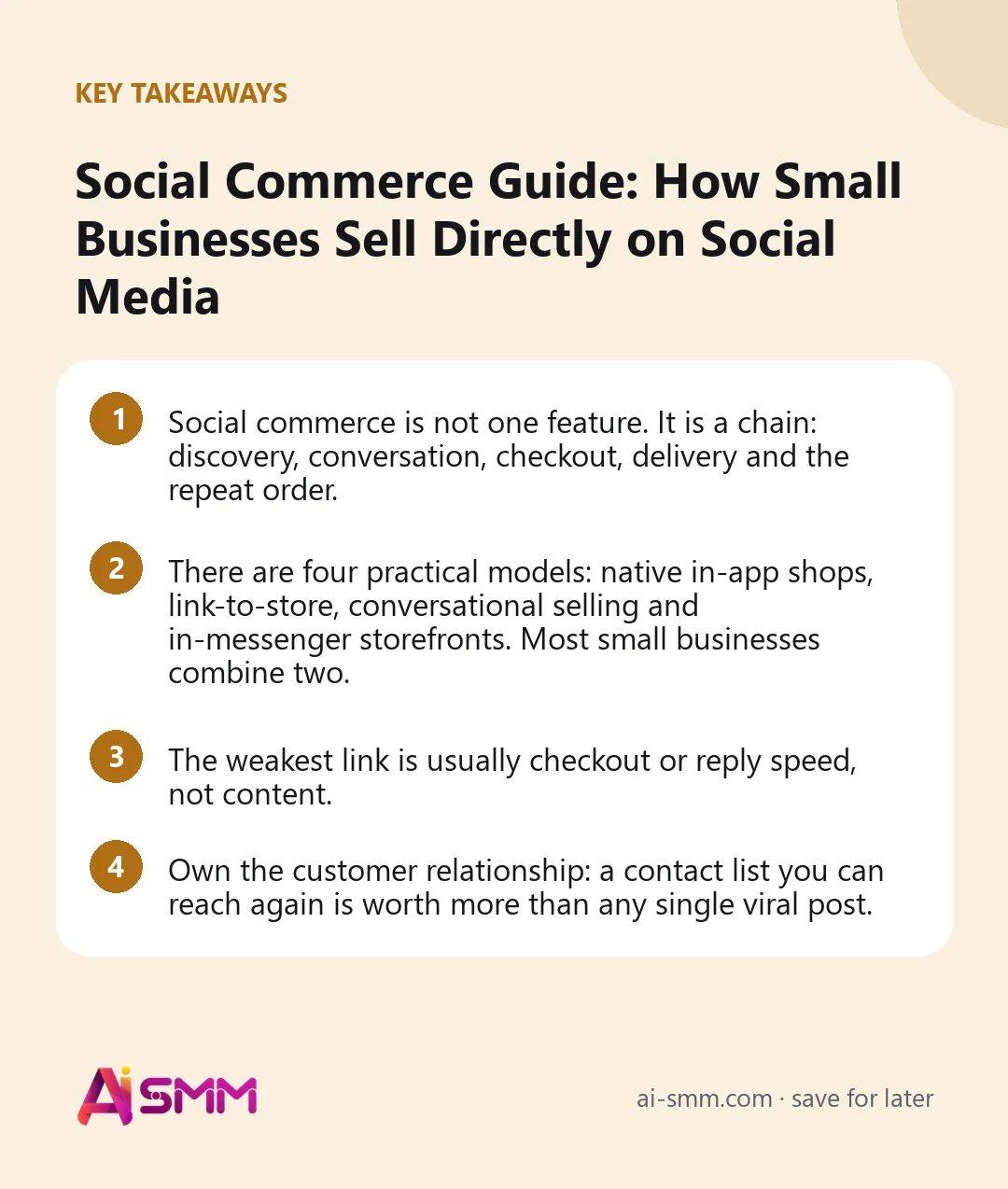
- Social commerce is not one feature. It is a chain: discovery, conversation, checkout, delivery and the repeat order.
- There are four practical models: native in-app shops, link-to-store, conversational selling and in-messenger storefronts. Most small businesses combine two.
- The weakest link is usually checkout or reply speed, not content.
- Own the customer relationship: a contact list you can reach again is worth more than any single viral post.
1. What social commerce is, and what it is not
E-commerce sends people from social media to a website and hopes they buy there. Social commerce keeps as much of the journey as possible inside the social experience: discovery in the feed, questions in comments and chats, product browsing in an in-app window, payment in a few taps. The fewer times a buyer has to switch context, the fewer buyers you lose along the way.
It is not only for big brands with integrated shop tabs. A home bakery taking orders for birthday cakes through Telegram, a vintage clothing seller running drops in Instagram Stories and a furniture maker answering WhatsApp inquiries are all doing social commerce. What separates the ones that grow from the ones that stall is usually process, not product.
2. The four models of social commerce
| Model | How it works | Best for | Watch out for |
|---|---|---|---|
| Native in-app shop | Product tags and checkout inside the network itself | Brands in countries and categories where the feature is available | Availability differs by region; rules are set by the platform |
| Link to your own store | Posts and bio link lead to a storefront with a cart | Catalogs of 20+ items, repeat buyers | Every extra page load loses some people |
| Conversational selling | The sale happens in DMs or messenger chats | Custom orders, services, higher prices | Does not scale without templates and automation |
| Storefront inside a messenger | A catalog opens inside Telegram as a Mini App or via a bot | Audiences that live in Telegram, food and local delivery | Needs a channel or bot to drive traffic to it |
A typical small business setup is two models working together: content on Instagram or TikTok brings people in, and either a store link or a chat conversation closes the sale. Telegram-heavy audiences often skip the website entirely and buy inside the messenger.
3. Choose your model by product and price
A quick way to decide:
- Low price, standard product, many items (cosmetics, accessories, snacks): prioritize a store with a cart. Conversations are too expensive per order.
- Medium price, some choice (clothing with sizes, home goods): store plus fast answers in DMs for size and delivery questions.
- High price or custom work (furniture, event services, courses): conversation first, then a payment link or invoice once details are agreed.
- Food and local delivery: a menu-style storefront with delivery zones, ideally opening inside the messenger your customers already use.
Say a small candle workshop sells 40 scents at similar prices. Taking every order in DMs means 40 near-identical conversations a week about scent, size and address. A store link in the bio turns that into orders the owner simply packs, and the DMs are left for gift sets and corporate orders where a conversation actually adds value.
4. Build the discovery layer
People cannot buy what they never see. The discovery layer is your regular content, adjusted to lead somewhere:
- Short video (Reels, TikTok, Shorts) shows the product in use and reaches people who do not follow you yet.
- Carousels and photo posts explain details: materials, sizes, before and after.
- Stories and channel posts announce drops, restocks and limited offers to people who already follow.
- Customer content (photos, reviews, unboxings) proves the product works for people like the viewer.
Each piece should have one obvious next step: comment a word, tap the link, open the store. Content without a next step builds awareness; content with one builds orders.
5. Make the conversation fast and consistent
Even with a store, a large share of buyers will ask something first. In social commerce, the chat is the shop assistant. Three rules keep it working:
- Answer within minutes. A buyer asking at night is often ready right now and will buy from whoever answers first.
- Keep answers consistent. Prices, delivery terms and return rules written down in one place, so every reply says the same thing.
- End every answer with a next step. A product link, a booking link or a single question that moves the choice forward.
Automation helps with the first answer: comment-to-DM replies, welcome buttons and AI drafts based on your own price list. A person handles exceptions, complaints and custom orders.
6. Remove friction at checkout
Most lost sales happen in the last minute. Walk through your own checkout on a phone, as a stranger would, and count the taps. Common friction points:
- Delivery cost revealed only at the end. Show zones and fees early.
- Payment by manual bank transfer with a screenshot. Offer a payment method customers already trust in your country.
- Forced account creation. Ask only for what you need to deliver.
- A storefront that loads slowly on mobile data. Test it outside Wi-Fi.
For messenger audiences, a storefront that opens inside Telegram removes the biggest step of all: leaving the app.
7. Build trust before the first order
Buying from a small social media shop feels riskier than buying from a marketplace. Close that gap on purpose:
- Visible reviews and customer photos, updated regularly.
- Clear policies on delivery times and returns, written in plain words.
- A real person behind the brand: the owner’s face in Stories, the workshop, the packing table.
- Consistent answers in public comments, including to the occasional complaint.
Trust also depends on disclosure. If you work with creators or post paid partnerships, label them as the network and local law require.
8. Handle delivery and operations
Social commerce breaks when operations do not keep up with a good post. Before you promote actively, check:
- Stock is accurate, so nobody pays for something you no longer have.
- Delivery zones and times are defined, and match what your courier actually covers.
- Orders arrive in one list, not scattered across four apps and a notebook.
- Someone is responsible for sending order confirmations and delivery updates.
If you already sell on a marketplace, importing that catalog into your own store saves days and keeps photos and descriptions consistent.
9. Turn buyers into repeat customers
The economics of social commerce improve dramatically with the second order. Content and ads bring the first buyer; the repeat order should come almost for free. That only works if you can reach the buyer again:
- Collect the contact at checkout (messenger, email or both) with clear consent.
- Send a thank-you with care tips or a small next-order discount.
- Give past buyers early access to drops and restocks.
- Invite them to your Telegram channel or newsletter, where posts reach them without an algorithm in between.
10. The numbers that matter
| Metric | What it tells you |
|---|---|
| Orders per week by source | Which network and which content type actually sells |
| Chat-to-order rate | How well conversations close |
| First reply time | Whether you are losing buyers to slow answers |
| Checkout completion | How much friction the storefront has |
| Repeat purchase share | Whether you are building a customer base or renting one |
Pick two of these to watch weekly. Fix the weakest link first; better content will not rescue a slow checkout.
11. Doing this in AI SMM
AI SMM brings the social commerce chain into one workspace. The online store gives you 16 storefront designs including a restaurant type, catalog import from Wildberries, Ozon or Yandex Eats, delivery zones and the payment gateways available in your country, shared as a link, a QR code or a Mini App inside Telegram. Chat automation turns comments into DMs, answers common questions and can issue an invoice and wait for payment. A link in bio page puts products, booking and contacts behind a single link, and for sellers who come from marketplaces, the online sellers setup shows how to bring buyers back with your own mailings and push notifications.
12. A 30-day plan to start selling through social media
If you are starting from “we post and people sometimes DM us”, this sequence gets a working social commerce setup in a month without overloading a small team:
| Week | Focus | Done when |
|---|---|---|
| 1 | Checkout | Storefront live with your bestsellers, delivery zones and at least one payment method; you placed a test order yourself |
| 2 | Answers | Prices, delivery and return rules written down; comment-to-DM and a welcome message running; bio link points to the store |
| 3 | Content | Two short videos and one carousel per week, each with one clear next step; a first-order offer announced |
| 4 | Retention and review | Thank-you message after each order; contacts tagged by source; first look at orders by source and reply time |
At the end of the month, you will not have a perfect system, but you will have real numbers. That is enough to see where buyers drop off and what to fix next, which is the whole point of starting small.
What to leave for later
Native shop integrations, paid ads, creator collaborations and a loyalty program all have their place, but each one multiplies whatever you already have. If replies are slow or checkout is clumsy, they multiply the losses. Add them once the basic chain from post to paid order works without you manually rescuing every sale.
FAQ
Is social commerce only for Instagram and TikTok?
No. Any place where customers discover and talk to you can be a sales channel. For many audiences, especially Russian-speaking ones, Telegram and WhatsApp conversations carry a large share of the actual orders.
Do I need a website for social commerce?
Not necessarily. A storefront opened from your bio link or inside a messenger, plus a way to take payment and manage delivery, covers what most small businesses need.
Should I use the native shop features of social networks?
Use them where they are available and fit your category, but do not rely on them alone. Rules and availability change by region, and a store of your own keeps the customer data with you.
How do I know which network actually brings sales?
Track orders by source, not likes. Tag contacts by where they came from, compare orders per week across networks, and move effort toward the channel that brings paying customers.
Ready to turn your followers into orders without building a website? Open an online store in AI SMM, import your catalog and share the link where your customers already are.
Posts, chats, video and sales in one workspace. 7 days free.
Start free