AI SMM team
Ten clients means ten sets of passwords, ten content calendars, ten Instagram feeds you can accidentally post to the wrong one, and one exhausted account manager trying to keep it all straight in spreadsheets and shared folders. Once an agency passes about eight to ten active clients, the informal system that worked at three clients starts breaking in visible ways: wrong logo on a story, a client seeing a draft meant for someone else, an approval that never got tracked down.
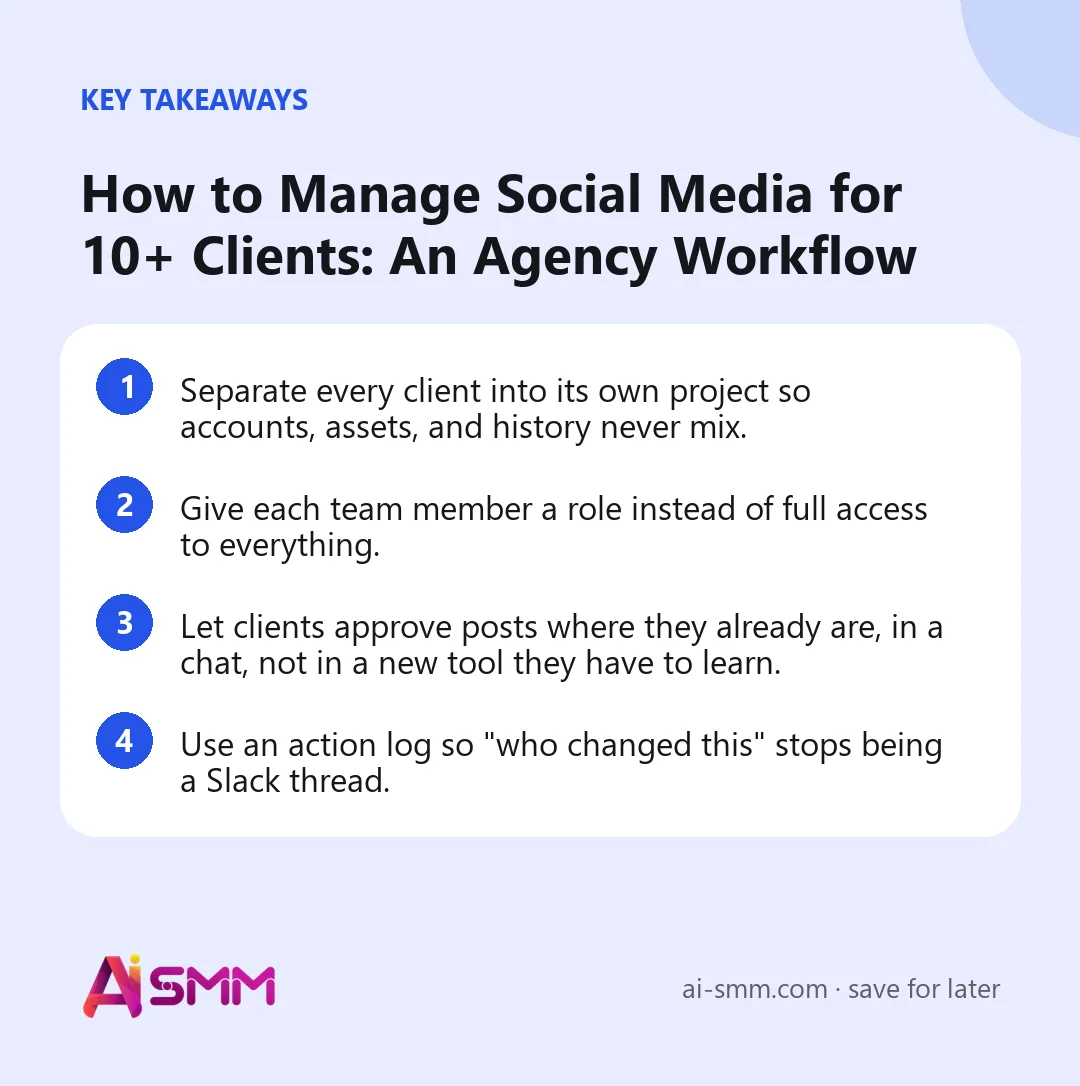
- Separate every client into its own project so accounts, assets, and history never mix.
- Give each team member a role instead of full access to everything.
- Let clients approve posts where they already are, in a chat, not in a new tool they have to learn.
- Use an action log so “who changed this” stops being a Slack thread.
1. One project per client, not one shared login
The single biggest source of agency mistakes is working out of one account with all client social profiles connected to it. It is fast to set up and painful to run: anyone on the team can see and touch any client’s data, and a single wrong click posts to the wrong feed. The fix is to give each client a separate project or company workspace, with its own connected accounts, its own media library, and its own content calendar. Nothing from Client A’s project is visible inside Client B’s project by default.
This also makes offboarding simple. When a client leaves, you archive one project instead of hunting through a shared account for everything that belonged to them.
How to set this up step by step
- Create a new project the moment a contract is signed, before any content work starts.
- Connect only that client’s social accounts to that project, never reuse a login across projects.
- Upload the client’s logo, brand colors, and any existing brand assets into that project’s media library so nothing gets mixed with another client’s files.
- Set the brand profile (tone, audience, products) for that project so every AI-assisted draft starts from the right context.
- Archive the project, rather than deleting it, when the relationship ends, so past reports and history stay available if the client returns.
2. Define roles before you add the fifth teammate
At two or three clients, everyone on the team just does everything. At ten, that stops working. Set up team roles so a junior social media manager can draft and schedule but not publish, a designer can upload to the media library but not touch analytics, and only the account lead can connect or disconnect a client’s accounts. Roles are not about distrust, they are about making sure a tired Friday-afternoon click cannot publish something unapproved.
A simple role split that works for most agencies:
- Account lead: connects accounts, sets up the brand profile, approves final publishing.
- Content creator: drafts posts, builds the plan, replies to comments and DMs in the inbox.
- Client-facing manager: sends drafts for client approval, reports results, handles feedback.
Review roles every time headcount changes, not just when a new client is signed. A common mistake is assigning a broad role once and never revisiting it, so a former junior who is now the account lead for three clients is still technically limited to drafting.
3. Build the monthly plan by client, then batch the boring parts
Planning content client by client, one at a time, is where agencies lose hours. Set the brand profile (tone of voice, audience, main products) once per client, then use bulk post creation to load a week or a month of drafts in one sitting instead of opening a new post screen ten times. Where a client sells across Instagram and Telegram with overlapping audiences, repurpose the same core content into both formats instead of writing it twice.
4. Client approval should happen where the client already is
Clients do not want a new login. The most reliable approval loop is one that meets them in a channel they already check: a Telegram bot the client already has open, or a lightweight Mini App that shows the draft, the image, and an approve or request-changes button. No account, no forgotten password, no “sorry, I didn’t see the email.” Approvals logged this way also give you a clean paper trail if a client later says they never signed off on something.
What a typical approval cycle looks like
- The content creator finishes a week of drafts and sends them for client review.
- The client opens the Telegram bot or Mini App, already familiar from the onboarding call, and sees each draft with its image.
- The client taps approve, or leaves a comment on the specific post that needs a change.
- The manager sees the feedback inside the same project, makes the edit, and resends only that post rather than the whole batch.
- Once approved, the post moves into the schedule automatically, with the approval recorded in the project’s history.
5. Group channels instead of scrolling through forty accounts
Once you are managing dozens of connected accounts across clients, a flat list becomes unusable. Channel groups let you organize connected accounts by client, by network, or by campaign, so a manager checking Instagram performance across five beauty salon clients can pull up exactly that group instead of scanning everything.
6. Keep an action log, always
“Who deleted that post?” and “who approved this before it went live?” are questions that come up weekly in a busy agency. An action log that records who did what and when, across every client project, turns that into a two-second lookup instead of a round of Slack messages. This matters even more once you have contractors or part-time staff rotating through client accounts.
7. Watch your account and company limits before you scale up
Before you commit to a wave of new clients, check what your plan actually supports. An agency plan built for this scale typically covers around 40 connected social accounts and 10 separate companies or client projects, plus a full team. Map your client roster against that ceiling early. Nothing kills a pitch meeting faster than realizing mid-onboarding that you are out of room to connect the new client’s accounts.
8. Onboard a new client without breaking what already works
Growth is usually what breaks an agency’s process, not day-to-day operations. A repeatable onboarding checklist keeps a new client from disrupting the system that already runs smoothly for the other nine.
- Create the new project and confirm it is separate from every existing client project.
- Assign roles for this specific client: who drafts, who approves internally, who sends the client-facing approval request.
- Set the brand profile using information from the kickoff call, not assumptions.
- Add the client’s accounts to a channel group so reporting for this client fits into your existing routine.
- Run one test approval cycle with a low-stakes post before the first real content week, so the client sees how the Telegram approval works before anything time-sensitive is riding on it.
Worked example: a five-client agency reaches client number nine
Consider a small agency, a typical two-person social media shop, running accounts for five local businesses: two cafes, a gym, a dental practice, and a boutique. Everything lives in one shared login because it started that way and nobody revisited it. A new client, a hair salon chain with three locations, signs a contract. Trying to onboard the salon into the same shared account means either using the dental practice’s existing project and hoping nothing crosses over, or finally splitting everything into separate projects, which now means retroactively untangling five clients’ worth of mixed assets and history.
The agency that separates clients into projects from day one avoids this entirely: onboarding the salon chain, and the tenth and eleventh client after it, is the same five-step checklist each time, with no cleanup of past clients required. The agency that waits until client number nine to fix this loses a week to migration instead of spending that week serving clients.
Common mistakes agencies make at this stage
- Sharing one login across all clients because it was faster to set up at the start, and never revisiting it as the roster grows.
- Giving every team member full access instead of scoping roles, which makes accidental publishing and accidental deletion far more likely.
- Asking clients to approve content by email or a shared document, which gets lost in threads and leaves no reliable record of who approved what.
- Skipping the brand profile setup for a new client to save time, which then means every AI-assisted draft needs heavier editing later.
- Not archiving old client projects, so the account slowly fills with dead clutter that makes finding active clients harder.
| Agency stage | What breaks first | Fix |
|---|---|---|
| 1-3 clients | Nothing yet, informal works | Keep it simple |
| 4-8 clients | Wrong account gets posted to | Separate projects per client |
| 9-15 clients | Approvals get lost, no accountability | Chat-based approval + action log |
| 15+ clients | Team access is either too open or too locked | Roles per team member |
A quick checklist before you take on your next client
- Does this client get a new, separate project rather than joining an existing one?
- Have you assigned roles for who drafts, who approves internally, and who talks to the client?
- Is the brand profile filled in with real information from a kickoff conversation?
- Is the client’s approval channel, Telegram bot or Mini App, set up and tested before the first real content week?
- Are this client’s accounts added to a channel group for reporting?
- Do you still have room under your plan’s account and company limits for this client plus the next two?
How this works in AI SMM
In AI SMM’s social media management, each client lives in its own project with its own connected accounts and media library, so nothing crosses between clients by accident. Team roles control who can draft, who can publish, and who can only view. Approvals go out through a Telegram bot and Mini App, so clients tap approve or leave a comment without ever creating an account. Every project keeps its own action log, and channel groups let a manager scan performance across a set of clients at once instead of account by account. The Agency plan covers 40 social accounts and 10 companies, sized for exactly this stage of growth.
FAQ
How many clients can one account manager realistically handle?
It depends more on process than headcount. With separate projects, defined roles, and chat-based approvals, one manager can reasonably oversee 8-12 client accounts without dropping approvals or missing posting windows. Beyond that, split the roster and add a content creator to support them.
Should every client have the same team access?
No. A new or trial client usually needs lighter access while trust is built, while a long-term retainer client can move faster with more of the team touching their project. Set roles per project, not one blanket policy for the whole agency.
What if a client wants to approve posts by email instead of a chat bot?
Email approvals get lost in threads and rarely have a timestamped record. A bot-based approval inside an app the client already opens daily, like Telegram, tends to get faster responses and leaves a clear log of who approved what and when.
Do I need a separate Telegram bot for every client?
No, each client interacts with their own project’s approval flow, which is scoped to their content only, so there is no cross-client visibility even when the underlying bot infrastructure is shared.
What happens if two team members try to edit the same client’s post at once?
Because each client’s work happens inside its own project with its own history, changes are tracked in the action log, so it is always possible to see who made the most recent edit and reconcile it, rather than one change silently overwriting another with no record.
Is it worth separating clients into projects if I only have three right now?
It costs very little to do it from the start and saves a painful migration later. Agencies that wait until client number eight or nine to separate their clients typically spend far more time untangling existing mixed data than they would have spent setting up separate projects from the first client.
If you are still running client accounts out of one shared login and a spreadsheet, the switch to separate projects and role-based access is usually the first change that pays off. See how it fits your client list with AI SMM’s agency tools.
Posts, chats, video and sales in one workspace. 7 days free.
Start free