AI SMM team
To get on the TikTok For You page, a video has to pass two gates: it must be eligible for recommendation under TikTok’s rules, and the first people who see it must watch, rewatch, share or save it. Every public video is shown to some For You viewers; the question is whether it earns a second, bigger wave. This guide gives business accounts 12 practical steps to pass both gates, from checking eligibility to structuring the first three seconds, without trending dances or tricks that stopped working years ago.
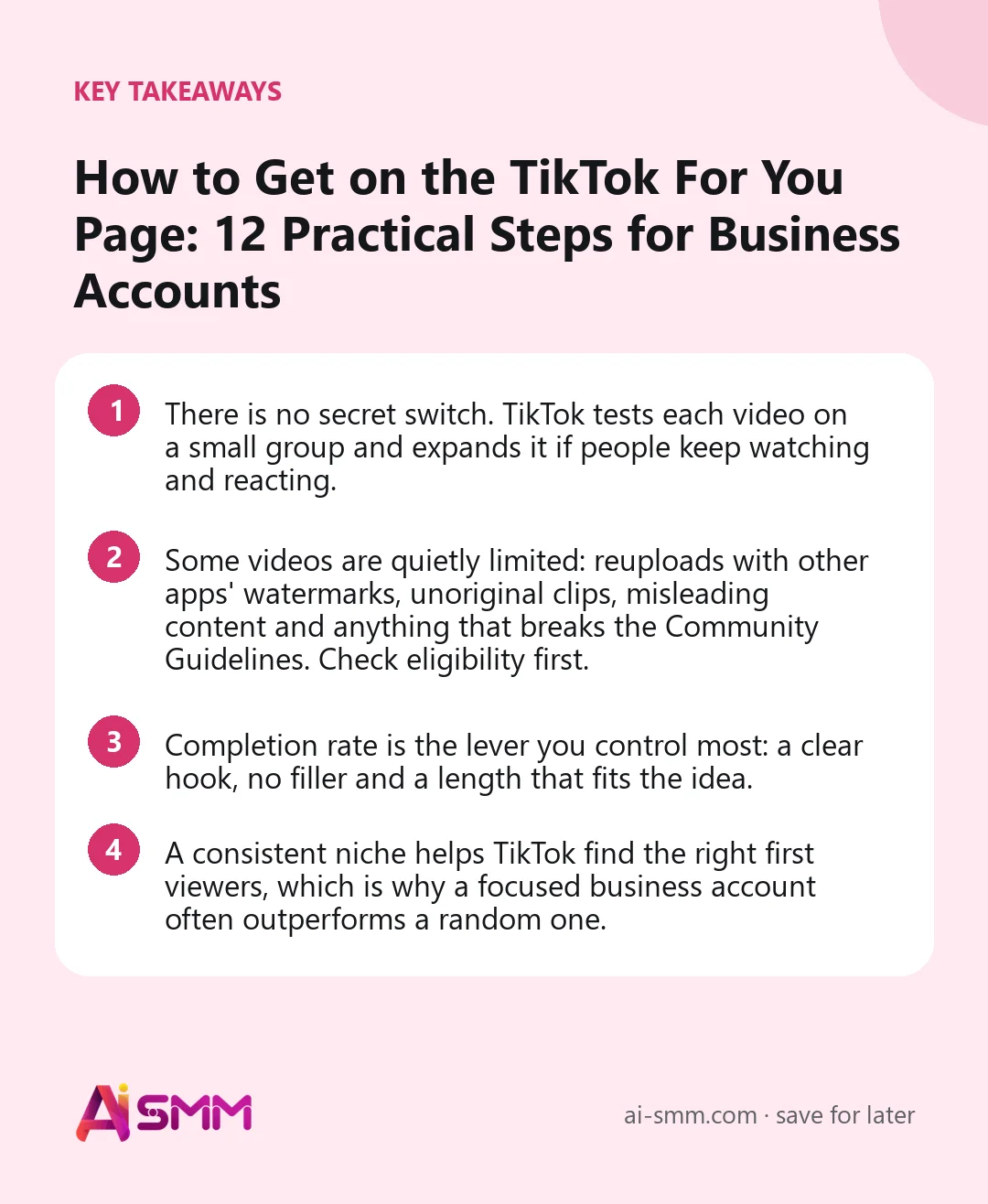
- There is no secret switch. TikTok tests each video on a small group and expands it if people keep watching and reacting.
- Some videos are quietly limited: reuploads with other apps’ watermarks, unoriginal clips, misleading content and anything that breaks the Community Guidelines. Check eligibility first.
- Completion rate is the lever you control most: a clear hook, no filler and a length that fits the idea.
- A consistent niche helps TikTok find the right first viewers, which is why a focused business account often outperforms a random one.
What the For You page is and how a video gets there
The For You page (FYP) is TikTok’s main feed of recommended videos, built individually for each viewer. You do not “apply” to it. When you publish, TikTok shows the video to a small group, often a mix of some followers and people whose interests match the topic. It then looks at how they behave: did they watch to the end, rewatch, like, comment, share, save, follow, or swipe away in a second? Good signals lead to a larger group, then a larger one again. Weak signals and the video settles at its current level.
TikTok has said publicly that follower count is not a direct factor in recommendations, while how people interact with a video is. That is good news for small businesses: a new account with a genuinely useful 20-second answer can reach more people than a big account posting filler.
Step 1. Make sure your video is eligible
TikTok publishes rules on what can be recommended in the For You feed. Some content is allowed on the platform but not recommended. For businesses, the most common reasons a video is quietly limited are:
- Reposted clips with another platform’s watermark or logo.
- Unoriginal content: other people’s videos, slideshows of stock clips, or low-effort compilations.
- Very low quality: blurry, extremely short without meaning, or mostly a static image with a sound.
- Misleading claims, especially about health, money or “guaranteed results”.
- Content promoting regulated goods, dangerous acts or anything close to the line of the Community Guidelines.
Some accounts see a content check before posting that flags possible problems; if you see one, use it. And if a video is removed or restricted, TikTok usually notifies you, and you can appeal from the notification.
Step 2. Set up the account so TikTok knows who you serve
Choose a business or creator account, fill in the name field with what you do and where (“Maria | Wedding florist Porto”), write a one-line bio and pick your category. Then keep your first 10–20 videos on one clear topic. When your early videos are about the same subject, TikTok learns faster which viewers to test new ones on.
Step 3. Win the first two seconds
Most people decide in the first moment whether to swipe. Start with the most interesting frame, not with context:
| Weak opening | Stronger opening |
|---|---|
| “Hi everyone, welcome to our studio” | Close-up of the finished result, then “Here is how we did this in 40 minutes” |
| Logo animation | A question the viewer has: “Why does your sourdough come out flat?” |
| Slow pan across the shop | Hands already doing the job, text on screen: “Fixing a scratched phone screen at home?” |
| “Today I want to talk about…” | The surprising fact or mistake first: “Stop washing your face with hot water” |
Combine three layers in the opening: something moving, a spoken line and a short text headline. Viewers without sound still get the point.
Step 4. Keep people to the end
Completion is where most business videos lose. A few rules that help in almost every niche:
- Match length to the idea. One tip is 10–25 seconds. A process or before/after can be 30–60 seconds. Longer videos need a reason to stay.
- Cut every pause. Jump cuts between sentences are normal on TikTok and keep the pace up.
- Change something every few seconds: angle, zoom, text, a new step.
- Tease the payoff: “The third mistake is the one most people make” keeps viewers through points one and two.
- Use loops. If the last frame connects smoothly to the first, some viewers watch twice without noticing.
Step 5. Give people a reason to share or save
Shares and saves are strong signals because they show a video was worth something beyond the moment. Business content earns them naturally when it is useful:
- Checklists and “before you buy” guides get saved.
- Relatable problems from your niche get sent to friends: “tag the person who always does this”.
- Local recommendations get shared in group chats: “5 brunch spots in our district worth trying”.
A light call to action works if it fits the content: “Save this for your next manicure” is natural; “Like and share!!!” is noise.
Step 6. Start conversations in the comments
Comments keep a video active. Ask one specific question (“Which of these three would you pick?”), answer early comments quickly, and reply to good questions with a new video. A video reply shows the original comment on screen, so the new video starts with context and often reaches people who saw the first one.
Step 7. Use sound on purpose
Trending sounds can help a video get picked up, but only when they fit. For business accounts, the best use is often a quiet trending sound under your own voice-over, or a trend format adapted to your niche. Check that a sound is available for business accounts; some music is licensed for personal accounts only. Original audio, such as your own voice explaining something, is fine and makes your videos easier to recognise.
Step 8. Write captions and text that describe the video
TikTok reads captions, on-screen text and speech to understand the topic. A clear description helps it find the right first viewers and also brings extra views from search. Say what the video is about in plain words, add 3–5 specific hashtags and skip #fyp or #foryou: they describe nothing about your content.
Step 9. Post consistently at sensible times
You do not need to post daily, but you need a rhythm. Three to five videos a week, published shortly before your followers are most active, gives each video a fair first test and gives TikTok enough material to learn about your audience. Our guide to the best time to post on TikTok explains how to find your own slots.
Step 10. Do not delete and repost underperformers
A video that did not take off is not wasted. Some pick up days later, and deleting videos to repost them can look like duplicate content. If an idea deserves a second try, rework it: new hook, tighter edit, different first frame. Then publish it as a new video.
Step 11. Turn winners into series
When a video breaks out, make more of the same shape while the interest is fresh: “Part 2”, the same question for a different product, the same format with a new client. Series teach viewers to follow you for the next part, which lifts the first-wave signals for new videos.
Step 12. Read the data, change one thing at a time
After 48–72 hours, open each video’s analytics. Check the retention curve for the drop-off point, the share of views that came from the For You feed and the share of viewers who watched to the end. Then change one thing in the next video: the hook, the length or the topic. If you change everything at once, you will never know what worked.
For You page checklist before every upload
| Check | Done? |
|---|---|
| Original video, no other app’s watermark, nothing that breaks the guidelines | ☐ |
| First frame shows the result, a question or movement | ☐ |
| Spoken hook and a short text headline in the first two seconds | ☐ |
| No pauses or repeated sentences; length fits the idea | ☐ |
| One clear reason to save, share or comment | ☐ |
| Caption says what the video is about; 3–5 specific hashtags | ☐ |
| Sound is available for business use and fits the mood | ☐ |
| Scheduled shortly before your audience’s peak hours | ☐ |
Myths about getting on the For You page
- “Use #fyp and you will be on the FYP.” The hashtag does not put you anywhere; it simply adds no information.
- “You need many followers first.” Follower count is not the main factor. New accounts reach the For You feed every day.
- “Post at 3 a.m. to beat the competition.” If your audience is asleep, your first test group is weaker, not stronger.
- “TikTok shadowbans business accounts.” Business accounts are recommended like any other; what hurts them is ads-style content that people swipe away.
How AI SMM helps you post For You–ready videos
The creative part is yours, but the production grind is where most small businesses give up. Video clipping takes a longer recording, a lesson, a demo, a salon walkthrough, finds the strongest moments, frames the speaker vertically, removes pauses and adds subtitles you can edit, so each clip starts closer to a For You–ready edit. AI Content Studio drafts hooks, on-screen headlines and captions in your brand’s tone. Clips and photo carousels are then scheduled to TikTok in the content calendar at the times your audience is active.
Analytics shows views, likes, followers and engagement rate for every TikTok video next to your other networks, so you can see which formats to repeat. The retention curve and traffic sources stay in TikTok Studio, and TikTok comments are answered in the TikTok app, since TikTok is not part of the AI SMM inbox.
FAQ
How long does it take to get on the For You page?
Every public video is shown to some For You viewers within hours of posting. Reaching a wide audience depends on the first reactions; some videos grow in the first day, others days later when TikTok tests them again.
Why did my video get stuck at a few hundred views?
Usually the first group swiped away early or did not react. Check the retention curve: a steep drop in the first seconds points to the hook, a drop in the middle to the edit. Also check that the video is original and follows the recommendation rules.
Do business accounts reach the For You page less?
No. The account type does not block recommendations. The main differences are the sound library, which is limited to commercially licensed music, and the temptation to post ad-like videos that people skip.
Should I post the same video twice if it flopped?
Do not repost an identical copy. Rework the idea with a new hook, tighter edit and a different first frame, and publish it as a new video.
Pick your three best customer questions, film a short answer to each with a result-first opening, and run them through the checklist above. Video clipping in AI SMM can turn one longer recording into the next week of TikTok clips.
Posts, chats, video and sales in one workspace. 7 days free.
Start free