AI SMM team
Your social audience is rented. An algorithm change, a blocked account or a quiet month, and the people who wrote to you in Instagram or Telegram simply stop seeing you. An email address is different: it is a direct line you keep. The good news is that the moment someone writes to you in a chat is the easiest moment to ask for it. This lesson shows how to collect emails inside chat conversations, send automatic emails from a chat flow and then grow a proper, consent-based mailing list for campaigns in AI SMM.
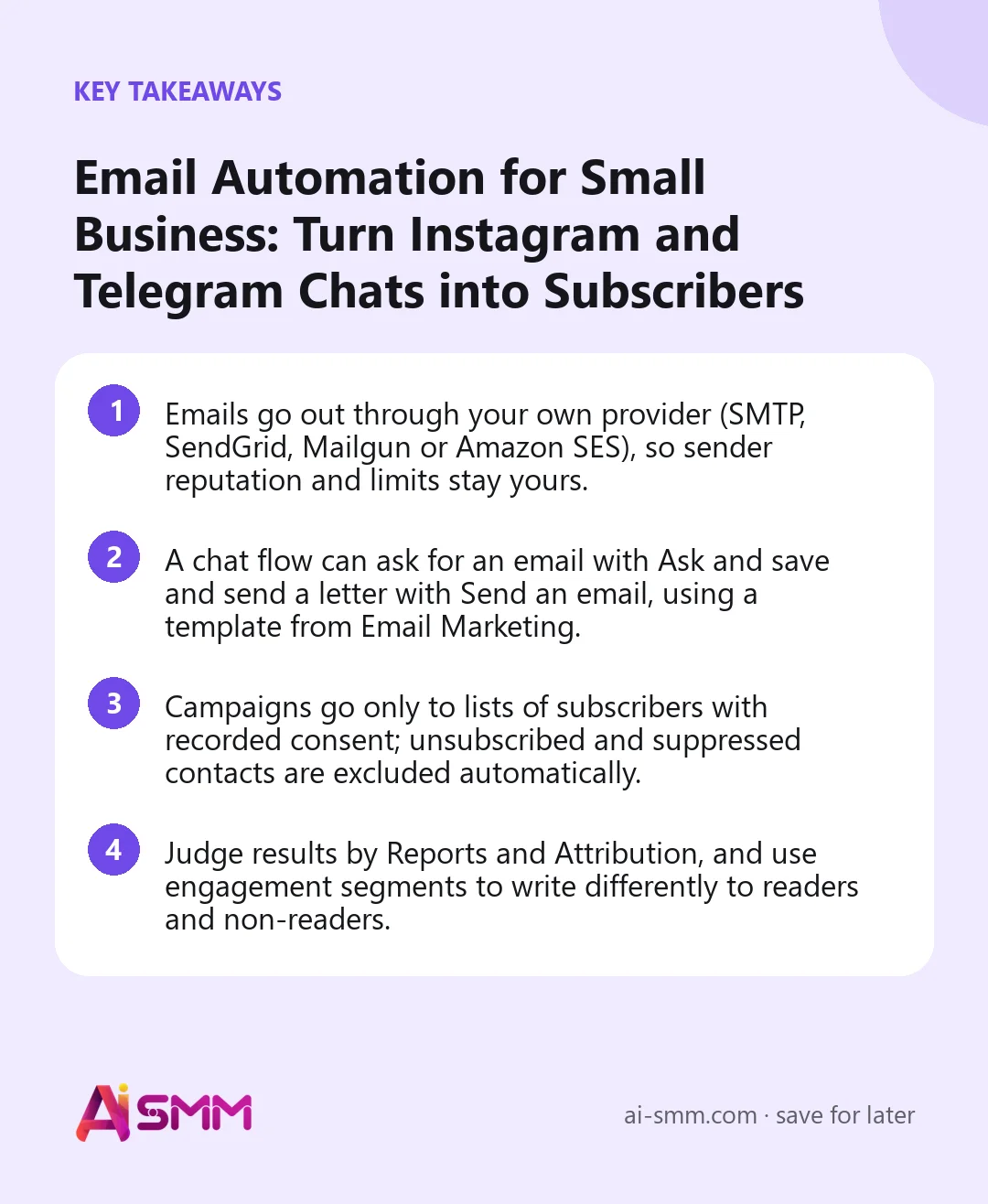
- Emails go out through your own provider (SMTP, SendGrid, Mailgun or Amazon SES), so sender reputation and limits stay yours.
- A chat flow can ask for an email with Ask and save and send a letter with Send an email, using a template from Email Marketing.
- Campaigns go only to lists of subscribers with recorded consent; unsubscribed and suppressed contacts are excluded automatically.
- Judge results by Reports and Attribution, and use engagement segments to write differently to readers and non-readers.
What you will build
By the end of this lesson you will have three connected pieces:
- A chat flow in Instagram or Telegram that offers something useful, asks for an email and sends it by email right away, plus a follow-up a few days later.
- An email list of people who agreed to receive your emails, organised with segments.
- Your first email campaign to that list, with a test send and a way to see what it brought.
What you need before you start
- Access to Email Marketing and the Omnichannel Inbox in AI SMM (check All apps; availability depends on your plan).
- An email provider account: your own SMTP server or SendGrid, Mailgun or Amazon SES, with a sending address on your domain.
- A connected chat channel, for example an Instagram account or a Telegram bot, so the flow has somewhere to talk to people. See Chat flows: automate replies, funnels and payments if you have not built a flow before.
- Something worth an email address: a guide, a checklist, a price list, a discount code.
Step 1. Connect your sender and check it
Open All apps → Email Marketing. The menu has Overview, Campaigns, Templates, RSS Campaigns, Lists, Subscribers, Segments, Reports, Attribution, Deliverability and Settings.
Go to Settings. If no provider is connected yet, you will see Connect SMTP and other providers; connecting happens in Channels, where the sender identity lives. Come back to Settings, choose the Default delivery provider and send an internal provider test to your own address. It never goes to subscribers.
While you are in Settings, set two safety rules once: Frequency caps (how many emails one person can get in 24 hours and 7 days) and Quiet hours (sends in that window wait instead of failing). Then open Deliverability and resolve any required checks for your domain; campaigns cannot go out through a provider that is not ready.
Step 2. Prepare a template and a list
In Templates, click Create template and write the email that delivers your offer: a short greeting, the promised file or code and one link. Keep it plain; people read it on a phone.
In Lists, click Create list and give it a purpose in the name, for example “Guide subscribers from Instagram”. A list becomes available for campaigns once it has at least one opted-in subscriber.
Step 3. Build the chat flow that collects emails
Now switch to All apps → Omnichannel Inbox → Automations and click Create flow. You can start from a ready funnel or from an empty canvas. The blocks you need:
- Message received (trigger): starts when a person writes to the connected channel. Add a keyword, for example “GUIDE”, so the flow reacts only to people who want the offer. On Instagram you can also start from a comment and move to direct messages with Reply in a private message.
- Send message: explain in one or two lines what the person gets and that it will come by email.
- Ask and save: set the field to email. The answer is written to the person’s contact card. The block has separate exits for “saved”, “unclear” (not a valid email, so ask again) and “timeout”.
- Tag the contact: add a tag such as email-guide, so you can find these people later in Contacts.
- Send an email: choose the template from Step 2. The block writes to the email on the contact card through your project’s email channel. It has “sent” and “failed” exits, so you can send a chat message if the email fails.
- Wait, then another Send an email: a follow-up a few days later, for example a case study or a question “did the guide help?”.
Click Try in chat to walk through the flow in a phone-style preview (nothing is sent), then Check to catch unconnected blocks and empty fields, and finally Publish.
Step 4. Move people into a consent-based list
The emails from the flow go to people who asked for them. For regular campaigns, Email Marketing works only with subscribers whose consent is recorded, and it never reactivates contacts who unsubscribed, bounced or were suppressed.
To bring people from chats into your list, open Omnichannel Inbox → Contacts, filter by your tag and use Export CSV. Then in Email Marketing go to Subscribers, click Import CSV, choose the list and check the Preview import: it shows which rows are ready, invalid or duplicates before anything is saved. Record where consent came from, for example “Instagram chat, asked for the guide”. Only include people who actually agreed to receive emails from you.
Two chat flow triggers help once the list exists: Subscribed to a list starts a flow when someone joins the chosen email list (a classic welcome chain), and Entered a segment starts one when a subscriber begins to match a segment.
Step 5. Segment and send your first campaign
In Segments, create an audience with rules such as Member of list, consent source, “opted in within N days” and engagement: Opened any tracked email, Clicked any tracked email or Received email but did not open.
Then go to Campaigns → Create campaign:
- Start from a template or use Create with AI for an editable draft.
- Write the Email subject. Optionally turn on the A/B subject test to compare two subject lines on a sample before the full send.
- Choose the Delivery provider and the audience: an Opted-in list, or a segment instead.
- Send a test to yourself, check the desktop and mobile preview, then schedule or queue the campaign.
An unsubscribe footer with personal links is added to every email automatically, and consent is checked again at send time. If your team uses approvals, the campaign goes for review before delivery.
A worked example: a fitness coach
Say a personal trainer posts short workout videos on Instagram and runs a Telegram channel. People often ask “do you have a plan for beginners?”.
- Offer: a free 4-week home workout plan as a PDF.
- Flow: a Reel caption says “write PLAN in DMs”; Message received with the keyword PLAN; Send message: “I will send the plan to your email, where should it go?”; Ask and save for email; tag plan-4w; Send an email with the PDF link; Wait 5 days; Send an email: “How did week one go? Here is how to adjust the plan”.
- List: once a month, contacts with the tag who agreed to receive emails are exported and imported into the list “Plan subscribers”.
- Campaign: an announcement of a paid 8-week programme to the segment “clicked any tracked email”, with a softer version for “received but did not open”.
Common mistakes
- Asking for an email with no reason. “Leave your email” converts poorly; “where should I send the plan?” works.
- Adding people without consent. Someone who wrote you a DM did not agree to a newsletter. Import only those who did, and record the source.
- Skipping the provider checks. A domain that is not set up for sending lands in spam, and every campaign pays for it.
- One long first email. Deliver what you promised first. Selling can wait for the follow-up.
- Mailing everyone the same thing. Use engagement segments; people who never open need a different subject or fewer emails.
How to measure the result
Look at the funnel from both ends:
- In the chat flow: each flow has a Report that shows how many people reached each block, so you see how many started, how many gave an email and how many emails were sent. Run history shows individual runs step by step.
- In Email Marketing: Reports show delivery, opens and clicks (if tracking is on in Settings); Attribution shows which emails led to sales; Deliverability warns about bounces and complaints before they hurt your reputation.
A useful weekly number for a small business: new consented subscribers per week and the share of them who click at least one email in their first month.
FAQ
Does AI SMM send the emails from its own servers?
No. You connect your own provider (SMTP, SendGrid, Mailgun or Amazon SES), so deliverability and sender reputation stay under your name.
Are emails collected in chats added to my list automatically?
No. Ask and save writes the email to the contact card, and Send an email can write to it right away. For campaigns, add people to a list with their consent recorded, for example by exporting tagged contacts and importing them into Subscribers.
Can I send new blog posts automatically?
Yes. RSS Campaigns watch your feed and send new posts to subscribers without building each campaign by hand.
What happens if someone unsubscribes?
They are excluded from future campaigns automatically. They can only come back by confirming a fresh subscription themselves.
Next lesson
Chats and email reach people who already know you. To catch website visitors as well, go back to the popups lesson, or continue with WhatsApp as a sales channel. For a short overview of the mailing tools, read Email marketing, popups and web push: first steps. When you are ready, set up email marketing in AI SMM and build the flow in chat automation; your Instagram and Telegram conversations already live in the unified inbox.
Posts, chats, video and sales in one workspace. 7 days free.
Start free