AI SMM team
A contest is one of the few things that makes quiet followers act: they open your bot, do something, check where they stand and come back tomorrow. The hard part is usually not the idea but the bookkeeping. Who invited whom, who already did the task, who is in first place, who gets the prize. Done by hand in a spreadsheet, it falls apart after the first fifty people. This lesson shows how to run a contest in a Telegram chat with tasks, points, a leaderboard and a prize, where AI SMM does the counting for you.
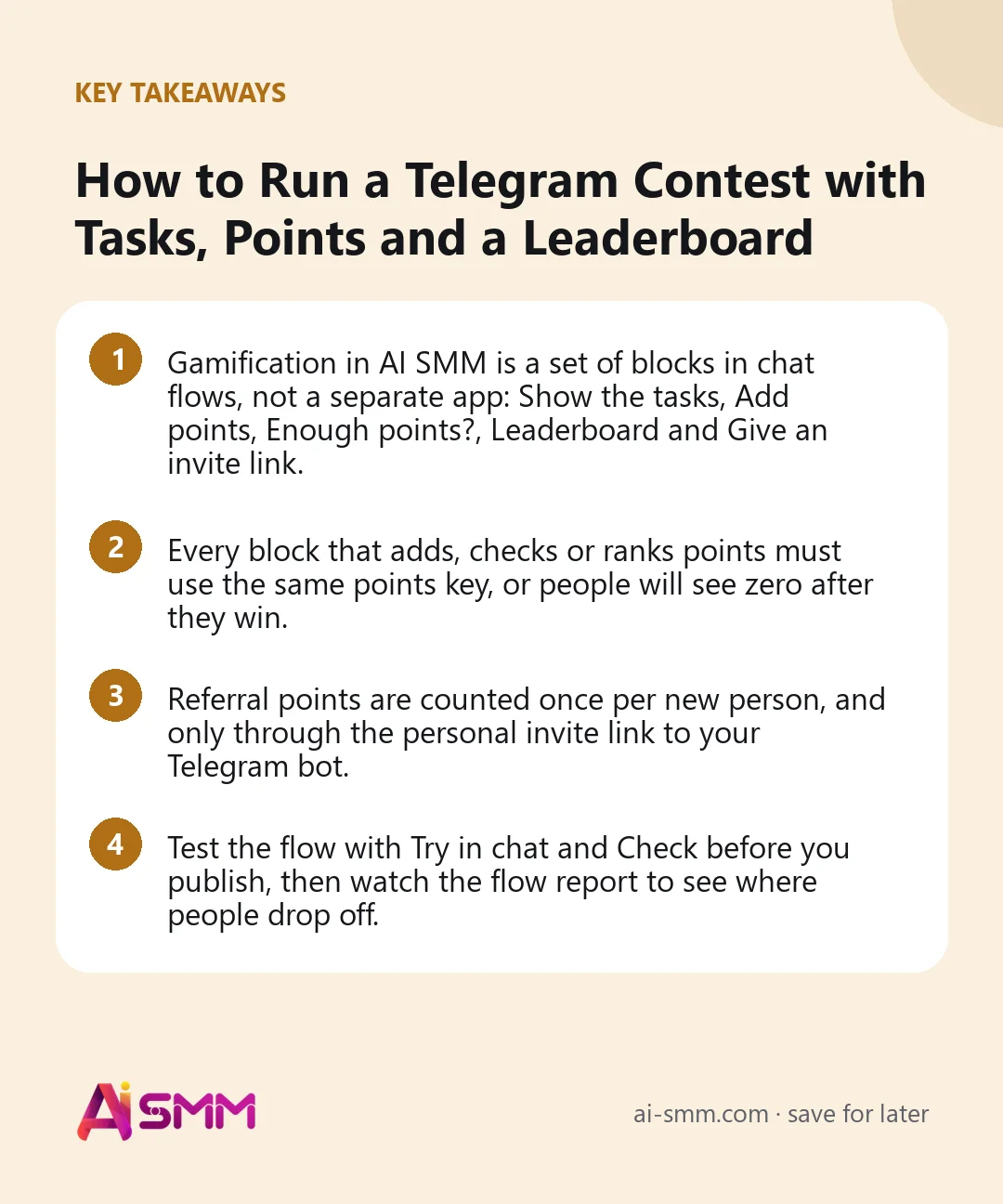
- Gamification in AI SMM is a set of blocks in chat flows, not a separate app: Show the tasks, Add points, Enough points?, Leaderboard and Give an invite link.
- Every block that adds, checks or ranks points must use the same points key, or people will see zero after they win.
- Referral points are counted once per new person, and only through the personal invite link to your Telegram bot.
- Test the flow with Try in chat and Check before you publish, then watch the flow report to see where people drop off.
What you will build in this lesson
By the end you will have a working contest in your Telegram bot. A person opens the bot and sees a short list of tasks, for example “Join our channel”, “Invite three friends” and “Answer the quiz”. Each completed task adds points to that person’s contact card. The bot shows a leaderboard of the most active participants, and when someone finishes every task, they get the prize automatically, for example a personal promo code.
The same mechanics work for a loyalty program that never ends: points for orders and reviews, a gift at a threshold. The contest is simply the easiest way to learn the blocks.
What you need before you start
- A connected Telegram bot. The invite link block works only with a Telegram bot, and the contest template starts when a person opens the bot. If you have not connected one yet, follow connecting Telegram channels, groups and bots.
- A Telegram channel, if one of your tasks is “subscribe”. The Subscription check block checks whether the person follows the channel you choose.
- A prize you can actually give. A discount, a free item, a consultation. Write down the rules: who wins, until when, how the prize is handed over.
- Access to automations in your project. Chat flows live in Omnichannel Inbox → Automations.
Step 1. Start from the “Contest with tasks” template
- Open Omnichannel Inbox → Automations.
- In Templates, find Contest with tasks and click Take this one. The template opens as a draft with the blocks already wired, so nothing goes live yet.
- Pick the channel of the flow: your Telegram bot.
The template contains a Bot started trigger, a Show the tasks block with two sample tasks, a Leaderboard, a prize message and an End block. Read it once from left to right before changing anything: the exits of each block matter. Show the tasks has a separate exit for the moment all tasks are done, and the Leaderboard has an exit for when the board is still empty.
Step 2. Define the tasks and their points keys
Select the Show the tasks block. In the panel on the right you will see:
- Line above the list: the text people see first, for example “Finish the tasks and get a free coffee:”.
- A row per task: the task name, a points key and the number of points. Use Add a task for more rows; a block holds up to ten.
The points key is the most important idea in this lesson. It is one word you choose, such as channel, referrals or quiz. A task counts as done when the person has collected its points under that key. So “Invite three friends” is one task with the key referrals and 3 points, not three separate tasks.
| Task | Points key | Points needed | What adds the points |
|---|---|---|---|
| Join our channel | channel | 1 | Subscription check → Add points |
| Invite three friends | referrals | 3 | Give an invite link (counted automatically) |
| Answer the quiz | quiz | 1 | quiz questions → Add points |
Step 3. Make each task add points
A task list only shows what to do. Points are added by other blocks, and they must write to the same key.
The subscription task
- Add a Send message block with the link to your channel and a button such as “I joined”.
- After the button, add Subscription check and choose your channel. It splits the flow into Subscribed and Not subscribed.
- On the subscribed branch, add Add points. Set What is counted to channel, Where the points live to On the contact card and How many points to 1.
- On the other branch, send a friendly reminder and offer to check again.
The referral task
Add Give an invite link. In the message text, write {link} where the personal link goes and {invited} for how many people this person has already brought. If you forget {link}, it is added at the end. Every new person who opens the bot through that link adds one point under the key referrals to the inviter. A person is counted only once and cannot invite themselves by reopening their own link.
The quiz task
Ask two or three questions with Send message and answer buttons. After the last answer, add Add points with the key quiz, stored On the contact card. If you want to score the answers themselves, use a separate key stored In this run; those points belong to one pass of the quiz and disappear afterwards. The gamification guide explains the difference in more detail.
Step 4. Set up the leaderboard
Select the Leaderboard block and fill in:
- Which points: the key the board ranks by. For a “who brought the most friends” contest, that is referrals.
- Line above the board: for example “Who is ahead right now:”.
- How many places to show: from 1 to 20; 10 is a good default.
- Show full names: off by default. Every participant sees the board, so surnames are shortened to a letter. Keep it off unless people explicitly agreed to be shown.
Connect the Nothing there exit (nobody on the board yet) to a short message such as “You are the first player. A good moment to get ahead.” An empty board is not an error, just the start of the contest.
Step 5. Hand out the prize
Connect the “all tasks done” exit of Show the tasks to the prize. The simplest prize is a Send message with instructions. If the prize is a unique promo code, keep the codes in a table and use Hand out from a table: it gives each person one free row, once and only theirs.
For a threshold instead of “all tasks”, use Enough points?: set the key and Enough from, for example 5 points under referrals. It opens the “Enough” exit for people at or above the threshold and “Not enough” for the rest.
Step 6. Test, then publish
- Click Check. It checks the scheme and names problems, for example a task without a name or points key, or a leaderboard without a key.
- Click Try in chat and walk the flow yourself as a customer. Press an exit to go on; pauses and payments are skipped the same way. Use Start over to repeat.
- Click Save draft if you want a colleague to look at it, or Publish to go live.
- Open your bot from a second Telegram account and complete one task for real.
Worked example: a coffee shop’s “free coffee week”
Say a small coffee shop has a Telegram channel with a few hundred readers and a bot that takes pre-orders. They run a one-week contest:
- Tasks: join the channel (1 point, key channel), invite three friends (3 points, key referrals), answer a three-question “What is your coffee?” quiz (1 point, key quiz).
- Prize for finishing all tasks: a code for a free drink, handed out from a table of 100 codes.
- Leaderboard by referrals, top 10, names shortened. The top three at the end of the week get a bag of beans, announced in the channel.
- Promotion: a pinned post in the channel, a sticker with the bot link at the counter, a story on Instagram pointing to the bot.
The owner does not count anything by hand. At the end of the week, they open the leaderboard in the bot, check the top three and send the prize post.
Common mistakes
- Different keys in different blocks. referral in one place and referrals in another means points go to one counter and are read from another. Write the keys down before you start.
- Quiz points stored on the card by accident. Answers scored On the contact card keep adding up with every pass. Use In this run for scoring, and the card only for “quiz completed”.
- A task that nothing can complete. “Leave a review” in the list without any block that adds the matching points stays open forever.
- Full names on the board without consent.
- Vague rules. Say in the first message what the prize is, until when the contest runs and how winners are chosen. Check Telegram’s rules and local law before promising prizes.
How to measure the result
Open the flow and click Report. The flow report shows:
- People started and Reached the end: how many opened the contest and how many finished it.
- Where you lose most people: the block where most participants stop. If it is the subscription check, the channel link may be unclear; if it is the invite task, three friends may be too many.
- The path as people walk it and Run history: individual runs step by step when something looks odd.
Beyond the report, compare three business numbers before and after the contest week: new channel subscribers, new bot contacts and orders with the contest promo code. In our experience, a contest pays off when the prize is used, not when the leaderboard is long.
How it fits into AI SMM
The contest is built in the same flow builder as every other automation, so you can extend it later: add Show a product to the quiz result, or start a follow-up flow for people who went quiet. Points stay on the contact card, so a later loyalty flow can reward the same people. See quizzes, points and gifts in chats and the chat flow builder for what else these blocks can do, and Telegram in AI SMM for the channel side.
FAQ
Does the contest work in Instagram or Facebook Messenger too?
The tasks, points, quiz and leaderboard blocks work in the flow’s channel, and the contest template lists Telegram, Instagram, Facebook and Messenger. The invite link, however, works only with a Telegram bot, so a “bring friends” task needs Telegram.
Can someone cheat by inviting themselves?
No. An invitation counts once and only for a person who is new to the bot, so reopening your own link adds nothing.
Where can I see a person’s points?
Points stored on the contact card belong to that contact and are used by every flow that reads the same key, including the leaderboard and Enough points?.
Can I take points away?
Yes. Enter a negative number in Add points. Points on the card never go below zero.
Next lesson: teach AI to answer contest questions from your rules with the knowledge base. When you are ready, open gamification in AI SMM and launch your first contest.
Posts, chats, video and sales in one workspace. 7 days free.
Start free