AI SMM team
If you are not sure what to post on LinkedIn, start with what you already know better than your buyers: lessons from real projects, honest opinions about your industry, short case stories, practical how-tos and a look behind the scenes, with an offer only now and then. That mix builds trust with the people who might hire you or buy from you, and it works whether you are a founder, a consultant or a five-person B2B company. Below are 30 LinkedIn post ideas grouped into six types, the formats that suit them, a simple post template, examples by industry and a weekly plan you can keep.
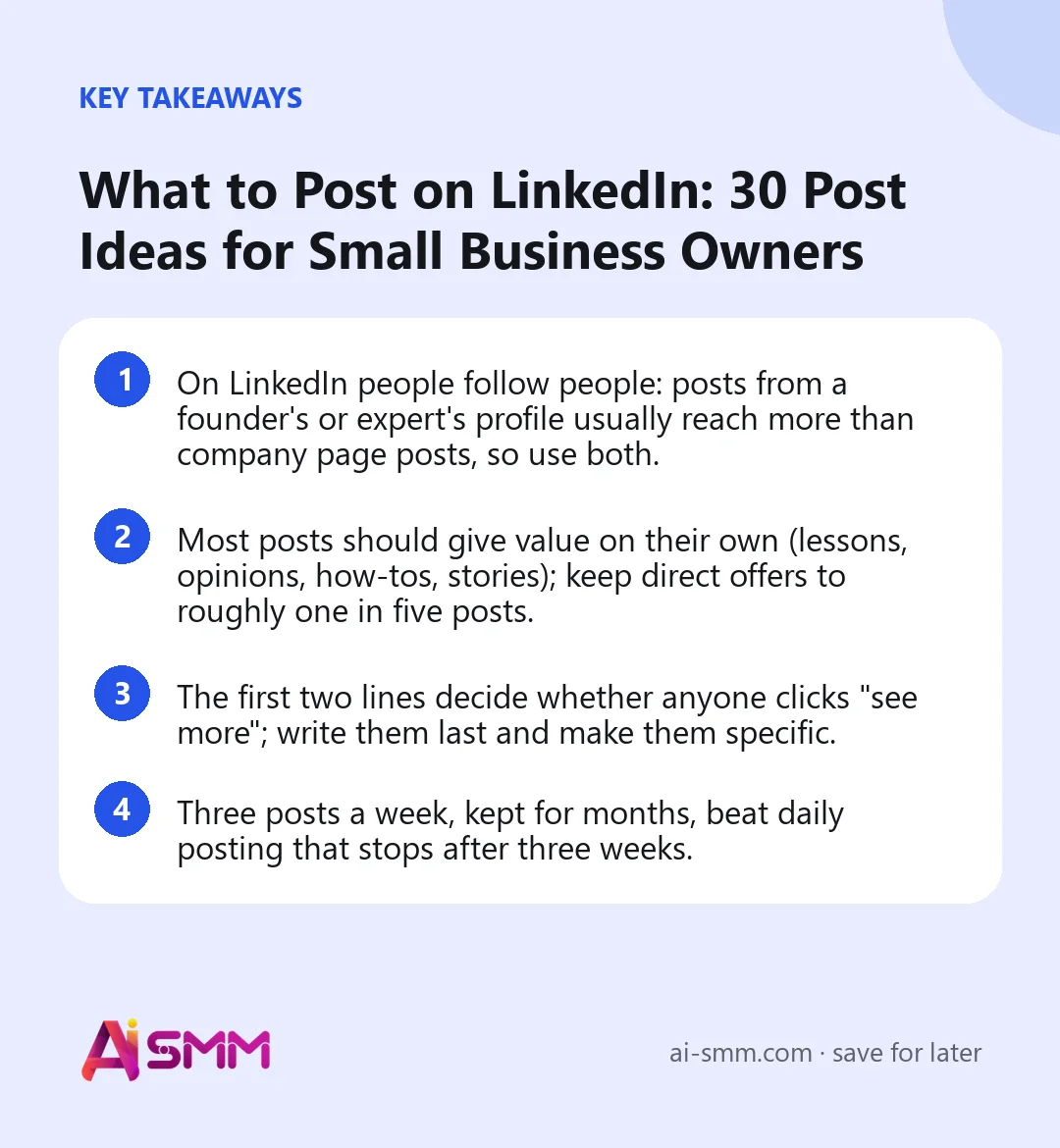
- On LinkedIn people follow people: posts from a founder’s or expert’s profile usually reach more than company page posts, so use both.
- Most posts should give value on their own (lessons, opinions, how-tos, stories); keep direct offers to roughly one in five posts.
- The first two lines decide whether anyone clicks “see more”; write them last and make them specific.
- Three posts a week, kept for months, beat daily posting that stops after three weeks.
What to post on LinkedIn: the six types of posts
Almost every good LinkedIn post falls into one of six types. Rotating between them keeps your feed varied without having to invent something new every day.
| Type | What it does | Share of posts |
|---|---|---|
| Lessons from work | Shows experience without bragging | About 25% |
| Opinions and industry takes | Makes you memorable, starts discussion | About 15% |
| Case stories and results | Proves you deliver | About 20% |
| How-tos and checklists | Gets saved and shared | About 20% |
| Behind the scenes and people | Makes the business human | About 10% |
| Offers and announcements | Turns attention into leads | About 10% |
These shares are a starting point, not a rule. After a couple of months, your own numbers will show which types your audience responds to.
Personal profile or company page?
Use the personal profile for voice: lessons, opinions, stories, the things that sound like a person. Use the company page for record: case studies, job openings, product updates, events, team news. A practical split for a small business is two or three posts a week from the founder’s profile and one or two from the company page, with the team occasionally resharing company posts with a line of their own.
1. Lessons from real work (6 ideas)
- A mistake and what it taught you. “We underquoted a website project by 40%. Here is the checklist we use now.”
- What a client question revealed. The question behind the question and how you answer it now.
- A process you changed. Before, after, and why it was worth it.
- Something you stopped doing. A service you dropped, a channel you left, a meeting you cancelled.
- What year X of the business taught you. Three short, specific lessons, not a motivational speech.
- A tool or habit that saves you time, with the actual workflow.
2. Opinions and industry takes (5 ideas)
- A common belief you disagree with, with a reasoned argument, not a provocation for its own sake.
- Your view on industry news and what it means for your clients in practice.
- A prediction for your niche over the next year, and what you are doing about it.
- “What clients get wrong about…” written with respect, from the client’s side.
- A question to your network where you share your own answer first.
3. Case stories and results (5 ideas)
- Problem, approach, result. Three short paragraphs about a real project, with the client’s permission or anonymised.
- A result in numbers you can stand behind, and what caused it.
- A project that did not go to plan and how you saved it.
- A client’s words, quoted with permission, plus the context behind them.
- Before and after as an image post: the old process, report or design next to the new one.
4. How-tos and checklists (5 ideas)
- A step-by-step guide to a task your buyers struggle with: “How to prepare for your first tax consultation”.
- A checklist they can save: “Seven things to check before signing with a web agency”.
- A template you actually use: an email, a brief, an agenda.
- A comparison: option A vs option B, and when each makes sense.
- A glossary post explaining three terms your clients confuse.
5. Behind the scenes and people (5 ideas)
- Introduce a team member through a real task they handled this week.
- A day or a week in the business, honestly, including the boring parts.
- How a decision was made: pricing, hiring, choosing a supplier.
- A milestone with credit to the people who made it happen.
- An event you attended and one idea you brought back, not a group selfie alone.
6. Offers and announcements (4 ideas)
- A new service or product, framed around the problem it solves.
- Limited availability: “Two project slots open for November.”
- A free resource: a guide, a webinar or a consultation with a clear next step.
- A job opening, written for the candidate, not as a copy of the job description.
Formats that work on LinkedIn
| Format | Best for | Tip |
|---|---|---|
| Text post | Lessons, opinions, stories | Short paragraphs, one idea per post |
| Text + image | Case results, before/after, checklists | Use a real photo or a clean chart, not a stock image |
| Short video | How-tos, behind the scenes, founder views | Add subtitles; many people watch without sound |
| Link post | Articles, guides, event pages | Summarise the key point in the post itself |
| Document (PDF) carousel | Step-by-step guides, frameworks | Created natively in LinkedIn; one idea per page |
| Poll | Quick research, conversation starters | Created natively in LinkedIn; share your own answer in comments |
A simple template for a LinkedIn post
LinkedIn shows only the first two or three lines before “see more”. Those lines are the whole battle.
- Hook (1–2 lines): a specific result, a surprising statement or a question. “We lost our biggest client in March. It was the best thing that happened to us this year.”
- Context (2–3 short paragraphs): what happened, what you did, what changed.
- Takeaway: the one lesson a reader can use.
- Ending: a question that invites real answers, such as “How do you handle scope creep?”, not “Thoughts?”
Keep paragraphs to one to three lines, avoid walls of hashtags (three relevant ones are plenty), and put links in the post only when they are essential.
LinkedIn post ideas by type of business
| Business | Lesson or opinion | Case or how-to |
|---|---|---|
| Accounting firm | Why “cheapest bookkeeping” costs more by year end | Checklist: documents to prepare before the quarter closes |
| Marketing or web agency | What we stopped promising clients | How a landing page redesign changed enquiries |
| Recruiting agency | The interview question we dropped | How we filled a hard role in three weeks |
| B2B manufacturer | What buyers ask about lead times now | Behind the scenes of quality control |
| Business coach or consultant | A common growth myth | A framework clients use for weekly planning |
| IT outsourcing team | How we estimate projects after a painful one | Case: migrating a client without downtime |
A weekly plan you can keep
| Day | Profile | Post type |
|---|---|---|
| Tuesday | Founder | Lesson from work or opinion |
| Wednesday | Company page | Case story or how-to |
| Thursday | Founder | How-to, checklist or behind the scenes |
| Every 2nd week | Company page | Offer, event or job opening |
Add 10–15 minutes a day for commenting thoughtfully on posts by clients, partners and people in your industry. On LinkedIn, comments often bring as many profile visits as your own posts.
Where to find new LinkedIn post ideas when you run out
Running out of ideas usually means you are looking in the wrong place. The best material is already in your working week:
- Your sent emails. Any long explanation you wrote to a client is a post waiting to be shortened.
- Sales calls. Write down every objection and question; each one is a how-to or an opinion post.
- Proposals you lost. Why the client chose someone else is often an honest, useful lesson.
- Team chat. Small wins, clever fixes and debates about how to do things are behind-the-scenes posts.
- Comments on your previous posts. A good question in the comments deserves its own post.
- Industry news. One article, one clear view on what it means for your clients.
Keep a running note on your phone and add to it whenever something happens. Ten minutes on Friday turning that note into three drafts is enough to fill the next week.
What not to post on LinkedIn
- Only sales messages and “we are proud to announce” posts.
- Generic motivational quotes with no link to your work.
- Client details or results shared without permission.
- Long posts with no clear point, written to hit a length.
- Copies of Instagram captions full of emojis and hashtags.
How to plan LinkedIn posts in AI SMM
AI SMM connects both your personal LinkedIn profile and your company page, so the plan above lives on one calendar. AI Content Studio drafts a post from a short brief, for example “lesson from a project where we underquoted, founder voice, end with a question”, and adjusts the tone for a personal voice or a company one; you edit and approve. Social media management schedules text, image, video and link posts for the profile and the page, and the same idea can be adapted for your other networks. Analytics shows followers, impressions and engagement per post, so after a month you can see which of the six types works for your audience. For the commenting habit, the Chrome extension works as an assistant in your browser: it helps find relevant people and posts and drafts comments that are published only after you approve them, within LinkedIn’s limits. LinkedIn messages and comments are not part of the AI SMM inbox, and document carousels and polls are created in LinkedIn itself.
FAQ
How often should a small business post on LinkedIn?
Two to four posts a week across the founder’s profile and the company page is a realistic target. Consistency over months matters more than frequency.
What is the best length for a LinkedIn post?
Long enough to make one point well. Many strong posts are 100–250 words; stories and how-tos can be longer if every paragraph adds something.
Should I post the same content on my profile and company page?
Not word for word. Share the company post from your profile with your own comment, or tell the story from your perspective on the profile and publish the formal case study on the page.
Can I reuse content from other networks on LinkedIn?
Yes, the idea can be reused, but rewrite it: LinkedIn readers expect more context and a clearer professional takeaway than on Instagram or TikTok.
Choose six ideas from this list, one of each type, and schedule them for the next two weeks. AI Content Studio in AI SMM can draft the first versions so you only need to add your real stories.
Posts, chats, video and sales in one workspace. 7 days free.
Start free