AI SMM team
A LinkedIn company page is your business’s official presence on LinkedIn: the place buyers, partners and job candidates check to see whether you are real, what you do and who works there. Setting one up takes about 30 minutes; making it useful takes a complete profile, at least two admins, one to three posts a week and a team that links to it and shares it. This guide shows how to create a LinkedIn company page step by step, what to write in each field, what to post, how to get the first followers and which numbers to watch, with examples for small B2B and service businesses.
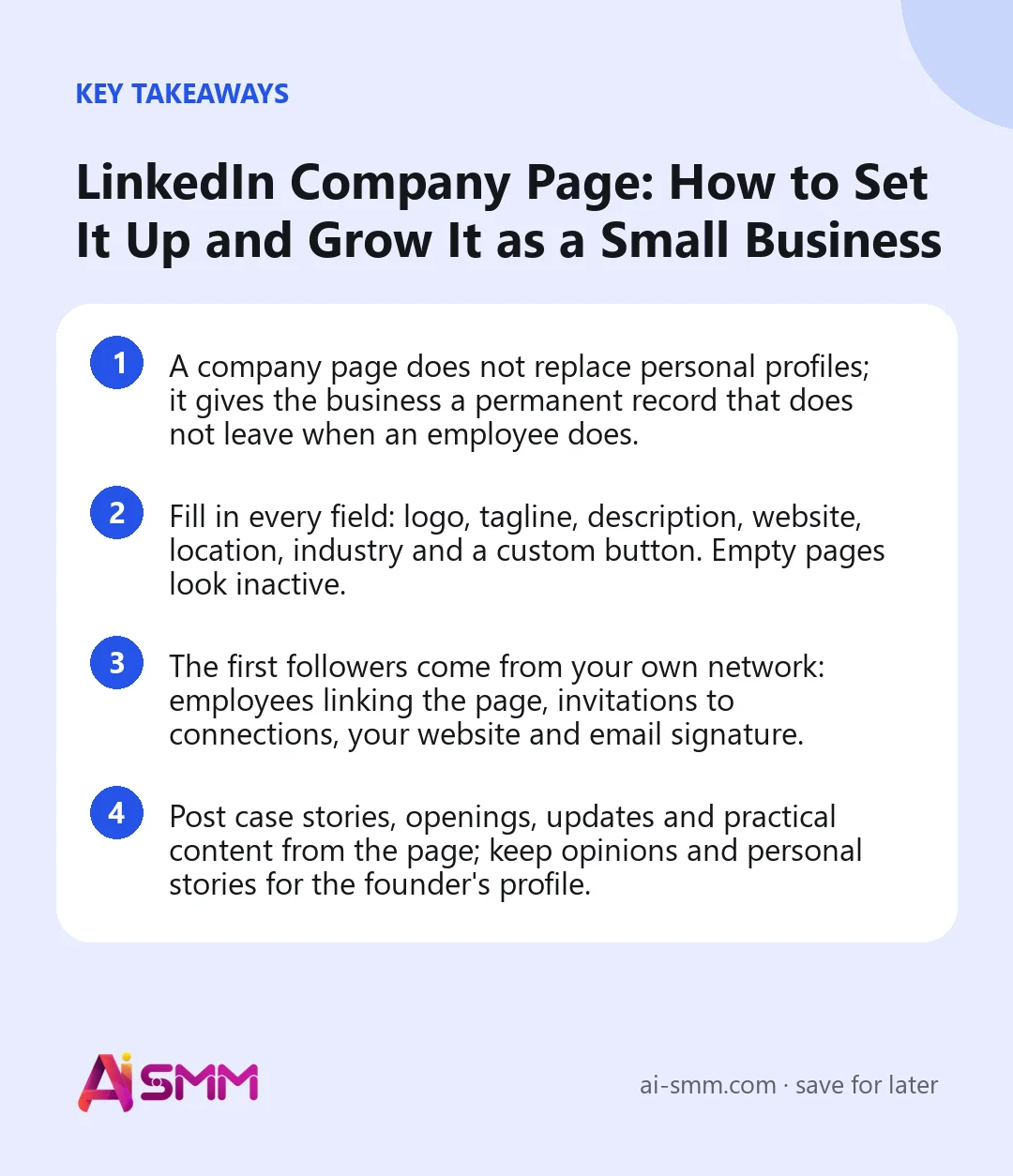
- A company page does not replace personal profiles; it gives the business a permanent record that does not leave when an employee does.
- Fill in every field: logo, tagline, description, website, location, industry and a custom button. Empty pages look inactive.
- The first followers come from your own network: employees linking the page, invitations to connections, your website and email signature.
- Post case stories, openings, updates and practical content from the page; keep opinions and personal stories for the founder’s profile.
What a LinkedIn company page is for
For a small business, the page does three jobs. It is a trust check: a prospect who gets your proposal will often look you up on LinkedIn before replying. It is a hiring channel: candidates see the team, the culture and open roles. And it is a distribution channel: followers see your posts in their feed, and employees can share them with their own networks.
Personal profiles usually get more reach, because people follow people. That is why the best setup combines both: the founder and team post in their own voice, and the company page holds the official record, case studies and announcements that belong to the business rather than to one person.
How to create a LinkedIn company page step by step
- Log in with your personal profile. Pages are created and managed by personal accounts; you cannot create a page without one.
- Open “For Business” and choose to create a company page. Select the company type (a business, a showcase page or an educational institution).
- Enter the page name and public URL. Use the business name customers know; keep the URL short and consistent with your other networks.
- Add the website, industry, company size and type. These help LinkedIn show your page to the right people and appear in search filters.
- Upload a logo and write a tagline. You can edit everything later, but a page without a logo looks unfinished from day one.
- Confirm that you are authorised to act on behalf of the business and create the page.
- Complete the rest of the profile before inviting anyone: description, location, cover image and a custom button.
Fill in every field: what to write
| Field | What to write | Example |
|---|---|---|
| Logo | Square version of your logo, readable at small size | Icon or monogram without fine text |
| Cover image | What you do or a real photo of the team or work | Workshop, office, a finished project |
| Tagline | Who you help and with what, in one line | “Bookkeeping and tax for IT freelancers in Cyprus” |
| About | Problem you solve, services, who your clients are, where you work, how to start | Three short paragraphs, no buzzwords |
| Website | The page that converts best, not always the homepage | Services page or booking page |
| Custom button | The action you want: visit website, contact, register, sign up | “Contact us” linking to a contact form |
| Industry, size, locations | Accurate data; add every office or city you serve | “Accounting”, “2–10 employees”, Limassol |
Image sizes change from time to time, so check LinkedIn’s help centre for the current recommended dimensions before designing the cover. Write the description for a person who has never heard of you and has 20 seconds, and include the words they would search for: the service, the industry you serve, the city.
Give access to more than one person
A surprisingly common problem: the only admin leaves the company, and nobody can edit the page. LinkedIn offers several admin roles, from full access to content-only or analytics-only. Make at least two trusted people full admins, and give the person who posts content a content role. If an agency or freelancer manages the page, give them a role that fits their job rather than your personal login.
What to post on your LinkedIn company page
Company page posts work best when they document what the business does. A practical mix for a small team:
| Post type | Example for an IT outsourcing team | How often |
|---|---|---|
| Case story | How we moved a client’s shop to a new platform in two weeks | 2–3 a month |
| Practical how-to | Checklist: what to prepare before hiring a development team | 2–4 a month |
| Team and culture | Meet the QA engineer who caught the bug before launch | 1–2 a month |
| Company news | New service, new office, partnership, certification | When it happens |
| Job openings | Role written for the candidate, with the team’s real tasks | When hiring |
| Event or resource | Webinar, guide, meetup with a clear registration link | Monthly |
One to three posts a week is enough for most small businesses. Posts with a real photo, a short video or a clear image of the result usually get more attention than plain text from a page.
How to get your first followers
- Ask the team to link the page. When employees add the company to the experience section of their profiles, the logo appears there and links to your page. This also shows visitors that real people work with you.
- Invite your connections. Admins can invite their connections to follow the page; LinkedIn gives a limited number of invitation credits per month, so start with clients, partners and people in your niche.
- Add the page everywhere: website footer, email signatures, proposals, invoices, conference slides.
- Reshare from personal profiles with a line of personal context, not a bare reshare. This is often the main source of reach for a small page.
- Comment as the page on relevant posts by clients, partners and industry media, when your comment adds something useful.
- Host an event or publish a resource through the page; people who register often follow the page too.
Showcase pages, events and newsletters: do you need them?
LinkedIn offers extra tools for pages. Showcase pages are sub-pages for a separate brand or business line; a small business with one audience usually does not need them, because they split an already small following. Events are useful if you run webinars or meetups, since attendees see updates in LinkedIn. A newsletter from the page can work for consultancies with something to say every month, but only if you are sure you can keep it going. Start with the core page, and add these only when there is a clear reason.
Which company page numbers to watch
LinkedIn page analytics show followers, visitors and post performance. For a small business, four numbers are enough:
- Follower growth per month, and where followers come from by industry and job function: are they your buyers?
- Impressions per post, to see which topics the feed distributes.
- Engagement per post: reactions, comments, reposts, clicks relative to impressions.
- Page visits and button clicks, which show whether the page leads anyone to your website or contact form.
Review them monthly, not daily. A steady rise in impressions over several weeks matters more than any single post’s numbers.
Example: the first 90 days of a small firm’s company page
Say a six-person accounting firm that serves IT freelancers decides to take LinkedIn seriously. Here is a realistic first quarter:
| Period | What they do |
|---|---|
| Week 1 | Complete every field, add two admins, publish three posts: a service overview, a team photo with names and roles, a tax deadline checklist |
| Week 2 | All six employees link the page on their profiles; the founder invites clients and partners using the monthly invitations |
| Weeks 3–8 | Two posts a week from the page (checklists, anonymised cases), the founder reshares each with a personal comment |
| Weeks 9–12 | A free webinar on year-end taxes as a LinkedIn event; the recording becomes three short video posts |
At the end of the quarter they review follower growth, which posts earned the most engagement, and whether button clicks to the booking page increased. The plan for the next quarter keeps what worked and drops the rest.
Common company page mistakes
- Creating the page and leaving half the fields empty.
- One admin, no backup.
- Posting only “we are proud to announce” updates.
- Expecting the page to replace personal posting by the founder and team.
- Long silences: a page with the last post from eight months ago looks closed.
- Not asking employees to link their profiles to the page.
Company page launch checklist
- Logo, cover, tagline and description filled in.
- Website, locations, industry and size accurate.
- Custom button set to the action you want.
- At least two full admins.
- Three to five posts published before inviting people, so the page does not look empty.
- Team asked to link the page on their profiles.
- Page link added to website, email signatures and proposals.
- A weekly posting slot on the calendar.
Running your company page with AI SMM
In AI SMM you connect the LinkedIn company page together with your personal profile, so the business and the founder post from one calendar. AI Content Studio drafts company page posts from a brief, such as a case story from project notes or a job opening from a list of tasks, in your brand’s tone, and it can write a personal version of the same story for the founder. Social media management schedules text, image, video and link posts to the page at set times, which solves the “last post eight months ago” problem. Analytics shows followers, impressions and engagement per post next to your other networks. To find prospects and partners, the Chrome extension works as an assistant in your browser on your personal account: it searches for people who match your target profile, reacts to their posts and drafts comments that are sent only after you approve them. LinkedIn messages and comments are not part of the AI SMM inbox; you answer them in LinkedIn.
FAQ
Is a LinkedIn company page free?
Yes, creating and running a company page is free. LinkedIn also offers paid options, such as advertising and premium page features, but a small business can do well without them.
Can I create a company page without a personal profile?
No. Pages are created and managed through personal accounts, so at least one real profile has to exist to act as the admin.
How often should a company page post?
One to three times a week is enough for most small businesses. Regularity matters more than volume.
Should a solo consultant create a company page?
It is optional. If you plan to hire, sell under a brand name or work with larger clients who check vendors, create one. Otherwise, a strong personal profile does most of the work.
Block 30 minutes this week to complete your page with the checklist above, then plan the first month of posts. Scheduling in AI SMM will keep the page active even in the weeks when nobody has time to post.
Posts, chats, video and sales in one workspace. 7 days free.
Start free