AI SMM team
You promised a free checklist in a post, and now fifty people have written “checklist” in your DMs. Sending each of them the file by hand takes an evening, and by the time you get to number forty, the first ten have forgotten why they asked. Worse, you end up with fifty chats and no idea who is a real lead. This lesson shows how to build a chat flow in AI SMM that gives the right lead magnet, asks a couple of questions with buttons, saves the contact and hands warm leads to a person.
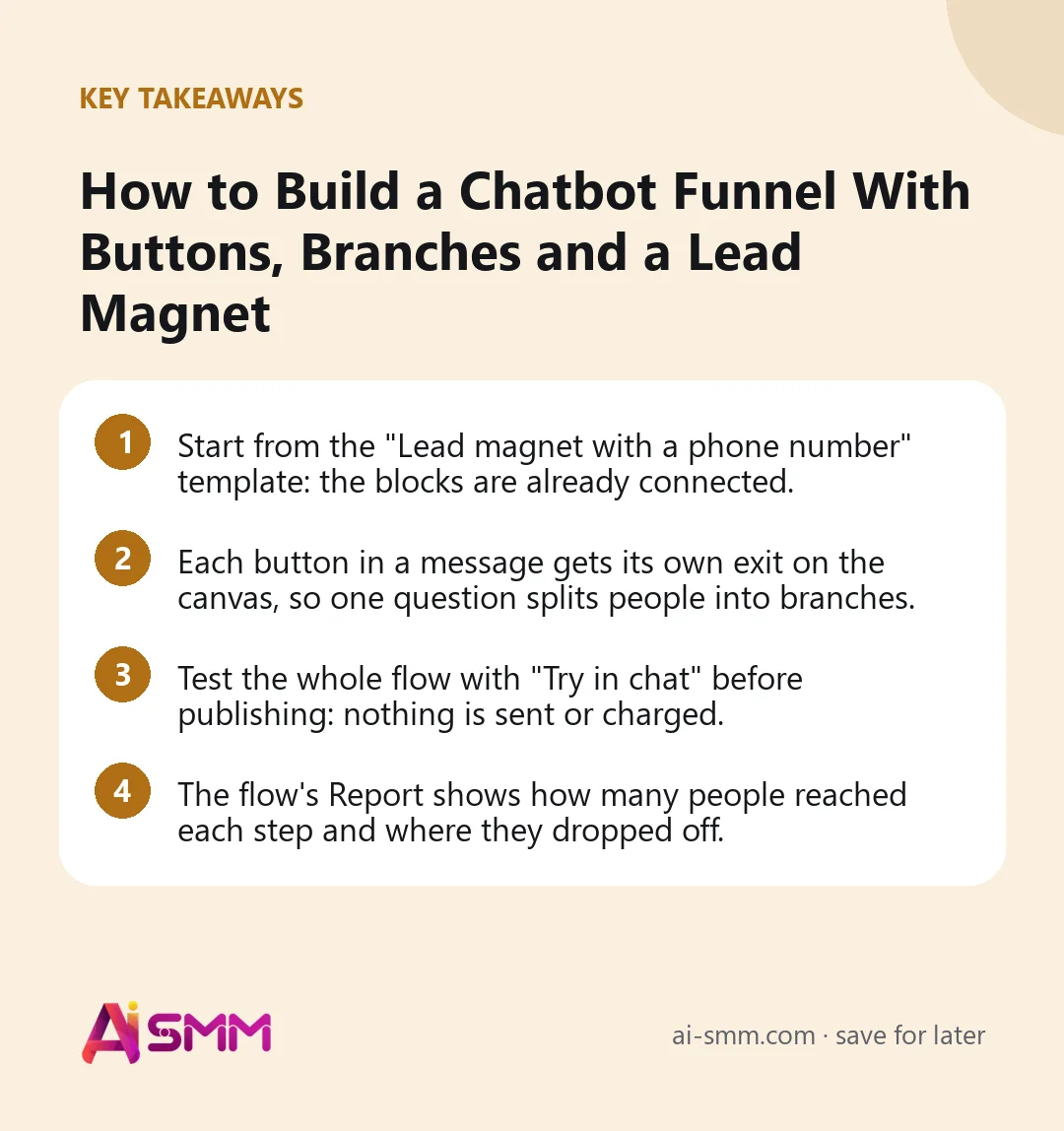
- Start from the “Lead magnet with a phone number” template: the blocks are already connected.
- Each button in a message gets its own exit on the canvas, so one question splits people into branches.
- Test the whole flow with “Try in chat” before publishing: nothing is sent or charged.
- The flow’s Report shows how many people reached each step and where they dropped off.
What you will build in this lesson
A flow that starts when someone writes a keyword, asks one question with two buttons, sends a different lead magnet to each branch, asks for a phone number, tags the person as a lead and assigns them to a teammate. Then you will test it, publish it and read its funnel.
What you need
- A connected messaging channel. Buttons work in Telegram, Instagram, Facebook and Messenger. Files and pictures are delivered in Telegram, Instagram, Facebook, Messenger, the chat on your website and email.
- The lead magnet uploaded to Files: a PDF checklist, a price list, a short guide.
- A keyword you will announce in posts, for example “guide”.
- Someone to hand leads to, invited to your project.
Step 1. Open Automations and pick a template
- Open Omnichannel Inbox → Automations. Here are your flows with their status (Live, Paused, Draft) and the Create flow button.
- Under Start from a ready funnel, templates are grouped by goal. In Collect leads, find Lead magnet with a phone number and click Take this one.
The template opens as a draft with the blocks already wired: it sends the material, asks for a phone, saves it to the contact card, adds the “lead” tag and hands the person to a teammate. If the phone is not understood, the question is asked again; if there is no answer in time, the person gets a polite “write to us any time”.
Other good starting points
- Comment to a private message (Instagram and Facebook): a person comments under a post, gets a public reply and the promised item in a private message. Networks allow this one private answer within seven days of the comment.
- Subscribe and get the gift (Telegram): checks that the person is subscribed to your channel before giving the gift, and an “I subscribed” button sends them back to the check.
Prefer to describe it? In Or describe it and the agent will assemble it, write the task in plain words and click Assemble the funnel; the result also opens as a draft.
Step 2. Set the trigger
Click the first block, the trigger Message received. In Words that start the flow, enter your keyword, comma-separated if you have several (“guide, checklist”); case does not matter. Leave it empty only if the flow should start on any message, which is rarely what you want for a lead magnet. Choose the channel of the flow in the flow settings.
Step 3. Add a question with buttons
Now make the flow smarter than “here is the file”. Insert a Send message block right after the trigger.
- Write the Message text: “Hi {name}! Which one do you need?”. The {name} label is replaced with the contact’s name and disappears when unknown.
- Click Add button twice: “I’m just starting” and “I already have clients”.
- Each button gets its own exit on the block. Connect each exit to its own next step.
A button can also open a link instead of moving the flow. A link button does not move the flow by itself, so add a second button if the flow should continue.
Step 4. Send a different lead magnet in each branch
- For the first branch, add a Send message block with a short text and attach the beginner checklist in Photo or file from your Files.
- For the second branch, do the same with the advanced guide.
- Connect both branches to the template’s phone question.
Branching by one question means each person gets something that fits, and you learn something about them, which the next step saves.
Step 5. Ask for the contact and save it
The template’s Ask and save block asks: “Leave your phone number and we will call you back.” Adjust it:
- Rewrite The question in your voice and give a reason: “Want me to send the price list for your case too? Leave your number.”
- In Where the answer goes, keep the phone on the contact card. A phone written any way, with brackets, spaces or a local prefix, is saved in one shape.
- Keep the “Not understood” exit connected back to this block: that is how the person gets a second try.
- Set how long to wait. If nobody answers in time, the flow takes the “No answer in time” exit.
After the answer, Tag the contact adds “lead” (add a second tag per branch, such as “beginner”, if you like) and Hand over to a human assigns the conversation to a teammate, who sees it in the Inbox.
Step 6. Add a gentle follow-up
People who took the file but left no number are not lost. On the “No answer in time” exit, add a Wait block (up to 7 days; one day is usually enough) and then a short message: “Did the checklist help? If you have a question, just write it here.” End the branch with End.
Step 7. Test and publish
- Click Try in chat. A phone-style preview lets you walk the flow yourself: press both buttons, type a wrong phone, type a right one. Nothing is sent or charged.
- Click Check to find unconnected blocks and empty fields.
- Click Publish. A draft never runs; a live flow reacts only to real incoming messages.
- Announce the keyword in a post or Stories: “Write ‘guide’ in DMs and get the checklist.”
Worked example: a fitness coach’s free meal plan
Say a personal trainer offers a free meal plan on Instagram and in a Telegram bot. Keyword: “plan”. The first message asks “What’s your goal?” with two buttons: “Lose weight” and “Build muscle”. Each branch sends its own PDF. Then the flow asks for a phone “to send you a free 15-minute consultation slot”, tags the contact “lead” plus the goal, and hands it to the coach. People who do not answer get a check-in message a day later. In the Inbox the coach sees only people who left a number, already tagged by goal.
Common mistakes
- A long first message. Keep it short and offer two or three buttons.
- Asking for a phone before giving value. Give the lead magnet first, then ask.
- No way to reach a person. Always leave a path to a human.
- Buttons in a channel that does not show them. Buttons work in Telegram, Instagram, Facebook and Messenger; plan text answers elsewhere.
- Publishing without “Try in chat”. One unconnected exit silently ends the flow for everyone who takes it.
How to measure the result
Every flow has a Report with a funnel: how many people reached each step and where they dropped off. Look at three points: how many started, how many pressed a button, how many left a phone. A big drop after the first message means the question or the buttons are unclear; a drop at the phone step means the reason to share it is weak. Run history records every run step by step, so you can see exactly what happened to one person. Then compare with your sales: leads tagged by the flow are easy to filter in Contacts.
FAQ
Which channels can run this flow?
Any connected messaging channel receives text; buttons work in Telegram, Instagram, Facebook and Messenger, and files are delivered in Telegram, Instagram, Facebook, Messenger, website chat and email.
Can I require a Telegram channel subscription before the gift?
Yes. Use the Subscription check block or the “Subscribe and get the gift” template. For Instagram the check works only after the person writes to you in DMs.
Can the flow answer free-form questions?
Add the Answer with AI block: it answers from your Knowledge Base and the flow continues.
Can I add points, quizzes or a contest?
Yes, with gamification blocks; see gamification.
Next step: the full list of triggers and blocks is in chat flows: automate replies, funnels and payments. When your first funnel is live, open chat automation and build the second one for your best-selling offer; replies that need a human will arrive in the unified inbox.
Posts, chats, video and sales in one workspace. 7 days free.
Start free