AI SMM team
A Telegram bot for business is an automated chat inside Telegram that answers customer questions, takes bookings and orders, qualifies leads and delivers what people signed up for, around the clock and without a developer if you use a visual flow builder. For most small businesses the problem it solves is simple: the same ten questions arrive every evening, a manager answers them by hand, and anyone who writes at midnight waits until morning or goes elsewhere. This guide explains what a Telegram bot can realistically do for a business, which scenarios pay off first, and how to launch one step by step.
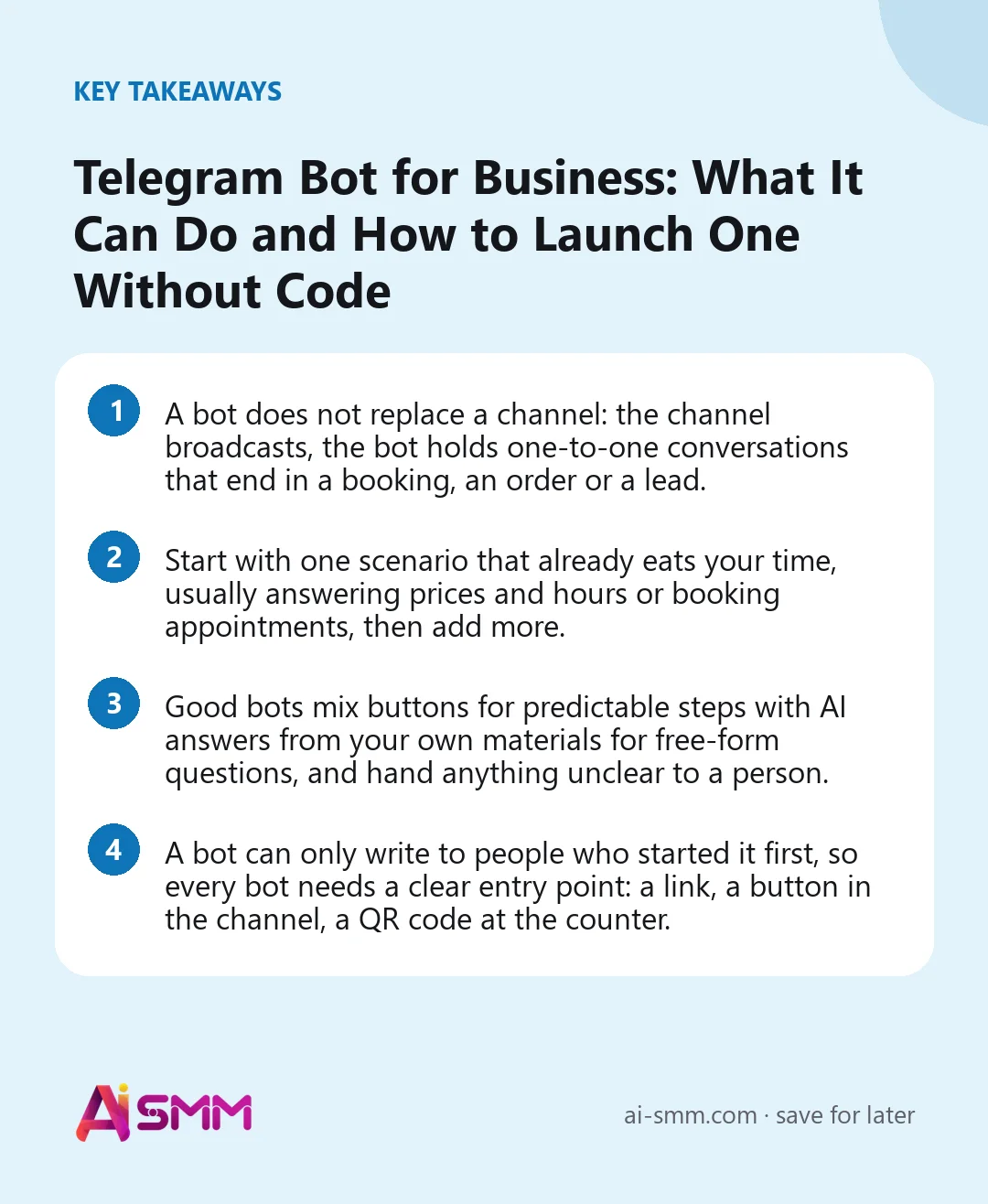
- A bot does not replace a channel: the channel broadcasts, the bot holds one-to-one conversations that end in a booking, an order or a lead.
- Start with one scenario that already eats your time, usually answering prices and hours or booking appointments, then add more.
- Good bots mix buttons for predictable steps with AI answers from your own materials for free-form questions, and hand anything unclear to a person.
- A bot can only write to people who started it first, so every bot needs a clear entry point: a link, a button in the channel, a QR code at the counter.
What a Telegram bot for business actually is
Telegram has three tools that businesses often mix up. A channel is a one-way feed: you post, subscribers read. A group is a shared chat where members talk to each other. A bot is a special account that talks to each person individually, following rules you set: show buttons, ask questions, check conditions, send files, take payments.
That last part is what makes a bot a business tool rather than a novelty. A channel can announce a promotion to 2,000 people; a bot can ask each of those people which service they need, show them free time slots and book them in, all without anyone on your team being online.
| Tool | Direction | Best for |
|---|---|---|
| Channel | You → subscribers | News, offers, content, announcements |
| Group | Everyone ↔ everyone | Community, discussion, client clubs |
| Bot | Business ↔ one person | Questions, bookings, orders, lead capture, payments |
The strongest setup uses all three together: the channel brings attention, the bot turns attention into actions, and a group keeps the most loyal clients close.
What a Telegram bot can do for a small business
Here are the jobs that bring the fastest return, roughly in the order most businesses should add them.
Answer frequent questions instantly
Prices, opening hours, delivery terms, address, “do you have this in size M”. A button menu handles the predictable ones, and an AI layer that reads your own price list and FAQ handles the rest in natural language. The key is that answers come from your materials, not from the AI’s imagination.
Take bookings
For salons, studios, clinics and tutors, a bot that shows free time, books the slot and sends a reminder the day before removes a large share of phone calls and back-and-forth messages. It also works at 11 pm, which is exactly when many people finally get around to booking.
Take orders and show products
A bot can show a product card, open a storefront inside Telegram as a Mini App, and send order updates. Customers stay in the messenger they already use instead of being pushed to an unfamiliar website.
Collect leads with a lead magnet
“Get the checklist” or “get a 10% code” in exchange for a phone number or an answer to a couple of questions. The contact goes into your base with tags, and a follow-up can be scheduled for later.
Check subscriptions and reward them
A bot can check whether a person has subscribed to your channel before sending a gift, a discount or access to a giveaway. This cuts out people who grab the bonus and leave, and it is one of the few growth mechanics on Telegram that works reliably.
Sell paid access
Private channels, closed groups, course materials: a bot can issue an invoice, wait for payment and open access for the paid number of days. For digital goods, Telegram Stars let people pay without leaving the app.
Run quizzes, points and referrals
A short quiz that scores answers and sends people down different branches (“you should try this treatment”, “here is the right plan for you”) qualifies leads while feeling like a game. Points for activity and a personal referral link turn regular clients into a small marketing channel.
5 Telegram bot scenarios by type of business
| Business | Scenario | Result you are after |
|---|---|---|
| Beauty salon | Price list → pick a service → free slots → booking → reminder | Fewer calls, fewer no-shows |
| Café or delivery | Menu in a Mini App → order → status updates → points for the next order | Repeat orders without a delivery aggregator’s commission |
| Online course author | Free lesson for subscribing → quiz → offer of a paid course with access for N days | Paid students from free content |
| Online shop | Subscribe to the channel → subscription check → discount code | Channel growth tied to a first purchase |
| Local service (repairs, cleaning) | Short questionnaire → AI answers typical questions → request goes to a manager | Qualified requests instead of “how much?” |
How to create a Telegram bot for business, step by step
- Pick one scenario. Write down the conversation you want the bot to have, from the first message to the result: a booking, an order, a phone number. If you cannot describe it in five or six steps, it is too big for a first version.
- Create the bot in BotFather. In Telegram, open the official @BotFather account, send the command to create a new bot, give it a display name and a username ending in “bot”. BotFather returns a token: this is the key that lets a platform control your bot, so keep it private and never post it in chats.
- Set the profile. Add a picture, a short description (“Book a haircut in 30 seconds”) and the text people see before pressing Start. This is your bot’s shop window.
- Build the flow. Connect the bot to a no-code flow builder and assemble the conversation from blocks: messages, buttons, questions, conditions, delays, payment and handoff to a person.
- Add your knowledge. Load prices, services, rules and FAQ so AI can answer questions that do not fit a button.
- Test as a draft. Go through the flow yourself on a phone, try wrong answers and odd questions, and fix dead ends before real clients see them.
- Publish and give it an entry point. Pin a link to the bot in your channel, put it in your bio, print a QR code for the counter, add it to email signatures.
Buttons, AI or both: how to design the conversation
Early bots were pure button menus, and people got stuck the moment their question did not match a button. Pure AI bots have the opposite problem: pleasant to talk to, but unreliable when a strict sequence matters, like booking a slot or taking a payment.
The practical design is a mix:
- Buttons for anything with a fixed path: choosing a service, picking a time, confirming an order, paying.
- AI for open questions: “can I bring my dog”, “is this suitable for sensitive skin”, answered from your knowledge base.
- A person for the rest: complaints, unusual requests and anything the AI is not sure about go to a team member with the whole conversation attached.
Keep messages short, one idea per message, and always give a way back to the main menu. Most drop-offs we see in bot flows happen at a step where the person does not know what to do next.
Getting people to start your bot
One Telegram rule shapes everything: a bot cannot message someone who has never started it. Nobody finds a bot by accident, so the entry points are part of the design, not an afterthought.
- A pinned post in your channel with a button or link to the bot and a clear reason to press it.
- A link in your Instagram, TikTok and other bios next to your booking link.
- A QR code at the till, on packaging, on receipts and on appointment cards.
- A lead magnet: “Start the bot and get the price list and a first-visit discount”.
- Referral links, so current clients bring friends and you see who brought whom.
How to measure whether the bot works
Telegram itself does not give businesses a dashboard for bot conversations, so decide on your numbers before launch and check them weekly:
- How many people started the bot, and from which entry point.
- How many reached the goal step: booked, ordered, left a phone number, paid.
- Where people stop. If half leave at the same step, rewrite that step first.
- How many conversations were handed to a person and why: these point to missing answers in your knowledge base.
A flow with a step-by-step run history makes this much easier, because you can see exactly where each conversation ended instead of guessing.
How to run a Telegram bot in AI SMM
In AI SMM, a Telegram bot connects together with your Telegram channel and groups, so posts and conversations live in one place.
- Flows without code. Chat automation builds the conversation on a visual canvas, or you describe the result in plain words (“a person writes booking, the bot shows free time, books them and reminds a day before”) and the agent assembles a draft. Ready funnels cover subscribe-and-get-a-gift with a subscription check, a lead magnet that collects a phone number, and a sale with access for N days after payment.
- Triggers. A flow can start from a message, a bot start, a new subscriber, a schedule, inactivity, an order, a webhook or a segment.
- AI answers. The AI knowledge base holds your prices, services and rules; AI drafts or sends replies from it, and conversations it is unsure about go to a person in the shared inbox.
- Payments and games. Telegram Stars and paid access, plus quizzes, points and referral links from gamification blocks.
- Booking and store. A flow can book clients into your schedule, and the online store works as a Telegram Mini App.
- Visibility. Every run is recorded step by step, so you see why the bot answered the way it did.
One honest limit: AI SMM does not show analytics for Telegram channels, so track channel growth and bot results through the flow history and your own weekly log.
Mistakes that make business bots annoying
- A welcome message the length of an essay before the first button appears.
- No way to reach a human, so frustrated clients simply leave.
- A bot that promises a gift but never checks conditions, so bonus hunters grab it and unsubscribe.
- Launching ten scenarios at once instead of polishing one.
- Sending broadcasts through the bot too often: people block bots faster than they mute channels.
- Letting AI answer about prices without keeping the knowledge base up to date.
FAQ
Do I need a programmer to make a Telegram bot for my business?
No. The bot itself is created in BotFather in a couple of minutes, and the conversation logic can be built in a no-code flow builder. A developer is only needed for unusual integrations with your own systems.
Can a Telegram bot accept payments?
Yes. Digital goods and access can be paid with Telegram Stars inside the app, and flows can also issue an invoice through a payment gateway, wait for confirmation and open access automatically.
Can a bot send messages to all my clients?
Only to people who have started the bot and not blocked it. Use messages sparingly and make each one useful, or people will block the bot and you lose the channel.
Will an AI bot make things up about my prices?
Not if it answers from your knowledge base and you choose where it may reply on its own. Start with AI drafting replies for a person to approve, then allow automatic answers in channels where the drafts have proven accurate.
Ready to take the repeated questions off your team’s evenings? Start with one scenario in chat automation and have your first Telegram bot answering this week.
Posts, chats, video and sales in one workspace. 7 days free.
Start free