AI SMM team
An Instagram DM auto-reply is a message that answers people who write to your business account without you typing it by hand. Done well, it has three layers: a short welcome message that confirms you got the message and sets expectations, instant answers to the handful of questions everyone asks (price, hours, address, booking), and a clear handoff to a person for everything else. The goal is not to replace you but to make sure nobody waits hours for an answer that already exists.
This guide covers the tools Instagram itself gives you, how to write welcome and FAQ replies that do not sound robotic, how AI can answer free-form questions from your own knowledge base, and the rules you must not break.
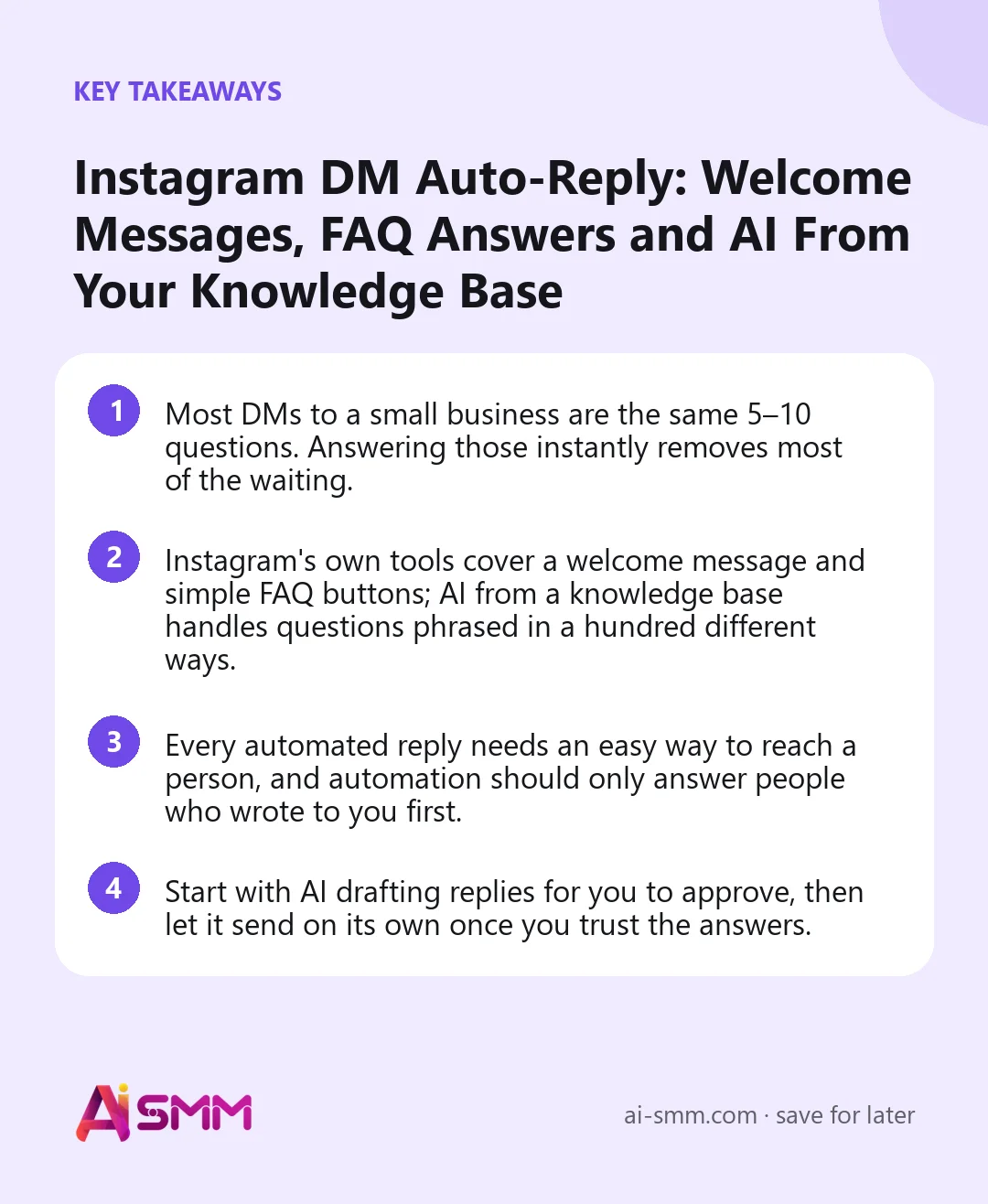
- Most DMs to a small business are the same 5–10 questions. Answering those instantly removes most of the waiting.
- Instagram’s own tools cover a welcome message and simple FAQ buttons; AI from a knowledge base handles questions phrased in a hundred different ways.
- Every automated reply needs an easy way to reach a person, and automation should only answer people who wrote to you first.
- Start with AI drafting replies for you to approve, then let it send on its own once you trust the answers.
Why set up an Instagram DM auto-reply at all
For many small businesses, Instagram DMs are the main sales channel. People ask about prices, free slots, delivery and sizes, and whoever answers first often gets the order. The problem is that questions arrive at 11 pm, during appointments and on weekends, exactly when the owner cannot reply.
An auto-reply fixes three things:
- Speed. The person gets something useful in seconds instead of hours. In our experience, the gap between “answered in a minute” and “answered tomorrow” is often the gap between a booking and silence.
- Repetition. You stop typing the same price list twenty times a day.
- Lost messages. An acknowledgement plus a handoff rule means no DM quietly sits unanswered.
Note that this is about direct messages people send you. Turning public comments into DM conversations is a separate technique, the comment-to-DM funnel, and works well alongside what is described here.
Instagram’s rules for automated DMs
Instagram (and Meta’s messaging policies behind it) allows automation, but within limits. The key ones to respect:
- Only reply, never cold-message. Automation can answer people who wrote to you or interacted with you first. Sending automated DMs to people who never contacted you is not allowed.
- Mind the reply window. Businesses can respond freely within a limited window after the person’s last message, 24 hours under Meta’s standard rules. After that, options are restricted, so fast answers matter even more.
- Always offer a human. People must be able to reach a real person. A line like “Type ‘manager’ and a team member will reply” is enough.
- Connect through official access. Use a professional (business or creator) account connected through Meta’s login, not tools that ask for your password.
Rules evolve, so check Meta’s current guidance when you set things up. Staying within them protects your account.
Three ways to auto-reply to Instagram DMs
| Approach | What it does well | Limits |
|---|---|---|
| Instagram’s built-in tools (saved replies, FAQ questions, instant replies in Meta’s business tools) | Free, quick to set up, good for a welcome message and a few fixed questions | Fixed wording, does not understand questions phrased differently, managed separately from other channels |
| Chat flows (scripted buttons and branches) | Guides people step by step: choose a service, see prices, get a booking link | Works best when you can predict the path; free-text questions fall outside the script |
| AI replies from a knowledge base | Understands the question in any wording and answers from your own prices, rules and FAQ | Needs a well-written knowledge base and clear handoff rules |
Most small businesses end up combining them: a welcome message, a few FAQ shortcuts, and AI for everything typed in free form, with a person stepping in when needed.
How to write an Instagram welcome message
The welcome message is the first thing a new person sees after writing to you. It should do four things in three or four short lines: greet, confirm, answer the most common need, and set expectations.
Template
Hi! Thanks for writing to [Business]. Our prices and free slots are here: [link]. If you have a question, just type it and we’ll answer right away. For anything special, type “manager” and a team member will reply within [time].
Examples
- Say, a beauty salon: “Hi! Want to book? Free slots for this week are here: [link]. Ask anything about services and prices, and we’ll reply in a moment.”
- An online shop: “Hello! We ship within 1–3 days. Tell us the item and size you like and we’ll check availability. Questions about an existing order? Send your order number.”
- A coach or expert: “Hi, thanks for reaching out! You can book a free 15-minute intro call here: [link]. Or tell me what you’re working on and I’ll point you to the right program.”
Keep it human. Avoid “Your message is important to us”. Write the way you would answer a friend who asked the same thing.
Choosing which FAQ answers to automate
Scroll back through the last month of DMs and count. For most businesses, the list looks similar:
- How much does it cost?
- Do you have free slots / is it in stock?
- Where are you and what are your hours?
- How does delivery or booking work?
- Do you have a discount or a first-visit offer?
- What is the difference between option A and B?
- Can I change or cancel?
These are your automation candidates. Questions that need judgement, like complaints, custom quotes, medical or legal specifics, or anything involving a refund, should go to a person.
AI answers from a knowledge base: how it works
Fixed FAQ buttons break the moment someone writes “hey how much for gel on short nails and can I come sat morning”. A person would understand that instantly. An AI assistant connected to a knowledge base can too, because it matches the meaning of the question to the facts you gave it.
A knowledge base is simply your business facts written in one place: services and prices, hours and address, delivery and return terms, booking rules, answers to common questions, and things you do not do. The AI reads the incoming DM, finds the relevant facts and writes an answer in your tone. If the answer is not in the knowledge base, a good setup says so and passes the conversation to a person instead of guessing.
Tips for a knowledge base that answers DMs well
- Write facts, not marketing. “Gel manicure: €35, about 90 minutes” is more useful than “Our luxurious gel treatment”.
- Include the “no” answers. “We don’t do home visits”, “We don’t ship abroad”. These prevent wrong promises.
- Add links. Booking page, price list, size chart, so the answer ends with a next step.
- Keep it current. When a price changes, update it in one place and every future answer follows.
The handoff: when a person should take over
The fastest way to annoy customers is an automation that will not let them talk to a human. Set clear rules for when the conversation moves to a person:
- The person asks for a manager or a human.
- The question is not covered by the knowledge base.
- Complaints, refunds, delivery problems.
- Large or custom orders where a personal touch closes the deal.
When the handoff happens, the person should see the full conversation so the customer does not have to repeat themselves. And tell the customer honestly when to expect an answer.
Example: a DM conversation from start to booking
Here is how the three layers work together for, say, a small nail studio late on a Friday evening:
- Customer: “hi how much is gel on short nails, and do you have anything saturday morning?”
- AI reply from the knowledge base: “Hi! A gel manicure on short nails is €35 and takes about 90 minutes. You can see and book free Saturday slots here: [link]. Want me to note a colour preference for the master?”
- Customer: “can I bring my own design picture?”
- AI reply: “Of course, just send it here or bring it on your phone. Complex designs may take a bit longer, so the master will confirm the time.”
- Customer: “my nails are damaged after another salon, is that a problem?”
- Handoff: this needs a professional opinion, so the conversation goes to a master with the full history, and the customer gets “A master will look at this and reply tomorrow morning.”
Two answers the owner would otherwise type at 11 pm are handled instantly, the booking link does the rest, and the one question that needs expertise reaches a person with all the context.
Mistakes that make auto-replies backfire
- A wall of text. Long welcome messages go unread. Three or four lines, one link.
- Pretending to be a person. Be friendly, but do not claim a human is typing when it is automation.
- Outdated prices. An auto-reply with last year’s price list creates a worse experience than no reply.
- No way out. Every automated path needs a route to a person.
- Replying to everything, including stories. Not every reaction or emoji needs an automated message. Limit automation to real questions.
How to measure whether it works
- First response time: should drop from hours to seconds for common questions.
- Share of conversations resolved without a person: a healthy setup handles the repetitive majority and hands off the rest.
- Bookings or orders from DMs: the number that actually matters.
- Handoff reasons: each one shows a gap in the knowledge base you can fill.
Instagram DM auto-replies in AI SMM
In AI SMM, Instagram comments and DMs arrive in the unified inbox alongside your other connected channels, so the team works from one queue. The AI knowledge base holds your prices, services, delivery terms and FAQ, and AI uses it to answer customers in your tone. You decide per channel whether AI only drafts a reply for a person to check and send, or sends replies on its own; when AI is not sure, the conversation goes to a team member with the full history on the contact card.
A sensible rollout is to start with drafts for a week, read what AI suggests, fix gaps in the knowledge base, and then let it answer Instagram DMs on its own. Inbox reports show how fast the team answers and what customers ask most. For comments under posts, chat automation can reply publicly and continue in DM, and for salons and studios the natural next step in the answer is a link to online booking.
FAQ
Is it allowed to auto-reply to Instagram DMs?
Yes, for professional accounts connected through Meta’s official access, as long as you only answer people who contacted you first, respond within the allowed window and offer a way to reach a person.
Will an AI auto-reply make things up?
A setup grounded in a knowledge base answers from your own materials and hands the conversation to a person when the answer is not there. Starting in draft mode lets you check its answers before it replies alone.
Should I use Instagram’s built-in instant replies or a separate tool?
Built-in tools are fine for a welcome message and a few fixed questions. A separate tool makes sense when you want AI to understand free-form questions, keep one inbox for several channels and hand off to a team.
Can auto-replies work at night and on weekends?
Yes, that is where they help most. Common questions get answered immediately, and anything that needs a person waits in the queue with a clear note on when you will reply.
Write down the ten questions you answer every day, put the answers into the AI knowledge base, and let your Instagram DMs answer themselves while you work.
Posts, chats, video and sales in one workspace. 7 days free.
Start free