AI SMM team
Facebook groups for business are communities that a company creates or joins to talk with customers and people in its niche, rather than broadcasting to them from a Page. A Page is your shop window; a group is the room where customers ask questions, help each other and get to know you. For many small businesses, from a yoga studio to a B2B software team, a well-run group brings more loyal customers than a Page with ten times the followers. It also takes more care: a group without a clear purpose becomes an empty room or a spam board within months. This guide covers when a group makes sense, how to set it up, what to post, how to moderate and how to turn members into customers without selling in every post.
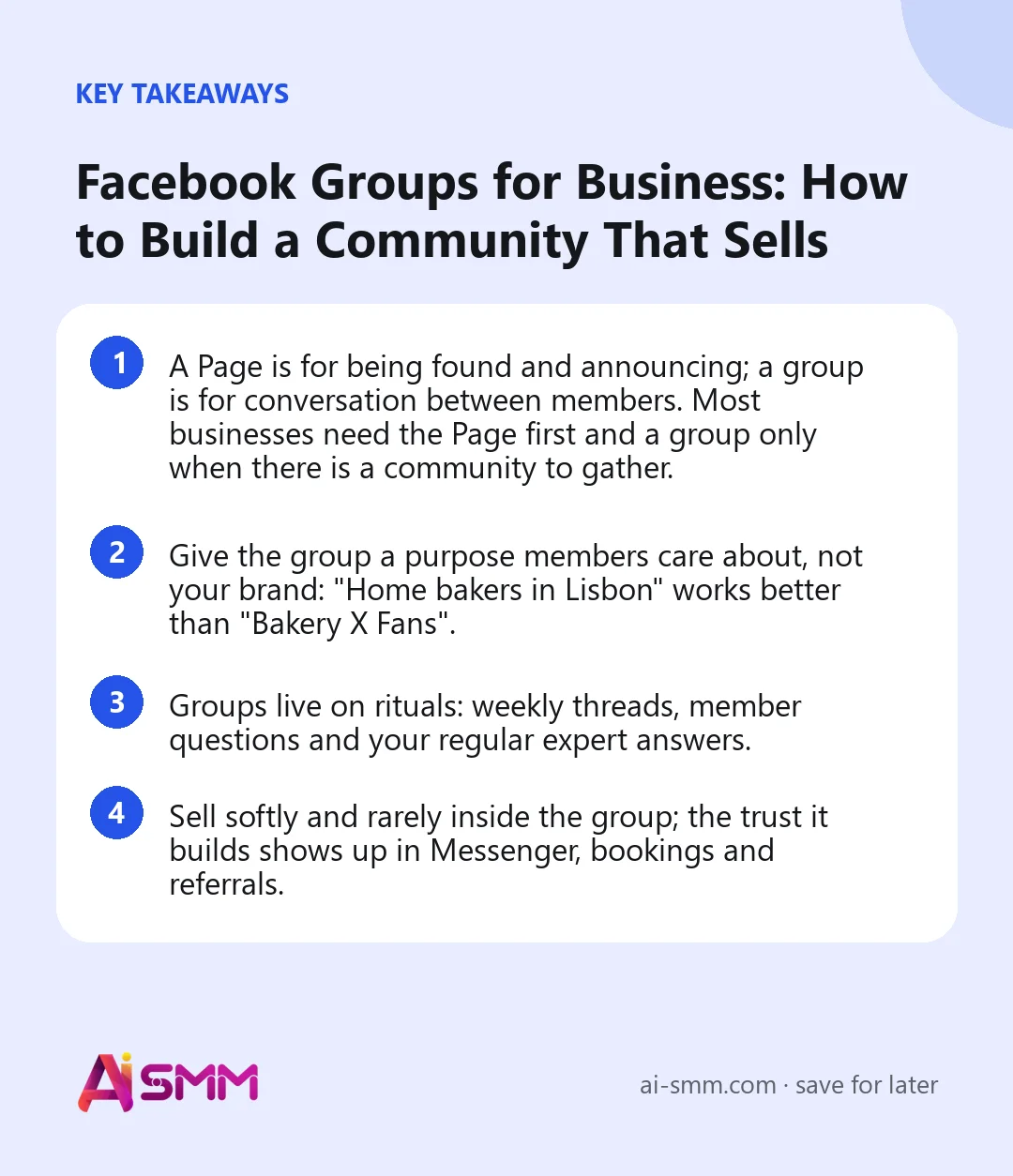
- A Page is for being found and announcing; a group is for conversation between members. Most businesses need the Page first and a group only when there is a community to gather.
- Give the group a purpose members care about, not your brand: “Home bakers in Lisbon” works better than “Bakery X Fans”.
- Groups live on rituals: weekly threads, member questions and your regular expert answers.
- Sell softly and rarely inside the group; the trust it builds shows up in Messenger, bookings and referrals.
Facebook group or Facebook Page: what is the difference?
| Facebook Page | Facebook group | |
|---|---|---|
| Main purpose | Official presence, announcements, reviews | Conversation and community among members |
| Who posts | Mostly you | Members as much as you |
| Visibility | Public, found in search | Public or private; private groups keep posts to members |
| Best for | Being found, Reels, offers, Messenger contact | Loyalty, support, learning, local networks |
| Effort | Regular posting | Regular posting plus daily moderation and replies |
The two work best together. Link the group to your Page, so you can post and comment in the group as the Page, and let the Page point interested people to the group. For the Page side of the strategy, see our guide to Facebook marketing for small business.
When a Facebook group makes sense for a business
- Your customers have things to say to each other. Parents at a kids’ club, home cooks, runners, owners of the same software, members of a gym.
- You sell something that needs learning. Courses, tools, hobby supplies, health and fitness programmes.
- You are local and people want local talk. A neighbourhood café can host a community group about local events and recommendations.
- You have a customer base worth keeping. A private group for clients, members or course graduates adds value to what they bought.
A group is probably not worth it if you have no time for daily replies, if your customers buy once and never think about the topic again, or if the only content you can imagine is your own promotions.
Five types of business groups
| Type | Example | What members get |
|---|---|---|
| Topic community | A garden centre runs “Balcony gardening for beginners” | Advice from peers and from your experts |
| Local community | A café hosts “What’s on in our district” | Local news, recommendations, events |
| Customer club | A fitness studio’s private group for members | Schedules, challenges, motivation, first access to offers |
| Learning group | An online course’s group for each cohort | Questions answered, accountability, shared progress |
| Product users | A software company’s group for customers | Tips, workarounds, feature requests, early news |
How to set up a Facebook group for business
- Create it from your Page or create it and link it to your Page afterwards, so the Page can act inside the group.
- Choose a name around the member’s interest and include a searchable phrase: “Small business owners in Tbilisi”, “Sourdough baking at home”.
- Pick privacy. Public groups are easier to discover; private groups make members more comfortable sharing. Most customer clubs and learning groups work best private but visible, so people can find and request to join.
- Write a short description that says who the group is for, what happens there and what is not allowed.
- Add membership questions to filter spam and learn about members, for example “What are you hoping to learn here?” and “Where are you based?”. Only ask for an email address if you explain why and follow data-protection rules.
- Set rules (below) and require members to agree to them.
- Prepare the first posts before inviting anyone: a welcome post, an introductions thread and one useful resource.
Group rules that save you trouble later
- Be kind; criticism of ideas is fine, attacks on people are not.
- No self-promotion outside the weekly promo thread.
- No spam, links to unrelated offers or private messages to sell to members.
- Stay on topic; unrelated posts may be removed.
- Respect privacy: no screenshots of members’ posts outside the group.
- Admins can remove posts and members who break the rules.
Short, clear rules make moderation easy to explain. Pin them or feature them so new members see them first.
Getting your first members
- Start with people who already know you: customers, email subscribers, Page followers, members of your studio or course.
- Invite personally. A short message to 30 good customers works better than a public announcement to thousands.
- Mention the group at the point of value: after a purchase, in a booking confirmation, at the end of a workshop, in your Page posts and Messenger replies.
- Give a reason to join now: a monthly live Q&A, a members-only checklist, early access to new products.
- Welcome new members by name once a week in a single post and ask them to introduce themselves.
The first 50–100 active members matter more than the next thousand. A small group where people talk attracts more people; a large silent one does not.
What to post in a Facebook group: a weekly rhythm
| Day | Ritual | Example for a running-shoe shop |
|---|---|---|
| Monday | Weekly goal or plan thread | “What runs are you planning this week?” |
| Wednesday | Expert tip or answer | A short video from your fitter on choosing shoes for flat feet |
| Thursday | Member question of the week | Pick a question from comments and answer it in depth |
| Friday | Wins and photos | “Share your finish-line photos from this week” |
| Once a month | Live Q&A or event | A live session with a local coach; a group run |
| Once a month | Promo thread | Members share their offers; you share yours with a member discount |
Rituals do two things: members know what to expect, and you do not have to invent something new every day. Beyond rituals, the best content is usually a detailed answer to a real member question, turned into its own post.
10 post ideas for a business group
- “Introduce yourself: who are you and what brought you here?”
- A short poll on a real choice members face, with your own answer in the comments.
- “Ask the expert” day, when your team answers any question for a few hours.
- A before-and-after from a member, shared with their permission.
- A mistake you made and what members can learn from it.
- A resource roundup: the best answers from the past month in one post.
- A monthly challenge with a simple way to share progress.
- A sneak peek of a new product or service, asking for feedback before launch.
- A “wins of the week” thread where members celebrate each other.
- A thank-you post to the members who helped others most.
Moderation without burning out
- Use Facebook’s admin tools: post approval for new members, automatic rules that decline posts with certain words or links, keyword alerts and membership questions.
- Appoint one or two moderators from your team or your most helpful members.
- Set a daily 15-minute slot to approve posts, answer questions and remove spam.
- Handle conflict publicly and calmly, then continue privately if needed.
- Recognise helpful members, for example with a thank-you post or the badges Facebook shows for active contributors.
For a wider view on keeping conversations healthy, see our guide to social media customer engagement.
How to turn group members into customers
The fastest way to kill a group is to sell in it constantly. The trust a group builds turns into sales through softer routes:
- Be the expert in the room. Detailed, generous answers show what working with you would be like.
- Mention the offer where it is genuinely relevant, such as a pinned “How to work with us” post or the monthly promo thread.
- Invite people to your Page or Messenger when a question needs a personal answer: “Send us a message and we will check your order.”
- Give members something first: early access, a members-only discount, a free workshop seat.
- Ask new clients if they came from the group and keep a simple count.
How to tell if the group is working
| What to watch | Healthy sign |
|---|---|
| Active members | A steady share of members post, comment or react each week |
| Member-started posts | Members start conversations without being prompted |
| Replies from members | Members answer each other before you do |
| Requests to join | New members arrive without you inviting each one |
| Business result | Messages, bookings and sales from people who mention the group |
Facebook shows admins group insights on growth, engagement and membership. Review them monthly alongside the business result.
Common mistakes with Facebook groups
- Naming the group after your brand and expecting strangers to join.
- Launching with an empty group and no first posts.
- Posting only promotions.
- Leaving member questions unanswered for days.
- Allowing spam to stay “because at least there are posts”.
- Creating a group before the Page has any audience to invite.
Where AI SMM fits in
AI SMM publishes to Facebook Pages, not to groups, so group posts are made in Facebook itself. The rest of the system still helps. AI Content Studio drafts group texts in your tone from a brief: the weekly ritual posts, a welcome message, a detailed answer to a member question; you copy them into the group. Your Page, which feeds the group with new members, is planned in the calendar with photo posts, videos, Reels and Stories. When group members write to your Page or comment on Page posts, those Messenger conversations and comments arrive in the shared inbox, and the AI knowledge base can draft answers to the questions people ask again and again. Analytics shows whether the Page is growing as the group grows.
FAQ
Should my Facebook group be public or private?
Public helps discovery; private makes members more comfortable sharing. For customer clubs, learning groups and anything personal, choose private but visible in search so people can still find it and request to join.
How much time does running a group take?
Plan 15–30 minutes a day for replies and moderation plus an hour a week to prepare ritual posts. With helpful moderators from the community, it can go down over time.
Can I post in the group as my business Page?
Yes, when the group is linked to your Page, you can post and comment as the Page. Many admins mix both: the Page for official posts, a personal profile for warmer, conversational replies.
How big should a group be before it is useful?
A group becomes useful when conversations happen without you, which can start at a few dozen active members. Size matters less than activity.
If you already have customers who talk about your topic, start small: a clear name, three rules, a welcome post and 30 personal invitations. AI Content Studio in AI SMM can draft your first month of ritual posts in one sitting.
Posts, chats, video and sales in one workspace. 7 days free.
Start free