AI SMM team
If your Instagram posts get views but almost no comments, saves or messages, the fix is rarely “post more”. Engagement on Instagram grows when your content gives people a reason to react and when you make reacting easy and worthwhile: a question they can answer, a tip worth saving, a reply that turns into a conversation. These 12 Instagram engagement tips are practical habits a small business can start this week, with examples, a daily routine and the numbers that show whether they work.
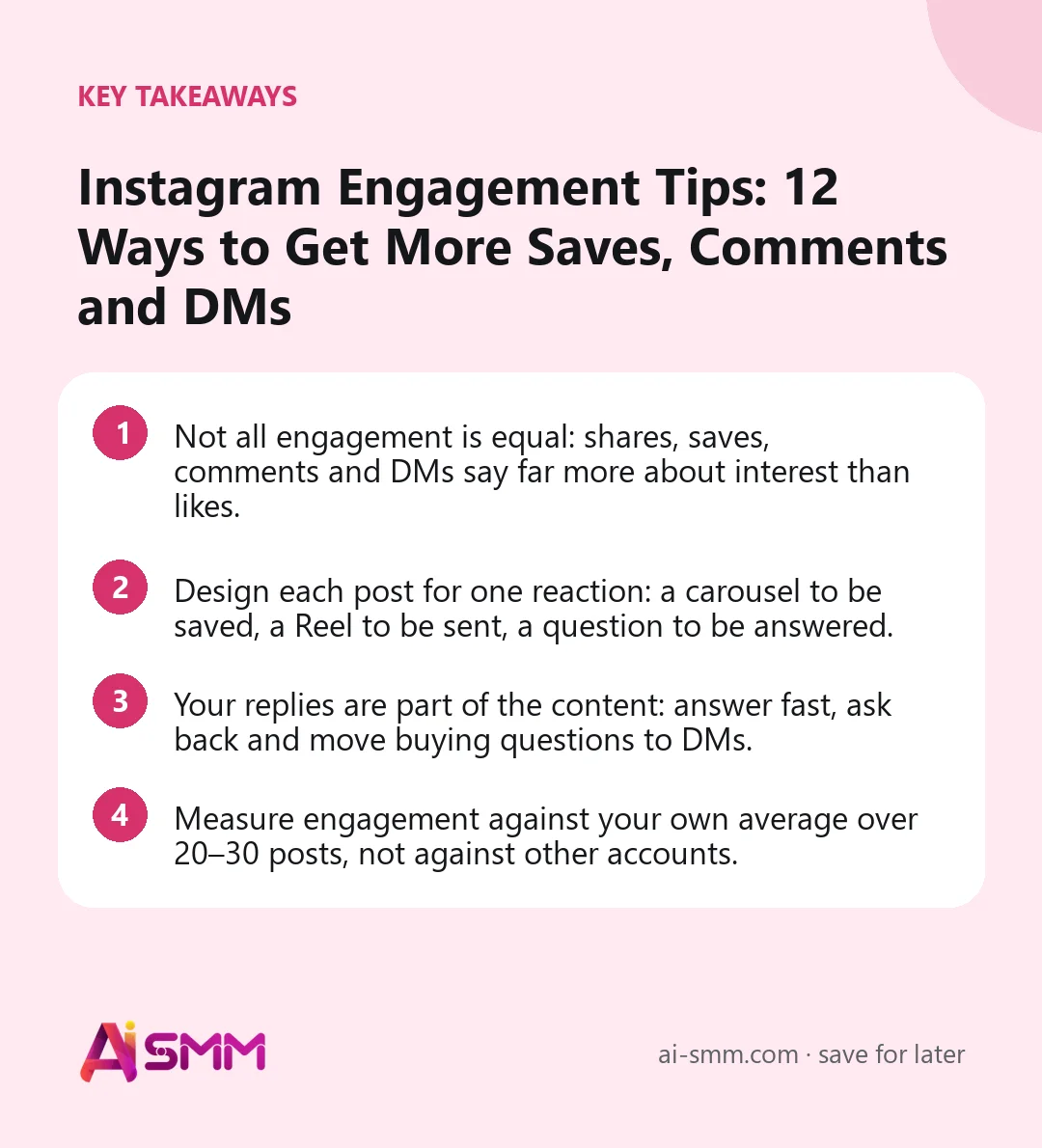
- Not all engagement is equal: shares, saves, comments and DMs say far more about interest than likes.
- Design each post for one reaction: a carousel to be saved, a Reel to be sent, a question to be answered.
- Your replies are part of the content: answer fast, ask back and move buying questions to DMs.
- Measure engagement against your own average over 20–30 posts, not against other accounts.
Which Instagram engagement actually matters
Before the tips, it helps to agree on what you are trying to grow. Each interaction signals something different:
| Interaction | What it signals | Value for a small business |
|---|---|---|
| Like | “I saw it and it was fine” | Low: cheap and quick |
| Save | “I want to come back to this” | High: useful content, future buyers |
| Share or send in DMs | “Someone I know needs this” | Very high: brings new people |
| Comment | “I have something to say or ask” | High: starts a conversation |
| DM, story reply | “I want to talk to you directly” | Highest: often a buying signal |
| Profile visit, follow | “I want more from you” | High: audience growth |
The tips below focus on the interactions at the bottom of the table.
1. Make carousels people save
Saves come from content with lasting value: checklists, step-by-step guides, price comparisons, “how to choose” frameworks, mistakes to avoid. A carousel is the natural format because it holds more information than one image. Put the promise on the first slide (“7 questions to ask before booking a wedding photographer”), deliver one point per slide and end with a summary slide people can screenshot. Saying “save this for later” at the end is fine when the content really is worth saving.
2. Create Reels people send to a friend
The most shared content is either very useful or very relatable. For a business that means: a tip that saves time or money, a situation every client recognises (“when the client says ‘just a trim'”), or a surprising fact about your field. Ask yourself before filming: who would someone send this to, and what would they write with it? If you cannot answer, the Reel is probably for you, not for your audience.
3. Write captions that ask for a specific answer
“What do you think?” gets few replies because it takes effort to answer. Specific, easy questions work better:
- Either/or: “Chocolate or vanilla sponge for a birthday: which team are you?”
- Fill in the blank: “The one thing I always forget when packing for holiday is ___.”
- Experience: “What was the first dish you learned to cook?”
- Keyword: “Comment GUIDE and we will send the full checklist.”
Put the question at the end of the caption and repeat it on the last slide or last frame of the video. For more wording, see our collection of Instagram caption ideas.
4. Reply to every comment, and ask back
A comment with no reply is a closed conversation. A reply with a question keeps it open and often brings a second comment. Aim to reply to every comment in the first hour or two after posting, when the post is still being shown to new people. Use names, refer to what the person said, and avoid copy-paste replies like “Thanks!” on every comment. If a question has a longer answer, reply briefly in public and offer details in DMs.
5. Turn good comments into content
A thoughtful question in the comments is a ready-made next post. Instagram lets you reply to a comment with a Reel, which shows the original comment as a sticker on the video. It rewards the person who asked, shows others that questions get answered and gives you a topic you know people care about. Pinning the best comments under a post also shows newcomers that conversations happen here.
6. Use Stories stickers every week
Stories are where your most loyal followers are, and stickers make interaction one tap away. Polls and quizzes are the easiest; question boxes collect topics for future posts; emoji sliders show how much people want something. Every answer is an opening: reply to people who voted or asked, and the conversation moves to DMs naturally. One interactive sticker per sequence is enough.
7. Move buying questions to DMs quickly
When someone asks about price, availability or delivery in the comments, they are close to buying. Answer briefly in public (“It starts at €40, I have sent you the details”) and continue in DMs, where you can ask about their needs and send a link. Comment-to-DM mechanics formalise this: people comment a keyword and receive the promised item in DMs, which opens a private conversation. Our guide to Instagram comment-to-DM automation explains how to set it up without spamming.
8. Post when your audience is online, then stay online
Check when your followers are most active in the audience section of your professional dashboard and schedule posts shortly before those peaks. Then keep 20–30 minutes free after publishing to reply to comments. A post whose first commenters get answers within minutes tends to collect more discussion than one whose author appears the next day.
9. Collaborate with neighbouring businesses and creators
Collab posts appear on both profiles and are seen by both audiences, and the comments are shared too. Choose partners who serve the same people without competing: a florist and a wedding photographer, a gym and a healthy cafe, a children’s clothing shop and a local kids’ club. Micro-creators with engaged local followers often bring more conversation than large accounts. Agree on the goal, the offer and who answers comments before posting.
10. Spend 15 minutes a day engaging outside your account
Engagement is two-way. Accounts that comment thoughtfully on posts from clients, partners and local businesses get noticed by those accounts and their followers. A simple routine:
- Reply to all comments and DMs from the last 24 hours (5 minutes).
- Leave three to five meaningful comments on posts from clients, partners or accounts your audience follows (5 minutes).
- Watch and react to Stories from your most active followers and clients (5 minutes).
A meaningful comment adds something: a question, an experience, a useful detail. “Great post!” does not count.
11. Show people, not just products
People react to people. Posts with a face, a name and a bit of personality usually get more comments than product shots alone. Introduce the team, show mistakes and how you fixed them, share the story behind a product, celebrate a regular client (with permission). You do not need to become an influencer; a few human posts a month change how the whole feed feels.
12. Stop doing things that fake engagement
Some tactics lift numbers for a week and hurt the account afterwards:
- Buying followers or likes: fake accounts never interact, so your engagement rate falls and reach follows.
- Engagement pods and “comment for comment” groups: comments from people who will never buy teach Instagram the wrong audience.
- Giveaways with ten accounts to follow: prize hunters leave or go silent after the draw.
- Mass following and unfollowing: it annoys people and risks restrictions on your account.
A weekly Instagram engagement checklist
Use this list every Friday to see whether the habits above actually happened:
- Every comment from the week has a reply, and questions about price or availability were continued in DMs.
- At least one post was designed to be saved (a carousel with steps, a list or prices).
- At least one Reel was designed to be sent to a friend.
- Captions ended with a specific, easy question or a keyword.
- Stories had at least one poll, quiz or question sticker, and the answers got replies.
- You left meaningful comments on clients’, partners’ and local accounts on most days.
- You noted the best post of the week and the reason it worked.
Seven ticks is a good week. If the same item is missing week after week, that is where your engagement is leaking.
How to measure Instagram engagement
The simplest formula for a small account is engagement rate by reach:
Engagement rate = (likes + comments + saves + shares) ÷ reach × 100%
Calculate it for your last 20–30 posts and take the average; that is your baseline. Then track a few more specific numbers weekly: saves and shares per post, comments with questions, DMs and story replies. A post well above your own average shows what to repeat. For a deeper look at the metrics and what to do when they move, see the Instagram analytics guide.
| If you see | Try |
|---|---|
| Views but few comments | End with a specific, easy question; reply to the first comments fast |
| Comments but few saves | Add more practical content: lists, steps, prices |
| Saves but few shares | Make content more relatable or aimed at “someone you know” |
| Engagement but no DMs | Add a clear keyword or invitation to message you |
| Engagement falling while followers grow | Check where new followers came from; stop tactics that bring random people |
How AI SMM helps you keep up with engagement
Most engagement work is replying, and replies get lost when comments and DMs are spread across notifications. In AI SMM, comments and DMs from Instagram arrive in one inbox, with AI reply drafts based on your prices and rules, so the first comments under a new post get answered in minutes. Chat flows handle comment-to-DM keywords: a public reply under the post and the promised item in DMs.
For the 15 minutes a day outside your account, the assistant in your browser finds people who comment on competitor accounts, likes posts and views Stories of your audience within Instagram’s limits, and drafts comments that are posted only after you approve them. Analytics shows engagement per post next to your own average, and the AI content studio helps turn winning posts into new carousels and captions.
FAQ
What is a good engagement rate on Instagram?
It varies widely by niche, account size and format, and public benchmarks disagree. Use your own average over the last 20–30 posts as the benchmark and aim to beat it.
Why are my followers growing but engagement falling?
New followers are probably not your audience: they came from a giveaway, a viral post off your topic or bought followers. Look at where growth came from and focus on content for the people you want to serve.
Do hashtags increase engagement?
A few specific hashtags help Instagram understand what a post is about, but they rarely drive engagement on their own. Clear topics, strong hooks and fast replies matter more.
Should I reply to negative comments?
Yes, calmly and briefly, and offer to solve the issue in DMs. A polite public reply shows other readers how you treat clients. Hide or remove only spam and abuse.
Pick three tips from this list, try them for four weeks and compare saves, comments and DMs with your current average. When you want every comment and DM in one place with AI reply drafts, connect Instagram to the AI SMM inbox.
Posts, chats, video and sales in one workspace. 7 days free.
Start free