AI SMM team
For many small businesses, WhatsApp is where the real sales happen. A follower finds you on Instagram, sees a price in a Telegram channel, and then writes “is this still available?” in WhatsApp because that is the messenger they check twenty times a day. The trouble starts when those conversations live on one person’s phone: messages get missed, nobody knows which chat is a hot lead, and customers ask the same question in three different places.
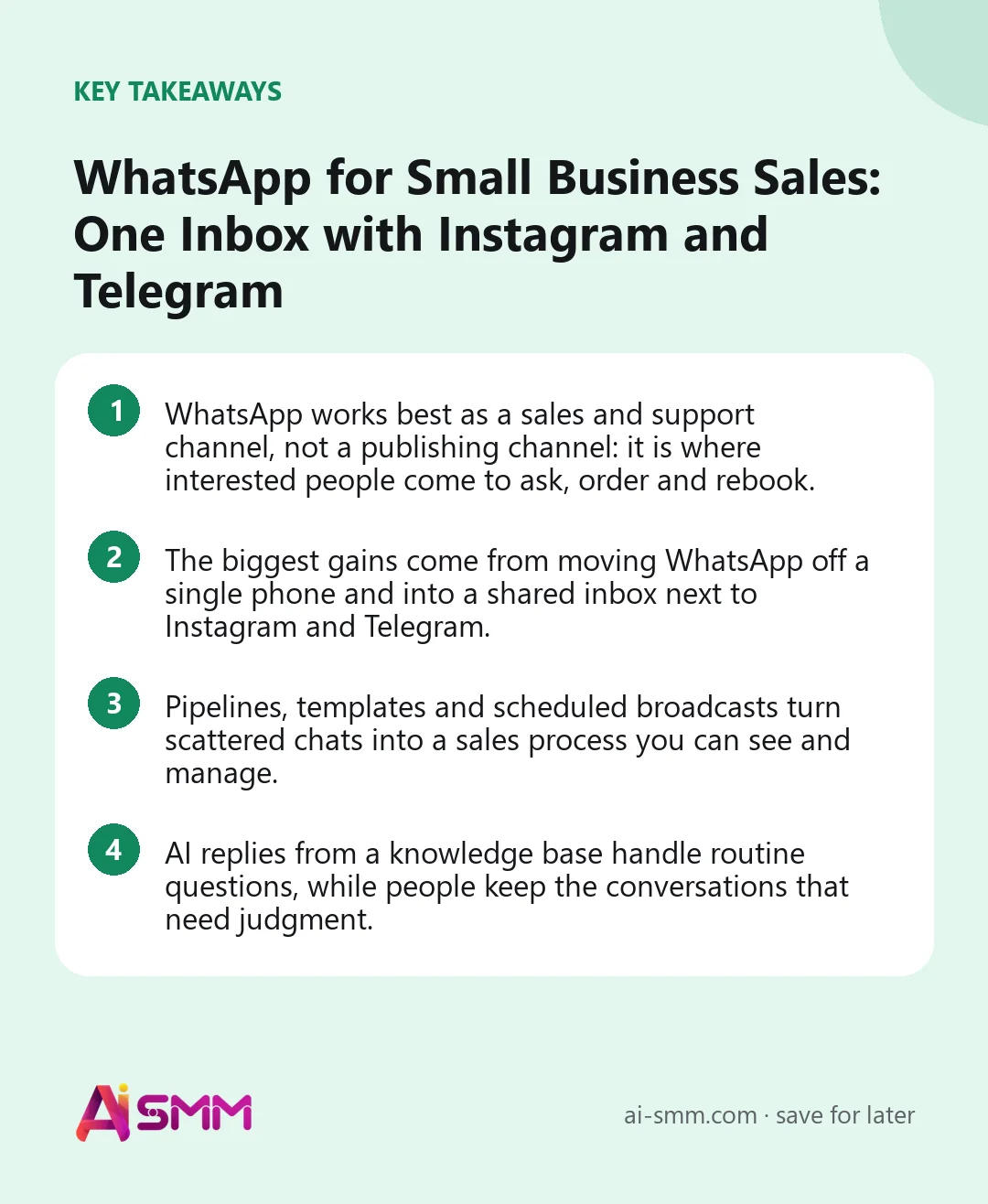
- WhatsApp works best as a sales and support channel, not a publishing channel: it is where interested people come to ask, order and rebook.
- The biggest gains come from moving WhatsApp off a single phone and into a shared inbox next to Instagram and Telegram.
- Pipelines, templates and scheduled broadcasts turn scattered chats into a sales process you can see and manage.
- AI replies from a knowledge base handle routine questions, while people keep the conversations that need judgment.
Why WhatsApp belongs in your sales process
Social networks are good at getting attention. Messengers are good at closing. A post on Instagram or a message in a Telegram channel sparks interest, but most customers still want to ask something before they buy: a size, a delivery time, a free slot on Saturday. WhatsApp is often the place they choose for that question, simply because it is already open on their phone and feels personal.
This makes WhatsApp less of a marketing channel and more of a sales counter. People who write to you there are usually further along than someone scrolling a feed. They have a need, they have picked you, and they want an answer now. How quickly and how well you respond in that moment has more effect on revenue than most content decisions.
It also matters after the sale. Order statuses, appointment reminders, a “how did you like it?” message and an invitation to rebook all fit naturally in the same chat where the customer first wrote. A single thread becomes the whole relationship.
The problem with running sales from one phone
Most small businesses start with WhatsApp on the owner’s or an administrator’s personal phone. That works for the first dozen customers. Then the cracks appear:
- Only one person can answer. When they are busy, sick or asleep, customers wait.
- Nothing shows the stage of a deal. A chat with a hot lead looks exactly like a chat with someone who bought last month.
- History disappears with people. If an employee leaves, their conversations and context often leave with them.
- Instagram and Telegram live elsewhere. The same customer writes in Instagram DMs on Monday and WhatsApp on Wednesday, and nobody connects the two.
- Broadcasts are copy-paste. Sending a promotion to regular customers means pasting the same text into dozens of chats by hand.
None of these are WhatsApp problems. They are organization problems, and they are solved by treating WhatsApp as one channel in a shared system rather than an app on someone’s phone.
1. Bring WhatsApp, Instagram and Telegram into one inbox
A unified inbox is one screen where messages from all your channels arrive together: WhatsApp, Instagram comments and DMs, a Telegram bot, the chat on your website, email. The team works from one queue, sees who is waiting, and answers without switching between apps.
The real benefit is context. When a customer who asked about prices in Instagram last week writes in WhatsApp today, the person answering can see the earlier conversation on the same contact card. They do not ask the same questions twice, and the customer feels remembered rather than processed.
A shared inbox also removes the single-phone bottleneck. Conversations can be assigned to specific people, marked by priority and handed over when a shift ends. For a salon with two administrators or a shop with a part-time helper, this is the difference between answering in a minute and answering tomorrow.
2. Track every conversation in a sales pipeline
A pipeline is a simple row of stages that a conversation moves through: new inquiry, offer sent, waiting for payment, paid, delivered. Each WhatsApp contact sits in one stage, and moving them forward is a click.
Pipelines answer questions that a list of chats never can. How many people asked about the new collection this week? How many received an offer but did not reply? Which deals are one step from payment? A glance at the pipeline tells you where to spend the next hour, usually on the people who are closest to buying.
A simple pipeline to start with
| Stage | What it means | Next action |
|---|---|---|
| New | First message, need unclear | Answer within minutes, ask one clarifying question |
| Offer sent | Price or options shared | Follow up in 1–2 days if no reply |
| Agreed | Customer said yes | Send payment link or confirm the booking |
| Done | Paid, delivered or visited | Thank, ask for feedback, invite to come back |
Resist the urge to add ten stages. Four or five that everyone understands beat an elaborate funnel that nobody updates.
3. Answer faster with templates and quick replies
A surprising share of WhatsApp messages are variations of the same few questions: prices, opening hours, delivery terms, how to book, where you are. Typing the answer from scratch each time wastes minutes and leads to inconsistent information.
Templates fix both. Write your best answer to each frequent question once, check the facts, and reuse it with a tap, adjusting a detail when needed. New team members immediately sound like the experienced ones, and a price change is updated in one template rather than in the heads of three people.
Keep templates human. Start with the customer’s name, answer the question in the first line, and end with a clear next step: “Shall I book you for 3 pm?” is better than a paragraph of general information.
4. Send broadcasts that people actually want
A WhatsApp broadcast is a single message sent to a list of contacts: a new collection, a free slot next week, a seasonal menu, a reminder about a loyalty reward. Done well, broadcasts bring back customers who would not have remembered you on their own. Done badly, they get you muted or blocked.
A few rules keep broadcasts welcome:
- Only write to people who agreed to hear from you. A customer who ordered once did not sign up for daily promotions.
- Segment the list. Regulars, new customers and people who only asked a question need different messages.
- Make each message useful on its own. A reminder about a reward the customer already earned beats a generic “check out our new arrivals”.
- Schedule, do not blast. Plan broadcasts ahead for a time when your audience is likely to read, and space them out.
- Watch replies, not only deliveries. A broadcast that gets answers is working; one that gets silence needs rewriting.
5. Let AI handle the routine questions
Once templates cover the frequent questions, the next step is letting AI answer them. The key is where AI gets its answers. A general chatbot that improvises will sooner or later invent a price or a policy. An assistant that answers only from your own knowledge base, with prices, services, delivery and return terms written by you, stays grounded in what is true for your business.
Start carefully. Let AI draft replies for a person to check and send, and watch the quality for a week or two. When the drafts are reliably right, you can allow AI to answer on its own for the simplest questions, while anything unusual, such as a complaint, a refund exception or a custom order, is handed to a person. This keeps response time short at night and on weekends without handing your reputation to a machine.
6. Use automations to follow up and rebook
Many sales are lost not because the customer said no, but because nobody followed up. Automations help with the predictable moments:
- A reminder the day before an appointment, with an easy way to reschedule.
- An order status message when a delivery leaves or arrives.
- A gentle follow-up when an offer has been waiting for a reply for two days.
- A “time for your next visit?” message a few weeks after a service that people repeat.
- A message in another messenger when someone went silent in the first one.
Each of these is a small flow: a trigger, a message, a next step. Together they turn WhatsApp from a place where you react into a place where the relationship keeps moving even when you are busy.
Common mistakes to avoid
Treating WhatsApp as a broadcast megaphone is the fastest way to lose it as a sales channel. Customers tolerate occasional, relevant messages; they do not tolerate a stream of promotions. Keep the ratio in favour of conversation.
The second mistake is splitting customer history across tools. If WhatsApp chats live in one app, Instagram DMs in another and orders in a spreadsheet, nobody sees the full picture of a customer. Put the conversation, the pipeline stage and the notes on one contact card.
The third is leaving response time to chance. Decide what “fast” means for your business, for example within fifteen minutes during opening hours, and check it weekly. Speed is often the only thing that separates you from a competitor with a similar offer.
Running WhatsApp sales in AI SMM
In AI SMM, WhatsApp comes with a shared inbox for the team, sales pipelines, templates, quick send and scheduled broadcasts through a campaign planner, plus reports on delivery and replies. Conversations land in the same unified inbox as Instagram and Facebook comments and DMs, Telegram bots, the chat on your website and email, so one contact card holds the customer’s full history across channels.
Routine questions can be answered by AI from your AI knowledge base, the same one used for other channels, so prices and hours stay consistent everywhere. You decide per channel whether AI sends replies itself or only prepares a draft for a person. Pipeline stages can be moved by hand or automatically, and the same chat automation flows that run in Telegram or Instagram can be wired to WhatsApp, including a follow-up in another messenger when someone goes quiet. For cafés and delivery businesses, orders from Instagram and WhatsApp arrive in one list, which is why the setup is popular with cafés and delivery.
FAQ
Can several employees answer the same WhatsApp number?
Yes. In a shared inbox, WhatsApp conversations are visible to the team and can be assigned to specific people, so answering no longer depends on one phone.
Should I use WhatsApp for publishing content like Instagram?
No, WhatsApp is best used for conversations, broadcasts to people who agreed to hear from you, and order or booking updates. Keep content publishing on your social networks and use WhatsApp to turn the interest they create into sales.
How often can I send broadcasts without annoying customers?
There is no universal number, but in our experience a few well-targeted messages a month work better than weekly promotions. Watch replies and opt-outs: if silence grows, send less and make each message more useful.
Will AI give customers wrong prices?
Not if it answers only from your knowledge base and you keep that base up to date. Start in draft mode, check the answers, and allow automatic replies only for questions where the drafts are consistently right.
WhatsApp is where interested people come to ask and buy. Give it the same structure as the rest of your channels with WhatsApp in AI SMM.
Posts, chats, video and sales in one workspace. 7 days free.
Start free