AI SMM team
Social media automation means letting software handle the repetitive parts of running your accounts: publishing on schedule, sending the same answer to the same question, delivering what you promised in a comment, collecting a lead’s phone number or putting together a weekly report. Done well, it gives a small team hours back every week and makes sure no customer waits overnight for a simple answer. Done badly, it produces robotic replies to angry customers, cheerful promo posts during a local tragedy and accounts restricted for bot-like behaviour. This guide draws the line clearly: what to automate fully, what AI should only draft for a person to approve and what should never be automated at all.
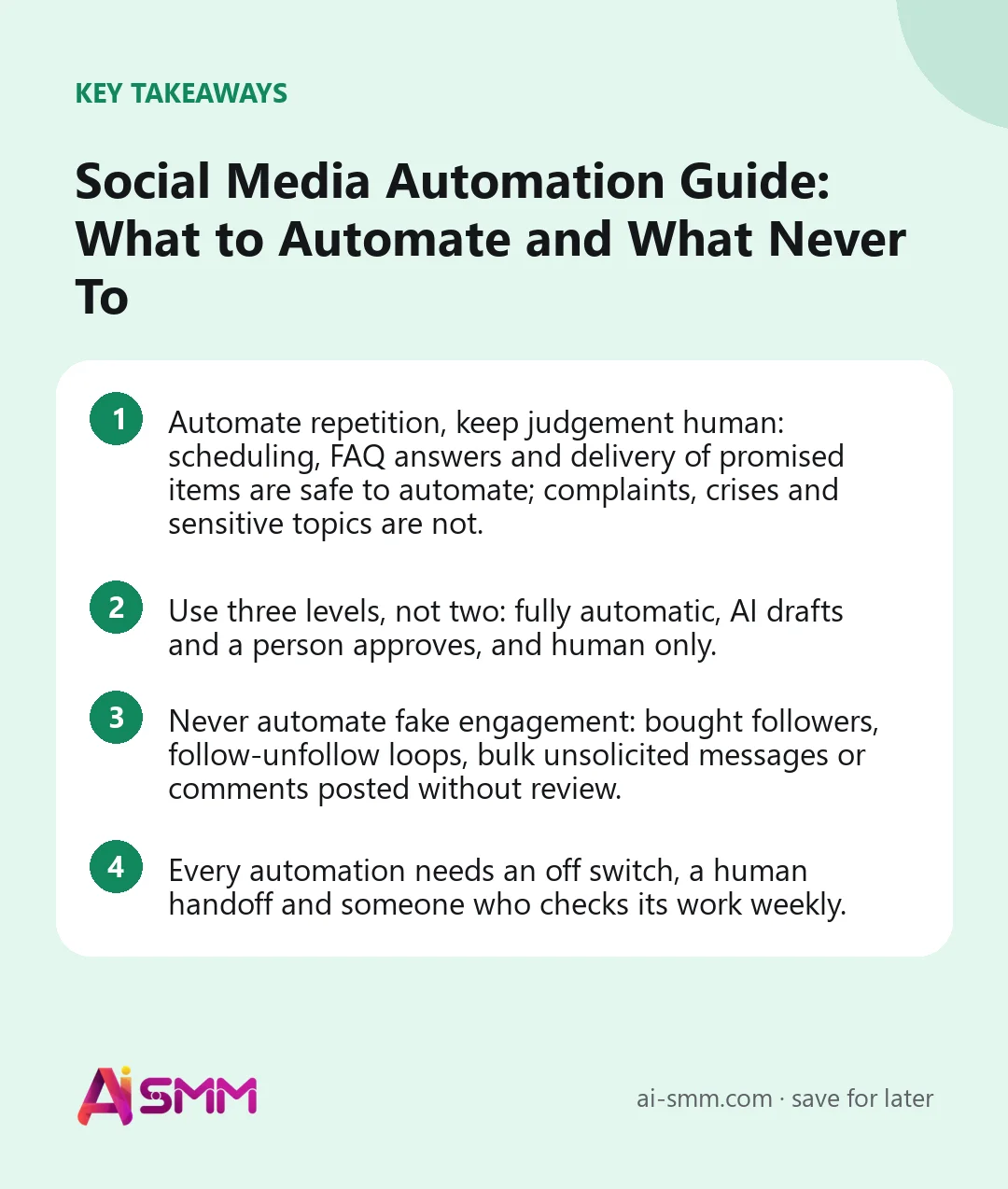
- Automate repetition, keep judgement human: scheduling, FAQ answers and delivery of promised items are safe to automate; complaints, crises and sensitive topics are not.
- Use three levels, not two: fully automatic, AI drafts and a person approves, and human only.
- Never automate fake engagement: bought followers, follow-unfollow loops, bulk unsolicited messages or comments posted without review.
- Every automation needs an off switch, a human handoff and someone who checks its work weekly.
What social media automation means in 2026
A few years ago, social media automation mostly meant a scheduler. Today it covers the whole cycle: AI that drafts posts in your brand’s voice, tools that cut long videos into short clips, chat flows that answer and qualify leads in direct messages and AI that replies to customers from your own price list and policies. That makes the question sharper. It is no longer “can this be automated?” (almost everything can) but “should it be, and at what level of control?”
A useful way to think about it: automation should take over the work where the right answer is the same every time, and hand over to a person the moment judgement, empathy or accountability is needed.
The three levels of automation
| Level | What it means | Examples |
|---|---|---|
| 1. Fully automatic | Runs without a person each time; a person set the rules and checks results regularly | Publishing scheduled posts, delivering a promised checklist after a comment, booking reminders, weekly reports |
| 2. AI drafts, a person approves | Software prepares the work; nothing goes out until someone says yes | Post captions, replies to non-standard questions, comments on other people’s posts, client-facing content |
| 3. Human only | Automation may alert or organise, but a person writes and decides | Complaints, crises, refunds, sensitive topics, partnerships, anything legal or medical |
Most mistakes happen when something that belongs on level 2 or 3 is pushed to level 1 to save a few minutes.
What to automate: 10 safe wins
1. Publishing on schedule
Writing a week of posts in one sitting and letting them publish at the planned times is the oldest and safest automation. It removes the daily “what do we post today?” and keeps your accounts active when you are busy with customers.
2. Adapting one idea for several networks
A post written once can be reshaped for each network’s length limits and style: a longer caption for Instagram, a short line for Threads, a professional angle for LinkedIn. Let AI do the first adaptation; read it before scheduling.
3. Approval routing
Sending drafts to the owner or the client for a yes, and publishing only after approval, is automation that adds control rather than removing it. It is especially useful for agencies and regulated businesses. Our guide to a social media approval workflow shows how to set it up.
4. Turning long videos into clips
Finding the best moments in a webinar or a long video, framing them vertically and adding subtitles used to take hours. Automating it is safe as long as someone watches the clips before they go out.
5. News and content digests
Turning RSS feeds from your blog or industry sources into digest posts keeps a channel alive with little effort. Check the sources you connect; you are responsible for what appears under your name.
6. First replies to common questions
Opening hours, prices, delivery terms, how to book: if the answer is the same every time and lives in your own materials, AI can answer instantly, day and night. Keep it strictly to what is written in your knowledge base.
7. Comment-to-DM delivery
When a post says “comment ‘guide’ and we will send it”, a flow that replies publicly and sends the guide in direct messages is exactly what automation is for. See our guide to Instagram comment-to-DM automation.
8. Lead capture and qualification
A short chat flow can ask two or three questions (what the person needs, when, their contact), tag the contact and pass a warm lead to a person. Keep it short; people abandon long questionnaires.
9. Reminders and follow-ups
Booking reminders a day before, a follow-up to someone who went quiet after asking for a price, a message when paid access is about to end: timing-based messages are reliable and appreciated when they are useful and not too frequent.
10. Reporting
Pulling reach, engagement and follower numbers from every network into one view should never be manual. Automate the collection; keep the conclusions human.
What AI should draft but a person should approve
- Post captions and scripts. AI writes the first version in your tone; a person checks facts, offers and anything that could be misread.
- Replies to questions that are not in the knowledge base. AI can suggest an answer; a person decides.
- Comments on other people’s posts. Outreach comments must be relevant to the actual post. A draft that you read and approve is fine; comments posted automatically are how accounts get flagged.
- Client content in an agency. The client approves before anything is published in their name.
- Anything with numbers or promises: prices, deadlines, discounts, results.
What never to automate
| Never automate | Why | What to do instead |
|---|---|---|
| Replies to complaints and angry customers | A template reply to a real problem makes it worse and can go public | Automation can alert the right person fast; a person replies |
| Crisis communication | Every word matters and facts change by the hour | Pause the scheduled queue and follow a crisis plan |
| Sensitive topics: health, money, legal, grief | Wrong or tone-deaf answers can cause real harm | Hand over to a qualified person immediately |
| Fake engagement | Bought followers, follow-unfollow loops and like farms break platform rules and damage trust | Grow through content, replies and genuine outreach |
| Bulk unsolicited messages | Spam gets accounts restricted and annoys the people you want as customers | Message people who wrote to you or opted in |
| Comments posted without review | Generic or wrong comments under someone’s personal news are embarrassing | Draft, read, approve |
| Refunds, exceptions and negotiations | These need judgement and authority | A person decides; automation can collect the details |
| Partnerships and influencer relations | Relationships are built person to person | Use tools to organise, not to write for you |
One more rule: keep an eye on the news. When something tragic happens in your city or industry, pause scheduled posts until you have checked that nothing in the queue sounds wrong. Our guide to social media crisis management covers what to do next.
A safety checklist before switching on any automation
- Is the right answer the same every time? If not, it belongs on level 2 or 3.
- Does the automation work only from your own approved materials?
- Is there a clear handoff to a person when the system is unsure or the customer asks for a human?
- Can you pause it in one click?
- Does it respect each network’s rules and limits?
- Is it clear to customers when they are talking to an automated flow?
- Who checks its work, and how often? Put a name and a weekly slot on it.
- Are logs kept, so you can see what was sent and why?
A 30-day plan to automate social media safely
| Week | Automate | Check |
|---|---|---|
| Week 1 | Scheduling: plan two weeks of posts in one sitting; set up approval if someone else signs off | Did everything publish correctly on every network? |
| Week 2 | Knowledge base: write down prices, services, hours, policies; turn on AI drafts in the inbox | Read every AI draft; fix the knowledge base where answers are wrong |
| Week 3 | One chat flow: comment-to-DM for a lead magnet, or a simple lead-capture flow | Review the run history; how many completed, where people dropped off |
| Week 4 | Let AI answer on its own in one channel for the questions it handles well; add video clipping if you have long videos | Compare response time and enquiries with month one; decide what to expand |
Adding one automation at a time makes problems easy to spot. Turning on ten at once makes it impossible to know which one upset a customer.
How to measure whether automation is paying off
- Hours saved per week on posting, replies and reporting.
- First response time in messages and comments, especially outside working hours.
- Leads captured by flows and how many became customers.
- Handoff rate: how often AI passes a conversation to a person. Too high means the knowledge base is thin; zero may mean it is answering things it should not.
- Errors and complaints caused by automation. The target is none; every one is a reason to tighten rules.
How social media automation works in AI SMM
AI SMM is built around the three levels above. In the calendar you schedule posts to 14 networks, upload dozens of photos and videos at once and spread them over the month, turn RSS feeds into digest posts and send drafts for approval to a Telegram bot, where the owner or client approves, edits or rejects them; nothing is published without a yes. AI Content Studio drafts texts, images and short videos using your brand profile, and can repurpose one text for different networks. Video clipping cuts long videos into Shorts and Reels; clips wait for your review by default. In the inbox, AI suggests replies from your knowledge base; you choose whether to send them as they are, edit them or let AI answer on its own in selected channels, and it hands the conversation to a person when it is not sure. Chat flows cover comment-to-DM, lead magnets, reminders and follow-ups, and every run is logged so you can see why a flow did what it did. For outreach, the Chrome extension is an assistant in your browser: it finds leads, likes posts from your audience, views stories and drafts comments that are posted only after you approve them, within each network’s limits. Some networks, such as TikTok and LinkedIn, are publishing and analytics only, with no messages in the inbox.
FAQ
Is social media automation against platform rules?
Scheduling through official connections, answering people who message you and sending what they asked for are normal and allowed. What platforms prohibit is inauthentic behaviour: fake accounts, bought engagement, bulk unsolicited messages and actions at a pace no person could manage.
Will automated replies sound robotic?
They will if they are generic. Replies built from your own materials in your brand’s tone, kept short and handed to a person when the question is unusual, rarely annoy anyone. Say openly that the first answer is automated when it matters.
What should a small business automate first?
Scheduling, then answers to the five most common questions. Those two usually save the most time with the least risk.
Does automated posting reduce reach?
There is no good evidence that posts published through official scheduling tools are shown less. Reach depends on the content and how people respond to it; what hurts is posting generic content that nobody engages with, whether it was scheduled or not.
Write down this week’s repetitive tasks and sort them into the three levels. Start with the safest one, usually scheduling, in AI SMM, and add the next automation only when the first one runs without surprises.
Posts, chats, video and sales in one workspace. 7 days free.
Start free