AI SMM team
A customer asks about a price in Instagram DMs, another leaves a question under a Facebook post, a third writes to your Telegram bot at 11 p.m. Three people on your team each check “their” app on their phone, and somewhere in between a message is left unanswered for two days. This lesson shows how to bring those conversations into one shared inbox in AI SMM, split the work in a team and keep answers fast without anyone living in their phone.
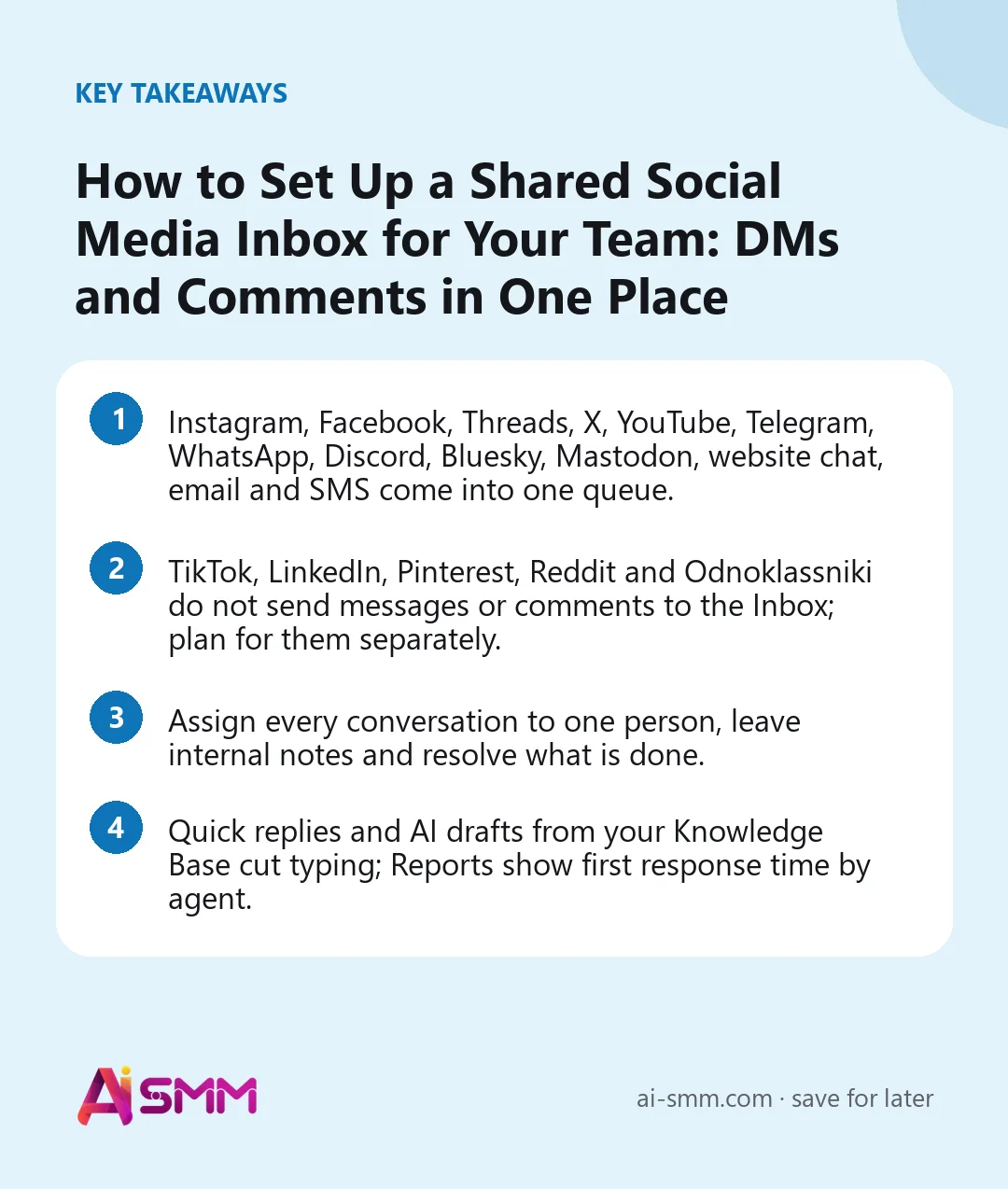
- Instagram, Facebook, Threads, X, YouTube, Telegram, WhatsApp, Discord, Bluesky, Mastodon, website chat, email and SMS come into one queue.
- TikTok, LinkedIn, Pinterest, Reddit and Odnoklassniki do not send messages or comments to the Inbox; plan for them separately.
- Assign every conversation to one person, leave internal notes and resolve what is done.
- Quick replies and AI drafts from your Knowledge Base cut typing; Reports show first response time by agent.
What you will build in this lesson
A working shared inbox: channels connected and prioritised, two or three teammates with the right access, a set of quick replies for the questions you get every day, a simple rule for who answers what, and a weekly look at response times.
What you need
- Accounts you want to answer from, connected to AI SMM. For Telegram, you need a bot for chats; see connecting Telegram channels, groups and bots.
- Teammates invited to the project in Projects and team.
- A list of the ten questions customers ask most. Your last month of DMs is the best source.
Which channels come in, and which do not
| Source | What arrives in the Inbox |
|---|---|
| Comments and direct messages | |
| Facebook Pages | Page comments and Messenger |
| Threads | Replies and mentions |
| X | Direct messages and mentions |
| YouTube | Comments |
| Telegram | Chats with your bot |
| Chats | |
| Discord, Bluesky, Mastodon | Messages, replies and mentions |
| Your website | The live chat widget |
| Email and SMS | Messages through your mail or SMS provider |
No inbox: TikTok, LinkedIn, Pinterest, Reddit and Odnoklassniki. You can publish there from AI SMM, but comments and messages stay in those apps. Put a check of them into someone’s daily routine, and in your bio point people to a channel that does come in, such as Instagram DMs, Telegram or WhatsApp.
Step 1. Connect the channels
- Open All apps → Omnichannel Inbox. The menu has Overview, Inbox, Contacts, Knowledge Base, Automations, Tables, Live Chat Widget, Reports and Settings.
- Open Settings and go to Sources.
- Click Connect Channel (or Manage Channels if you already have some) and choose what to connect: Telegram bot, live chat, Discord, X, Threads, Bluesky, Mastodon, YouTube, Facebook, Instagram, WhatsApp, email or SMS.
- Back in Sources, switch each account on or off for the Inbox and set its priority: low, normal, high or urgent.
A useful default: direct messages from Instagram, WhatsApp and Telegram as high, public comments as normal, mentions as low.
Step 2. Give the team the right access
- In Projects and team, click Invite member and choose the Access level. For someone who only answers chats, Member is usually enough.
- Use Fine-tune permissions to allow the Inbox and forbid what they do not need, for example the Store or billing.
- Use Managed accounts to limit which channels they work with, if one person handles only, say, the Telegram bot.
More in adding team members and setting permissions.
Step 3. Agree on who answers what
A shared inbox without rules becomes “everybody thought somebody else answered”. Write down three rules and pin them in your team chat:
- Owner of a conversation: whoever opens a new conversation clicks Assign to me first, then answers.
- Handover: a question for someone else goes via Assign to, with an Internal note saying what the customer wants. Type @name to notify the colleague.
- Closing: when the question is done, click Resolve. If you are waiting for something, use Snooze, not “leave it open”.
Step 4. Work the queue every day
- Open Inbox and start with the Unassigned filter, then Mine, then Overdue. Other filters: Open, Unread, Assigned, Snoozed, Resolved, All.
- Filter by channel and by type (comments or messages) when you want to clear one thing at a time, and save a useful combination as a view.
- Open a conversation and reply. For standard answers, use Quick replies.
- Raise the priority of anything urgent.
- Use Remind me if no reply for leads: the conversation comes back if the customer goes quiet.
The side panel shows the customer’s profile, Make a summary for long threads, and Merge another dialog when the same person wrote from two places. Messages in other languages can be translated.
Step 5. Add quick replies and AI drafts
Quick replies
Save the answers you type again and again: greetings, delivery terms, working hours, how to book. Keep them short and leave a gap for a personal line.
AI replies from your Knowledge Base
- Add your prices, services, hours and rules to Knowledge Base: create short articles or import a page from your website.
- In a conversation, click AI reply to get a suggested answer based on those articles, then send it, edit it or click Adapt with AI.
AI runs only when you ask for it. Later, if the drafts are consistently good, you can let AI answer by itself in chosen channels through Settings → AI Concierge; in public channels such as X, YouTube and Threads it only suggests. See the Knowledge Base and AI knowledge base.
Step 6. Keep contacts tidy
Every person who writes gets a card in Contacts with the channel and the conversation history. That card is what turns a pile of chats into a customer list.
- Tag as you go. Agree on a short list of tags, for example “Lead”, “Client”, “VIP”, “Wholesale”, and add one when you resolve a conversation. Later you can filter people by tag.
- Merge duplicates. When the same person writes from Instagram and WhatsApp, use Merge another dialog so the history is in one place.
- Know where people come from. People found by the Chrome extension also land in Contacts, so sales outreach and incoming questions live side by side.
Keep the tag list short. Ten tags that everybody uses beat forty that nobody remembers.
Worked example: a dental clinic with three admins
Say a small dental clinic gets questions through Instagram DMs and comments, a Facebook Page, WhatsApp and the chat on its website. Three administrators work in shifts.
- WhatsApp and Instagram DMs are set to high priority, comments to normal.
- Each admin is a Member with the Inbox allowed and the Store forbidden.
- Quick replies cover the top questions: prices for a check-up, how to get there, whether they treat children, what to bring.
- Questions about treatment plans are assigned to the senior admin with a note; she brings in the doctor when needed.
- At the end of a shift, everyone clears Mine: each conversation is either resolved, snoozed with a reason, or handed over with a note.
The clinic’s TikTok has no inbox in AI SMM, so the evening admin checks TikTok comments once a day in the app itself and invites people with questions to write on WhatsApp.
Common mistakes
- Nobody owns a conversation. Assign before you answer.
- Everything is urgent. If all channels are high priority, priority means nothing.
- Open forever. Unresolved conversations hide the new ones. Resolve or snooze.
- Sending AI drafts unread. Check prices and dates; if a draft is wrong, fix the Knowledge Base article, not just the reply.
- Forgetting networks without inbox. TikTok and LinkedIn comments still need a human check.
How to measure the result
Open Reports in the Inbox app once a week. It shows first response time, questions closed, the busiest hour and channel, customer satisfaction, and results by channel and by agent. Watch first response time first: in our experience it is the number customers feel the most. Use the busiest hour to plan shifts, and satisfaction ratings, which customers give after a conversation is resolved, to spot answers that need a better quick reply.
FAQ
Can several people answer at the same time?
Yes. That is why each conversation is assigned to one person, and internal notes keep colleagues in the loop.
Where do contacts go?
Everyone who writes gets a card in Contacts with the channel and history. Add tags such as “VIP” or “Lead” to filter people later.
Why are TikTok comments not in the Inbox?
TikTok, LinkedIn, Pinterest, Reddit and Odnoklassniki do not send messages or comments to the AI SMM Inbox. Check them in the apps.
Can the chat on my website go to the same inbox?
Yes. Add the live chat widget to your site; visitors’ messages arrive in the same queue.
Next lesson: let a chat flow handle the routine questions and collect leads with buttons, branches and a lead magnet. Until then, open the unified inbox, connect your busiest channel and assign today’s conversations. Full reference: Inbox: all chats and comments in one place.
Posts, chats, video and sales in one workspace. 7 days free.
Start free